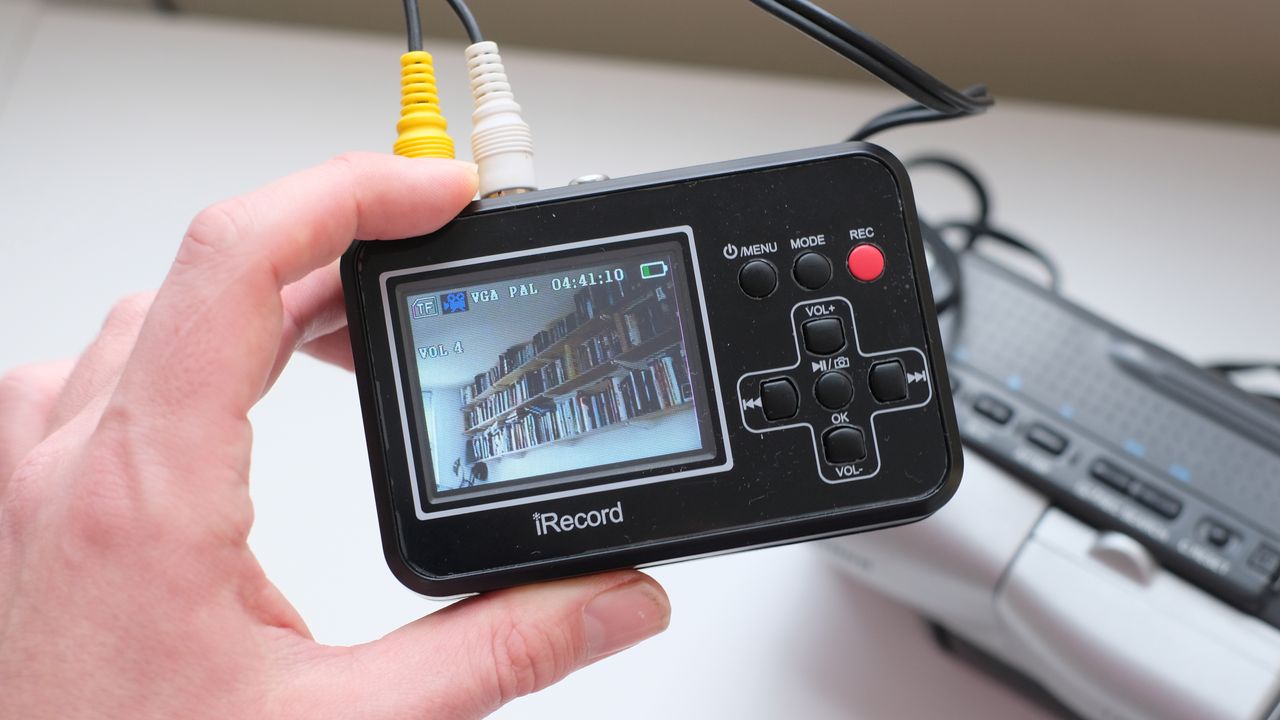
If you’re looking to convert physical video formats like VHA or old 8mm tapes from a camcorder into versatile, flexible digital files, you’re in luck – the DigitNow DigitPro Full Media Recorder is designed to do just that.
Unlike some of the cheapest video capture options – which tend to be screenless USB dongles with capture cards stuffed inside – the DigitPro Full Media Recorder is a standalone device. With its own battery, display and slot for an SD card, it can handle all of its capturing independently, allowing you to then offload the footage onto your device of choice.
This does come with a corresponding price hike, but it makes the device a lot more versatile – many USB capture devices are notorious for not playing well with certain computers, particularly Macs. If you can’t get your computer to recognise them, you’ve essentially paid for a very small brick with some floppy cable inputs.
So, the DigitNow Full Media Recorder bypasses those kinds of headaches, and promises fast, easy conversion of physical media into digital files. How does it perform? I dug out an old Canon camcorder recording to 8mm tape to find out.
Specifications
Ports: |
RCA (in), HDMI (out), AV (out), mini USB (charging) |
|
Storage: |
MicroSD |
|
Battery: |
Built-in rechargeable |
|
Display: |
7cm |
|
Video output: |
640x480 |
|
Dimensions: |
179 x 143 x 64mm |
|
Weight: |
439g |
Price & availability
The DigitNow Full Media Recorder is available from DigitNow directly and from other retailers like Amazon. It currently goes for around $80 / £69, which I’d say is a fairly standard price for a recorder with its own built-in screen. If you want to save a bit of cash, you can look at screenless recorders – though these will require a computer in order to work.
Design & setup
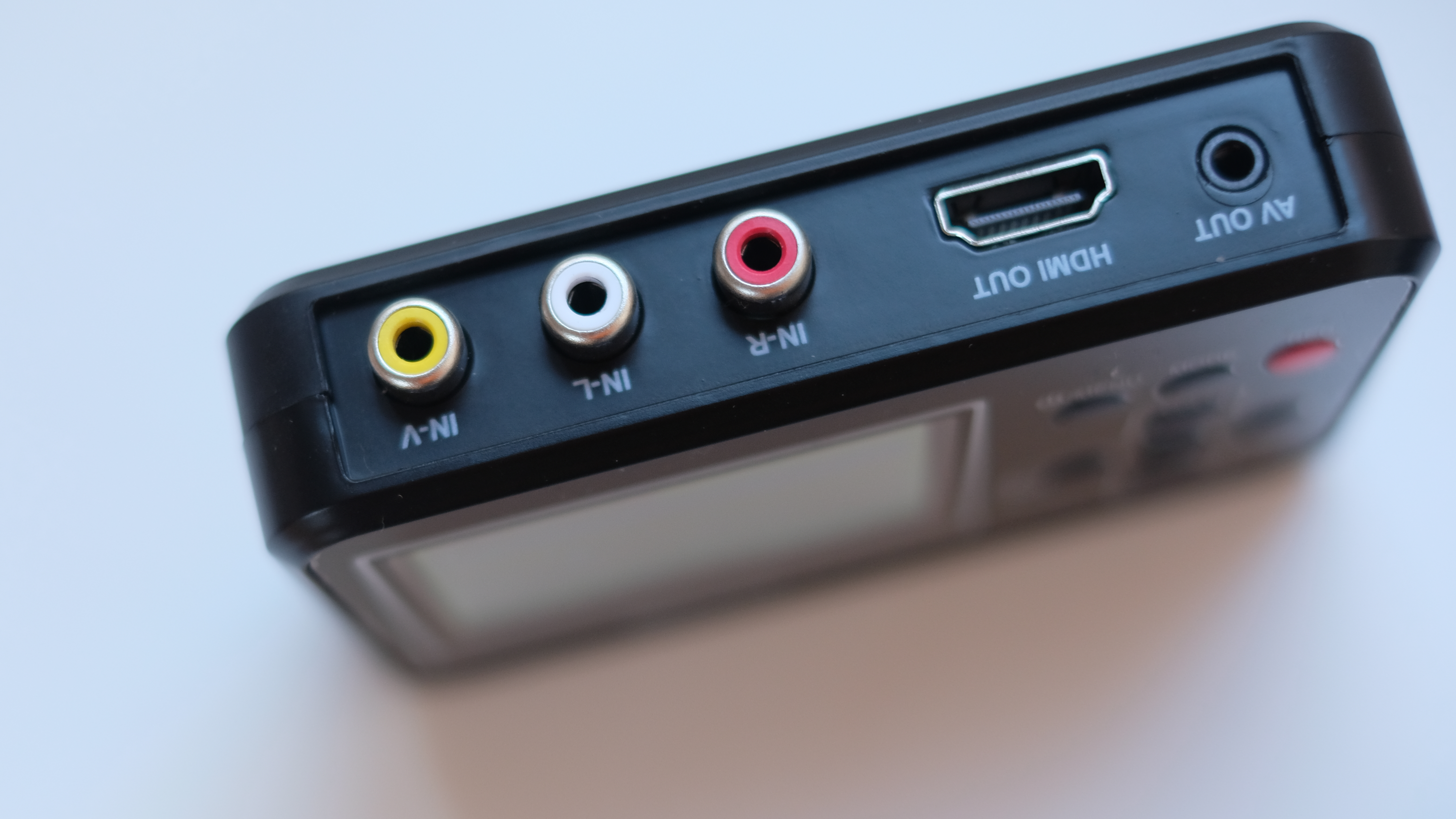
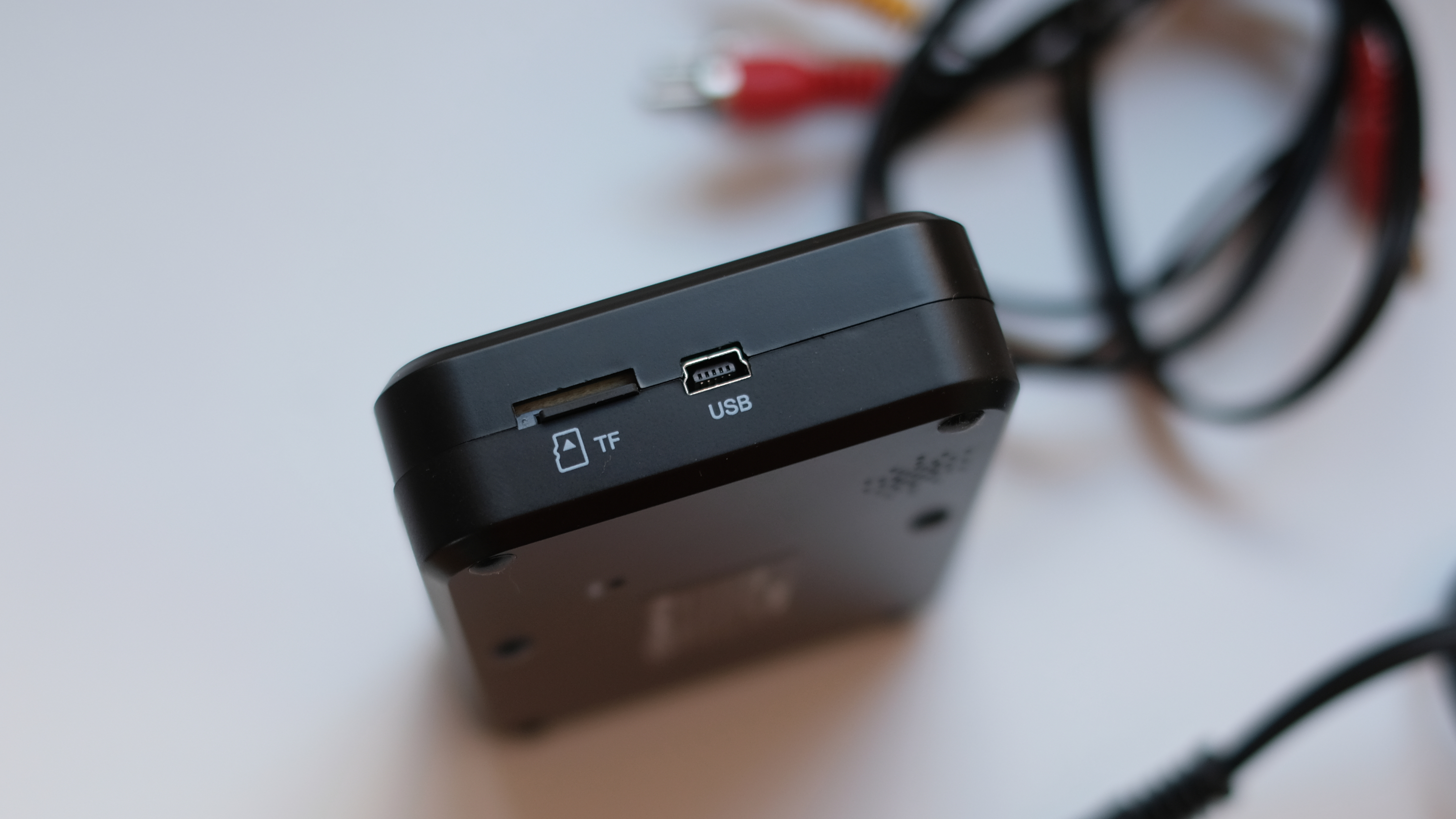
The DigitPro Full Media Recorder is made fully from plastic, as you’d expect, and consequently is very light and easily portable. Around its edges are a number of ports, including RCA inputs, HDMI and AV outputs (put a pin in that for later), a microSD slot for data storage, and a mini USB port for charging. Yes, mini USB – no USB-C here.
Thankfully, DigitNow provides a mini USB cable and plug adapter in the box, so you don’t have to dig around your drawers hoping that an old mini USB cable survived the last cull. Also included are: an HDMI to HDMI cable, a scart to RCA adapter for older VHS players and the like, an RCA to AV cable, a 4GB microSD card with an SD adapter, and theoretically, an RCA to RCA cable.
I say ‘theoretically’ because my box did not include the RCA to RCA cable, instead containing two RCA to AV cables. The box wasn’t sent to me as a reviewer – I bought it through the DigitNow website, just like any average punter. And unfortunately, despite all the ports adorning the exterior of the DigitNow Full Media Recorder, the only input is the RCA. The HDMI and AV ports are just for output. So the DigitNow Full Media Recorder as I received it was incapable of recording anything. Not a great start.
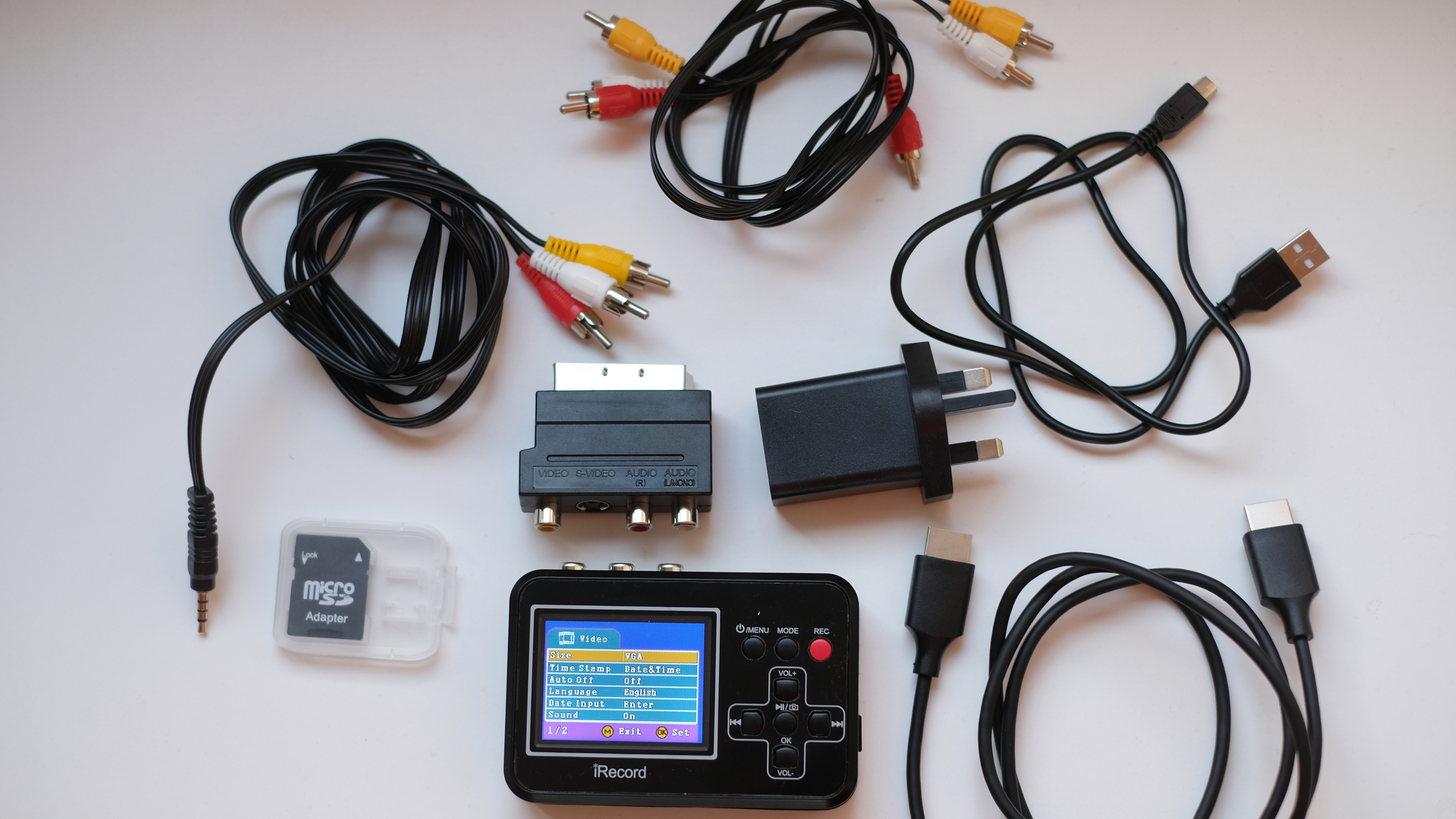
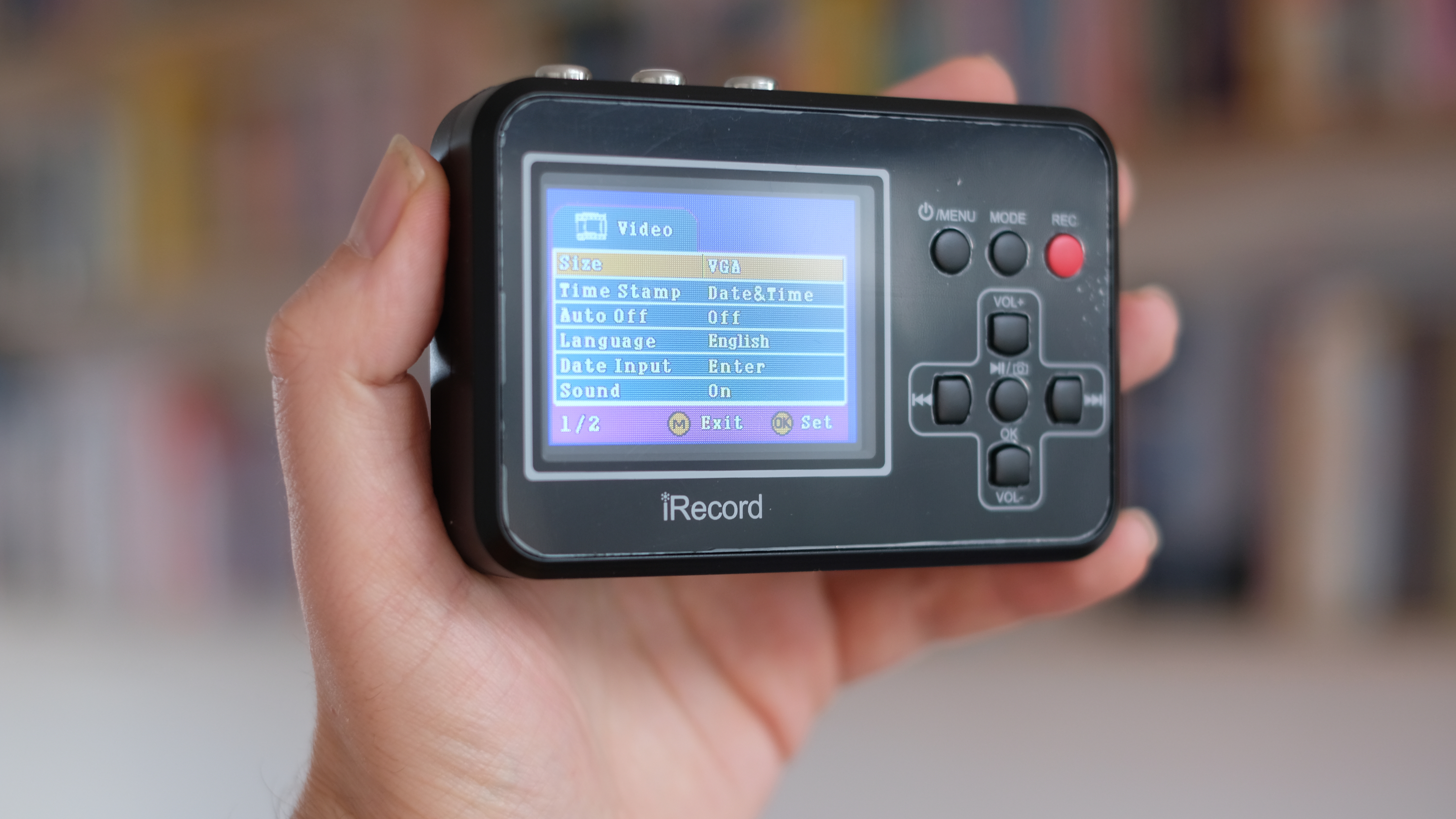
Still, once I’d sourced my own RCA to RCA cable, the Recorder proved very easy to use. Charge up its battery and it really is plug-and-play – hook up your media-playing device of choice, and you’ll see the video playing on the recorder’s screen, which you can start and stop recording at will with taps of the red button. There are even tinny little speakers that play the audio, too.
The screen isn’t particularly high-res, but it’s sufficient for its purpose – it’s not like you’re going to be watching Christopher Nolan movies on it, hopefully. It’s plentifully bright, and the menus are sensibly laid-out, making it easy to cycle through options.
Performance
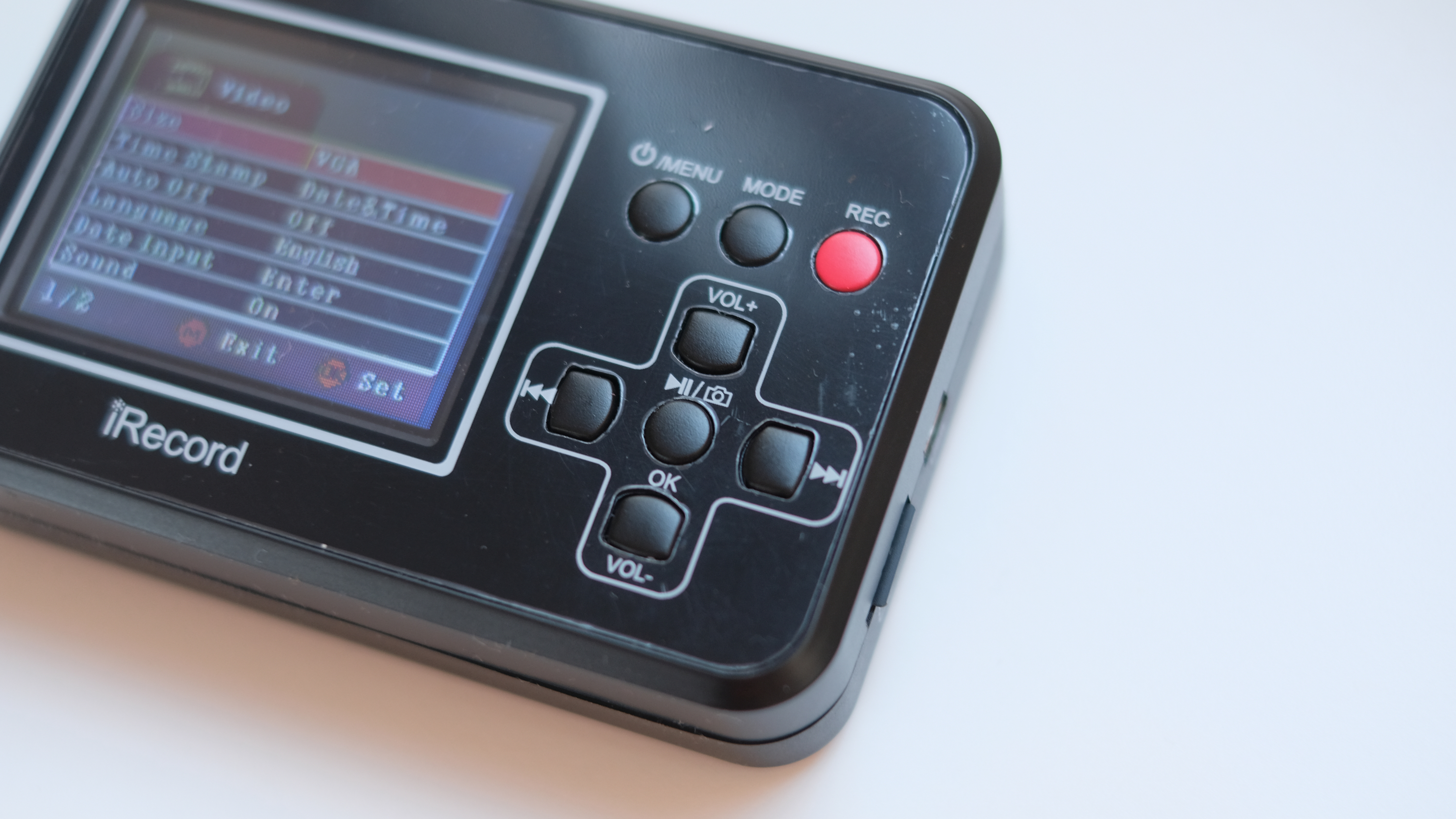
Once you have the right cables, I do think it’s commendable how easy the DigitNow Full Media Recorder is to use. There’s no need to install a load of drivers on your computer, or get your head around software. You plug it into your media-playing device, and hit the record button when it starts playing. You can see a real-time preview of what you’re recording as you’re recording it, and once it’s done, you can whip the SD card out and transfer it to your computer. Easy.
It outputs video as AVI files, which is not brilliant news, particularly if you’re on a Mac – however you can play and convert them easily enough with good old VLC media player, so I'd get that downloaded if you haven't already.
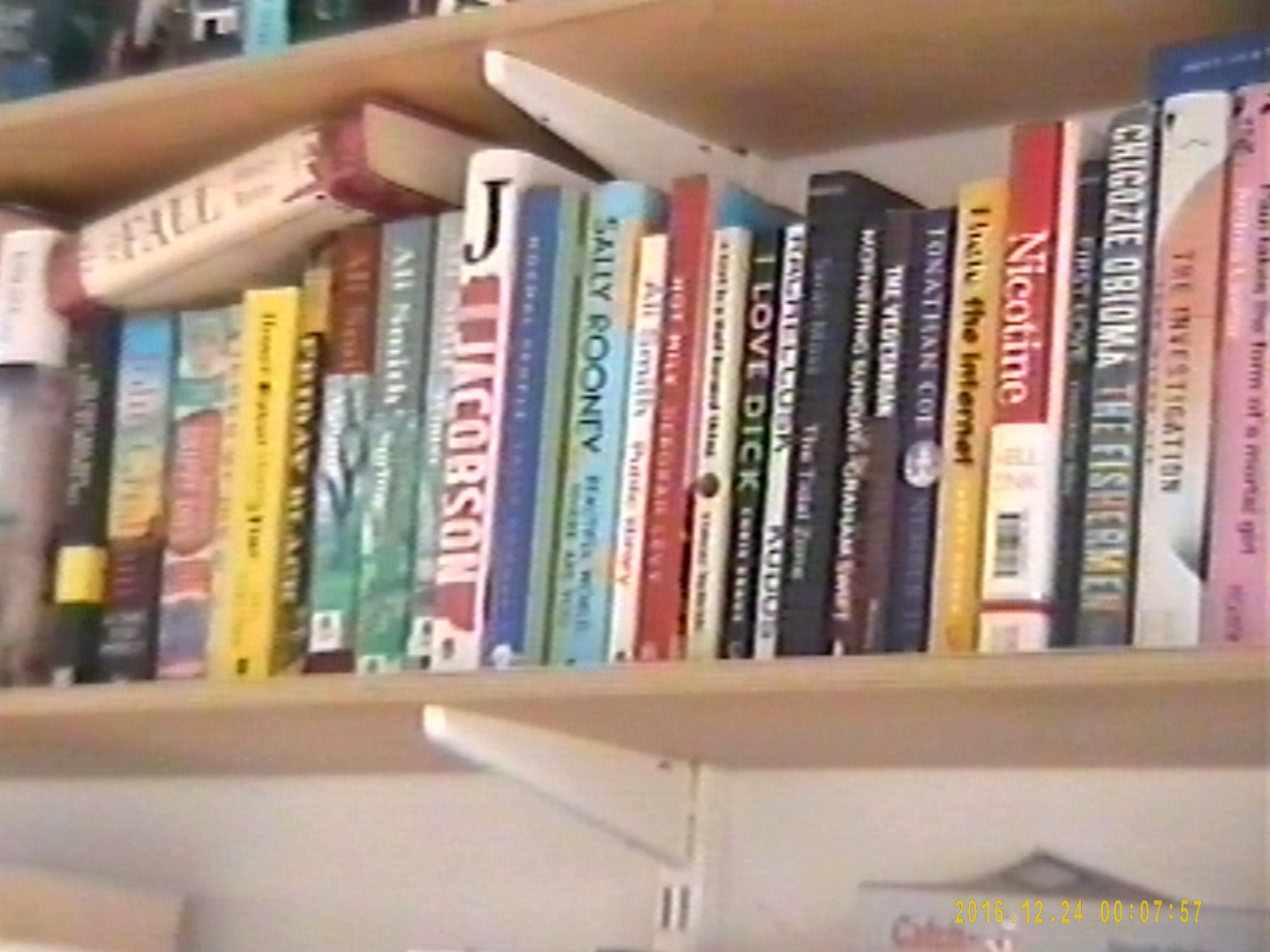
Ultimately, the device works. I used it to capture footage from a range of different sources, including VHS tapes, DVDs, and a vintage Canon camcorder recording to 8mm cassette. The device straightforwardly produced a video with a resolution of 640x480 and a frame rate of 23.62p. Not exactly IMAX, but perfectly adequate for old home movies and the kinds of media that are realistically going to be digitised – you're almost certainly working with low-resolution content anyway. If you want to record in higher quality, such as Full HD, then you'll need a different solution like the DigitNow Video Capture.
You can also take still snapshots of your media while it’s recording, using the button with the camera symbol. However, an important thing to note is that when you do this, it’ll stop the recording process, which you’ll then have to manually restart (and wind the tape back to the point where you stopped, as it’ll obviously keep on playing all the while). Practically, if you want to record video and capture stills, you’ll have to run it twice.

Verdict
Despite my various teething troubles, the DigitNow Full Media Recorder ultimately did what was promised on the box. I plugged it into a video source, and that video was converted into a digital file. I like that I was able to do this completely independently of a computer, monitoring progress in real time, and that the device’s built-in battery made it a standalone affair.
It’s a pretty cheap-feeling device, like a lot of Chinese-made electronics of this kind. It’s not even especially clear what the product’s name is – the company is ‘DigitNow’, the box says ‘DigitPro’, and the device itself has ‘iRecord’ on it for some reason.
You aren’t getting anything flashier than what’s promised on the box, and the fact that the one I ordered came with incorrect parts doesn’t fill me with confidence. Still, what can I say? It worked.
Features: |
A pretty simple affair, with the option to capture both video and stills (though not at the same time). |
3/5 |
Design: |
Cheap plastic through and through, with yesterday’s USB tech – but the controls are easy to use and the display is handy. |
3/5 |
Performance: |
It does one job and it does it acceptably well. |
3.5/5 |
Value: |
More expensive than other recorders, but much more independently operable, and still quite affordable, all things considered. |
3.5/5 |
Alternatives
See our full guide to the best VHS to DVD converters