
Earlier this week, we reported on the Green Team officially retiring the creaky Nvidia Control Panel (NVCP), with all its major settings adjustments claimed to have been ported to the Nvidia App. Throughout its tenure, this long-in-the-tooth piece of graphics settings software stuck resolutely to the classic non-themed Win32 controls style, but we know there will be holdouts and those who miss it for one reason or another. Thankfully, Nvidia has left an NVCP installer in the Microsoft Store, for now. Let’s look closer at whether it is worth a separate download in mid-2026.
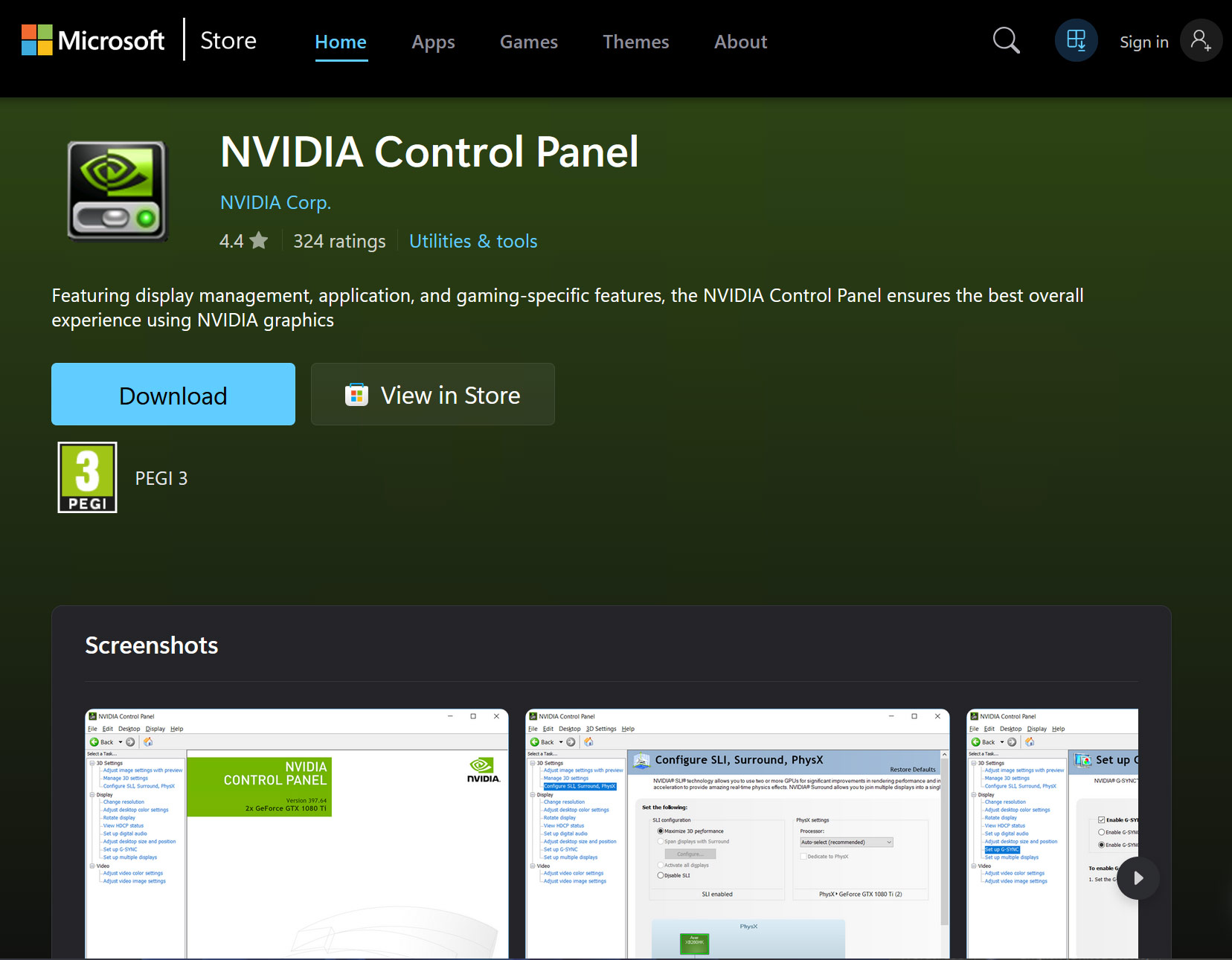
To be clear, you will still need to download a modern Nvidia graphics driver to use the separately available NVCP. The familiar control panel software that is now available via the Microsoft Store is simply a controls access UI - one that has now been relegated to a secondary, optional choice.
For existing Nvidia graphics card users, you probably won’t have to go out of your way to grab the old NVCP from the Microsoft Store. It should normally persist from previous driver installs and updates, unless you opt for a ‘clean install’ from now on.
Possibly the primary reason you will want to keep a copy of the NVCP handy is the updated Nvidia Apps’ missing “professional features.” From my nosing at the information available, RTX Pro / Quadro features - things like offering adjustments to Mosaic, Sync, stereo, and a few pro‑workflow toggles - are yet to be migrated. So, modern GeForce gamers shouldn’t worry about hanging onto NVCP for functionality.
Even if you don’t need the handful of missing features in new vs old, some folks will want to keep using the NVCP due to familiarity with Nvidia’s older lightweight settings software.
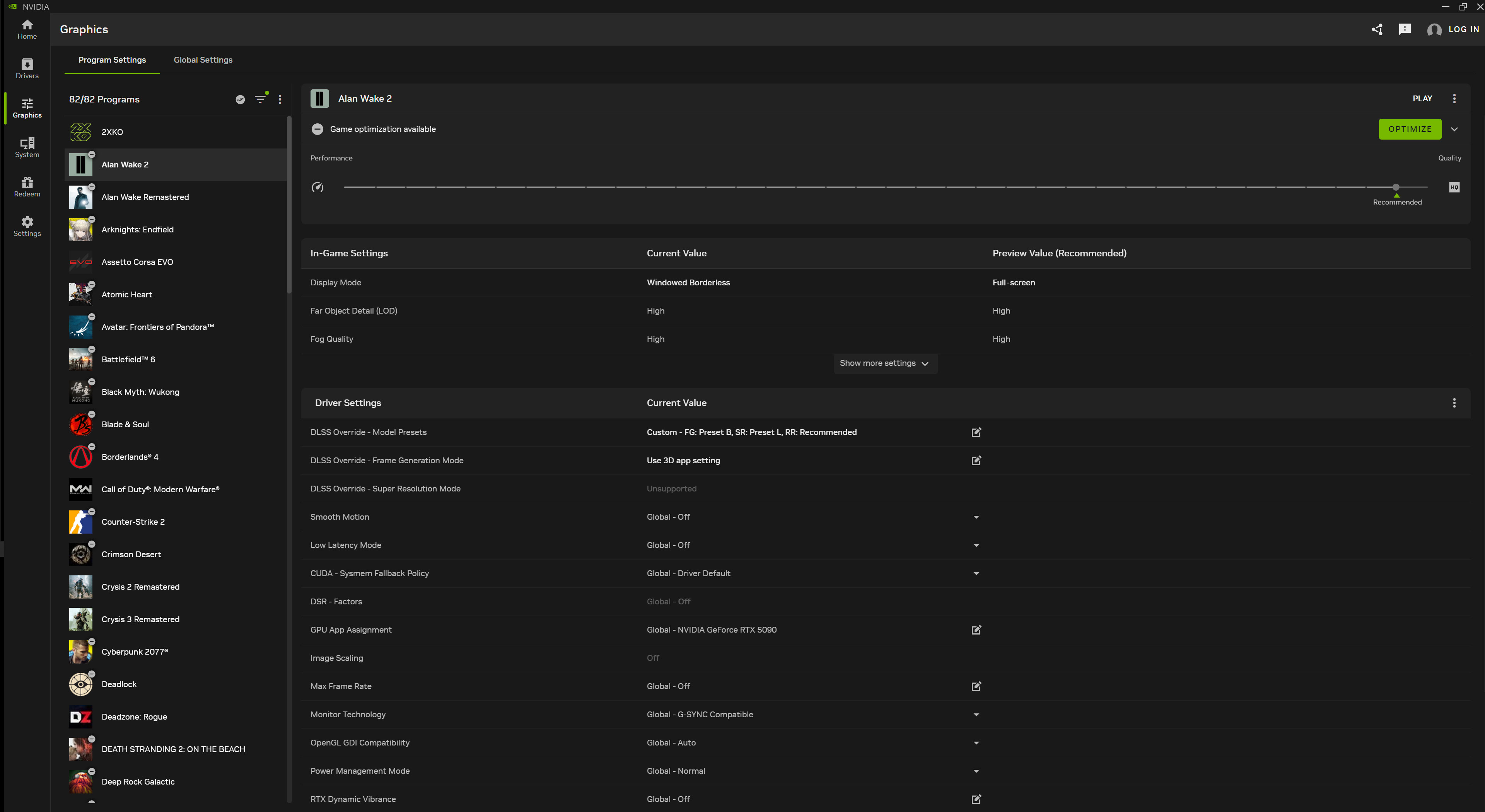
We’d also be tempted to download or keep a shortcut to the NVCP handy in case upcoming software from Nvidia messes up the controls accessible in the Nvidia App. The Green Team’s software has come under fire for a string of buggy releases lately. In the likely scenario that Nvidia will ship an upcoming version of its Windows drivers with some feature-breaking wrinkles or crashing issues, the NVCP might be handy for fallback or troubleshooting.