Image Source: Shutterstock
The retail industry is aggressively replacing human cashiers with automated self-checkout kiosks in most neighborhood stores. While these machines are designed to save time, they often create a stressful and confusing experience for many. Older shoppers in particular are reporting a high frequency of frustrating scan errors and technical glitches. This technology shift is making the simple task of buying groceries feel like a complicated technical chore. Let us explore why self-checkout machines are causing more scan errors for older shoppers.
Sensitive Weight Sensors
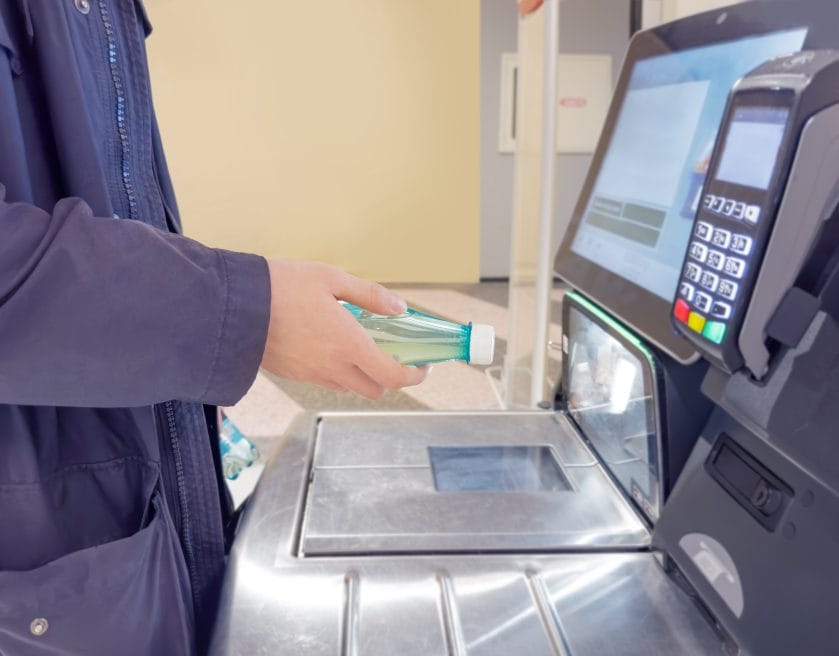
Self-checkout kiosks utilize highly sensitive scales in the bagging area to prevent retail theft and errors. The machine expects the weight of the scanned item to match the weight in the bag perfectly. If you move a bag too early or use your own reusable bag, the machine often freezes. These sensors can be incredibly finicky and difficult to satisfy during a large grocery run. This technical sensitivity leads to frequent interruptions that require assistance from a store employee.
Confusing User Interfaces
The software used in these kiosks is not always designed with the needs of older adults in mind. Small font sizes and busy screens can make it difficult to read the instructions or find specific product codes. The touchscreens often respond poorly to light pressure, which leads to missed scans or double entries. Navigating the multiple menus for payment and coupons can be an exhausting mental exercise for some. A more intuitive and accessible design is needed to improve the experience for every shopper.
Inadequate Produce Identification
Scanning items with a clear barcode is usually straightforward, but fresh produce requires a different process. You must manually search for the item on the screen or enter a four-digit code found on a tiny sticker. These stickers are often difficult to read, and the search function can be slow and unresponsive. If you choose the wrong variety of apple, the machine may flag the transaction for manual review. This complication makes buying healthy, fresh food the most difficult part of the automated experience.
Lack of Physical Assistance
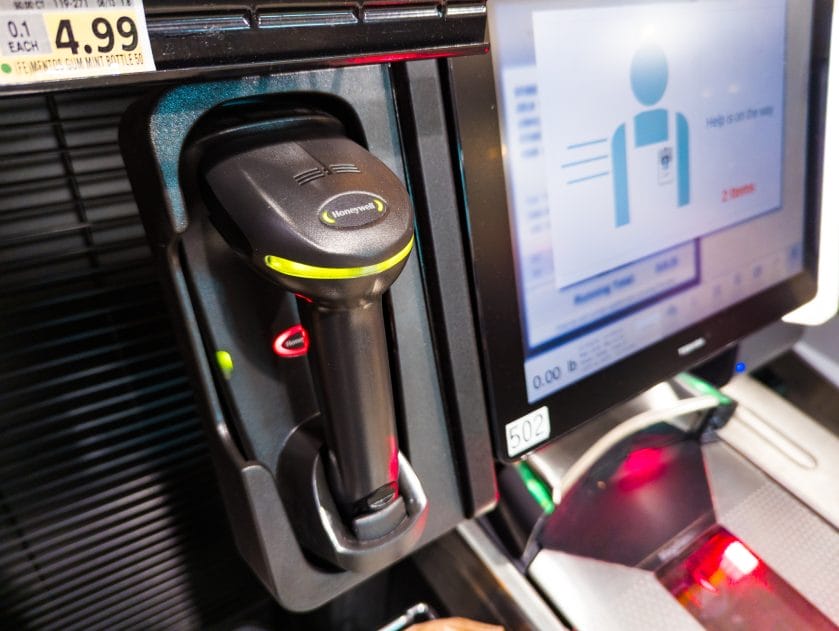
Image Source: Shutterstock
The primary goal of self-checkout is to reduce the number of employees working on the front end of the store. This means there are fewer people available to help when a machine inevitably malfunctions or displays an error. Older shoppers may find it difficult to stand for long periods while waiting for a single attendant to clear their screen. The loss of a friendly cashier removes a vital social connection and a source of immediate help. This lack of support can make the entire shopping trip feel lonely and deeply frustrating.
Mastering the Automated Aisle
Navigating the world of self-checkout requires a lot of patience and a willingness to ask for help. You should try to choose a machine that has plenty of counter space for your items and bags. Take your time with every scan and wait for the machine to confirm the item before moving on. If you find the technology too frustrating, you should look for the few remaining traditional lanes. Staying calm and persistent ensures you can finish your grocery shopping and get home safely.
What To Read Next
Self-Checkout Surge: Why 1 in 5 Grocery Chains Has Cut Cashiers by Over 20 Percent
How Biometric Payments Are Changing the Retail Checkout Experience
New York City Considers Strict New Rules for Retail Self-Checkout Lanes
Walmart Self Checkout Shift Why Some Stores Are Quietly Limiting Lanes Again
8 Small Items At Store Checkouts That Are Ruining Your Budget
The post Why Self Checkout Machines Are Causing More Scan Errors for Older Shoppers appeared first on Grocery Coupon Guide.