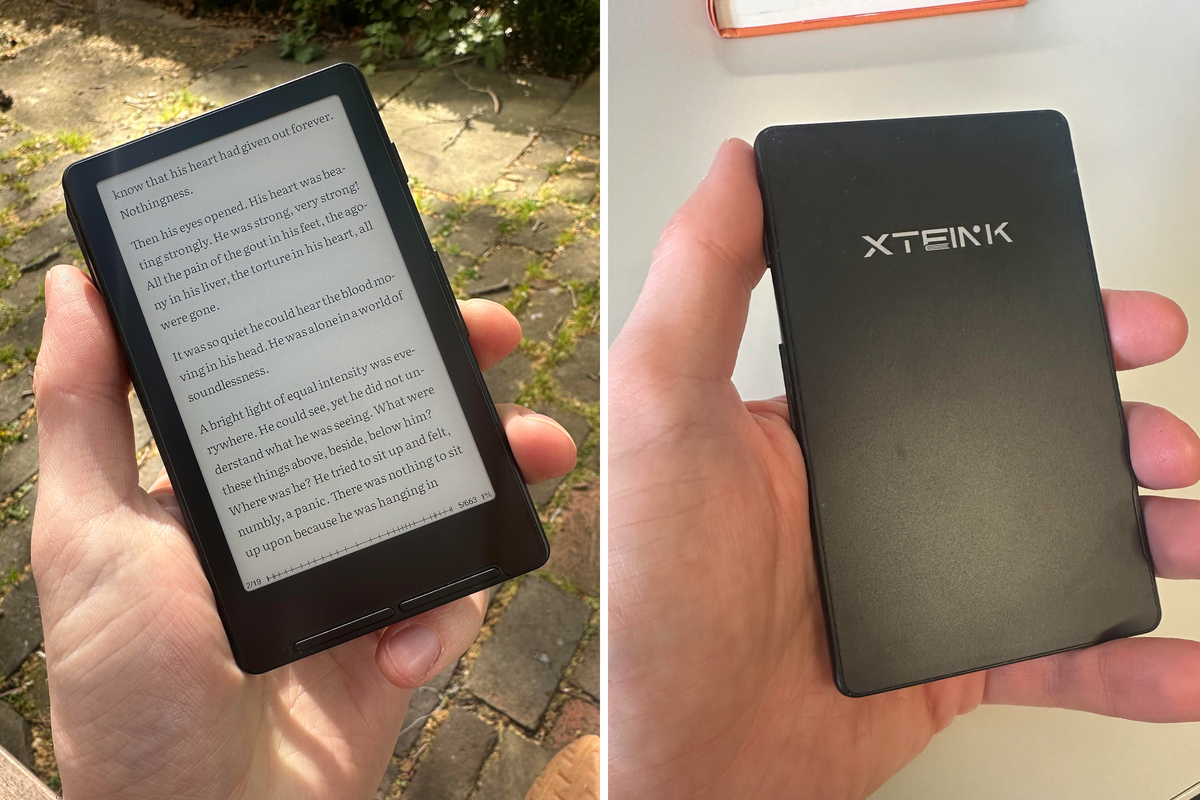
What is the thing that’s stopping you from putting down your smartphone and starting that reading challenge you set yourself? If it's the unwieldy size of a book proving too much for your pocket, or even the market-leader Amazon’s Kindle stretching the stitching a little, then Xteink is offering an obscenely small substitute.
The Chinese company’s X4 reader is tiny and £20 less than the average Kindle, available for $69 (£51.30). With its advertised ability to magnetise to the back of a person’s phone, it seems engineered to lure people into leaving their Candy Crush where it is and reading a bit of War and Peace when they have a spare minute or two.
Xteink is standing somewhere between the ereader brand names and wholesale sellers such as AliExpress. In fact, a similar model is available on AliExpress for even less money. But the company are hoping to provide a middle-man for these tiny ereaders, offering customer service and a smoother onboarding experience.
Read more: Best ereaders, reviewed
Read more: Best Kindles, reviewed
Xteink X4 ereader
Rating: 3.5/5
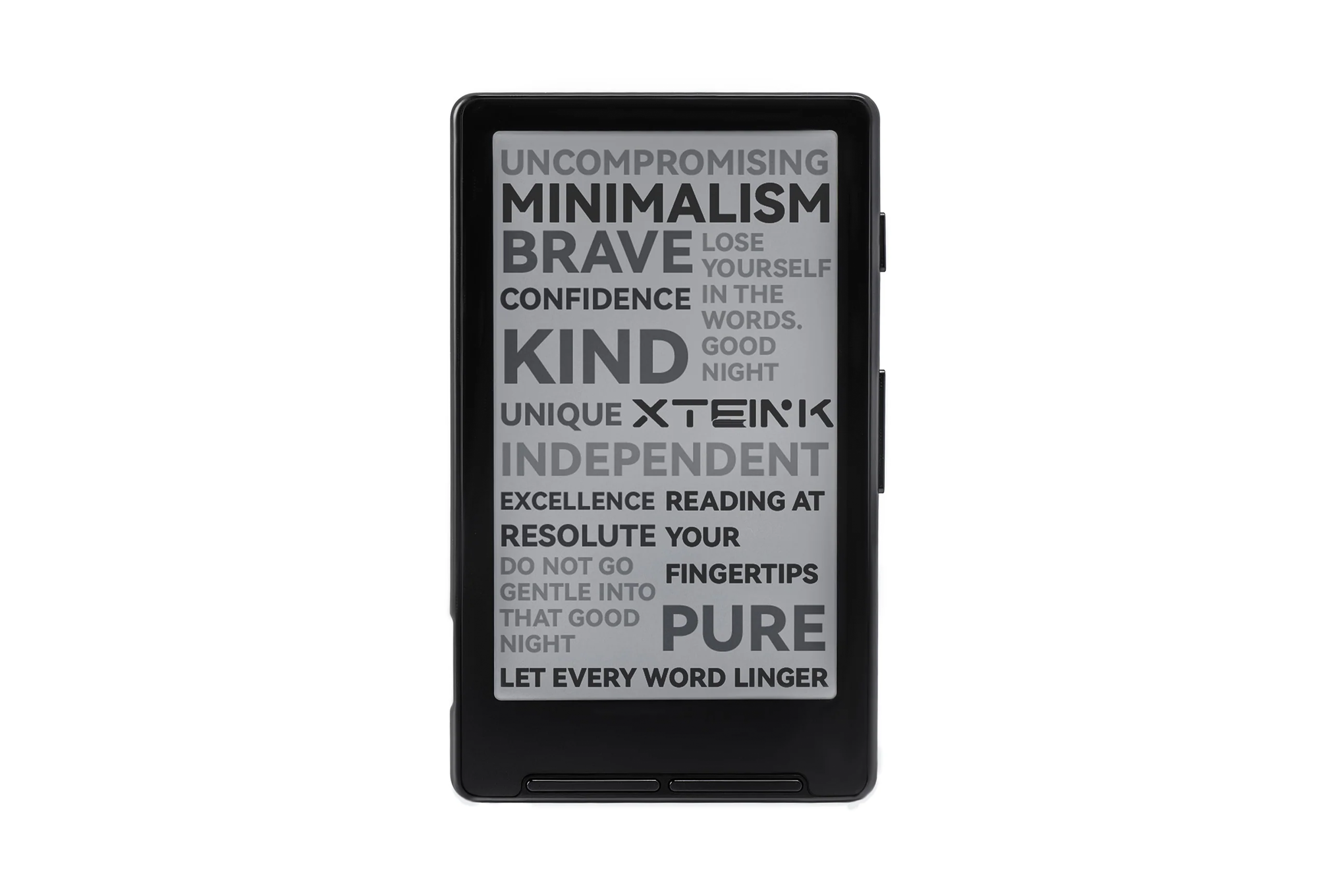
Display: 4.3in
Resolution: 220 PPI
Dimensions: 114 × 69 × 5.9 mm
Weight: 74g
CPU: ESP32
Storage: Comes with 32 GB microSD card, supports expansion up to 512 GB
Connectivity: Wi-Fi 2.4 GHz & Bluetooth wireless technology
Battery: 650 mAh(*A single charge on the eReader lasts up to 14 days, based on 1–3 hours of reading per day.)
Why we love it
- Small enough to fit in any pocket
- Great battery life
Take note
- No touchscreen
- Complicated interface
- Magnetisation on phone is tricky
Design
Most of the attention the Xteink X4 gets online is to do with its size, and it is bewildering in real life. It is dwarfed even by my relatively small iPhone 14 Pro. It is less than pocket-sized. It’s so small I lost it several times, not able to feel it in my pocket on the first panicked search.
The design is slick and is a nice weight in the hand.
But this does come with a few sacrifices, for one, the X4 is not touchscreen. So those looking for that familiar Kindle tap-the-page usability will not find it here. Functionality is holed four buttons – one smaller one on the upper right corner of the device, with a left-right clicker further down and two on the bottom of the device’s face.
The small side one is the power button. The clicker on the side is our previous page/next page function. The first one on the face allows the user to confirm an action or back out of the small menu screens when navigating the X4. The one to the right of it is also a page-turning clicker. It’s not completely clear why the device has two of these. In my hand, it feels like the natural thing to do is to click the side with the thumb as you rest it in your palm like a phone.
The right side also has the SD card slot – a 32GB one is included, more than enough memory. On the left side is a hole for a lanyard and the USB charging port.
One of the much-touted design features of the X4 is its magnetisation, enabling readers to essentially “stick” the device to their phone, allowing for a handy flip over from their work emails back into the book of their choice.
However, in practice, this feature doesn’t seem very effective. I can only get mine to magnetise by rotating my phone 90 degrees horizontally, making for a slightly uncomfortable experience. It does magnetise the right way up, but only part of it due to my iPhone camera. I tried it on the latest, much bigger iPhone and that was not successful either.
In conclusion, the design aspects that have drawn attention from avid ereaders work only partially in practice. The tiny size does mean you can take it anywhere. The magnetising element, however, is not a game-changer.
Display
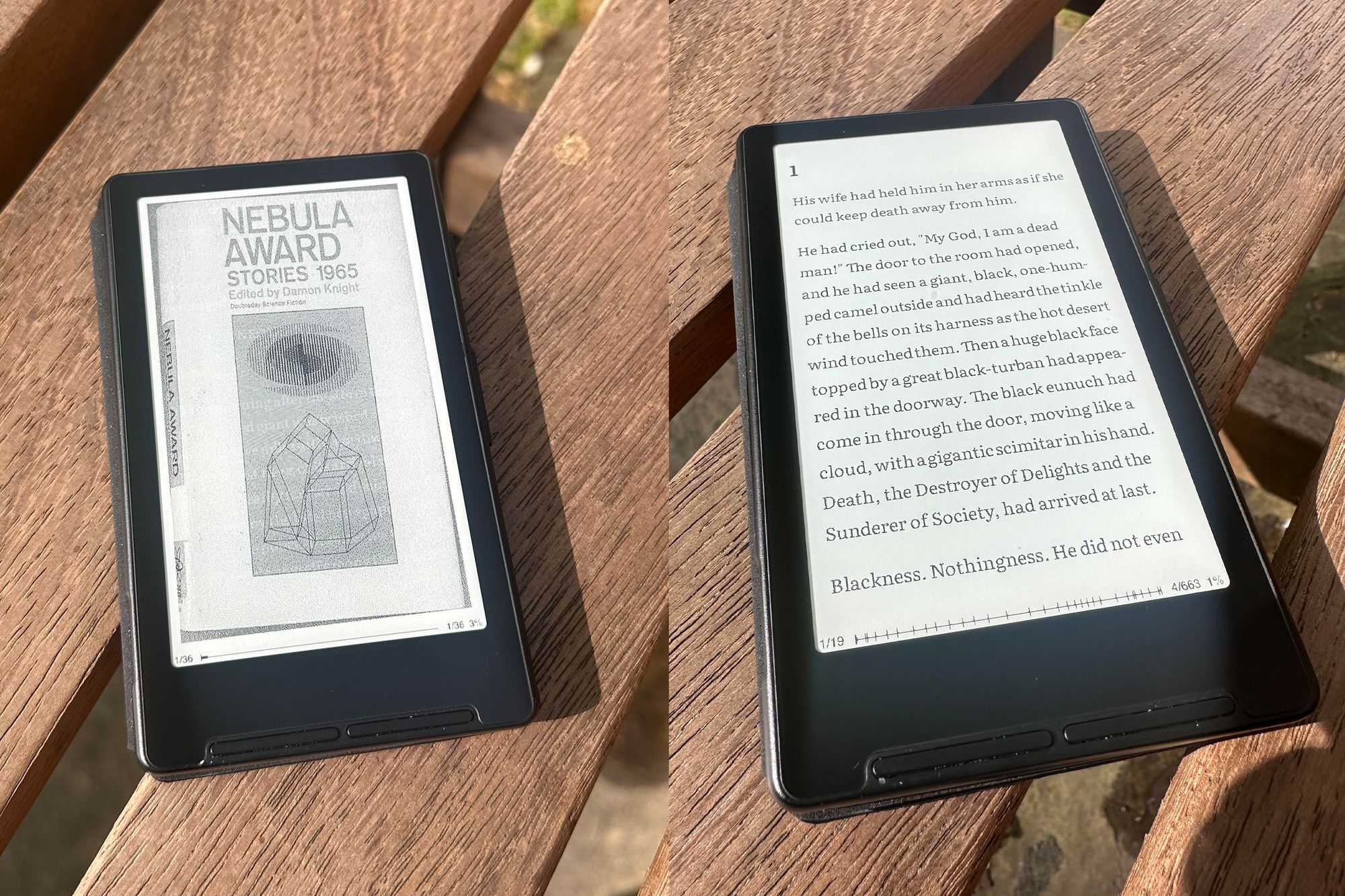
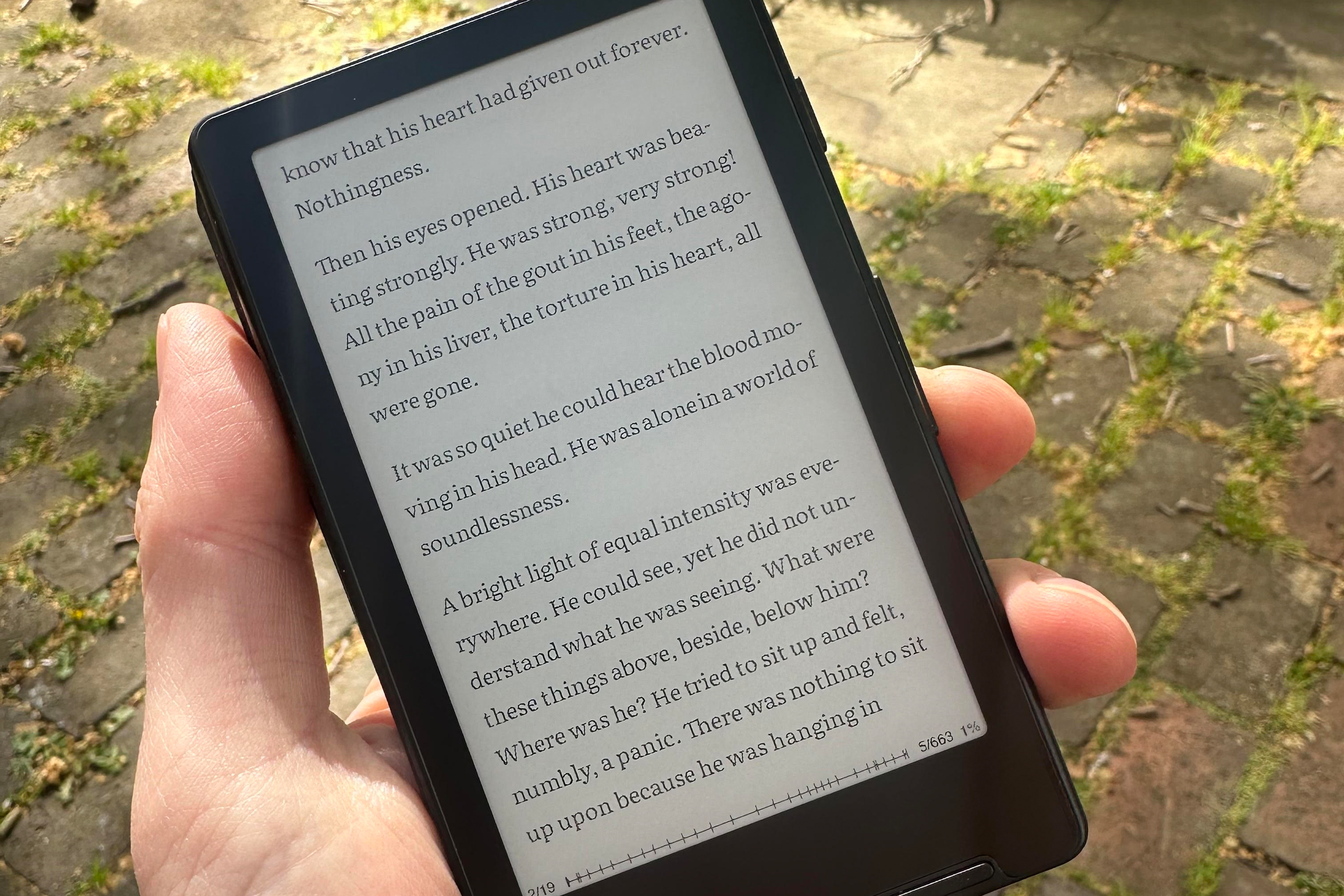
The Xteink X4 has a 220PPI resolution screen, 80 lower than the industry standard. Though this shows in less crisp text than you’d find on the leading Kindle, the pared-back interface of the X4 ensures that this doesn’t show all that much.
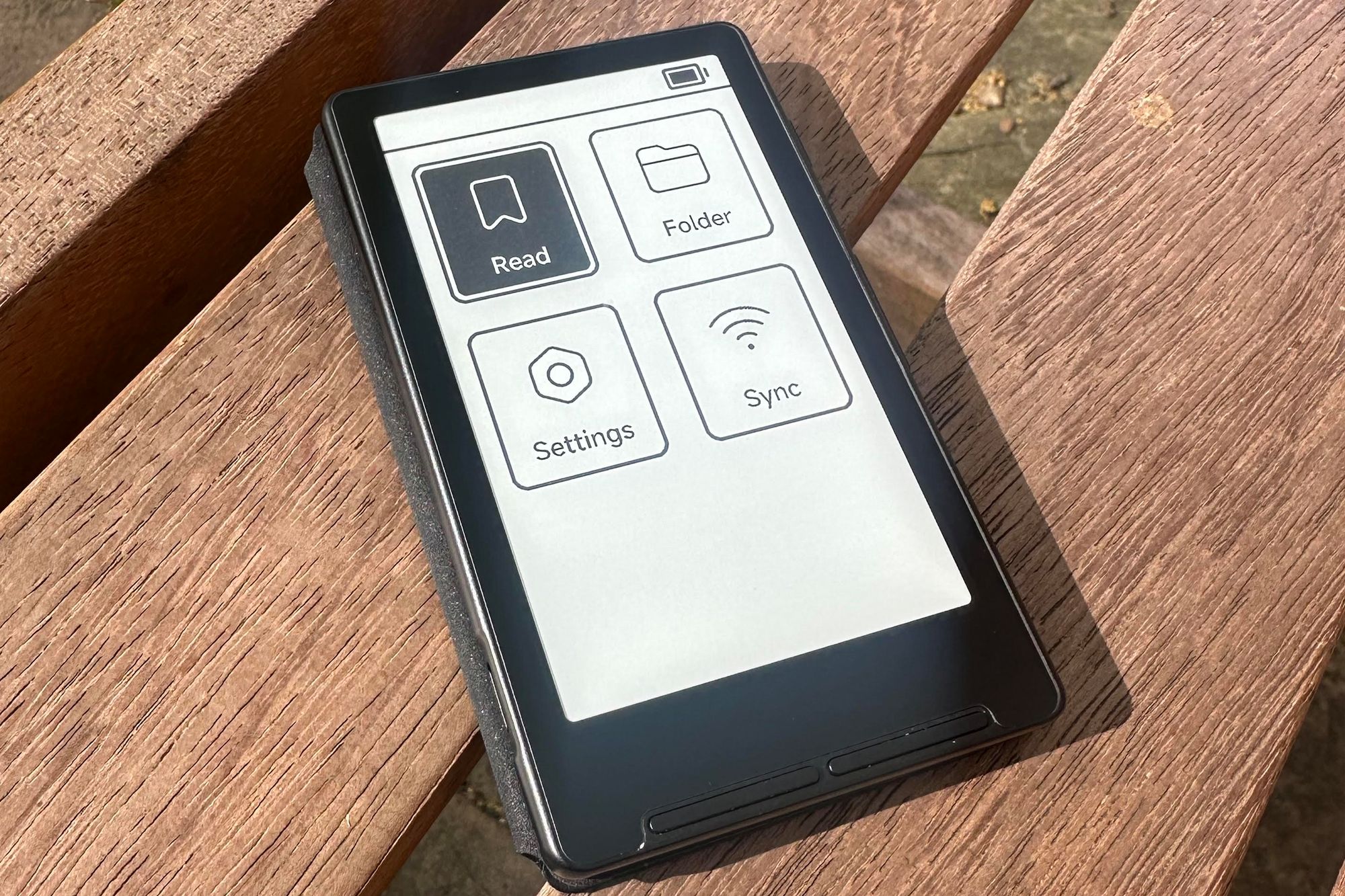
Users won’t notice this too much besides the very stripped-back style of the menu screens and reading page. For me, this isn’t too much of a big thing. I’m here to read, not to click through menus.
Battery life
The battery life is completely solid. I have not plugged the phone in once, having used it fairly regularly for around three weeks, and there is not even a chink in the battery icon; it's still completely full.
Xteink itself says the device can last 14 days based on one to three hours of regular usage each day. Based on my own usage, this might even be an understatement, especially as the biggest battery drainer, a backlight, is not an issue.
Although the latest Kindle boasts 12 weeks on a single charge, and even the previous generations of Kindle claim a better endurance than the X4 does.
Interface
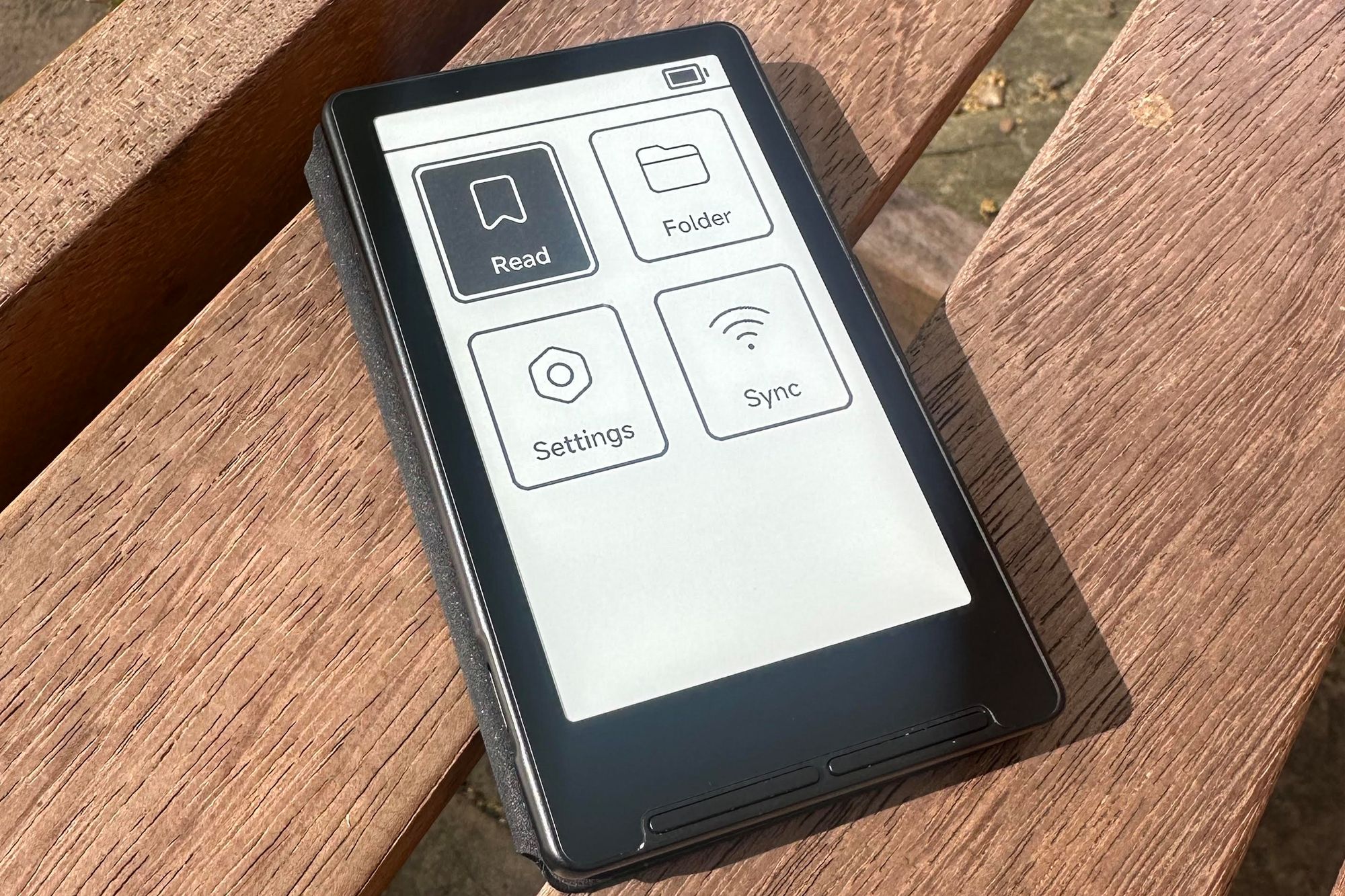
The interface is fairly simple to use but not exactly welcoming. Due to the device’s origins as a more wholesale device from China, there can be a few kinks to work out. The menu screens are more old-school PC than friendly UI.
For instance, books can be transferred to Kindle through Amazon’s site-based application. For the Xteink, you need to join your computer to the device using a hotspot and upload it via a particular Geocities-looking website. It’s not too much of a bother once you realise that the way use your device isn’t being prescribed a large tech company.
And this is where the interface gets interesting, and sets Xteink apart from other ereader providers. Kindle devices run on a locked Linux-based operating system. This allows for an easy pick up-and-go interaction and offers customisation options that can be actioned relatively easily.
The X4, as well as all Xteink devices, run on closed-source firmware that is a little limited and originates from China. This firmware struggles to read EPUB files – which is the format most ereader files originate in – leading to glitches and errors.
This is not great for new users, especially those who aren’t too tech-savvy.
But, enter the internet. There is a growing community of people with Xteink ereaders, ready to help new users work out the kinks in their devices. One saving grace is an open-source CrossPoint software, curated by those in the community. This streamlines the use of EPUBs, allowing users to more easily configure fonts on their devices.
The stock firmware is fairly regularly updated – over the time I was using the device, an update allowed for transparent book covers. But it's this community that can really offer first-time Xteink users a leg up and give more technologically aware users some tips on how to optimise the reading experience.
Buy now £52, Xteink.com
Is the Xteink X4 worth it?
The size of the X4 and its relatively affordable price have made it popular, and in practice, being able to fit hundreds of books into your jeans pocket as you dash out the door is great. There are evident drawbacks, though, in the strange design choices around the buttons. The lack of a backlight is a killer, too. No touchscreen is another.
And though it is great for the more technologically-minded reader, the fiddly interface almost contradicts its appearance as the easy-to-use, pick-up-and-go ereader.
For the experienced ereader, it’s unlikely to dethrone your go-to device. But for those who can get past the bugs and get their favourite books ready to read, you might find yourself reaching for this rather than scrolling social media.
How I tested
I’ve been bringing the Xteink X4 around with me wherever I go, on the train, on walks and on holiday, to see if I’m drawn to it over the other time-sapping electronic rectangle in my life, but also to see if it's durable and easy to use.
During testing, I considered the following criteria:
Why you can trust IndyBest reviews
Liam is an avid ereader user who has used the Xteink X4 as his primary device for a whole month, testing out its stock firmware as well as exploring the community-based software alternatives.
These are the best Kindles for 2026, tried and tested by a tech expert