I’ve been flying drones for years. From toy drones that fall down if you take your hands off the controls to my current camera drone, the DJI Air 3. It’s getting long in the tooth, so when the Antigravity A1 drone was announced, I was intrigued.
Because I own an Insta360 X3 and X4 (bought just before the X5 was announced… still not over that), I know how easy it is to just make the shot with a 360 camera and then reframe any way I like, then repurpose it for any medium – vertical, square or horizontal.
Add that tech to a drone? Amazing.
Doing drone sequences involves planning and practice. Reveal shots that come up from the ground require precision flying, combined with precise movement of the camera to get the shot. With a 360° drone, you just make the flight and frame the shot comfortably later at your computer or tablet.
Need a sequence that shows the subject on approach and then on retreat? That’s two shots with a normal drone – and you may need to do it a few times to get it right. With 360º framing you only need a single pass, as long as you’ve tracked the line correctly.
Not only that, you can get a cool transition passing over and no shot interruption. I’ve done this look with mountain biking on the Insta360, so I know it’s very achievable.
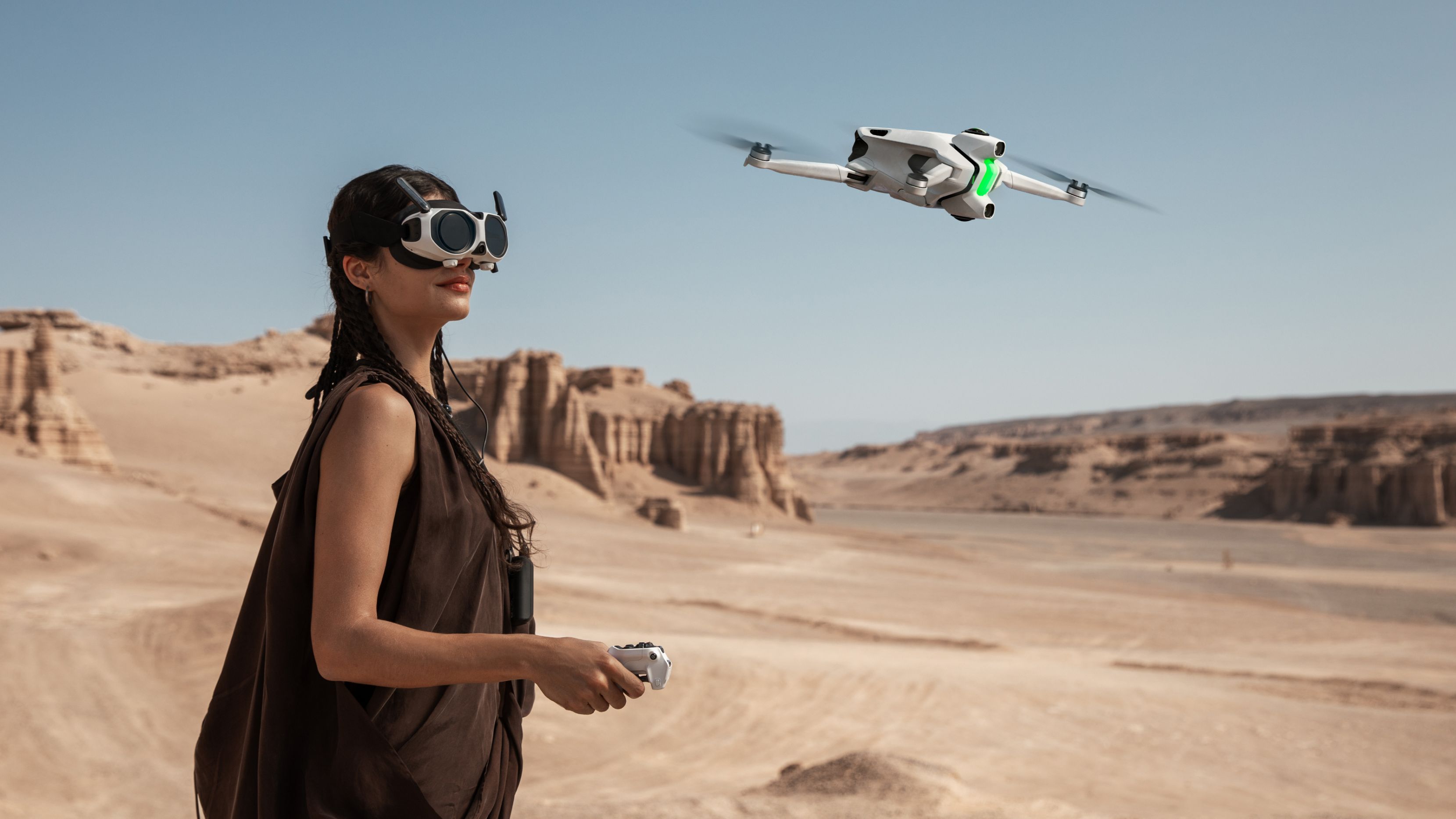
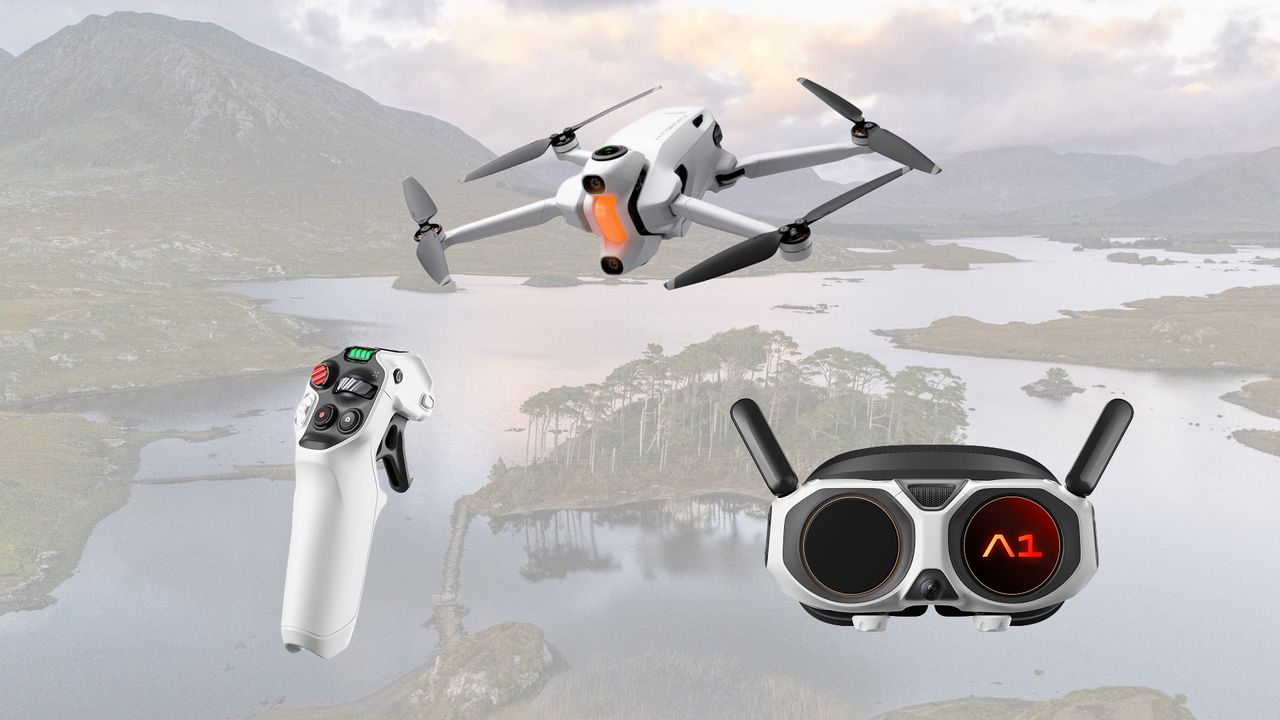
So what more is there to the Antigravity A1? It’s an 8K drone that weighs in at 249g to sit in the lower weight class. You can optionally get a heavier battery that extends the flight time from 24 minutes to 39 minutes, but changes the class.
The pricing still matches the DJI pricing, but you’re swapping a gimbal for another camera to get that 360º view. Not to mention that it includes the FPV goggles in the price.
The controller is more like a flight controller than the regular two-handed drone controller, akin to FPV drones, making flying feel more natural. It’s a small learning curve, but if you’ve ever played a flight sim game on a joystick, you can already fly one.
Me? All I gotta do now is save and order one!