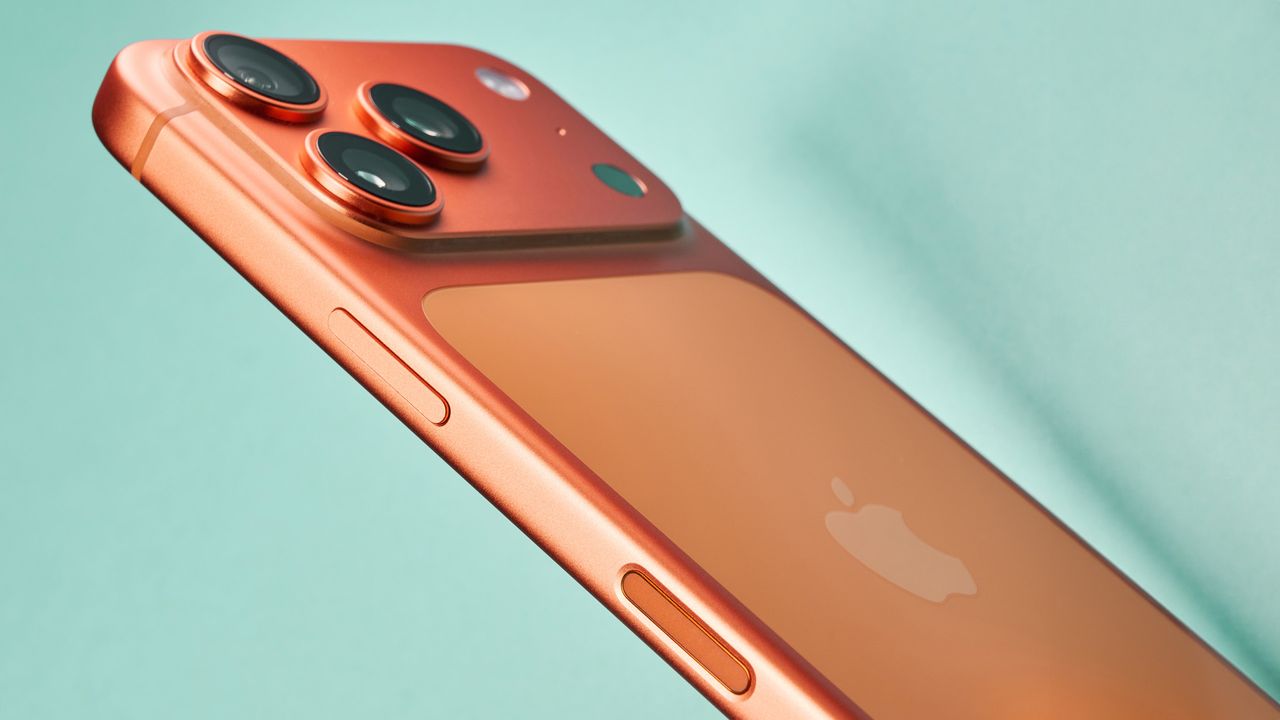
A bug is being reported that turns certain photos in the iPhone Photo library red.
It seems to apply to only some photos taken with an Android phone and there is a fix so don't panic.
Every now and then, you’ll come across some strange behaviour when you update your phone’s software. We recently reported on the bug that made Wi-Fi drop out on Google Pixel 10 if you had installed the extension that allowed for easier sharing of files between Android and iPhone with the Pixel 10 supporting AirDrop.
Typically though, glitches are things like an app crashing, battery draining quicker than you would expect or maybe even some performance lag. But the latest software bug to grace iPhone is something a little different. There have been reports that some users have seen some of the images in their Photos library feature a red tint.
No, Santa hasn’t come to visit some of the special photos in your library. Instead, it seems to be that particular photos, notably those taken with a different phone rather than your iPhone, are seeing the red overlay when opened up.
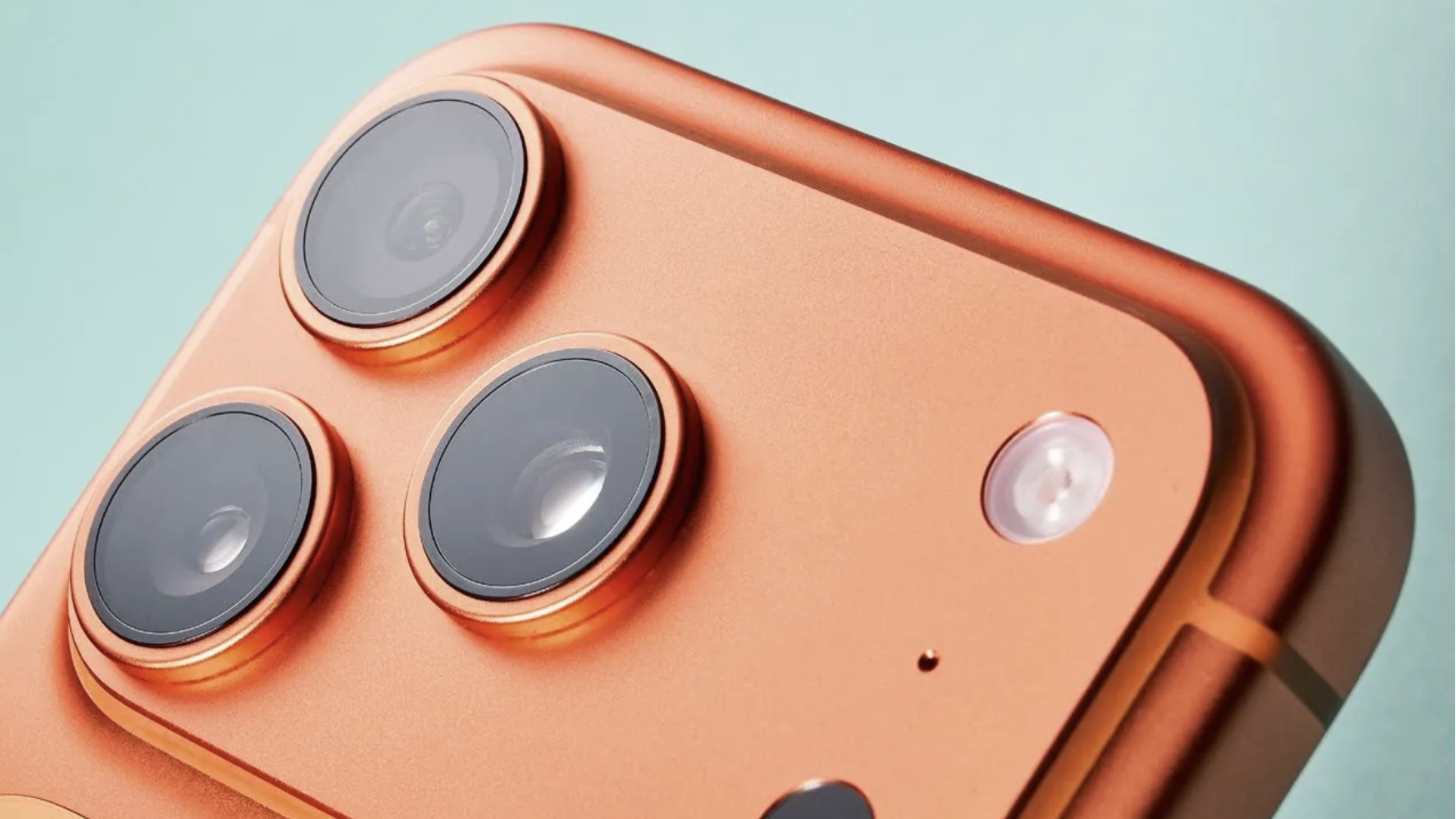
Why are my photos red and how do I fix them?
According to the report on 9to5Mac, it isn’t immediately obvious when you first look at your photo library as from here, they all appear normal with all the right colours intact. Open some photos up however, and it’s possible they might be tinged in red. The report says it only seems to be for photos taken on Android phones and it seems to be an issue with the Photos app interpreting embedded colour profiles.
Don’t worry though, there is a fix, even if it is a little long winded. If you come across a photo with a red overlay and you aren’t liking it’s new vibe, you can tap on ‘Edit’ at the bottom, followed by ‘Revert’. This will remove the red filter and return the image to its original look.
It’s likely there will be a bug fix rolled out for this at some point so you don’t have to do that for each photo, but until that happens, that’s the fix you need to restore your red-tinged photos.