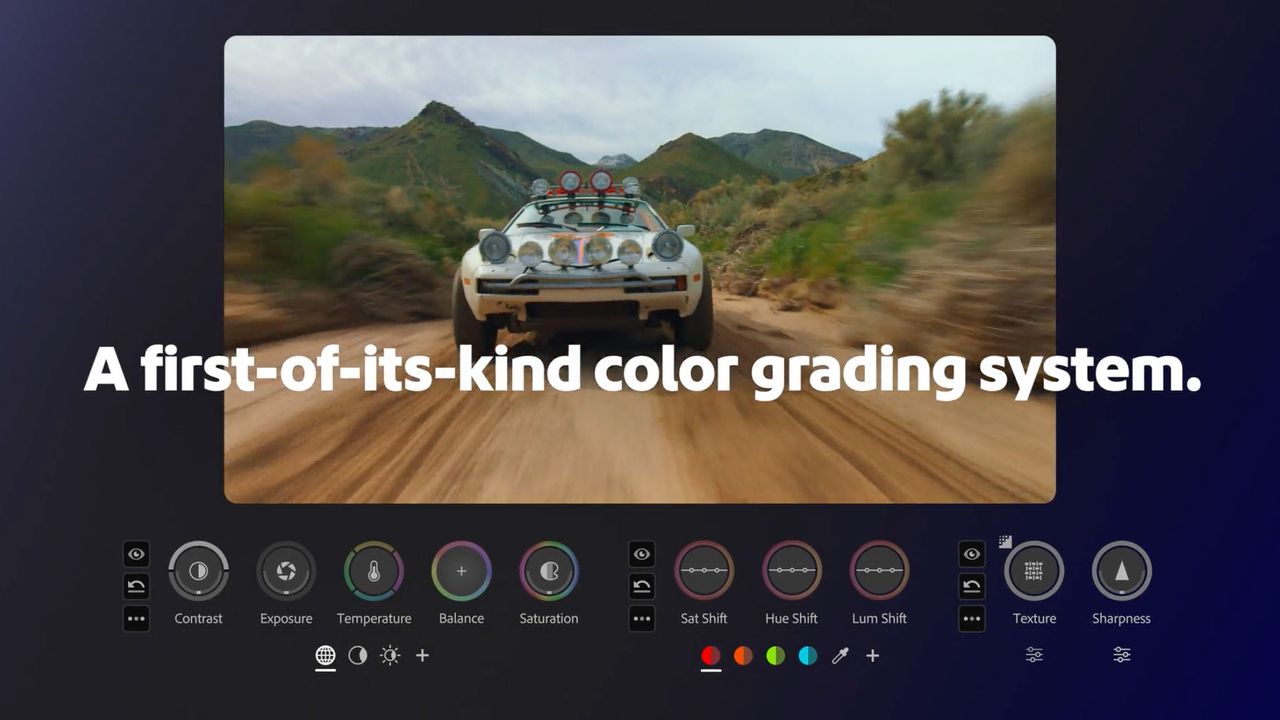
Adobe Premiere has just introduced a “landmark” color-grading feature, “built from the ground up” and designed to make color grading more accessible for the average content creator. In Adobe’s briefing for its all-new Color Mode, Senior Product Marketing Manager for Video at Adobe, Jason Druss, called existing color-grading tools “very, very mathematical, scientific systems that were designed for full-time specialists.”
And indeed, color grading is an area that Adobe has arguably failed to fully harness in the past. Despite Premiere’s position as industry-grade video software that’s been used to edit the likes of Deadpool (2016), Blackmagic’s DaVinci Resolve is arguably the Hollywood go-to for color grading.
But Color Mode (now in beta) could be about to change the way creators think about color grading. The technology is said to be the first-of-its-kind and built entirely from the ground up. Jason explained that Adobe isn’t calling Color Mode a feature, panel or iterative update; it’s being referred to as “a complete reset for what color can be for video editors.”
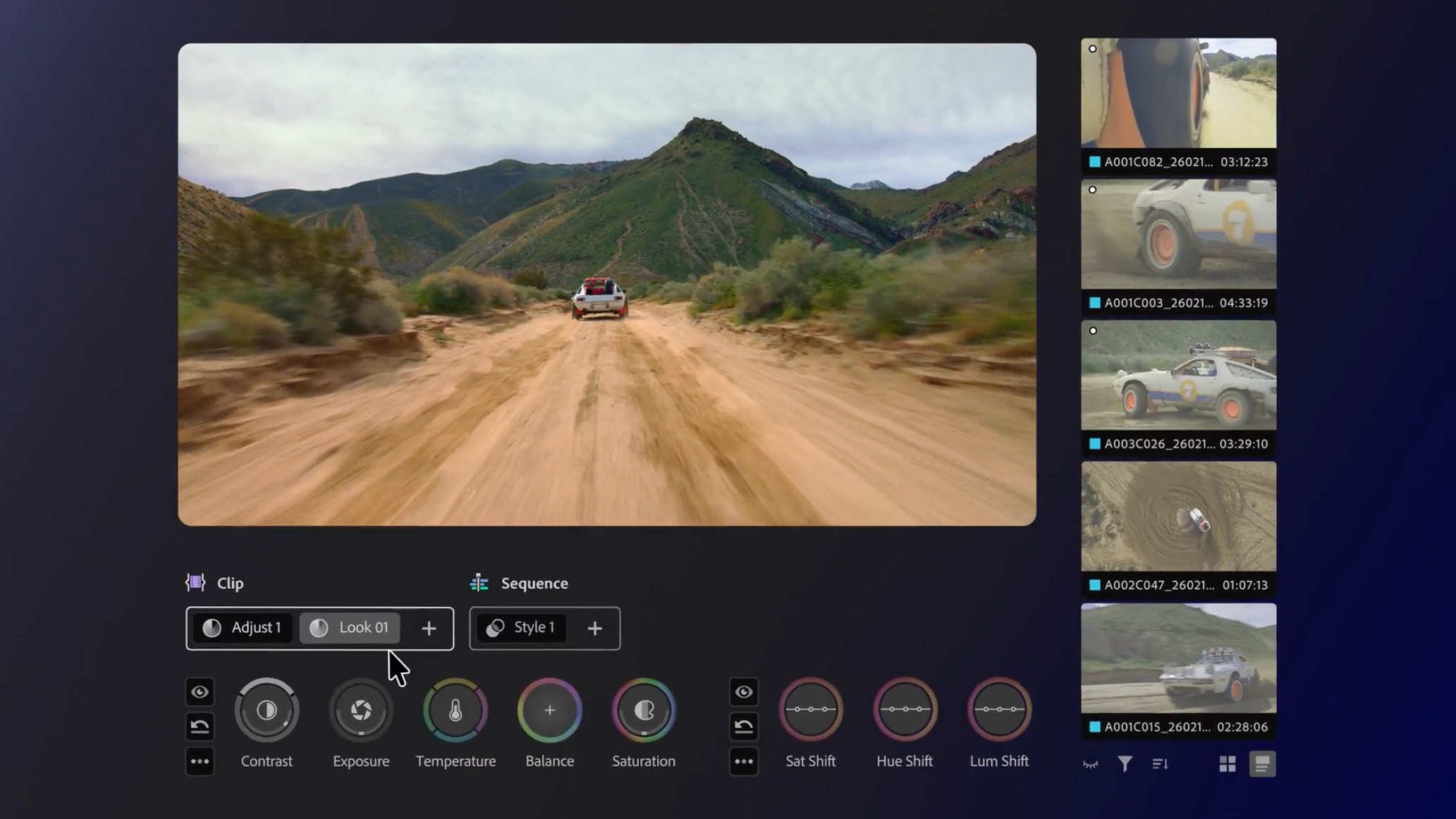
During the demonstration, the ‘Color’ tab was dominated by a huge program monitor, with additional clips positioned in a vertical strip. At the bottom of the interface are the color controls; there are no hidden tabs or drop-downs. All of the color tools are visible from the get-go.
The tools aren’t just simple sliders either, but bi-directional circles. In the case of the contrast tool, up and down alter the contrast of the footage, while left and right control the pivot range. Upon clicking on the tool, a heads-up display appears, conveying video scopes, numerical information, and real-time animated overlays. Each ‘HUD’ is customizable, too, so you can alter elements such as the size and positioning to your taste.
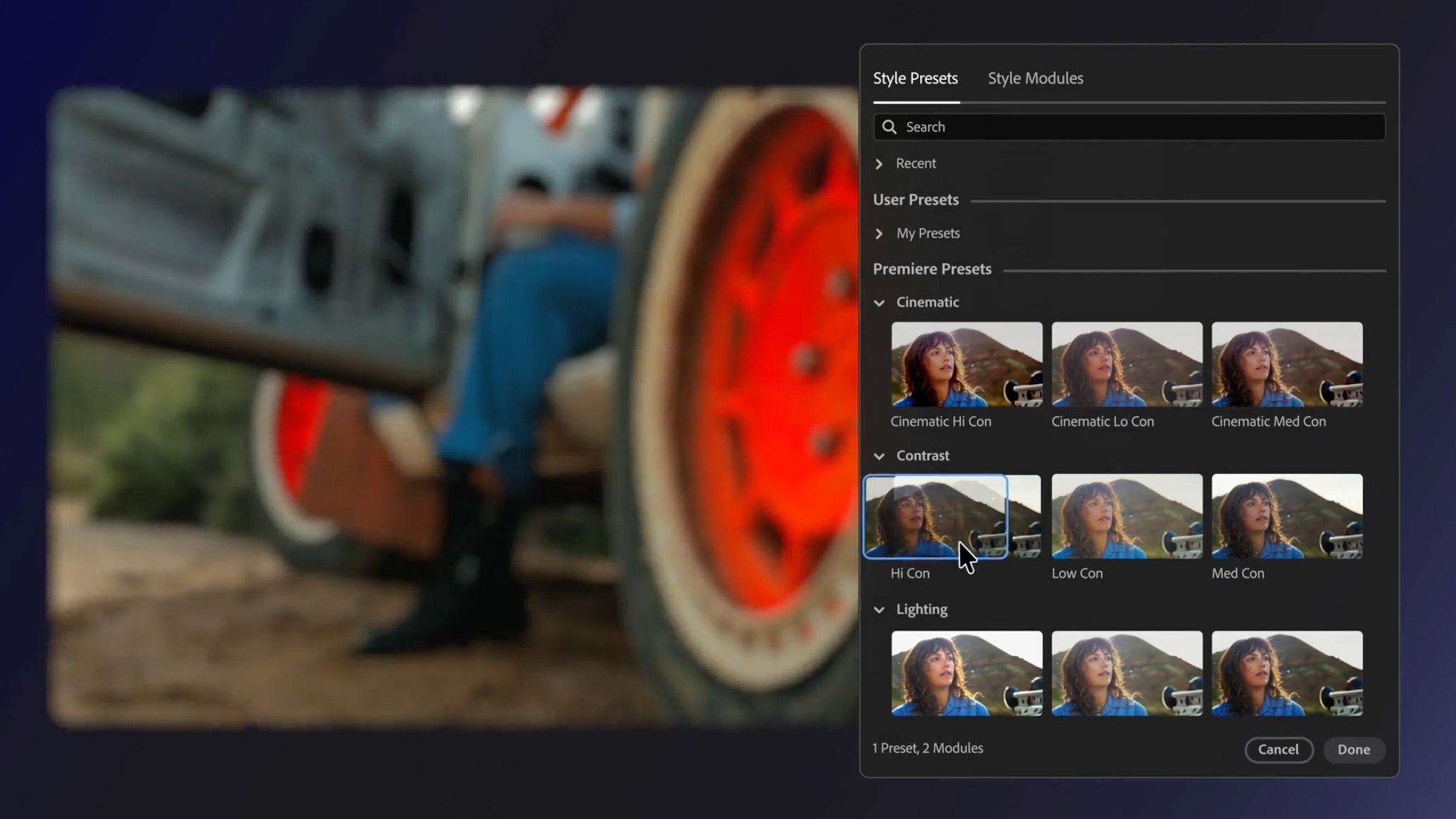
The demo also demonstrated Operations, which Jason called “a completely new invented paradigm for grading, copying and moving color work throughout your timeline.” He proceeded to bring up a selection of Style Presets, making it clear that they differ from LUTs in that they’re essentially pre-graded presets that can be applied and tweaked further by the user.
There’s even a Film Color Module, with 90 film presets such as Fuji ETERNA 250 and Kodak SFX that can be directly applied to the footage. You can also group clips of footage together so you can quickly grade bundles of footage independently from one another.
Another Color Mode innovation is that it will intelligently identify the main colors within a piece of footage so you can edit that hue locally. The demo also combined the AI Object Mask with Color Mode by using the mask to pick out and track a moving vehicle and then color grade the object locally.
Ultimately, Adobe isn’t framing Color Mode as an incremental update. Jason called it “application-sized” and the “largest release in Premiere history.” Whether or not it’s going to compete with DaVinci Resolve remains to be seen, but it’s exciting to see Adobe attempting to innovate an area of video and, indeed, stills editing that's undeniably daunting for newcomers and seasoned editors alike.
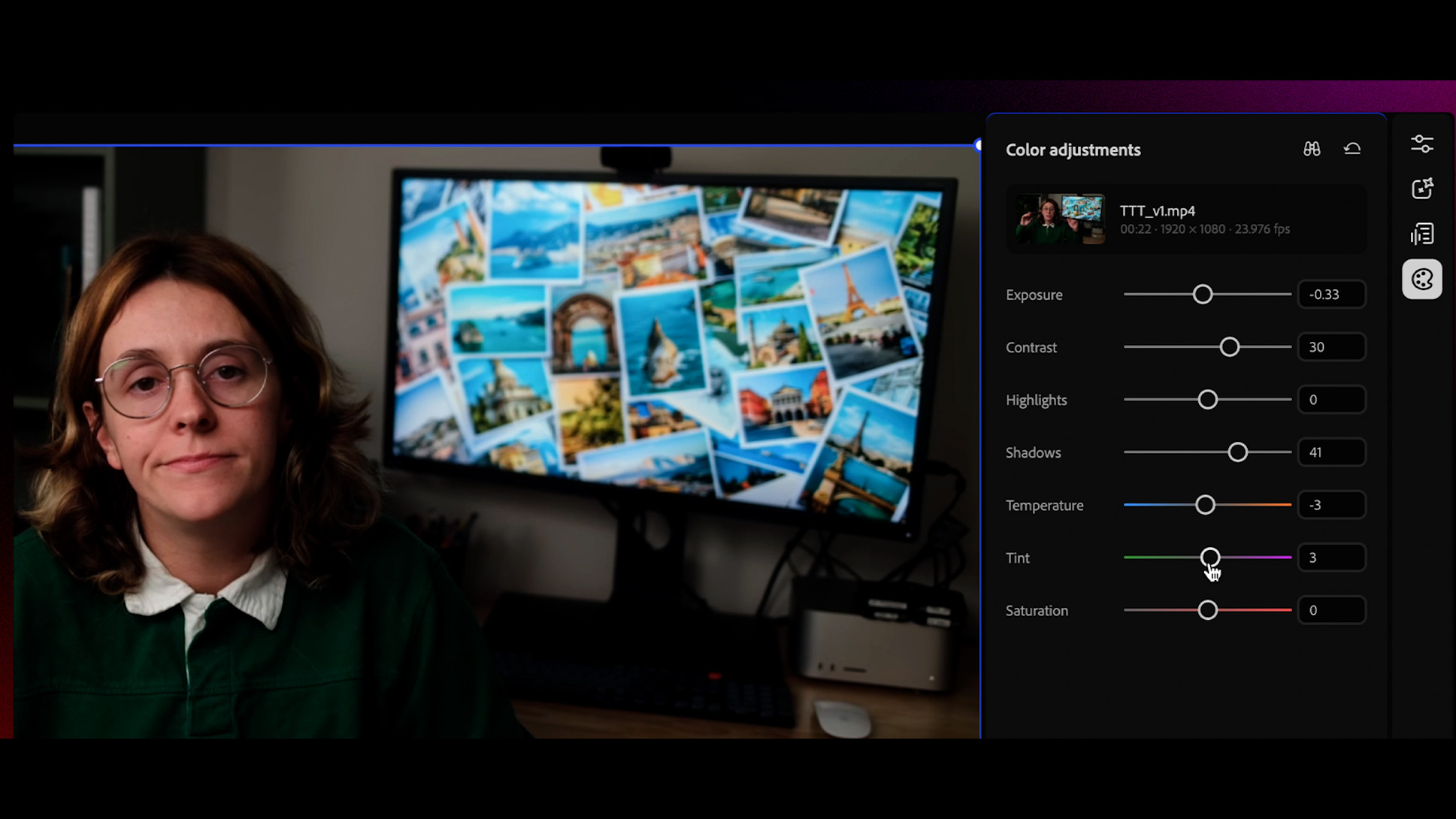
The big Premiere news launches alongside some color-grading news for Adobe’s generative-AI editor, Firefly. Simple color adjustments will now be available in the software’s video editor, allowing users to tweak a range of tonal adjustments, including exposure, saturation, and color temperature.
You might also like
Blackmagic has also just revamped its own industry standard video editing software: Photo editing grabs headlines, but DaVinci Resolve’s big AI and VR upgrades will matter most to its core video users. If you're looking for a hardware upgrade, check out the best video editing monitors and the best MacBooks.