It's been just shy of a month since the first iOS 27 developer beta was released, and we're already on the third version of the software. It seems Apple is blasting out updates, fixing issues with the software and unlocking those new capabilities that weren't quite ready for release.
Considering iOS 27 beta 2 was only released two weeks ago, the third beta update doesn't come with enormous changes. But those of you that have access to the developer beta will still notice some things have changed, and formerly-locked off Siri AI features are now readily available.
Here's what's changed in iOS 27 beta 3
iOS 27 developer beta 3: Siri Expressive Voices
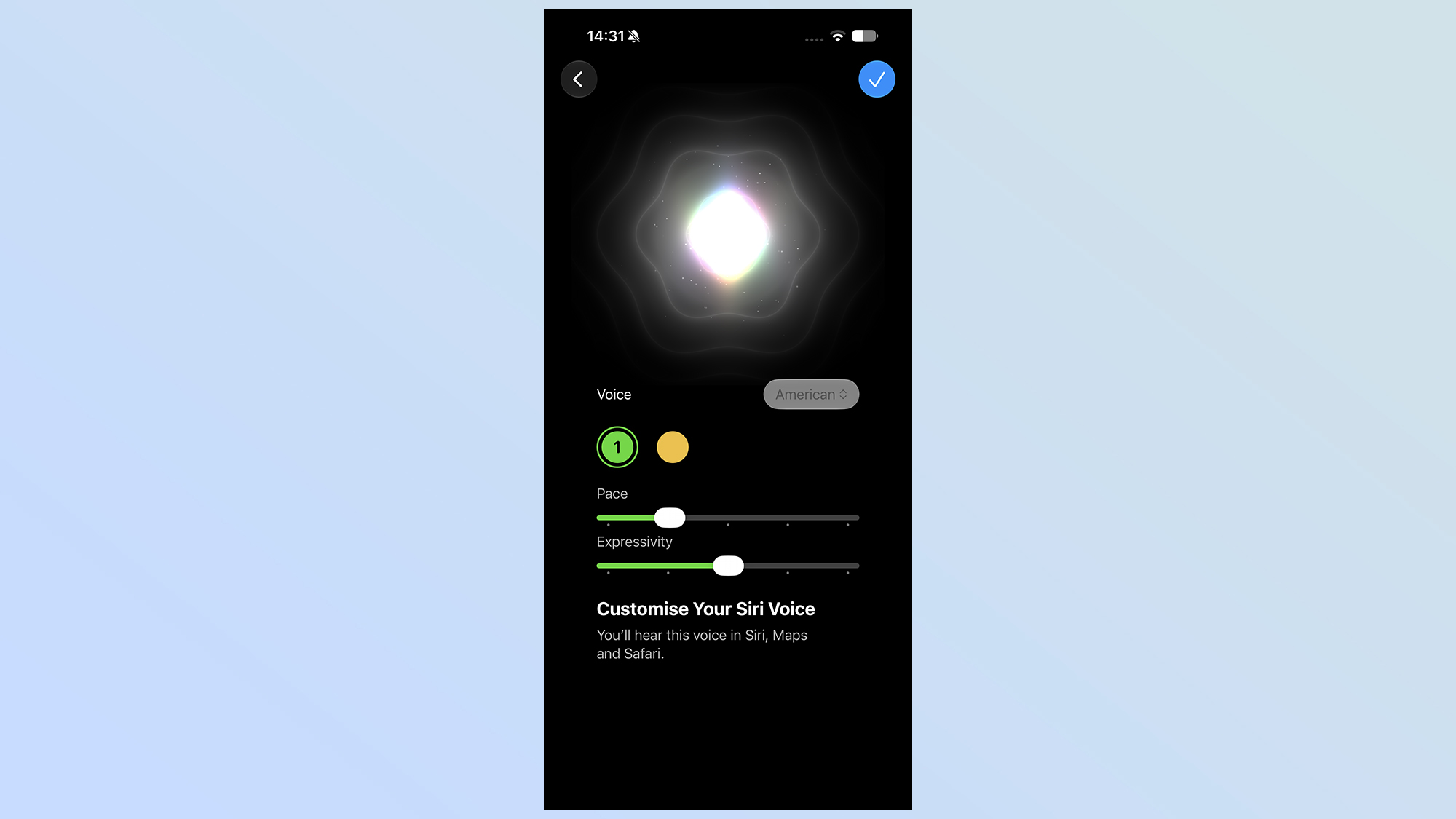
The main change in iOS 27 beta 3 is that Apple has finally unlocked Siri's expressive voice feature on compatible iPhones. Those of you with an iPhone Air, iPhone 17 Pro or iPhone 17 Pro Max, which all have 12GB of RAM, will be able to customize and alter the tone and emotional range of Siri AI's voice. Previously this was all grayed out in Siri's settings, and the only option available was Siri's gender.
Now, though, you can make your AI assistant more attuned to you, rather than offering one of the same flat, pre-set voices as everywhere else. However the update between beta 2 and 3 means Siri needs to be redownloaded, which resets the AI to its default settings. Please bear that in mind before you update.
Apple Intelligence in Home

Apple Intelligence in Home is also available with this new update, but what the iOS 27 beta 3 release notes don't tell you is that these features all require a 2TB iCloud+ plan — which costs $10 a month. Previously this was the tier that unlocked unlimited HomeKit Secure Video cameras, so it makes sense that the new AI features would be locked down behind the same paywall.
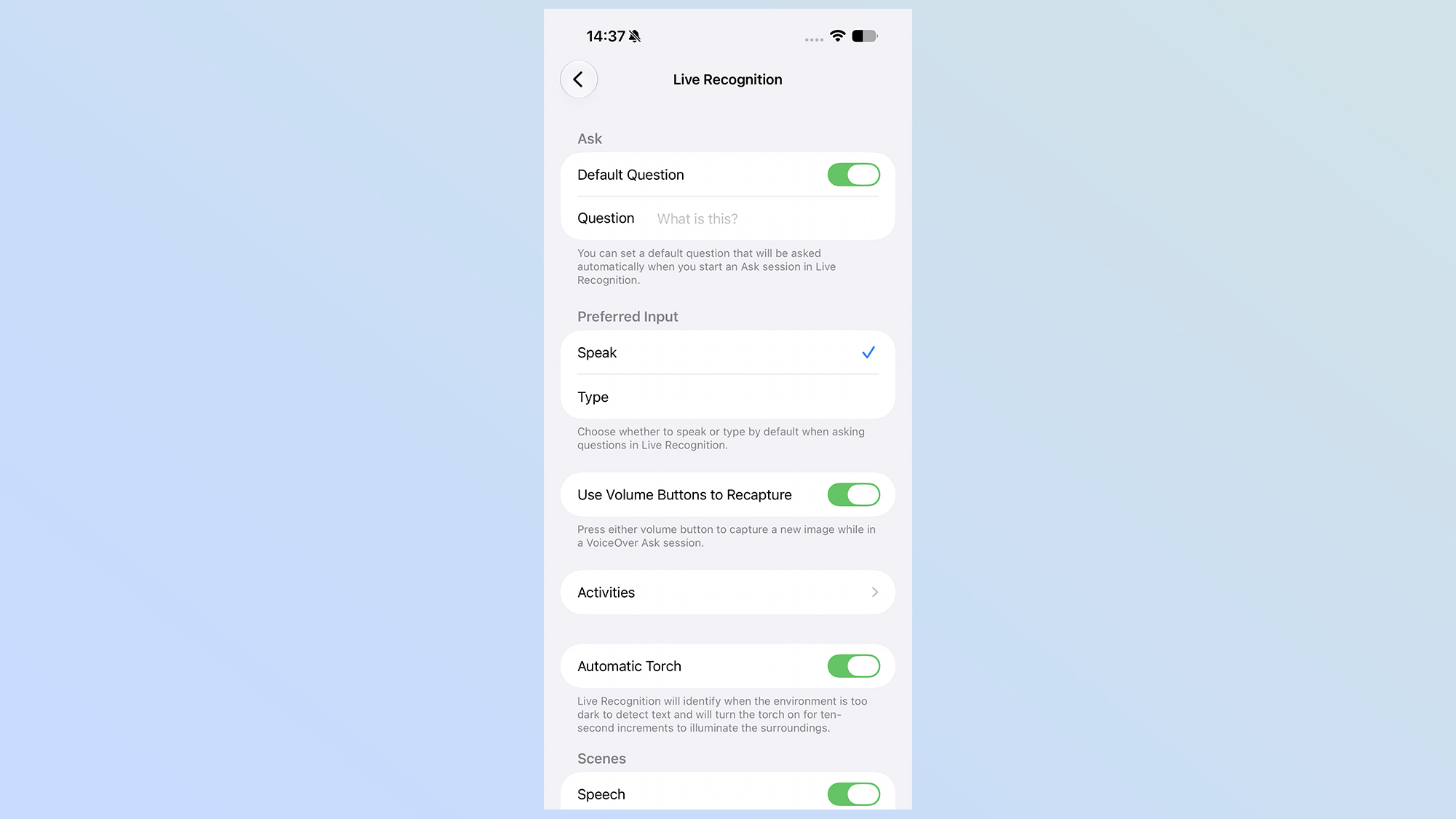
The accessibility settings now feature a "Live Recognition" section, for managing how this particular feature works. Recognition uses on-device AI to detect and describe things with the camera app, letting you ask questions about what it can see. That's a fantastic feature for those with vision impairments, and this menu lets you adjust how this works — including an option that lets you ask questions via speech or text.
Shortcuts and AirPods Transparency
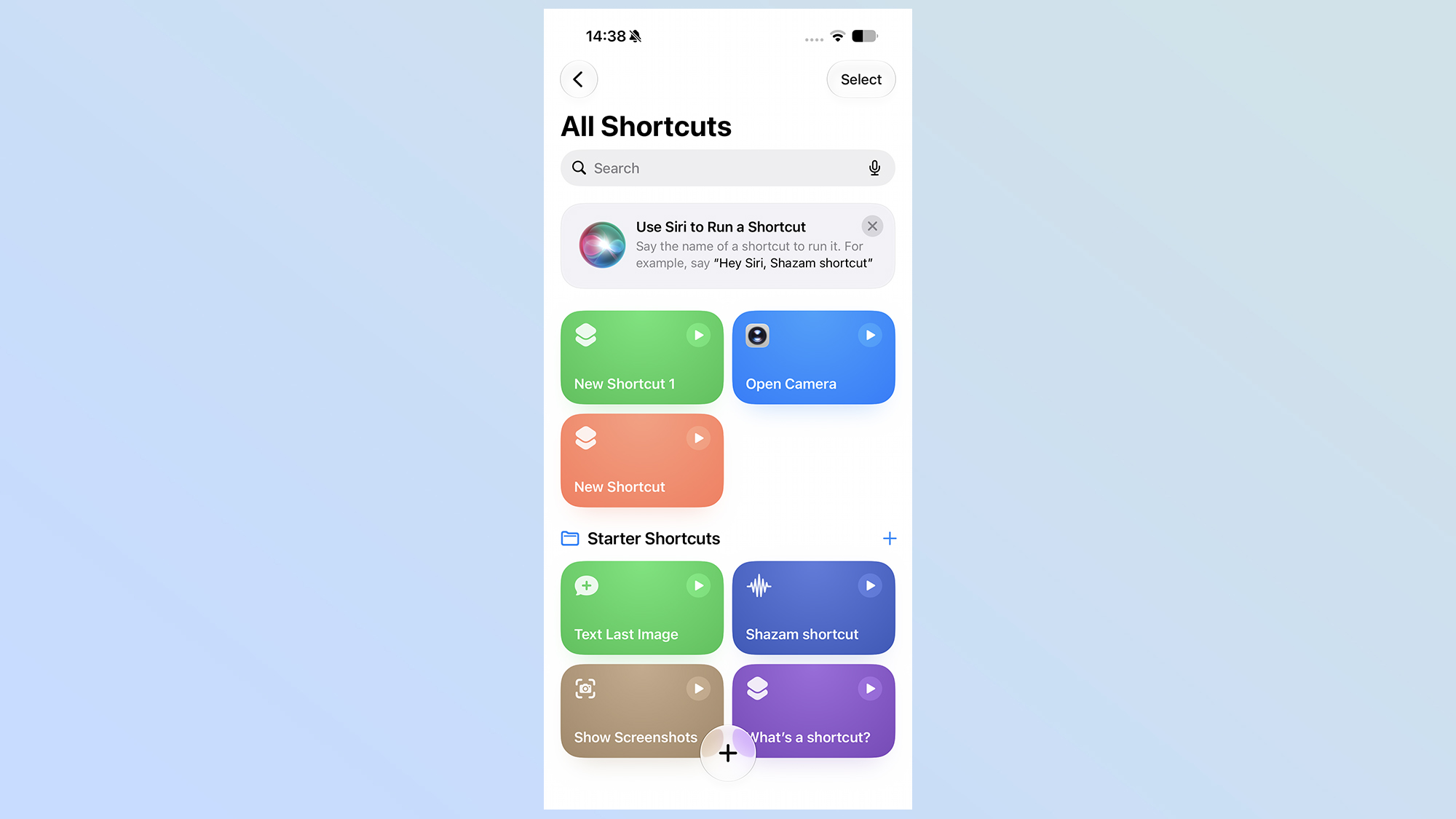
The Shortcuts app, which added the ability to describe what function you wanted to set up in iOS 27 beta 1, now has the option to choose whether you want to do that or if you'd rather set the whole thing up manually.
If you own AirPods, there's a helpful new features in iOS 27 beta 3. The Adaptive menu in the AirPods app features a slider that lets you customize how much transparency you get vs noise cancelation.
Actually helpful pop-ups
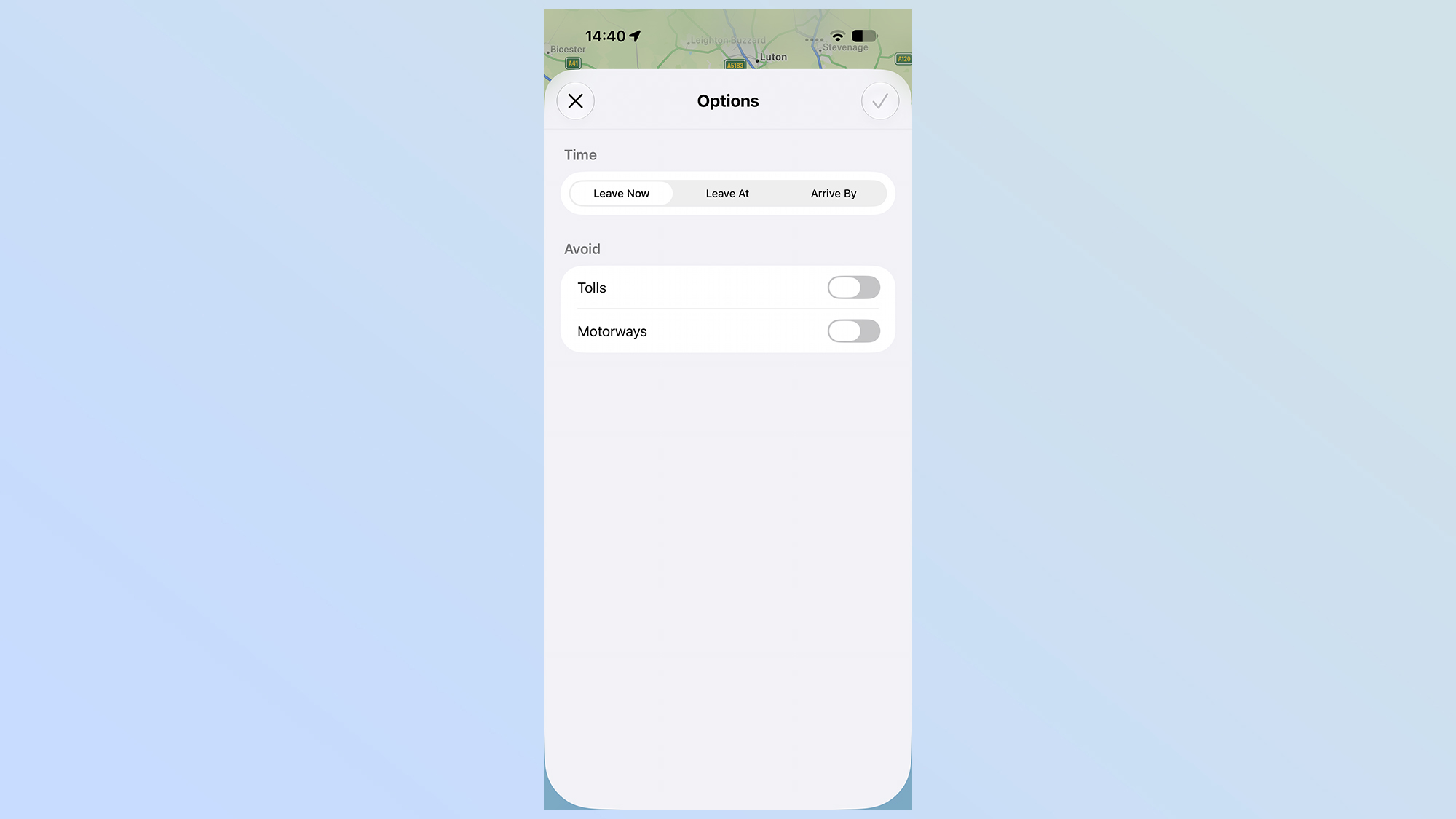
A few informative pop-ups have been added to beta 3, for those of you that aren't diving through the release notes to see what's changed. Apple Maps now tells you that route preferences have moved, and points you to their new home. Apple Intelligence also warns you when you're about to send data to Google's cloud servers, in case you're the kind of person that wants to keep all their AI processing firmly on device.
Other smaller features include a redesigned low-battery indicator, a subtly different wallpaper animation, an updated Reminders icon with Liquid Glass to-do list bullets, and the ability to see cellular network details in the Control Center without disconnecting from Wi-Fi first. Naturally, the update also comes with a bunch of smaller bug fixes as well.
Keep it locked to Tom's Guide for all the latest iOS 27 news and tips.
More from Tom's Guide
- If you are planning to buy the Samsung Galaxy Z Fold 8 or Galaxy Watch 9, a new leak reveals you might have to pay up to $280 more than last year
- iPhone Air 2 leak just gave us a ton of info about Apple's sequel — A20 chip, new light purple color and a 48MP ultrawide camera
- iOS 27 beta now lets you customize Siri's pace and expressivity — here's how to do it