I'm a big fan of the "Share" feature in Claude. I use it all the time to share Skills, Artifacts and conversations, mostly. But now I'm going to think twice before sharing.
Over the weekend, security researchers and Reddit users discovered that hundreds of publicly shared Claude conversations could be found using Google search operators like site:claude.ai/share. The issue only affected chats that users had intentionally shared using Claude's public sharing feature — private conversations that were never shared were not exposed.
Still, the discovery caught many users by surprise because the conversations were turning up in ordinary search results, making them far easier to find than many people expected.
What happened?
Claude lets you generate a public link to a conversation so you can share it with someone else. That feature creates a snapshot of the chat at the moment you click Share.
Anthropic's documentation notes that "anyone with the link can view the chat snapshot." The problem wasn't that private conversations suddenly became public, but that it was that some of those public links were indexed by search engines after they were discovered elsewhere on the web.
Researchers who examined the indexed pages reported finding everything from software debugging sessions and internal business discussions to resumes, API keys, crypto wallet information and legal research. While those conversations had been intentionally shared at some point, many users appeared to assume the links functioned more like unlisted documents than publicly searchable web pages.
By Monday, many of the indexed results had already disappeared from Google Search, suggesting the pages were being removed from search results or changes had been made to prevent further indexing.
Should you be worried?
If you've never used Claude's Share feature, this issue doesn't affect you. Likewise, chats that remained private inside your Claude account were not exposed.
However, if you've shared conversations in the past — especially ones containing work documents, personal information, code or anything confidential, it's worth checking which links are still active.
Even if a page no longer appears in Google Search, anyone who already has the shared URL can still access that conversation until you remove the share.
How to check your shared Claude chats
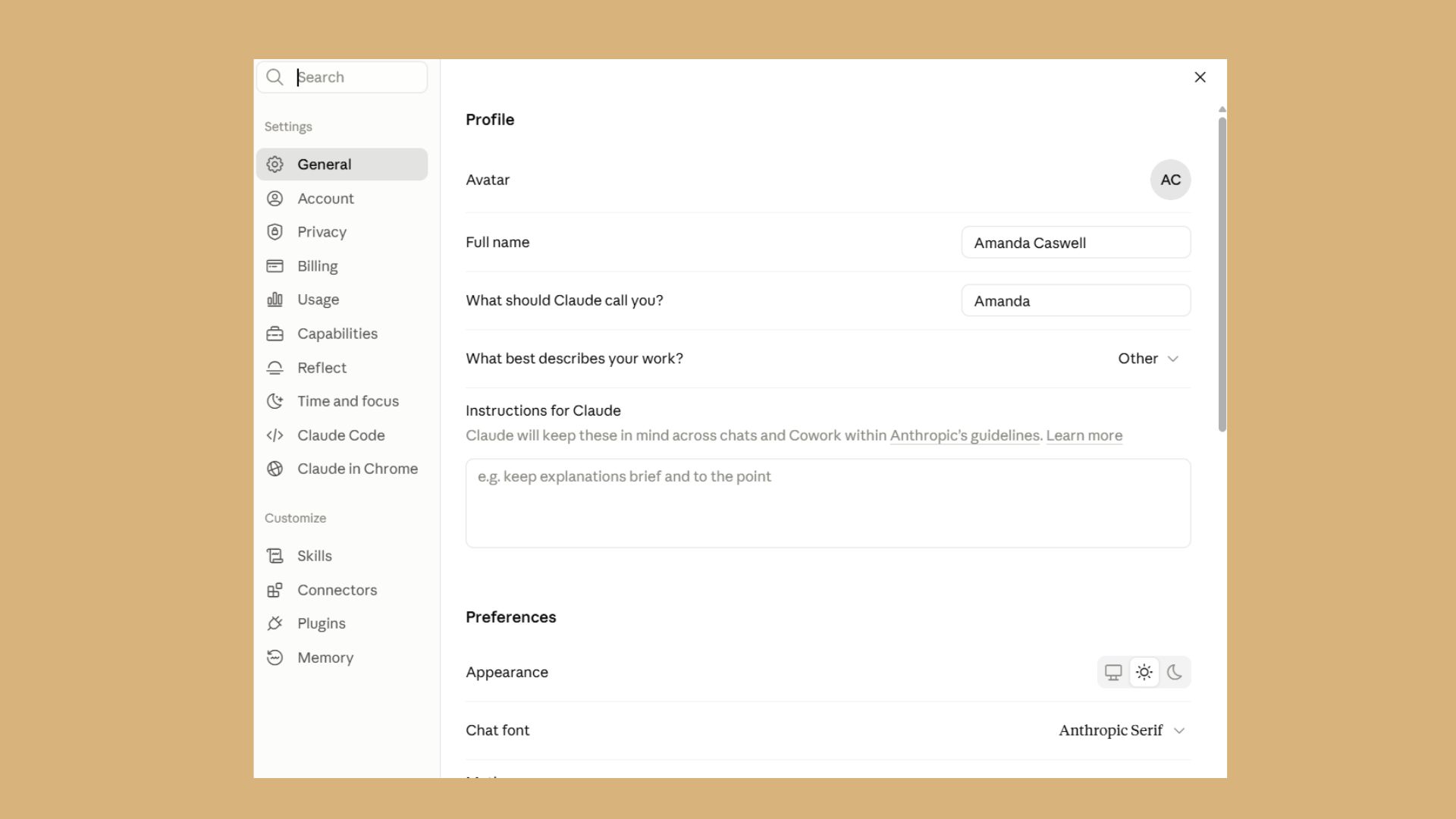
You can view your shared conversations by signing in to your Claude account:
Open Settings.
Select Privacy.
Click Shared Chats.
Review your active shared links and delete any you no longer want to be public.
If a conversation contains sensitive information, removing the share link immediately revokes public access.
A good reminder for every AI chatbot
This isn't the first time an AI company's sharing feature has raised privacy concerns. Similar issues have surfaced before with ChatGPT as users increasingly treat AI assistants like private notebooks, only to discover that sharing a conversation creates a public webpage rather than a private collaboration link.
Whether you're using Claude, ChatGPT or another AI assistant, it's worth assuming that anything you intentionally publish with a share link could eventually be discovered by someone else. Before clicking Share, take a moment to make sure the conversation doesn't include passwords, API keys, financial information, customer data or anything you'd be uncomfortable seeing on the open web.