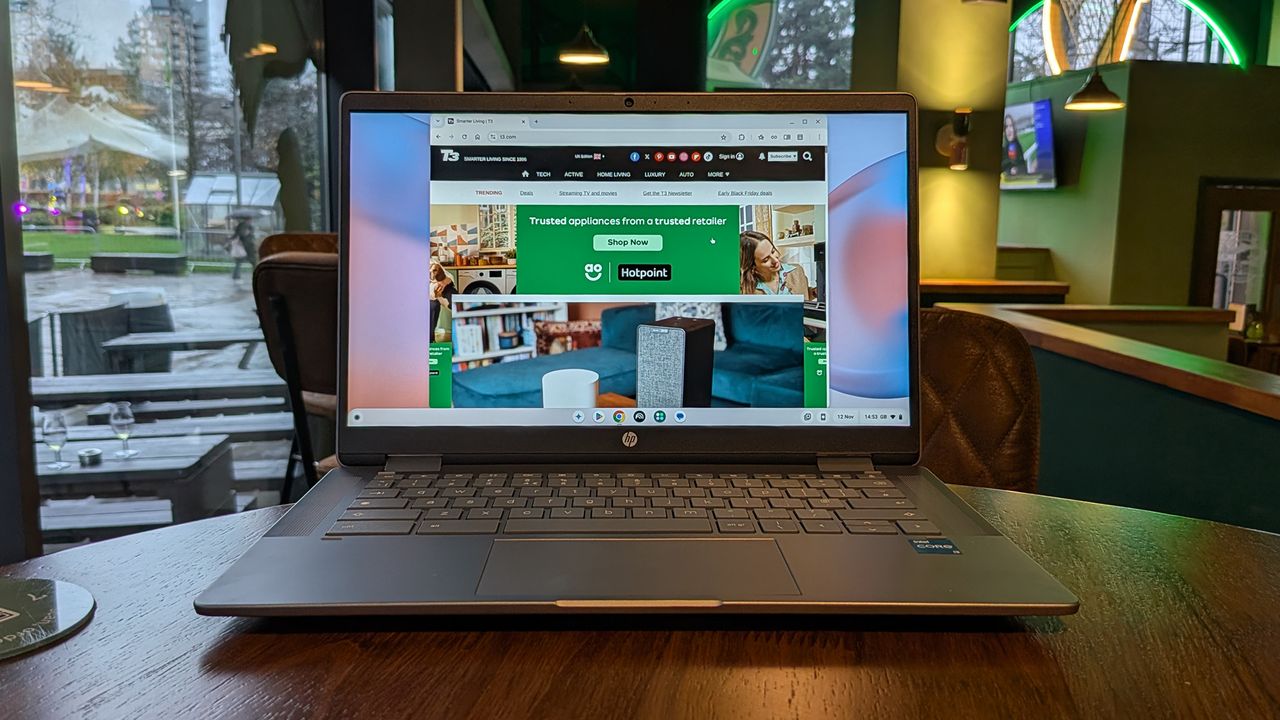
When it comes to hunting for the best laptop, don't discount Chromebooks. These lightweight, stripped-down portable computers give you access to everything on the web, plus Android apps, and are often far better value than laptops running Windows or macOS systems.
That brings us to the HP Chromebook Plus x360: a laptop with a screen that folds right around on its hinge. I've been testing it out for the past few weeks, so I can break down everything you need to know about it – from battery life to the quality of the display.
By the time you've finished reading, you'll know if this is the right Chromebook upgrade for you. If not, we've got plenty of other guides you can check out, including the best laptops under £500, the best lightweight laptops, and the best student laptops.
Price & Availability
You can pick up the HP Chromebook Plus x360 right now. Note that this is the model designated 14-cd0500sa. If you're comparing specs online then you can currently pick it up from retailers including Currys, Amazon, and HP for around £500 / $550 before discounts (check the widgets on this page for the best current deals).
Design & Display
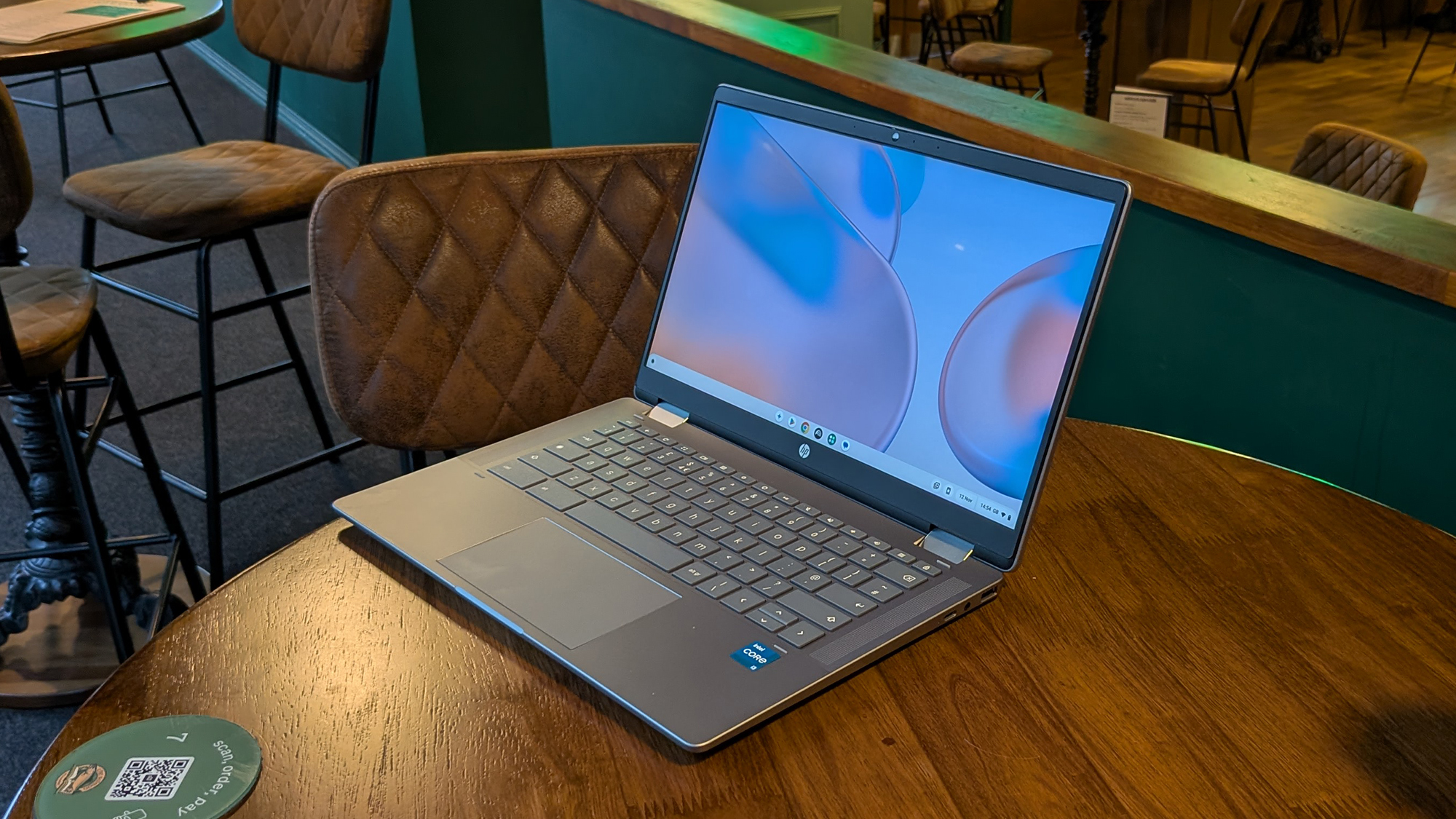
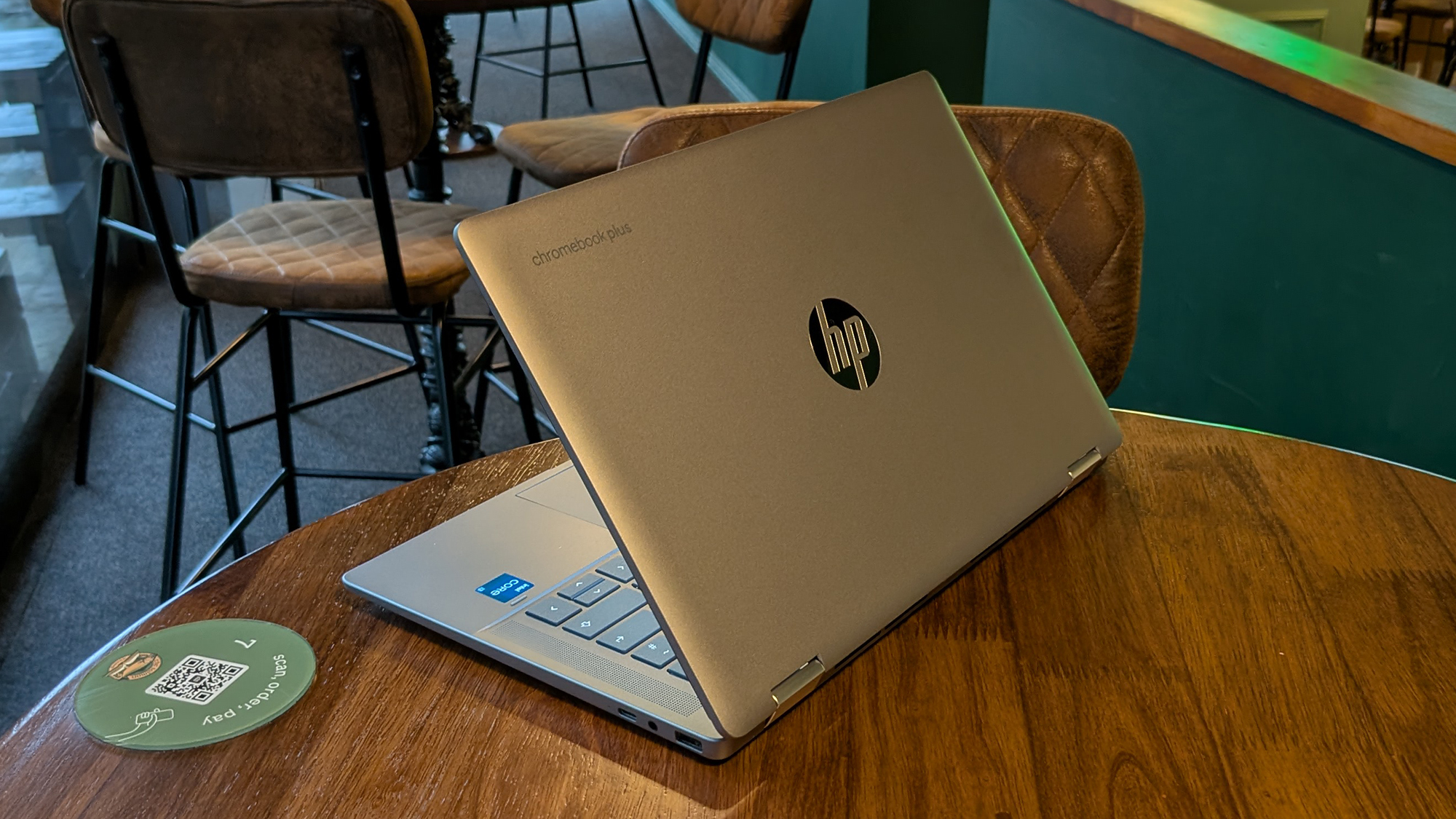
The plastic feel and the relative chunkiness of the HP Chromebook Plus x360 tells you right away that this isn't a premium Windows or Mac laptop, but it's by no means an ugly computer. It's solidly put together, nicely rounded at the edges, and not too heavy either, tipping the scales at 1.37kgs.
The overall dimensions are 323 x 210.3 x 20.4mm (when closed), while as far as ports go, you'll find two USB-C, one USB-A, and a 3.5mm jack that you can plug a pair of headphones into. There's also an HD webcam above the screen, which surprised me with the sharpness and brightness of the video it could capture.
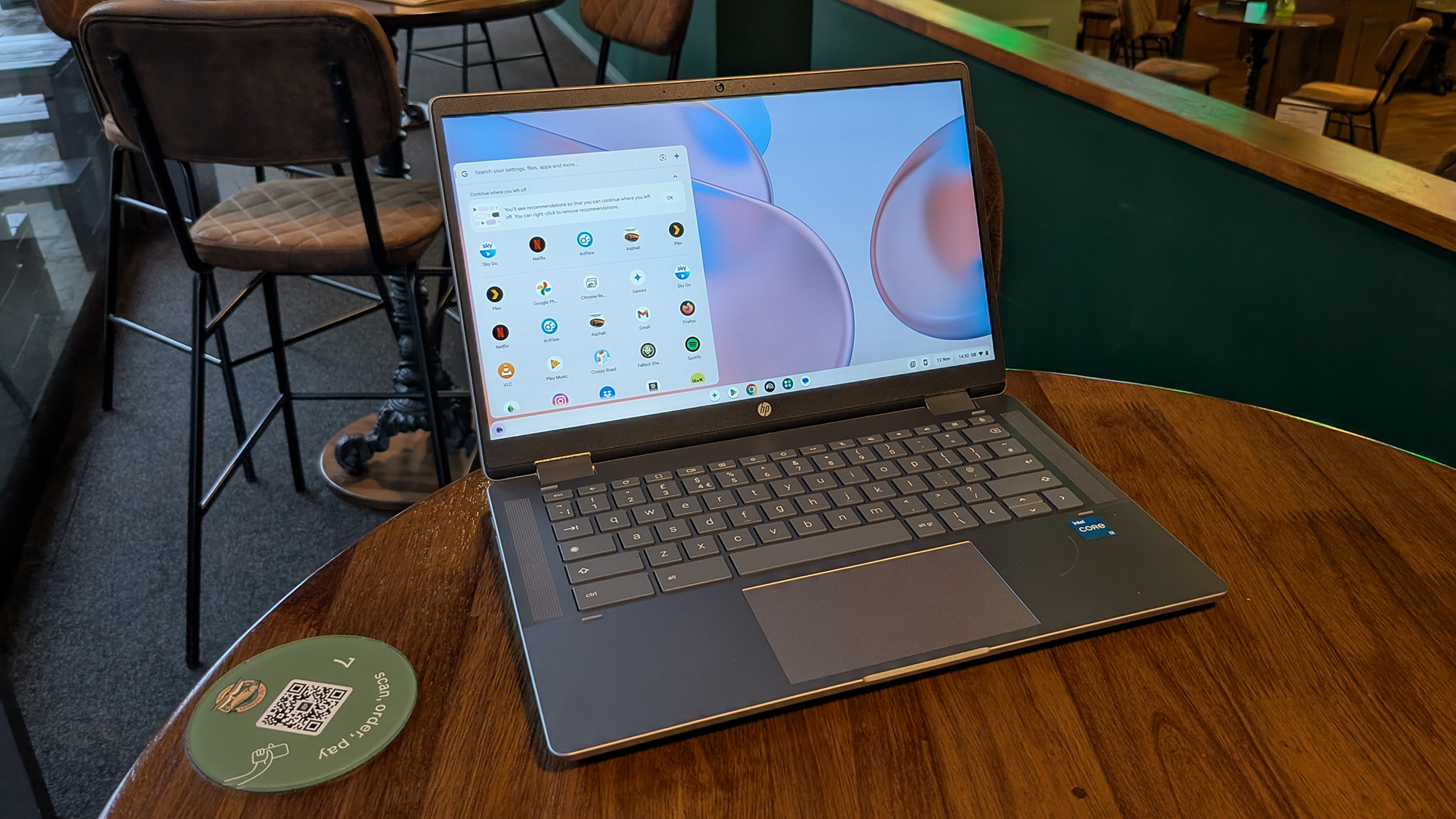
You get a 14-inch, 1920 x 1080 pixel touchscreen IPS LCD panel for your display, which can of course fold back all the way back against the keyboard if you want to use it as a makeshift tablet. Perhaps more useful is the way you can prop it up in a 'tent' mode, for watching movies, making video calls, and so on.
The screen is nice and bright, with vibrant colours and sharp details, and I quite happily watched a series of videos on the HP Chromebook Plus x360 without any problems. The 1920 x 1080 pixel resolution can be a little limiting (for spreadsheets, for example), but in general it's a fine display.
Features & Performance
This Chromebook is fitted with an Intel Core i3-N305 processor, 8GB of RAM, and 256GB of internal storage. For ChromeOS, those specs are perfectly fine, and will handle a good number of browser tabs and Android apps before you start seeing any sluggishness or any delay in switching between tabs or menus.
Those specs qualify this as a Chromebook Plus laptop, ensuring a certain standard of performance and enough oomph to power various AI features (for optimising video calls and editing photos, for example). Also on AI: the laptop does come with a 12-month subscription to Google AI Pro at no extra cost.
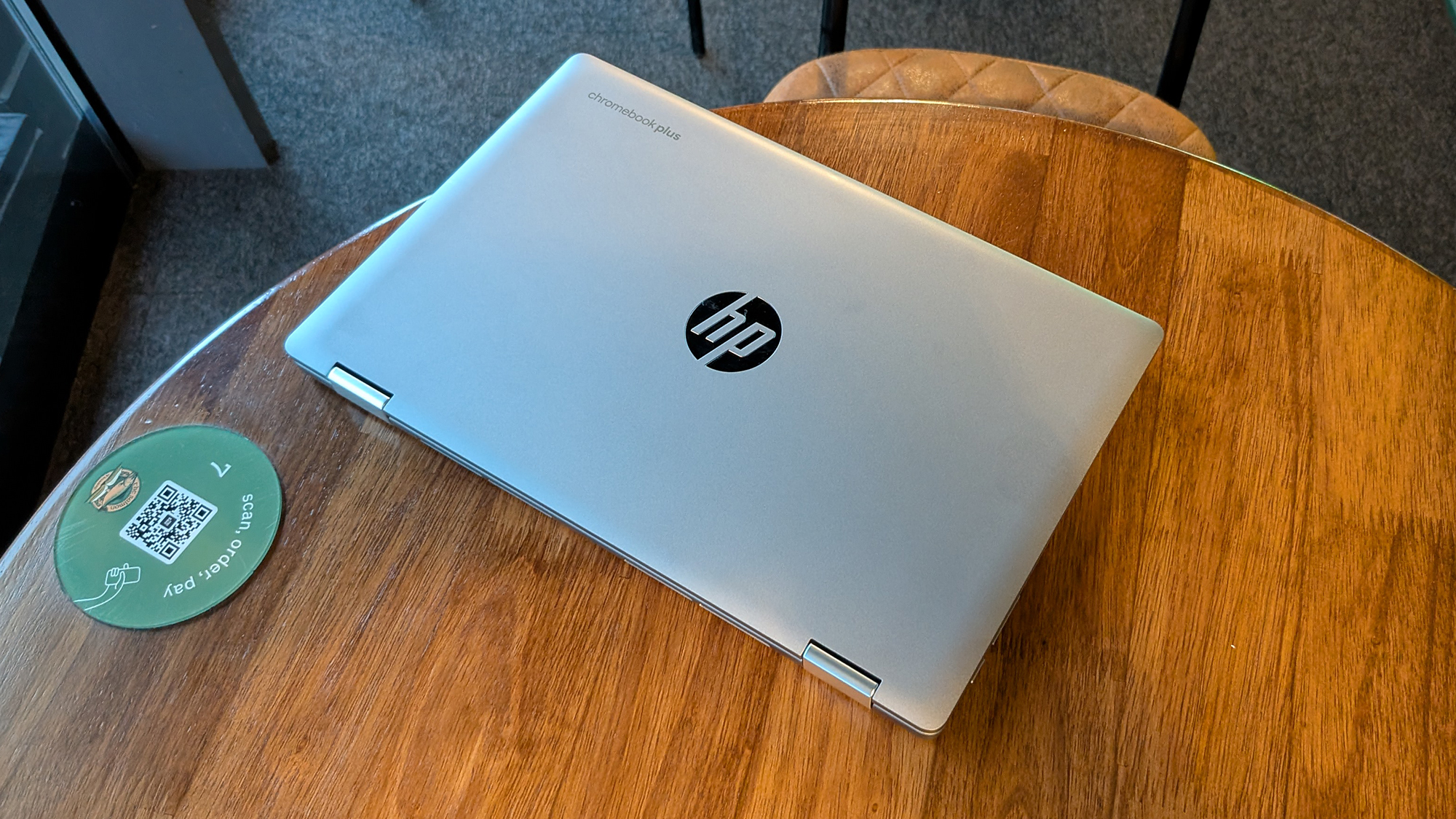
I didn't notice any performance issues or slowing down on the HP Chromebook Plus, at least not until I really overloaded the tabs and the complexity of apps I was running. You're likely to see the same sort of slowdowns in Chrome on any laptop though, as the memory starts to run out, so that's not a major complaint.
It doesn't take much in the way of browser tabs or apps to start up the fans on the HP Chromebook Plus x360, but they're nice and quiet, and seem to do a decent job – I never noticed the underside of the Chromebook getting particularly hot, so it's fine for keeping on your lap for an extended period of time.
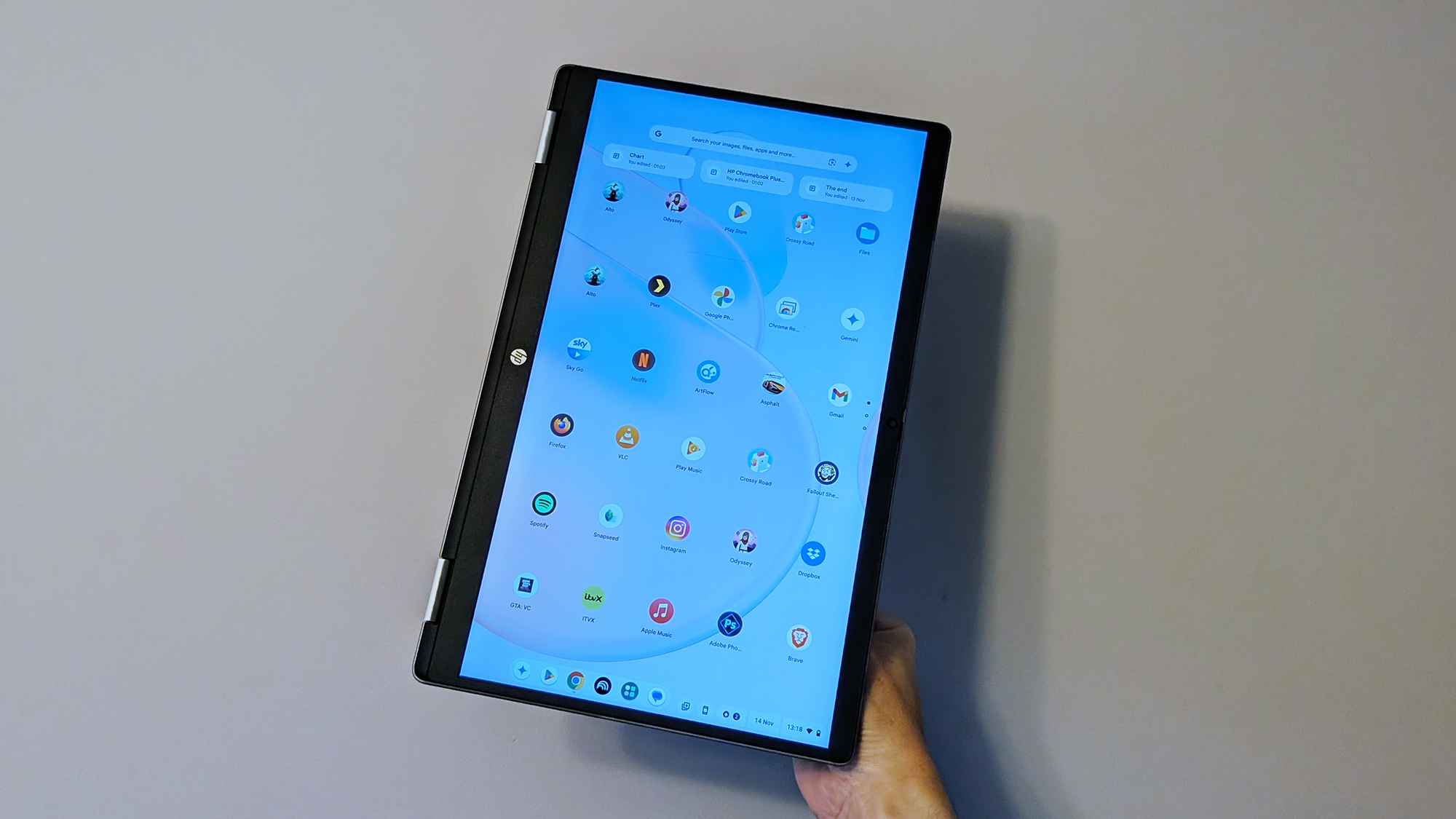
The relatively straightforward Android games that I played, including Alto's Adventure and Crossy Road, ran perfectly well, without any slowing down or juddering as the screens and animations flew past – so it's more than capable of a little light gaming via games on the web or installed through the Google Play Store.
I actually typed out most of this review on this Chromebook, as the keyboard and trackpad are mostly a pleasure to use – though the trackpad does feel a bit on the cheap side. There's no keyboard backlight on this model, however, which is a bit of a shame.
As for battery life, 3-4 hours away from a charger was the norm for this laptop. I ran a video streaming test with the display at maximum brightness and the sound muted, and the battery level dropped by 32% – suggesting around 3 hours of uninterrupted playback in total. You can take this away from your desk, but it's unlikely to last all day.
Everything else was pretty satisfactory, and about what you'd expect from a Chromebook at this price. The dual speaker sound, for example, is fine for videos, podcasts, and video calls, and even music at a push (the speakers are upward-firing, at least) – though most will want to plug in some headphones.
HP Chromebook Plus x360 review: Verdict
I had a certain level of expectation when unboxing the HP Chromebook Plus x360, a Chromebook at a mid-range price point, and by and large it's delivered exactly what I was expecting.
In a few areas it was better than I thought it would be, though, including the quality of the screen and the webcam. That 360-degree screen is a standout feature, too, as you won't find it on many laptops, Chromebooks or otherwise. All of which adds up to great value.
During my review time, I often found myself picking up this Chromebook to work on rather than using my MacBook Air or a Windows desktop PC. Not just because I had to write this review, but also because the laptop is really simple to use, snappy in operation, and not weighed down by extra software. That's Chromebooks for you.
Also consider
Not sold on the HP Chromebook Plus x360? If you're still keen on ChromeOS, then I'd like to direct your attention to the Samsung Galaxy Chromebook Plus. It costs a bit more than the HP, but it also gives you more in terms of specs, screen, and design.
We've also recently taken a look at the Acer Chromebook Plus 515. You don't get a touchscreen or display that can rotate on a hinge, but it's still a capable laptop that's worth a look – the 15.6-inch scale may suit you better than the 14-inch display of the HP, though the 1920 x 1080 pixel resolution is the same.