How to stop children making in-app purchases on Android
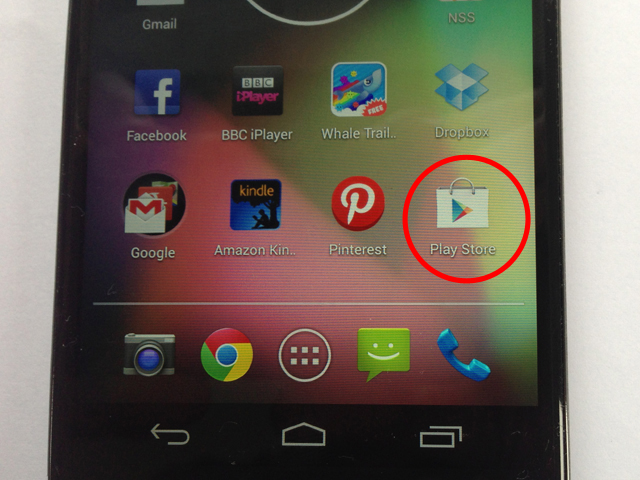
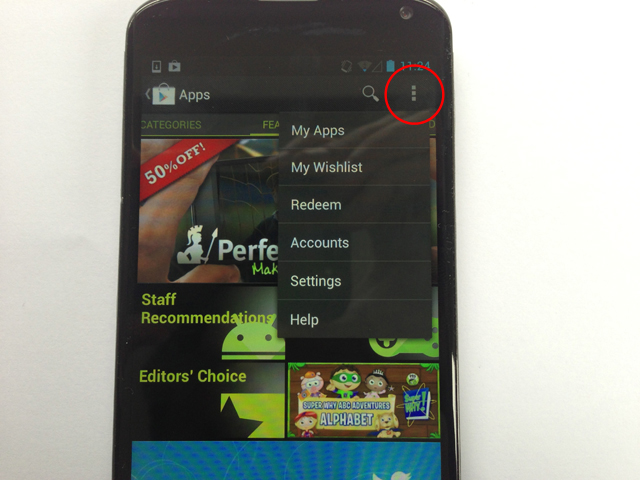
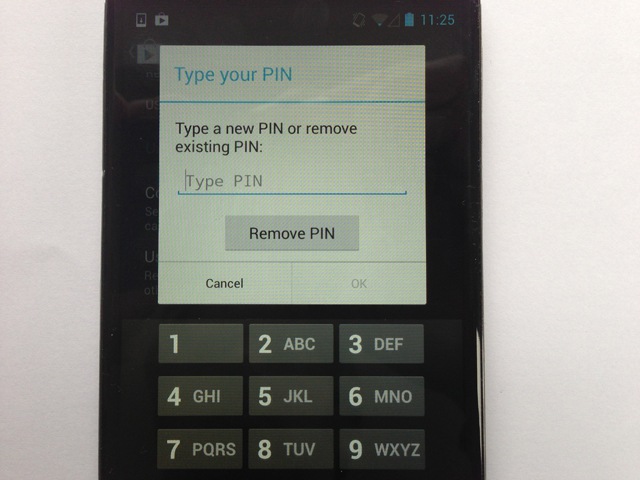
Find and tap on the Play Store icon, either on your homescreen or from within the device's main apps menu.Photograph: GuardianTap on the Menu icon at the top-right of the screen – it's three dots, one on top of the other – then tap on Settings.Photograph: GuardianScroll down to User Controls and tap on Set or change PIN, then enter a four-digit code of your choice. This will now be required to make any changes to these User Controls.Photograph: Guardian
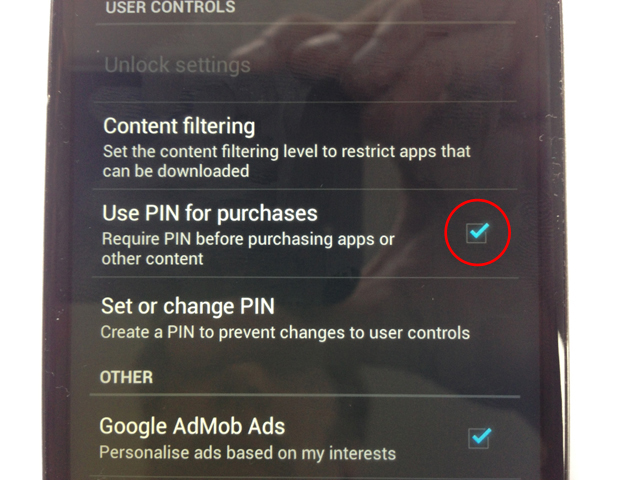
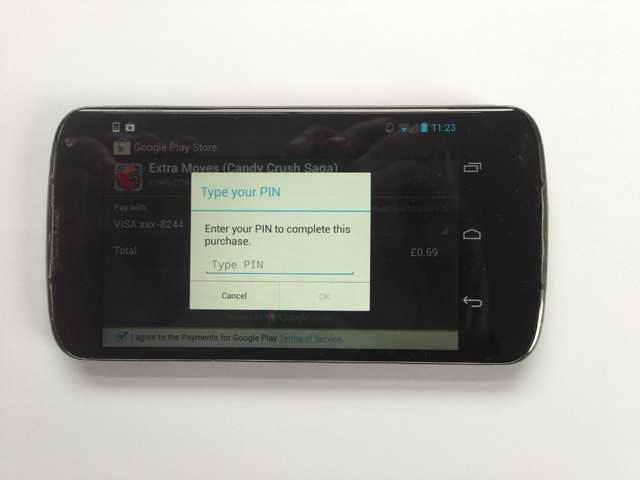
Tap on Use PIN for purchases, so the box to the right of this option is ticked.Photograph: GuardianThe PIN will now also be required for any purchases for apps or other content. Of course, it's important that you don't share the PIN with your children.Photograph: Guardian
Sign up to read this article
Read news from 100’s of titles, curated specifically for you.