2XKO is Riot Games’ free-to-play fighting game that you can play solo or team up with a friend. With the official launch of Season 1, it’s now available on PC, PlayStation 5, and Xbox Series X|S. The game supports both cross-play and account progression across all platforms.
If you ever dreamt of playing a fighting game that features your beloved League of Legends characters, now’s the best time to try 2XKO out, as the game will only ramp up from this point.
How to download 2XKO on PC
On PC, 2XKO is distributed through Riot’s ecosystem. This will be familiar to anyone who has ever played League of Legends, Valorant, Teamfight Tactics, or Legends of Runeterra. If you have any of those games installed, simply launch the Riot Games client and download 2XKO from the list of available games.
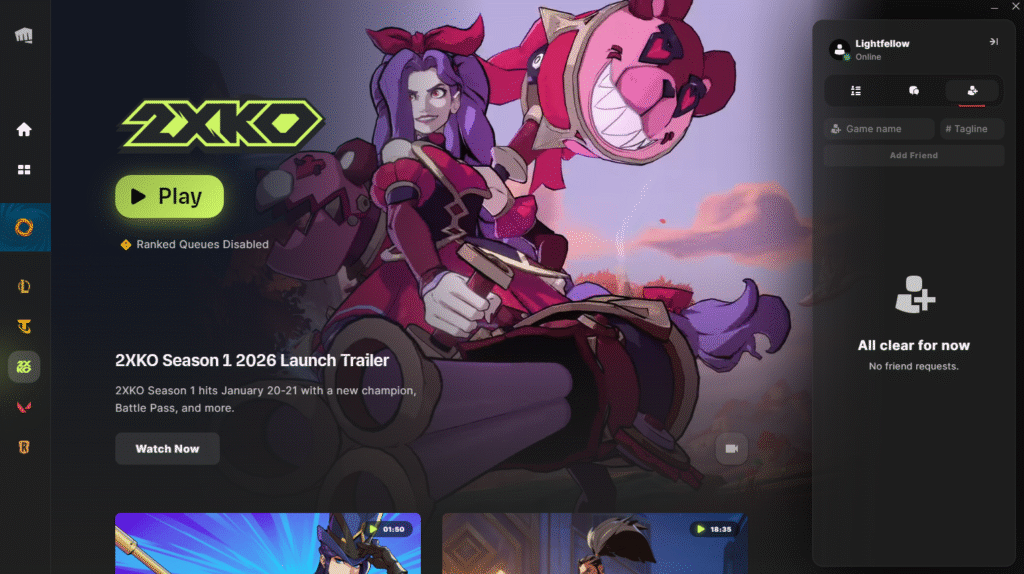
If you haven’t played any of Riot’s games before, you should start by visiting 2XKO’s official website and downloading the client. While you’re there, register your account if you don’t have one – you will need it.
After you download the client, simply follow the instructions, install the game, and log in with your Riot account. All of it is extremely simple, as Riot Games has actively made the download and registration process for all of their games as painless as possible over the years.
How to download 2XKO on PS5 and Xbox Series X|S
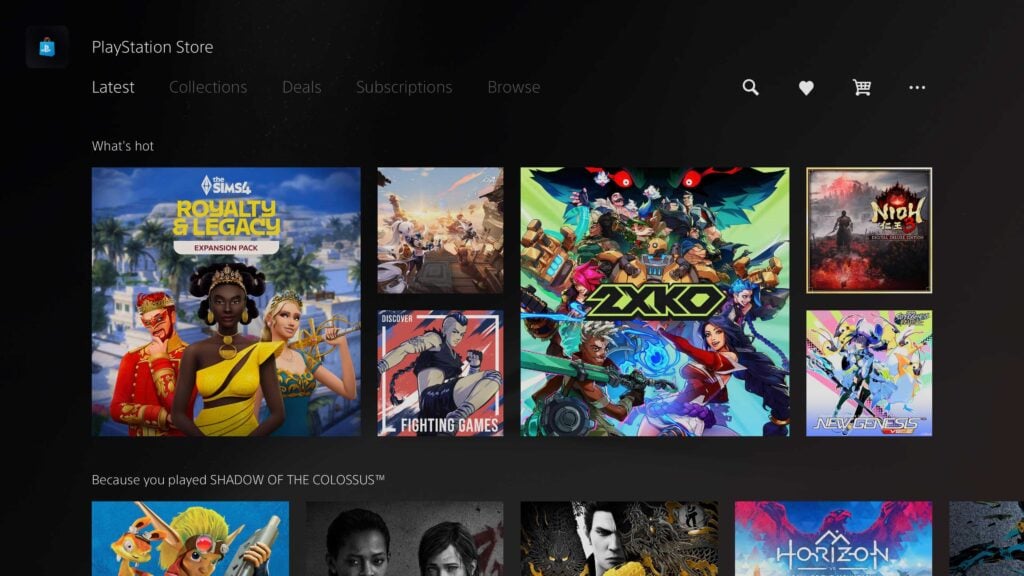
With 2XKO’s 1.1.1 update, it came out on PlayStation 5 and Xbox Series X and S. On consoles, the game is available through their respective storefronts: PlayStation Store and Microsoft Store.
Simply open the store on your console, and there’s a high likelihood that 2XKO will be there on the main page. If you’re reading this guide after the initial launch has passed, simply type “2XKO” in the searchbar and the game will be there. All that’s left is to download the game.
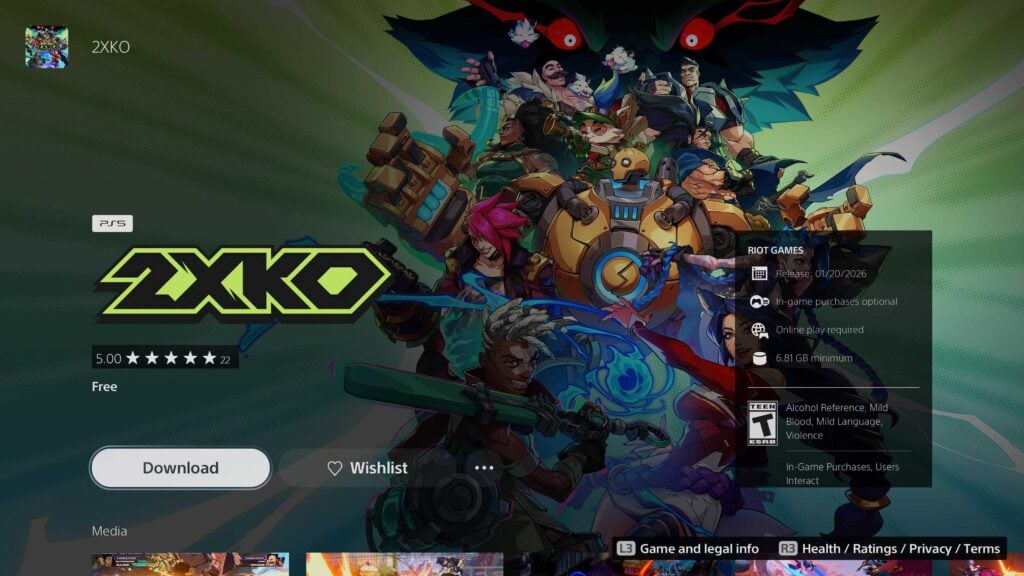
Note that you don’t need PlayStation Plus or Xbox Live subscriptions to play online.
How to link your Riot account on console
When you first launch your game on console, you’ll be met with a menu that will prompt you to either create a new account or log into your existing one.
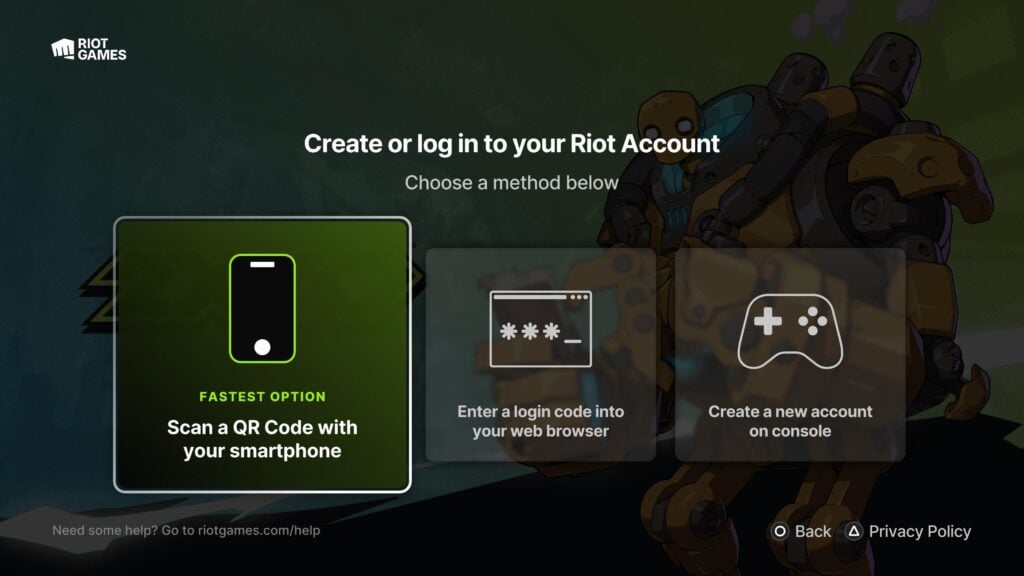
You can either scan the QR code with your smartphone, do the old-fashioned browser code verification through your PC, or create your new account on the console.
Whichever option you pick, on-screen text will guide you through the process, after which you’ll be ready to play 2XKO.
Important caveats for account linking
In anticipation of inevitable questions from console players, Riot Games has published an article that goes in-depth on the topic of account linking.
Riot states, directly:
- If you selected Create a New Account on Console after booting up 2XKO, and then are stuck at screen reading Success! Please wait while we log you in, you may need to unlink and then relink your accounts in a browser. Look below for instructions on how to do both!
- You can link a PSN account to only one Riot Account. Even if you unlink later, you will not be able to link to a different Riot Account—only the same one you initially linked.
Xbox account linking is more flexible and allows you to change your linked account later.
How to access multiplayer
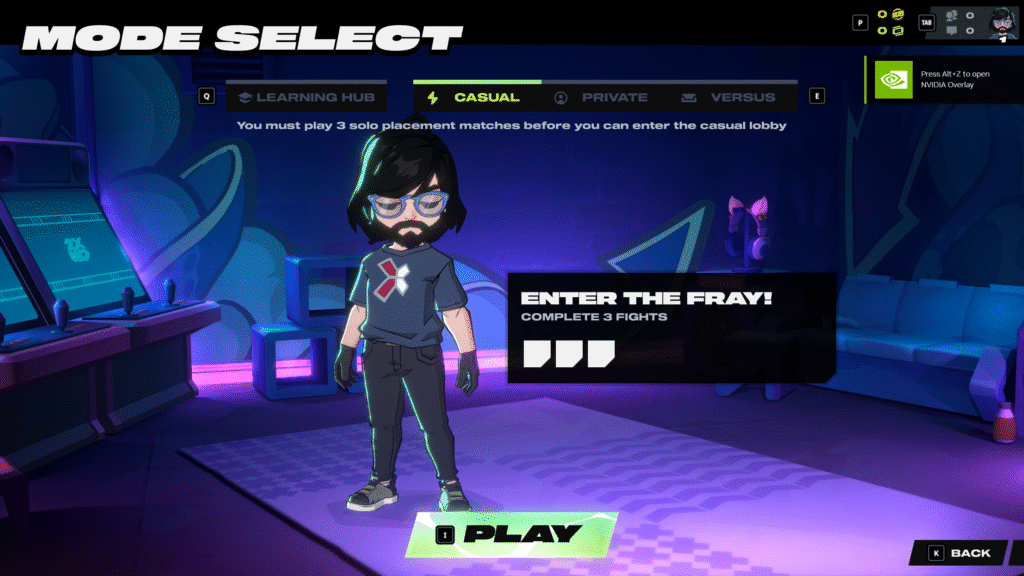
The final hurdle after setting up 2XKO to play is accessing multiplayer. When you first launch the game, you’ll be met with a quick and dirty tutorial that will explain all the basics to you.
It’s highly advisable that you finish it without skipping. After that, all you need to do is press the Play button, and you’ll be taken to the game mode selection. From here, select the multiplayer mode that meets your fancy, and don’t forget to have fun! Though we’d advise you to visit one of the training modes first!