
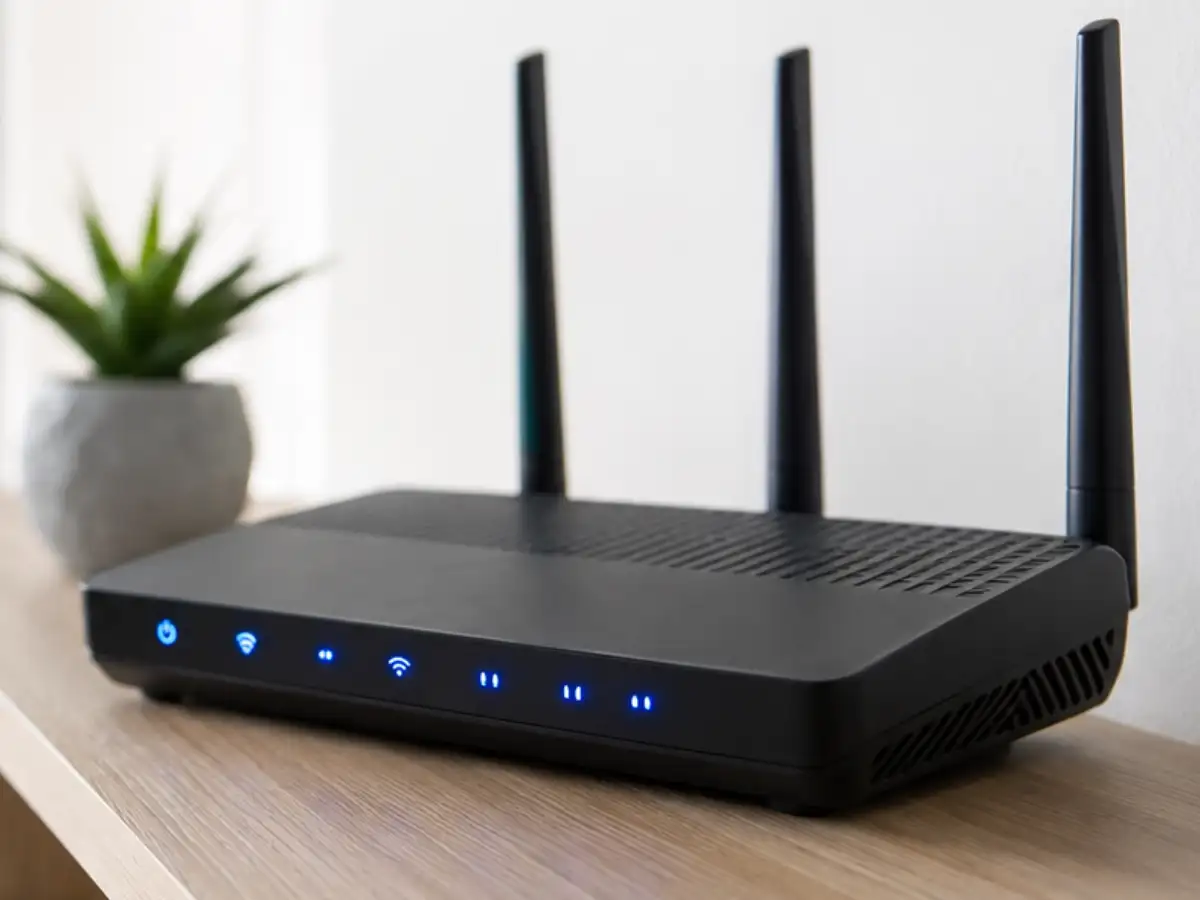
You're mid-Zoom call, or one round away from finally winning the game, and there it is again: the spinning wheel of doom. If your video call is freezing but your Wi-Fi bars look full, the problem is probably not your internet plan. It's where you've stashed the router. According to the Federal Communications Commission's home network guide, where you place your router can affect how much of the speed you’re paying for actually reaches your laptop, phone, or smart TV. For millions of Americans who have built their work-from-home routine, remote schooling, and streaming habits around Wi-Fi, that little box tucked behind the couch may be the real culprit, not your provider or your data plan.
Why hiding your router in a cabinet backfires
It's tempting to tuck the router away into a cabinet, closet, or corner out of your living room décor. But routers send signals in all directions, and enclosing them changes how well that signal propagates through the house. The Wi-Fi guidance from Ofcom, the UK's communications regulator, says routers should be positioned in a central and open position, not on the floor, for example, on a shelf, so the signal is not lost by being broadcast out into a wall or downwards into the ground.