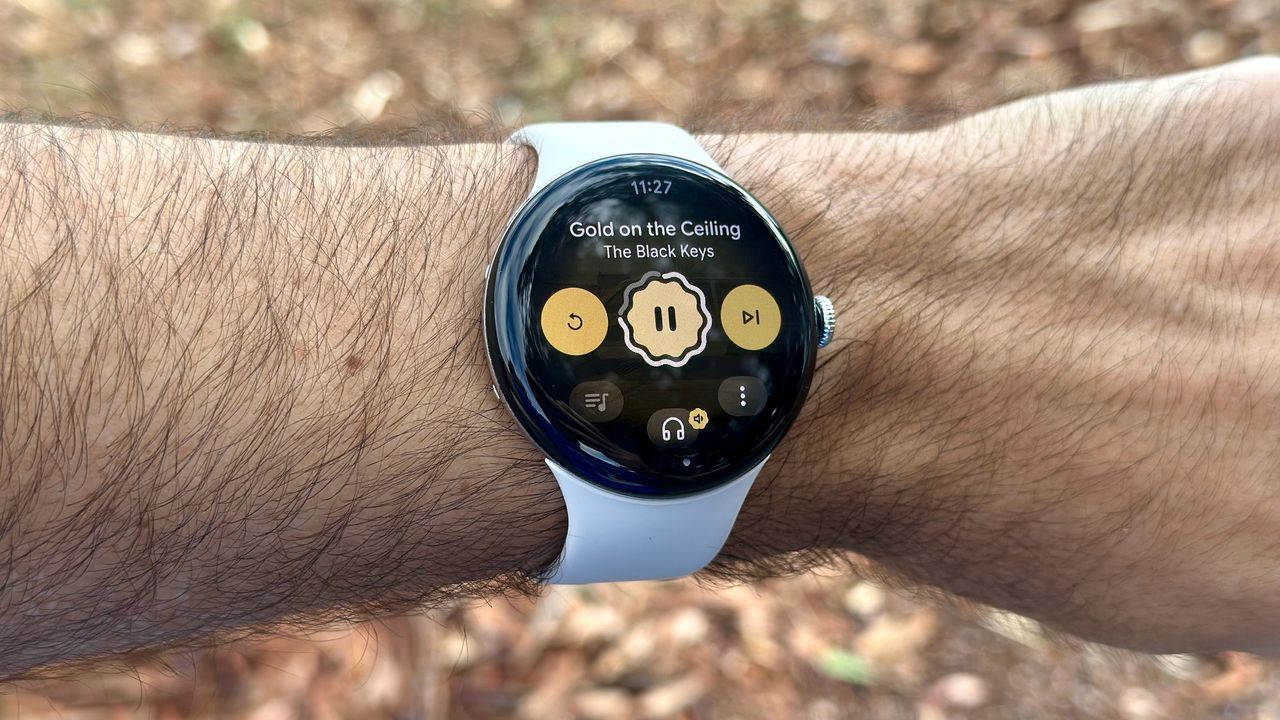
Google promises the Pixel Watch 4 will last 30 or 40 hours per charge, depending on the size you pick. I put my Pixel Watch 4 45mm LTE through several rounds of battery tests over the past month, so I can tell you before you pay extra for size or cellular how long the Watch 4 really lasts, particularly for demanding tasks like music streaming or GPS workouts.
Long story short, anyone upgrading from a Pixel Watch 1 or 2 is going to be pleasantly shocked by how much extra power they're getting.
I touched on battery life in my Google Pixel Watch 4 review, but I didn't dive into specific use cases like phone calls or cellular streaming. The table below breaks down what to expect from a Pixel Watch 4 45mm.
(Since I didn't have a 41mm model to test, we can only assume that it would last about three-quarters as long in most circumstances.)
Enjoy our content? Make sure to set Android Central as a preferred source in Google Search, and find out why you should so that you can stay up-to-date on the latest news, reviews, features, and more.
Scenario |
Percentage of Pixel Watch 4 battery usage |
|---|---|
Sleep tracking |
Test 1: 10% in 8 hours (1.25%/hour) Test 2: 7% in 7 hours (1%/hour) |
Phone call (Wi-Fi/ speakers) |
12% in 26 minutes (About 4 hours max) |
Streaming music (Wi-Fi/Bluetooth) |
11–12% in two tests (About 8 hours max) |
Streaming music (LTE/Bluetooth) |
18% in 1 hour (About 5.5 hours max) |
Streaming (LTE/Bluetooth) & dual-band GPS |
28% in 1 hour (About 3.5 hours max) |
Dual-band GPS for running or walking |
8–12% per hour across five tests (About 8–10 hours max) |
My "max" estimates are only extrapolations; it's possible that hours of sustained, heavy-duty apps will wear out the Pixel Watch 4 faster over time. You may experience a shorter estimate if you get more notifications than I do, or if you're actively using Gemini or other apps simultaneously.
With those disclaimers out of the way, Pixel Watch 4 battery life has felt very consistent and dependable across weeks of testing. I find that the Watch 4 45mm nearly always reaches Google's 40-hour estimate with AOD active, with battery to spare. Unless you're frequently streaming music or using GPS, it's reasonable to assume you'll hit two days per charge.
I used GPS most frequently for my Pixel Watch 4 fitness testing, coming away impressed with its minimal impact on overall battery life, despite its increased accuracy with dual-frequency tracking.
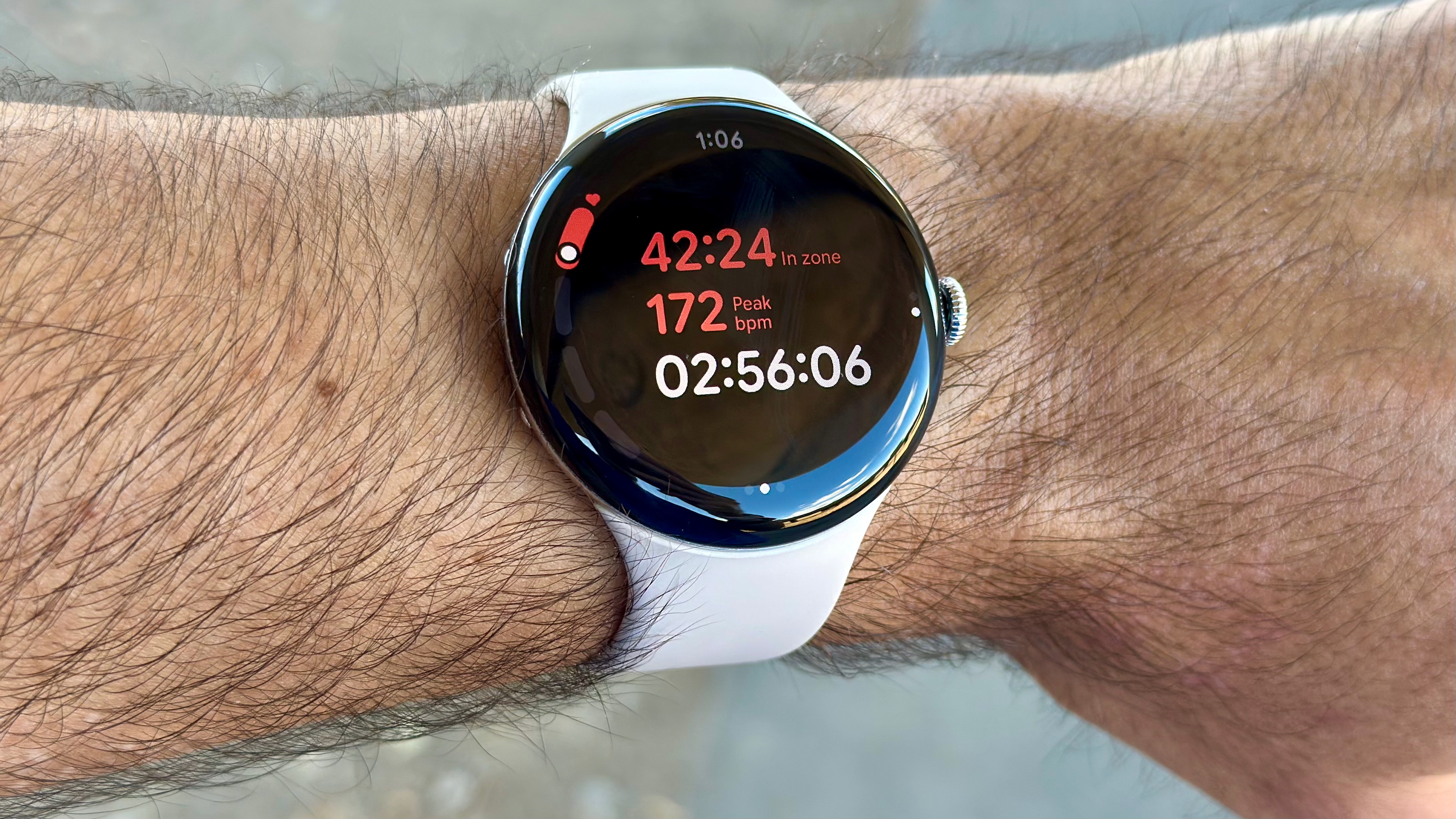
Android Central contributor Tshaka Armstrong also has the Pixel Watch 4 45mm, and he told me he's "been getting around 42 hours battery life with an hour or more of GPS and an hour of streaming to earbuds." If you subtract the 20% or so of battery that his workout and streaming used, that means he made the Watch 4 last as long as Google's estimate, with only 80% power.
The biggest battery drain for the Watch 4 occurs when you use cellular data and GPS simultaneously. If you're a serious athlete who wants to leave your phone behind while streaming music, consider pre-downloading your playlists whenever possible and saving cellular data for emergencies.
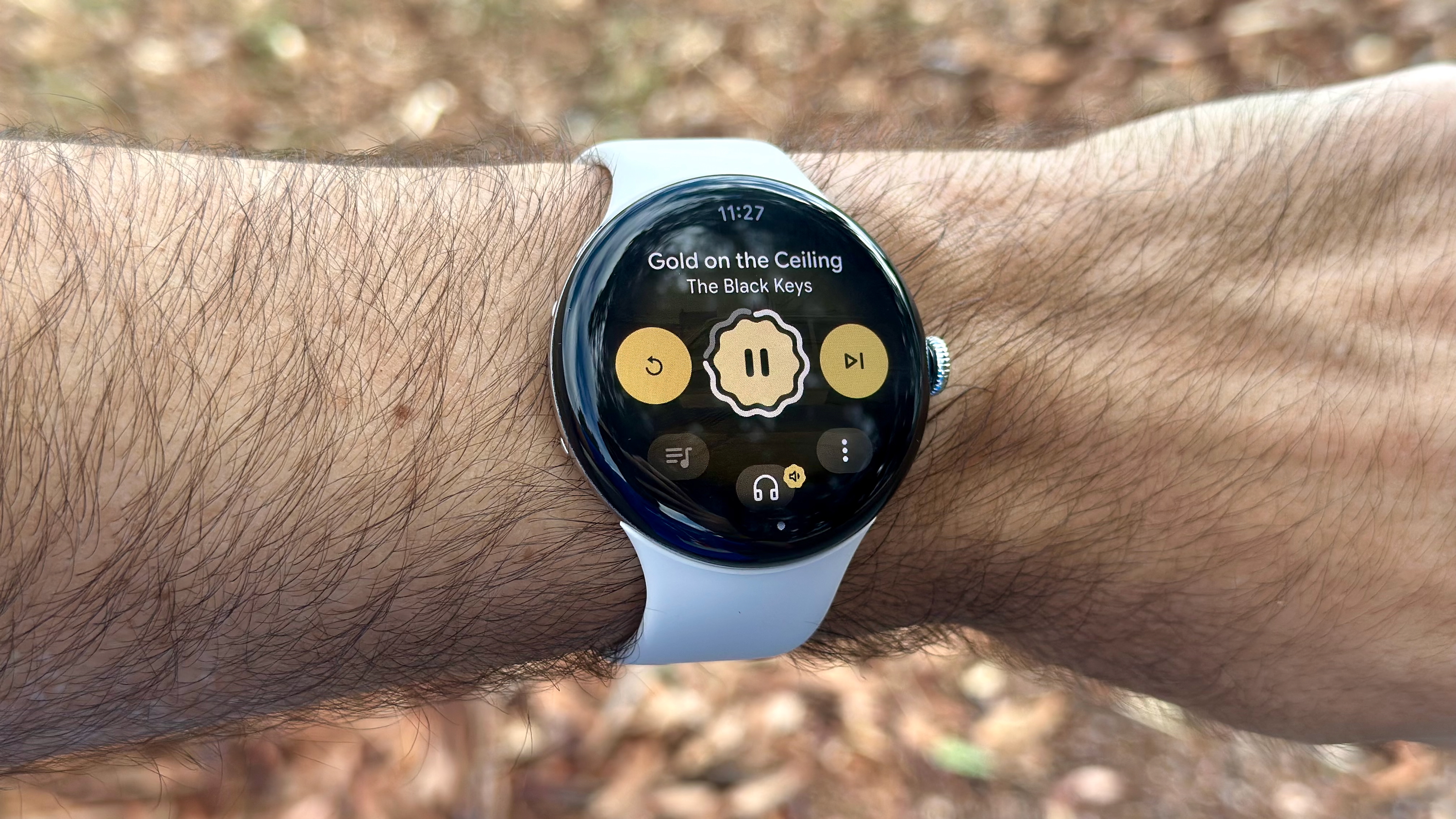
Still, you can make the Watch 4 last for a few hours even with heavy-duty usage, which is impressive.
On a typical workday where the Watch 4 isn't doing much besides showing notifications and tracking heart rate, it has excellent standby battery life. I've found that it tends to use about 15% of its power in eight "normal" hours, and even less at night. I'll typically end up with 10–15% power after 48 hours.
You'll use apps like Gemini that eat up that extra power, but it's nice to see how efficiently Wear OS 6 runs, combined with the more efficient Snapdragon W5 Gen 2 chip.
Equally important, the Pixel Watch 4 recharges absurdly fast thanks to the new Quick Charge Dock. Google estimates it'll take an hour to recharge the Watch 4 45mm, and it's typically much quicker unless you're charging it from a completely dead battery. For example, I plugged it in at 9% power, and it took 42 minutes to hit 100%.
Should you buy the Pixel Watch 4 45mm for extra battery life?
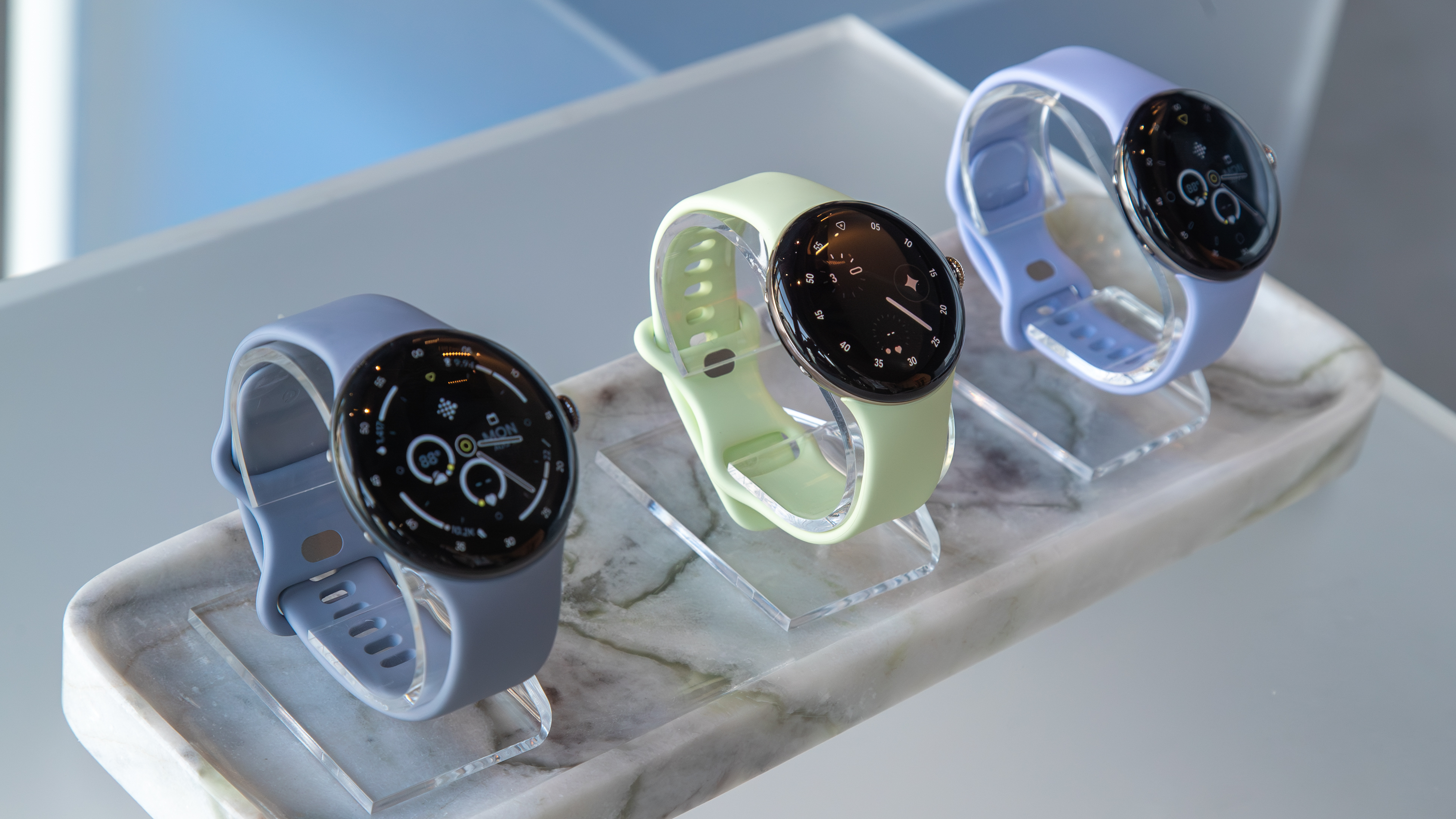
The Pixel Watch 4 45mm isn't as long-lasting as a OnePlus Watch 3 or Galaxy Watch Ultra, but it's more comfortable than either of those bulky models. But you may still prefer the Watch 4 41mm, which is about 12g lighter and $50 cheaper.
If we trust Google's estimate that the Pixel Watch 4 41mm lasts about three-quarters as long, we can infer that demanding apps will have a slightly disproportionate effect, especially when using cellular data.
Take any number in the table above and multiply it by 3/4: I'd bet the Pixel Watch 4 41mm would offer about 7 hours of GPS, 6 hours of Bluetooth streaming, or only 2.5 hours of combined GPS and LTE music streaming. These are only guesses, but they're logical ones.
More broadly, while the Pixel Watch 4 45mm can be stretched to last close to two days per charge, the Pixel Watch 4 41mm will still die somewhere in the middle of day two, unless you're conscientious about charging it regularly.
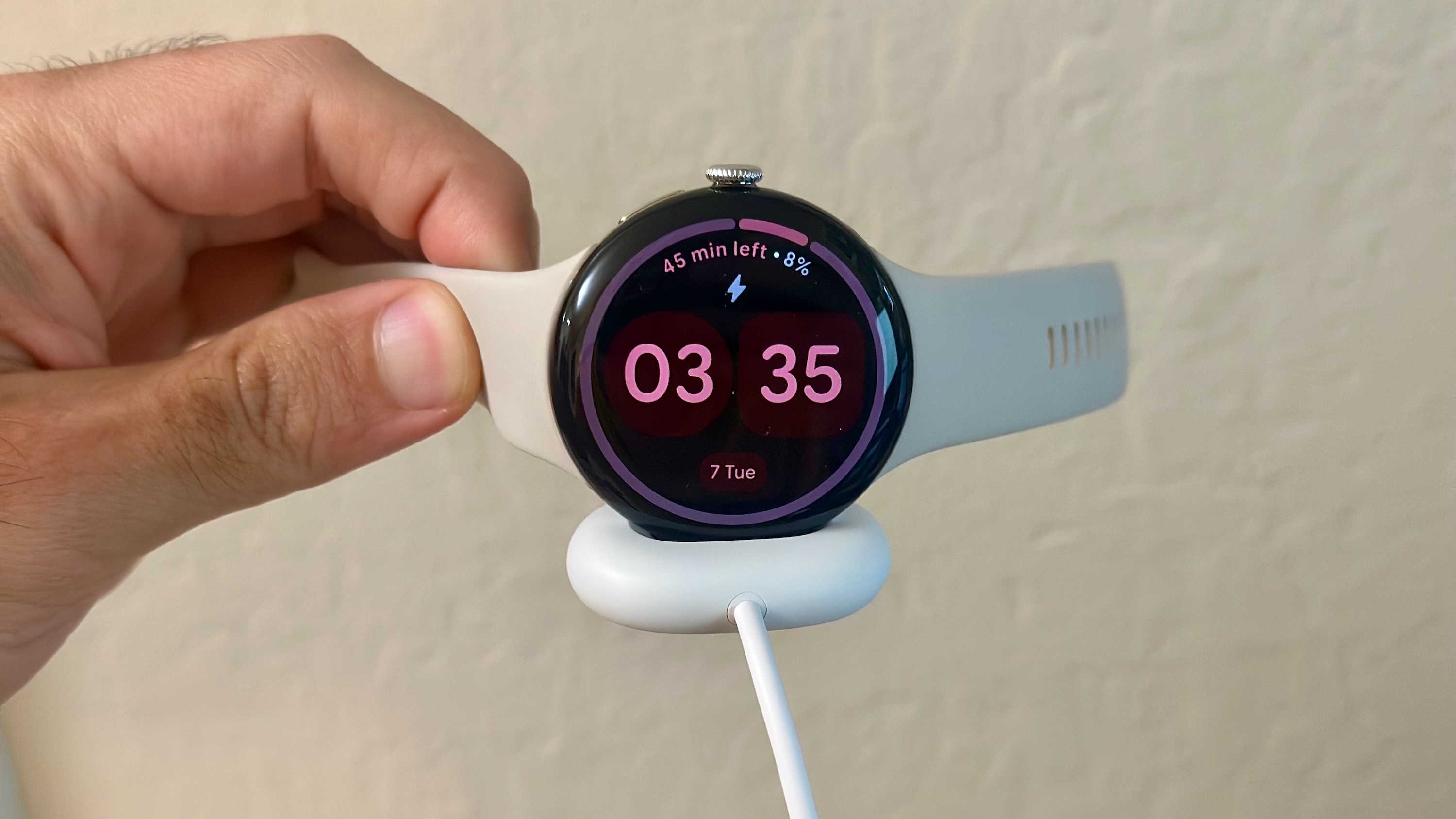
Thankfully, the speedy charging makes this simple. If you charge your Watch 4 every day while showering, you can top it off and barely spend any time without wearing it. If you're looking to save money, the 41mm option isn't a bad choice; I'd only advise against it if you're considering the LTE option, because the 45mm Watch's extra battery life really helps on that front.
I like the 45mm option because those extra ten hours of battery let me worry less about charging in general, and because Wear OS reflows content to show more info on larger screens. The upgrade isn't necessary, but it's certainly nice to have!
AI on your wrist
The Pixel Watch 4 isn't as long-lived as a traditional Fitbit, but it's significantly better than older Pixel Watches, and not just for battery life and charging speed. Gemini Raise to Talk, the brighter domed display, and satellite SOS will satisfy long-time Pixel Watch fans.
FAQ
What is the expected day-to-day battery life for the Google Pixel Watch 4?
Google estimates that the 41mm Pixel Watch 4 can last up to 30 hours on a single charge, while the 45mm Pixel Watch 4 can last up to 40 hours. These figures depend on using the watch in certain conditions.
What is the biggest battery drain on the Pixel Watch 4?
The most significant battery drain occurs when using cellular LTE data and dual-band GPS simultaneously. For example, streaming music over LTE while running a GPS-tracked workout consumed about 28% of the battery in one hour during our tests, indicating a maximum runtime of approximately 3.5 hours for this heavy-duty combination.
How can Pixel Watch 4 owners save battery life?
If you want to extend your Pixel Watch 4 battery life, one option is to turn off the AOD and use tilt-to-wake, although this uses more battery than touch-to-wake or rotating the crown to wake. You can also limit LTE use for emergencies and download playlists for untethered use while on runs. Other options include adjusting display brightness, vibration intensity, and utilizing the battery saver.