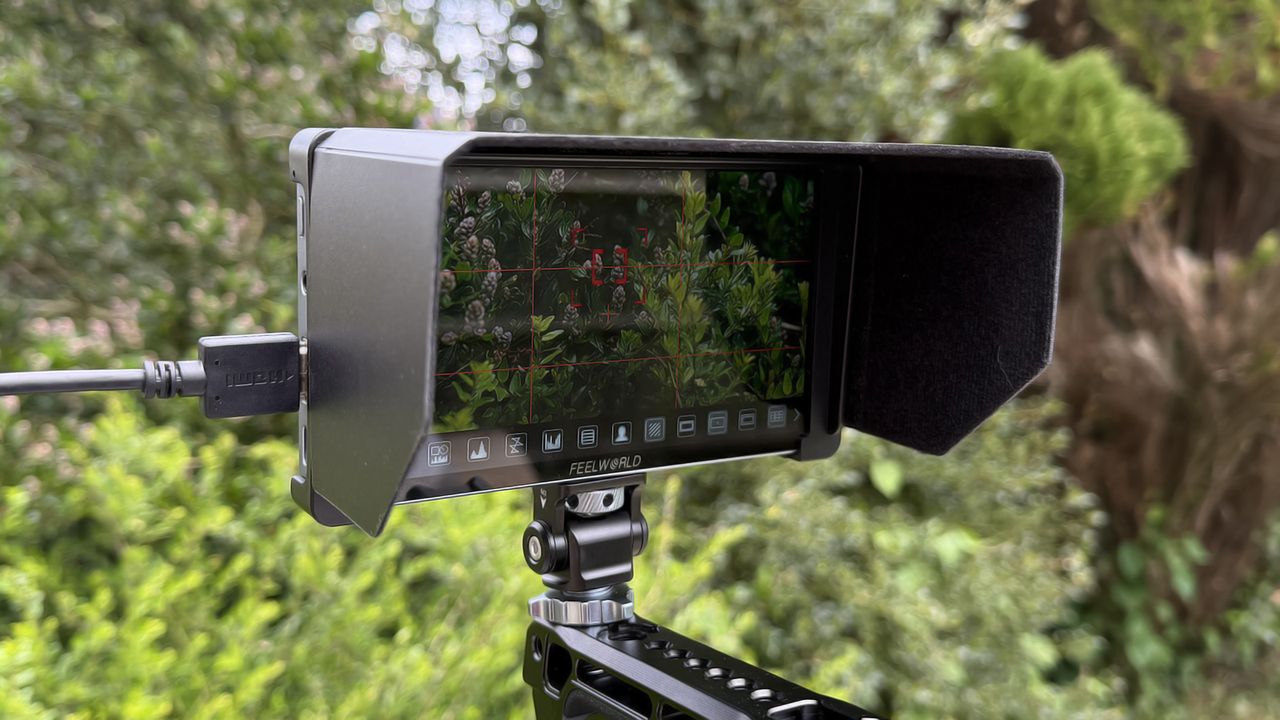
Field monitors, at every part of the cost spectrum, are ten a penny these days. You can buy a budget option for around a hundred pounds, or spend more than ten times that on a full-loaded pro model. But the differences between the low and high end seem to be diminishing in recent years. These days it’s easy to find a wallet-friendly monitor that has a full feature list, usable screen, and a pretty rugged build quality, so what’s next? Feelworld would have you believe that its P6XL could be the winner, when you start shortlisting your next purchase and for good reason. On paper, it does look to have it all, but a spec sheet is only part of the story. You can check our buyer’s guide to the best field monitors, but will the P6XL make the cut?
I spent some time with it mounted on my Sony A7R IV to give it a run for its money and I was, for the most part, pleasantly surprised.
Feelworld P6XL: Specifications
Power |
Built-in 22Whr battery |
Input |
>4k 60p |
Resolution |
1920x1280 |
Screen |
6in IPS |
Interface |
Touchscreen |
Weight |
332g |
Feelworld P6XL: Price
The Feelworld P6XL comes in at £199/$199 and considering the feature set, build quality and overall package, that’s a good deal, pitting it against other popular lower budget options like those from Viltrox.
Feelworld P6XL: Design & Handling
If I’m being honest, I wasn’t expecting much in terms of materials and build quality but how wrong I was! The P6XL has a sturdy aluminium body, which is nicely machined and finished in a soft grey/blue. I’m less a fan of the colour but that’s neither here nor there. There is only one single button to be found here and that is for power on/off. It feels fine but it’s a long press button, where I’d prefer a switch. That’s personal preference and being long press should avoid any accidental powering problems. When you boot it up you hear a quiet wiring from the cooling fans but it’s quiet enough not to be picked up by an on-camera mic.
Elsewhere you’ll find two USB-C ports. One for updates and one for power. There’s a 3.5mm headphone output and a single HDMI input. No SDI but at this price point that’s to be expected. I’d like to see a version with this included though.
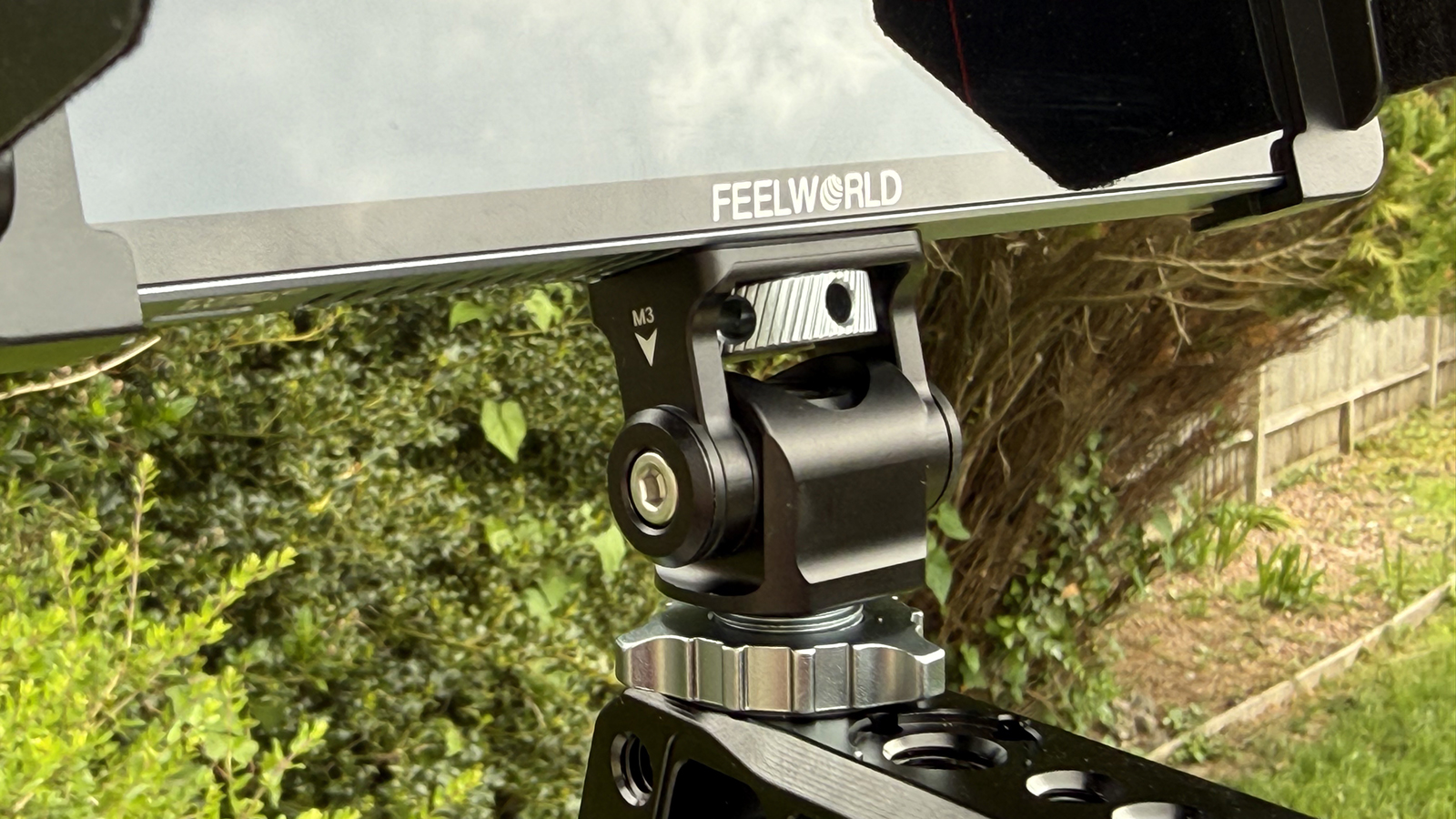
The P6XL ships with a clip on hood. It’s a little unrefined but once in place it does the job just fine and even has a felted interior to negate reflections.
The lack of buttons might put some off but the IPS touch screen is really rather good. It’s responsive and accurate, with no need to keep jabbing at it for a response. It has some gestures too which work equally well. The screen is split in two, so swiping up or down on the right adjusts volume, on the left adjusts brightness.
It’s often expected that cheaper devices skimp on the accessories, or supply substandard ones, however I was really pleased that the cold shoe mount here is fully metal, articulated and has a nicely designed thumbscrew to help you crank it down properly. The monitor side thumb wheel has holes so you can use a small tool to tighten it that two and the chassis of the monitor also has arri style recesses for anti twist pins. These small details make the Freeworld feel much more premium.
So, it looks good and feels good but does it actually function well?
Feelworld P6XL: Performance
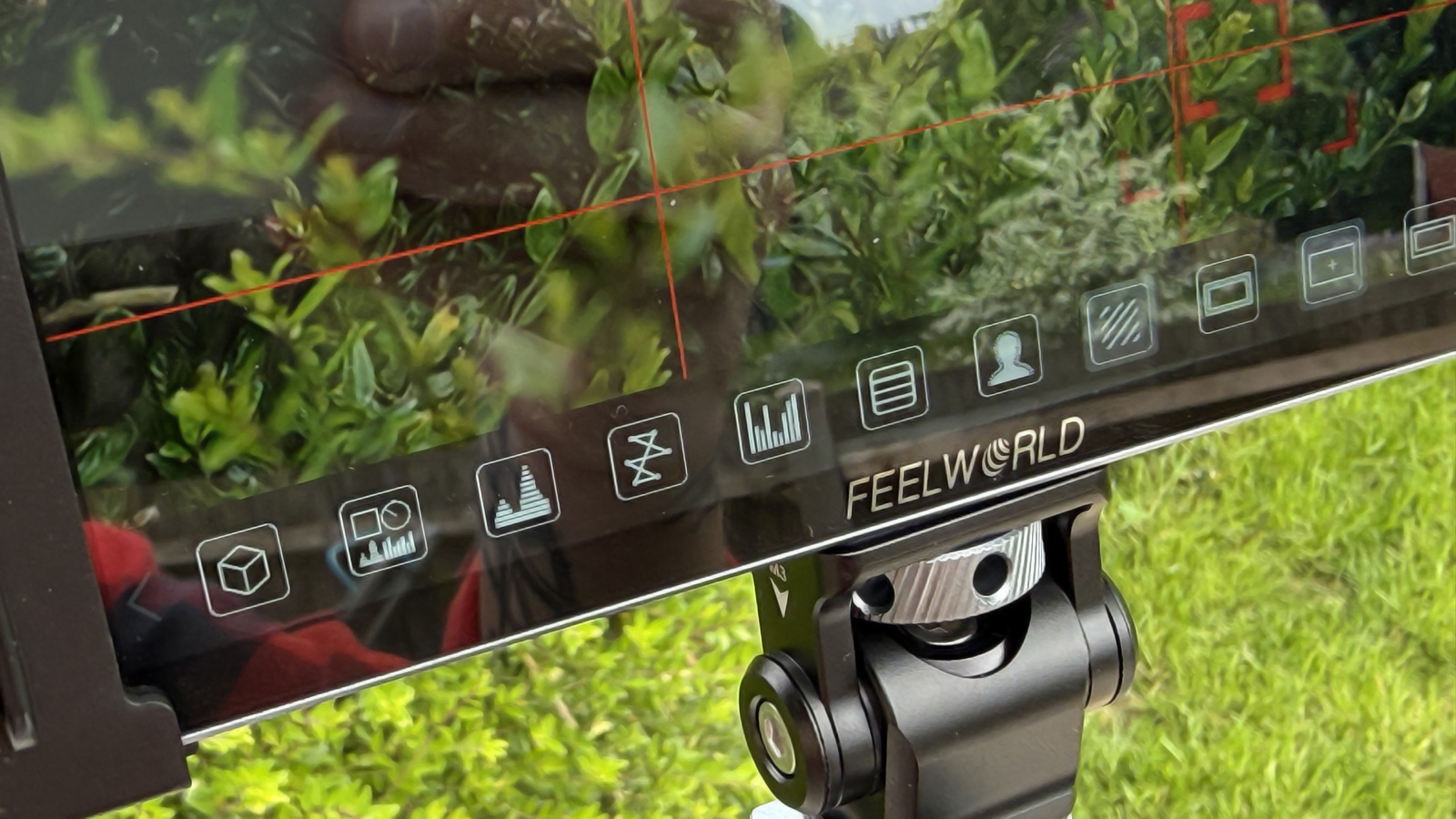
First up is the interface. Being completely operated by touch means the GUI needs to be spot on. Easy to navigate, responsive and logical. Luckily Freeworld has done a fine job here and, while you won’t find much text on show, the icons are all pretty standard and very easy to swipe through and activate or deactivate with a single click.
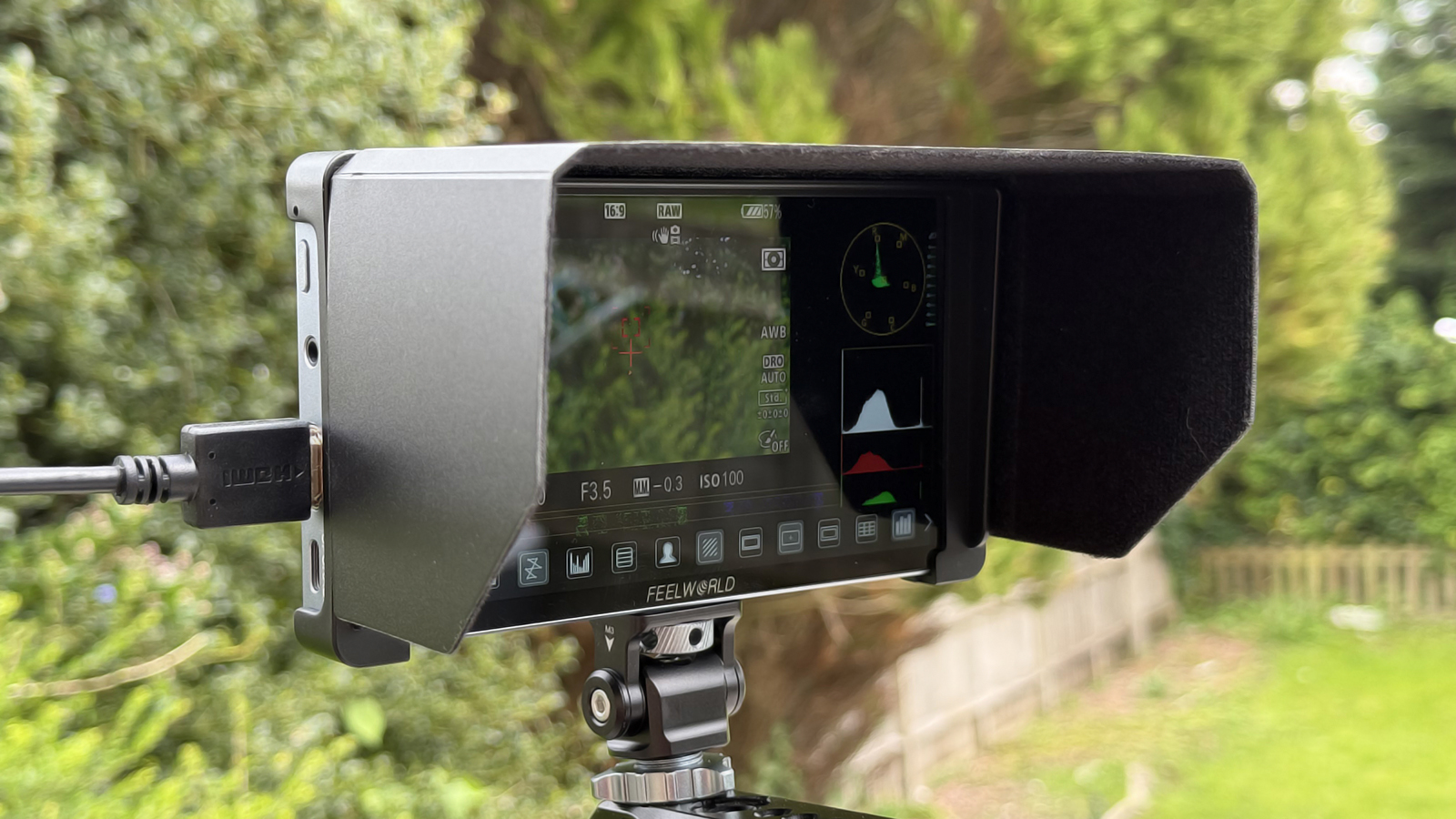
There are bucket loads of options to aid the shooting experience too, from simple zebras and peaking to false colour, vectorscopes, waveforms and more. You get markers for composition, safe zones and aspect ratio. Speaking of which you can shoot anamorphic with a number of common de-squeeze ratios supported. On top of that you can load and use up to 32 LUTs, so you can view your shots much closer to your final output.
The screen itself is pretty accurate, although not as comparable as some pricier options. It’s an 8 bit display and while it does support HDR I’m not entirely convinced how well it does this. It’s a nice feature to have though. Just know it isn’t a full reference monitor and you’ll be happy.
The single HDMI will take a 4K signal at up to 30p. Not the widest range but more than acceptable for most. Now, that 4K signal will be downscaled to Full HD to fit on the display but if you need to see full detail there is an option to punch in for pixel to pixel viewing and it works really well. If the P6XL was a 4K monitor it would be significantly more costly and this workaround strikes a great balance.
Ok, so let's talk about batteries. On the whole I think Freeworld has got it right for the majority of users but it won't be perfect for most. The battery is built in and rechargeable by USB-C. All good. If you shoot outdoors you’ll want the screen on full brightness, which is 1200 NITS. At this brightness you get around 2 hours, which is fine for a quick shoot here or there but you’ll need to account for this if your shoot is longer. It’s a better story for indoor use, where you don’t need to crank the screen. At 60% brightness you increase battery life to 3 hours. Much better but still not even half a working day. With most field monitors, you’d simply swap out an NPF battery and keep shooting but that isn’t an option here. Instead you’ll need to strap a power bank to your rig to keep shooting. Freeworld does supply a bracket to make doing this easier and sleeker. It’s an extra £20 but I would suggest doing so, even if you don’t plan any longer shoots. It’s a workable solution.
The downside is clear then but on the plus side having a built in battery means fewer items to pack and manage and, for all the gimbal users out there, the weight is more centered on the device, which could be handy. Not that you’d mount this on your camera when on a gimbal.
Overall the P6XL works very well indeed and to get this level of field monitor for under two hundred pounds is remarkable. This kind of quality and feature set would easily have cost four times as much not that long ago and I for one am very glad we have access to tools that aid our creativity at non eye watering expense. I’m just waiting for an SDI ‘pro’ version.
Feelworld P6XL Verdict
What’s not to like? At this price you really can’t complain about anything. The screen is bright and accurate, the interface is fantastic and it has every option you could want. The battery is a mixed bag but works well for most situations. Longer shoots might be a pain but overall you can’t go wrong with the P6XL. Highly recommended for the financially astute shooter.
|
Features ★★★★★ |
Feature rich and well implemented |
|
Design ★★★★★ |
Nice design and the touchscreen interface is excellent |
|
Performance ★★★★☆ |
If you can live with the power setup then you’re on to a winner |
|
Value ★★★★★ |
You don’t get better bang for your buck |