Starting a fitness routine can feel overwhelming. Beginners often struggle with questions like which exercises to do, how often to train, and how to build a consistent routine without getting injured or discouraged. Fortunately, modern fitness apps make it much easier to begin exercising safely and effectively.
The best beginner workout apps provide clear guidance, structured training plans, and easy-to-follow workouts designed for people who are new to fitness. Many also include video demonstrations, adjustable difficulty levels, and short workout sessions that fit into busy schedules.
Another major benefit is accessibility. Most beginner-friendly apps support home workouts with little or no equipment, making it possible to start exercising immediately without joining a gym.
In this guide, we review the best workout apps for beginners in 2026, highlighting the platforms that make it easiest to build healthy habits and stay motivated.
Quick Summary: Best Beginner Workout Apps
If you're new to fitness, these apps are among the easiest to start with.
Best Workout Apps for Beginners in 2026
- Nike Training Club — Best free beginner workout app
- MadMuscles — Best for structured beginner strength programs
- FitOn — Best guided workout classes
- Freeletics — Best bodyweight beginner workouts
- Peloton App — Best instructor-led training sessions
- Centr — Best beginner-friendly wellness programs
- JEFIT — Best for learning gym exercises
- Strong — Best simple workout tracker
- Adidas Training by Runtastic — Best home workout programs
- MyFitnessPal — Best companion app for nutrition tracking
Each of these apps helps beginners build confidence, learn exercises correctly, and stay consistent with their workouts.
What Beginners Should Look for in a Workout App
Not all fitness apps are beginner-friendly. The best apps for new users typically include several key features.
1. Clear Exercise Instructions
Beginners need clear guidance on how to perform exercises safely. The best apps provide:
- video demonstrations
- step-by-step instructions
- muscle group explanations
These features help users avoid common mistakes.
2. Structured Training Programs
Instead of random workouts, beginners benefit from structured programs that gradually increase intensity.
Programs usually start with:
- short workouts
- basic exercises
- manageable training schedules
This approach helps users build confidence and avoid burnout.
3. Adjustable Difficulty Levels
Beginner-friendly apps should allow users to customize workouts based on their fitness level.
Many apps include:
- beginner, intermediate, and advanced difficulty levels
- shorter workouts for busy schedules
- options for minimal equipment
4. Motivation and Progress Tracking
Starting a new fitness routine requires consistency. Apps that track progress and provide reminders can help beginners stay motivated.
Common features include:
- workout streak tracking
- reminders and notifications
- progress charts
Best Workout Apps for Beginners in 2026
1. Nike Training Club

Best free workout app for beginners
Nike Training Club remains one of the most accessible fitness apps available today. It includes hundreds of guided workouts designed for different fitness levels.
Many beginner workouts require minimal equipment and can be done at home.
Key Features
- 200+ guided workouts
- beginner to advanced programs
- strength, cardio, yoga, and mobility sessions
- trainer-led instruction
Pros
- completely free
- beginner-friendly programs
- high-quality video guidance
Cons
- limited workout customization
- fewer advanced tracking features
Best For
People starting their fitness journey who want guided workouts without paying for a subscription.
2. MadMuscles
Best structured beginner strength app
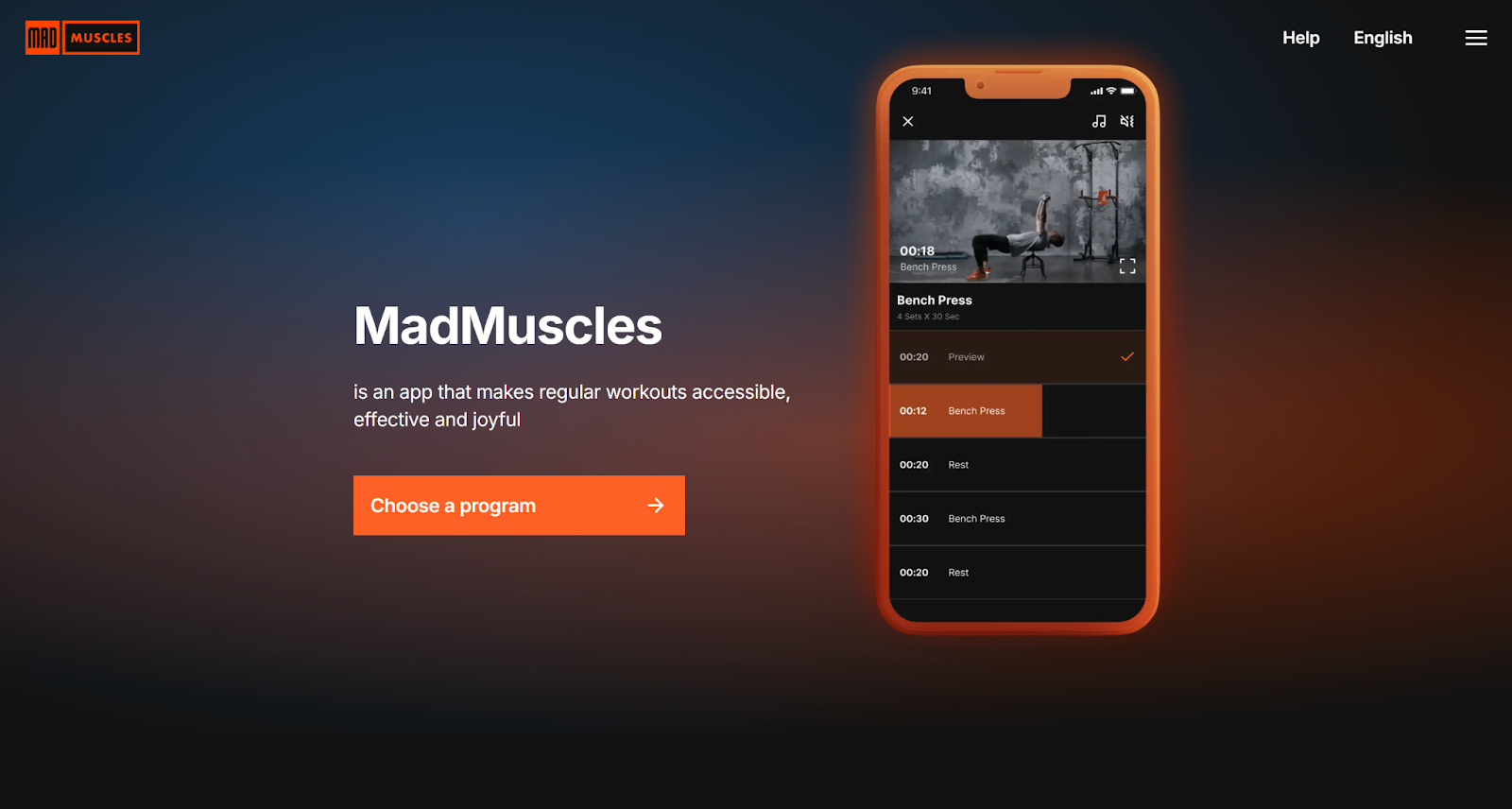
MadMuscles focuses on structured workout programs designed to help beginners gradually build strength and improve fitness.
The app creates personalized workout plans based on fitness level, goals, and available equipment. This structured approach is helpful for beginners who are unsure how to design their own workouts.
Key Features
- personalized workout plans
- structured strength programs
- adaptive training routines
- home and gym workout compatibility
Pros
- clear workout structure
- beginner-friendly training progression
- adaptable to different equipment setups
Cons
- premium features require subscription
- fewer community features
If you want to see how real users evaluate the platform, you can read MadMuscles app reviews from customers who've already reached their muscle-building goals.
Best For
Beginners who want structured strength training plans rather than random workouts.
3. FitOn

Best guided workout classes
FitOn offers a large collection of video-based workouts led by professional trainers.
The app includes many beginner-friendly classes that focus on strength, cardio, yoga, and mobility.
Key Features
- trainer-led workouts
- celebrity instructors
- live and on-demand classes
Pros
- engaging coaching style
- wide variety of workouts
Cons
- limited strength progression tracking
Best For
Beginners who enjoy studio-style workout classes at home.
4. Freeletics

Best bodyweight beginner workouts
Freeletics specializes in bodyweight workouts that require little or no equipment.
Many workouts are designed specifically for beginners.
Key Features
- bodyweight training programs
- adaptive workouts
- minimal equipment required
Pros
- excellent for home workouts
- scalable intensity
Cons
- limited strength training with weights
Best For
Users who want simple bodyweight workouts.
5. Peloton App
Best instructor-led workouts
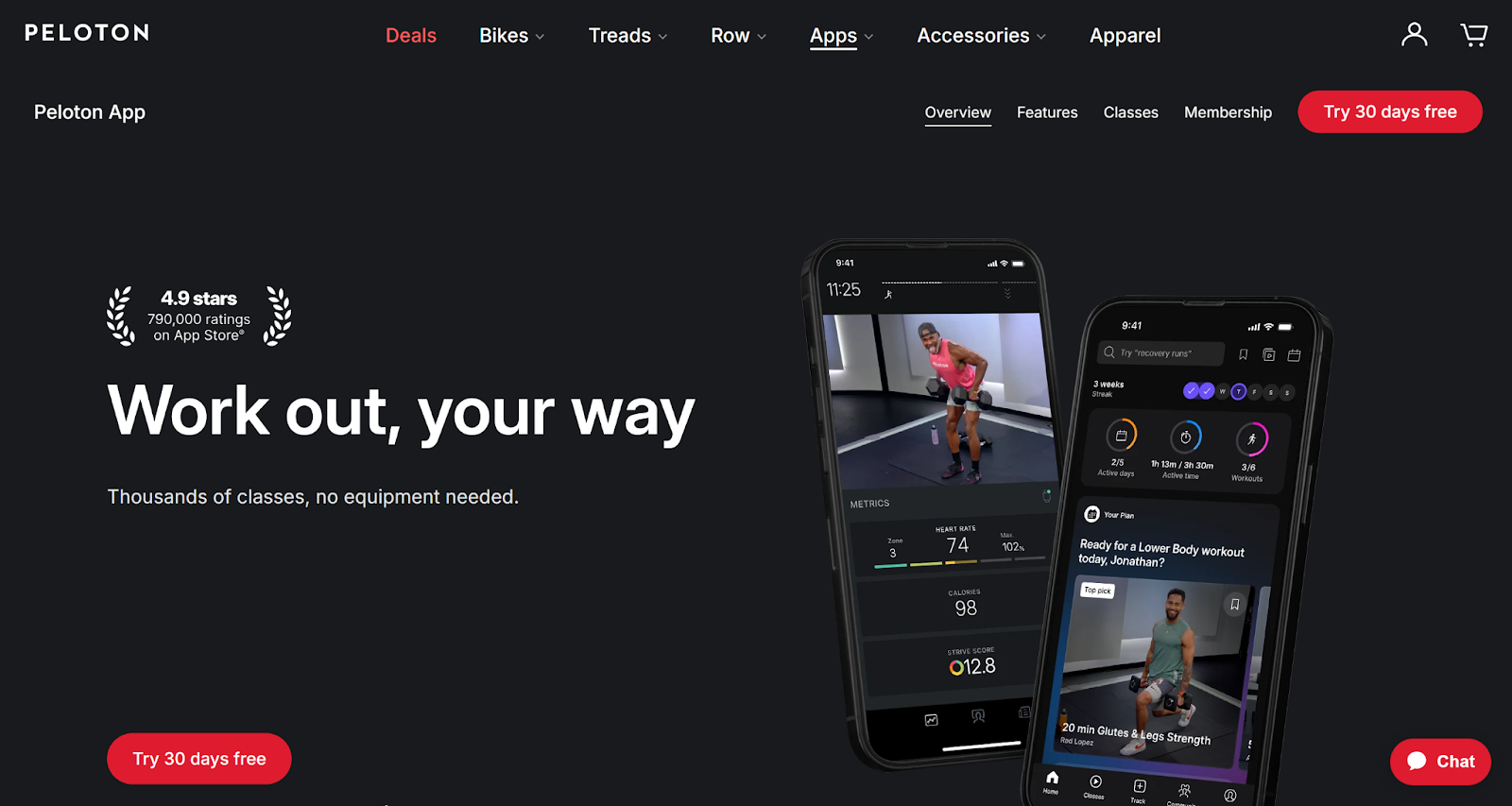
The Peloton app includes a large library of guided classes, including strength training, cardio, yoga, and stretching sessions.
The instructor-led format makes workouts more engaging for beginners.
Key Features
- professional instructors
- live and recorded classes
- multiple workout categories
Pros
- motivating coaching style
- structured workout sessions
Cons
- subscription required for full access
Best For
Beginners who enjoy interactive coaching.
6. Centr

Best holistic beginner fitness program
Centr combines workout programs, nutrition advice, and mindfulness training.
The app provides beginner-friendly programs that help users develop healthy habits.
Key Features
- strength and cardio workouts
- meal planning guidance
- recovery and mindfulness content
Pros
- comprehensive wellness approach
- structured beginner programs
Cons
- subscription required
Best For
Users who want a complete lifestyle fitness program.
7. JEFIT
Best for learning gym exercises
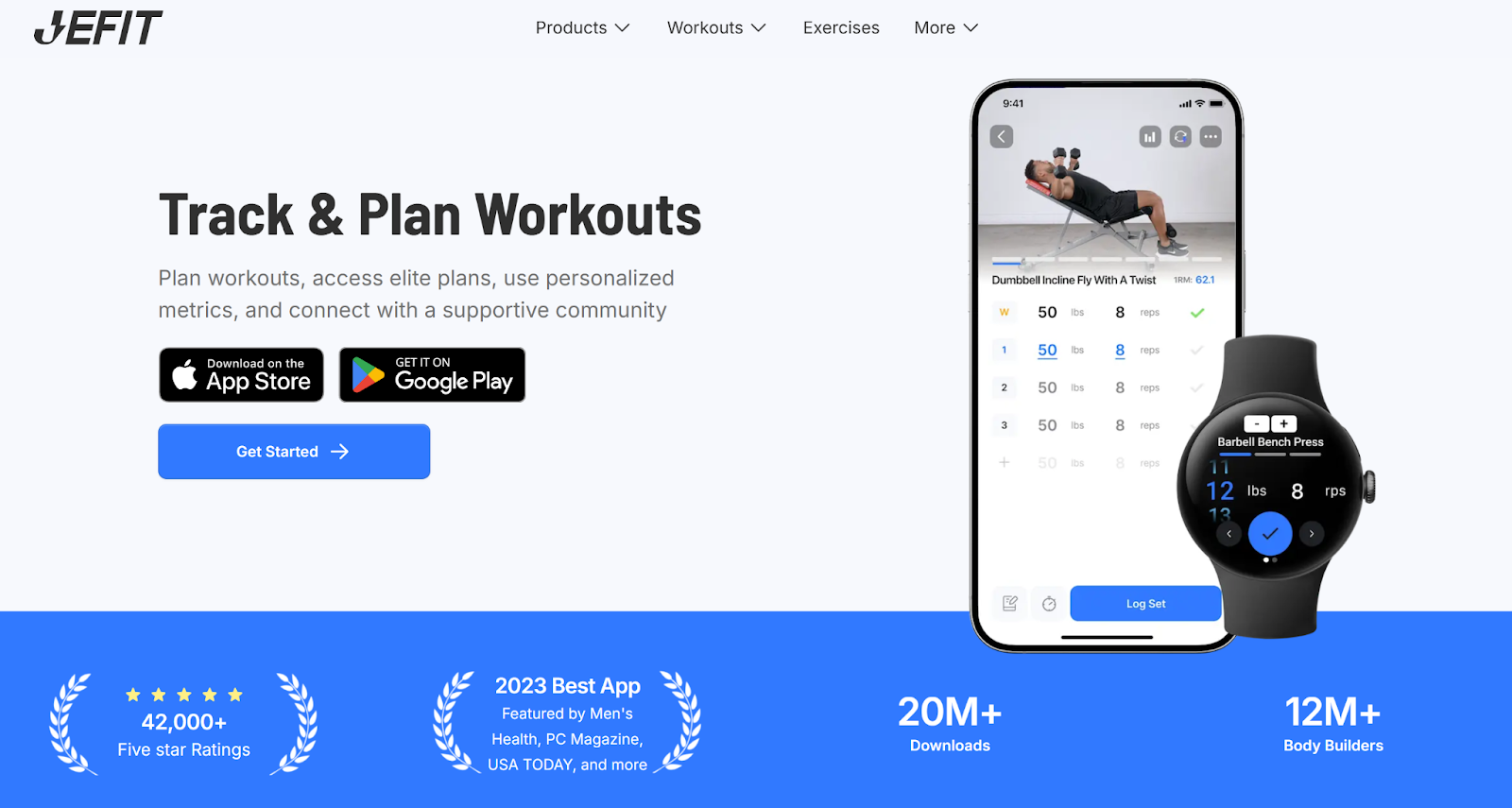
JEFIT includes a large exercise database that helps beginners learn proper gym techniques.
Key Features
- exercise library with video demonstrations
- customizable workout plans
- strength tracking
Pros
- excellent educational resources
- strong workout customization
Cons
- interface may feel complex for beginners
Best For
Beginners who want to learn gym exercises and strength training.
8. Strong
Best simple workout tracker
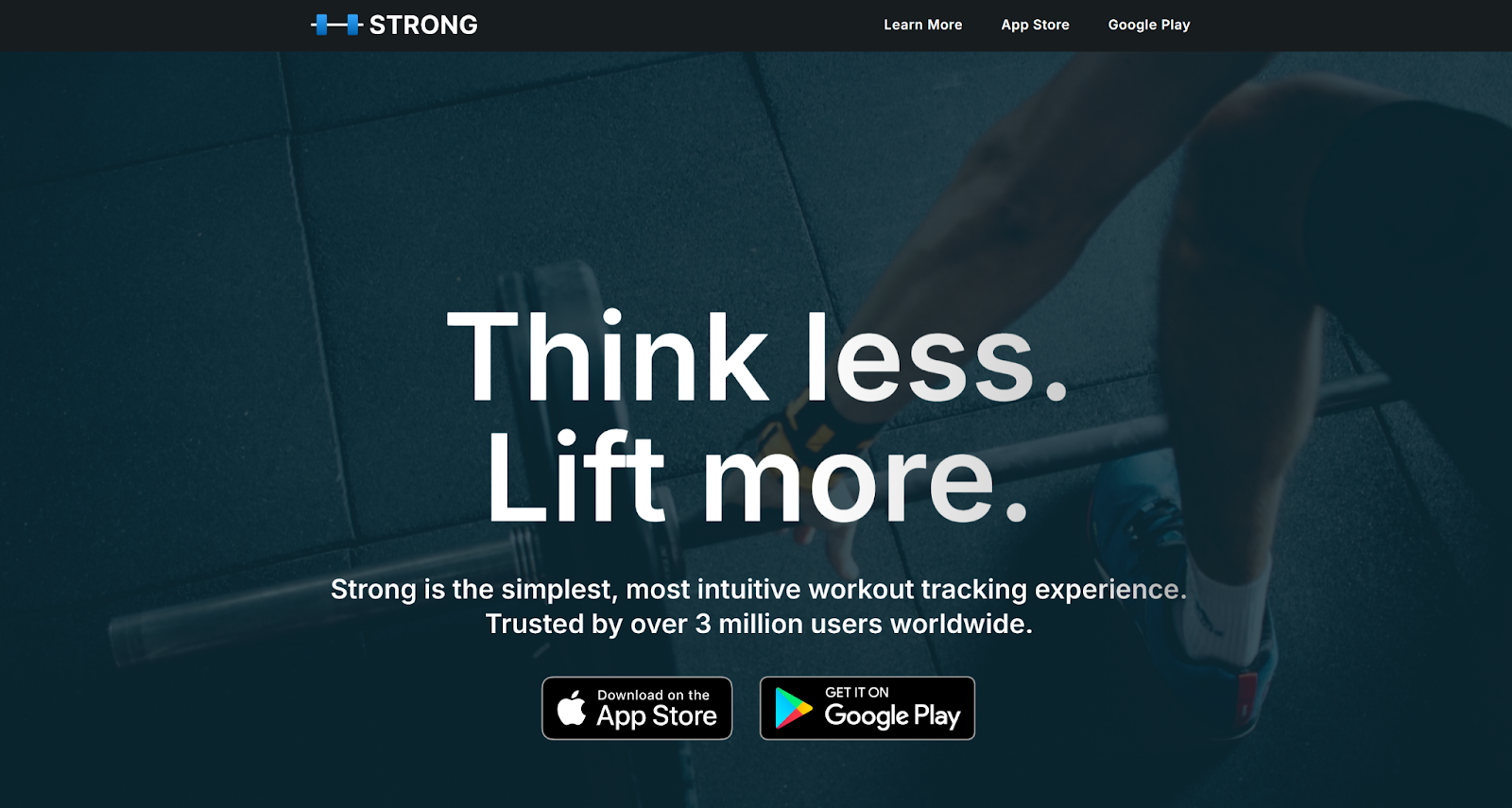
Strong is a minimalist workout logging app designed to track strength training progress.
Key Features
- fast workout logging
- progress tracking
- customizable exercises
Pros
- simple interface
- effective for strength tracking
Cons
- no guided workouts
Best For
Beginners who want simple workout tracking tools.
9. Adidas Training by Runtastic
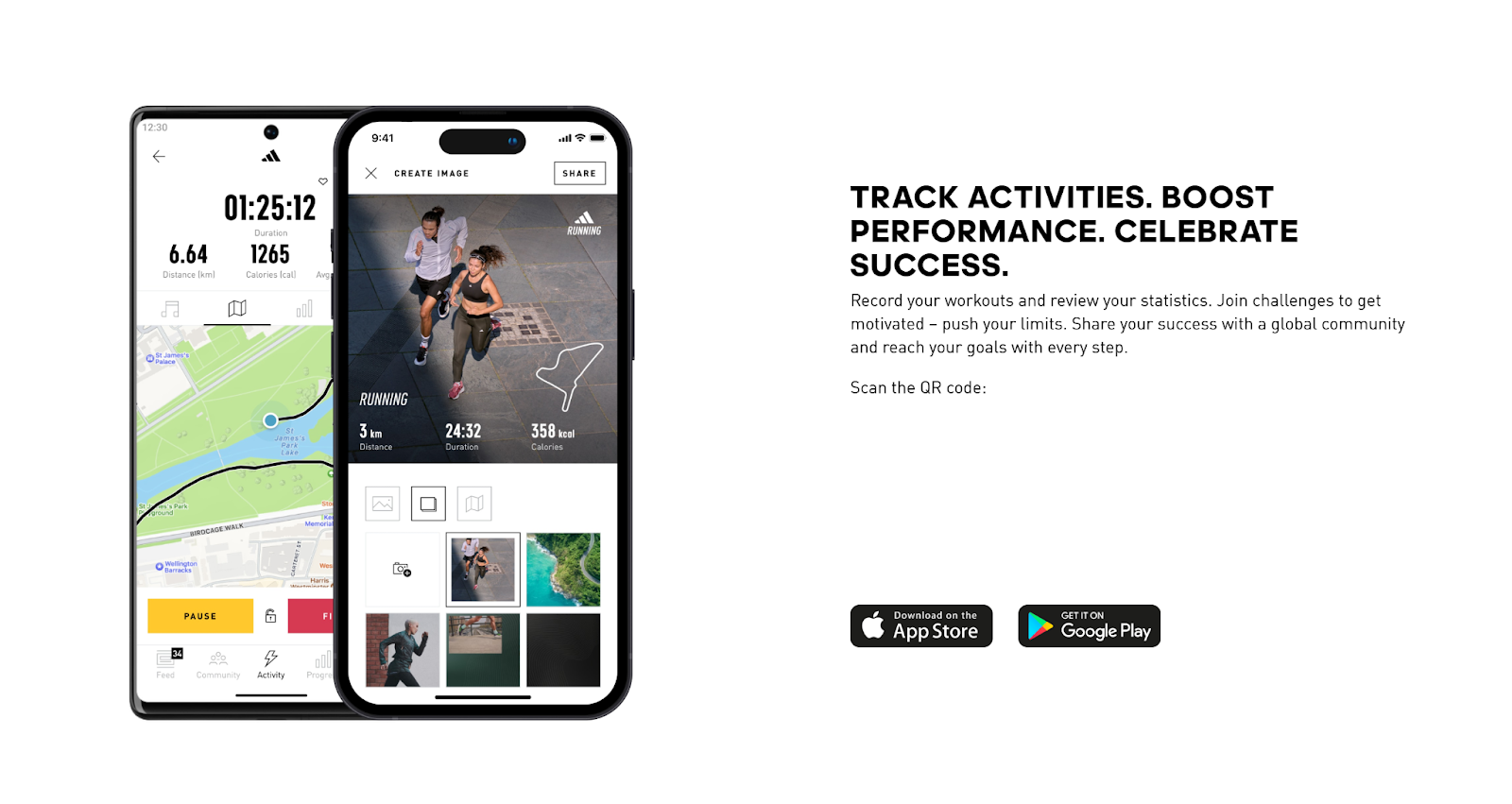
Best beginner home workouts
Adidas Training offers structured bodyweight programs designed for beginners.
Key Features
- bodyweight training plans
- workout challenges
- progress tracking
Pros
- beginner-friendly workouts
- minimal equipment required
Cons
- fewer advanced training features
Best For
Users who prefer simple home workout routines.
10. MyFitnessPal

Best beginner nutrition companion app
Although MyFitnessPal focuses on nutrition tracking, it is widely used alongside fitness apps.
Tracking food intake helps beginners understand how diet affects fitness progress.
Key Features
- calorie tracking
- large food database
- nutrition insights
Pros
- powerful nutrition tracking
- useful for weight management
Cons
- limited workout programming
Best For
Beginners who want to combine fitness with nutrition tracking.
Tips for Beginners Using Workout Apps
Starting a fitness routine becomes easier when you follow a few basic guidelines.
Start Slowly
Begin with shorter workouts and gradually increase intensity.
Focus on Technique
Learning proper exercise form helps prevent injuries.
Stay Consistent
Consistency matters more than intensity, especially for beginners.
Track Progress
Tracking workouts helps maintain motivation and measure improvement.
FAQs
What is the best workout app for beginners?
Nike Training Club is widely considered one of the best beginner fitness apps because it offers free guided workouts and beginner-friendly programs.
Can beginners build muscle using fitness apps?
Yes. Many apps include beginner strength programs that help users gradually increase strength and muscle mass.
Do beginners need equipment?
No. Many apps include bodyweight workouts that require no equipment.
Is MadMuscles good for beginners?
Yes. MadMuscles provides structured training plans that adapt to fitness level, making it suitable for beginners who want clear workout guidance.
Conclusion
Workout apps have made it easier than ever for beginners to start exercising. With guided workouts, structured programs, and progress tracking, these apps provide the support needed to build healthy fitness habits.
Apps like Nike Training Club offer free guided workouts, while platforms such as MadMuscles focus on structured strength training programs that help beginners develop long-term fitness routines.
The best approach is to start with beginner-friendly workouts, stay consistent, and gradually increase intensity as your fitness improves. With the right workout app, anyone can build a sustainable and effective fitness routine.