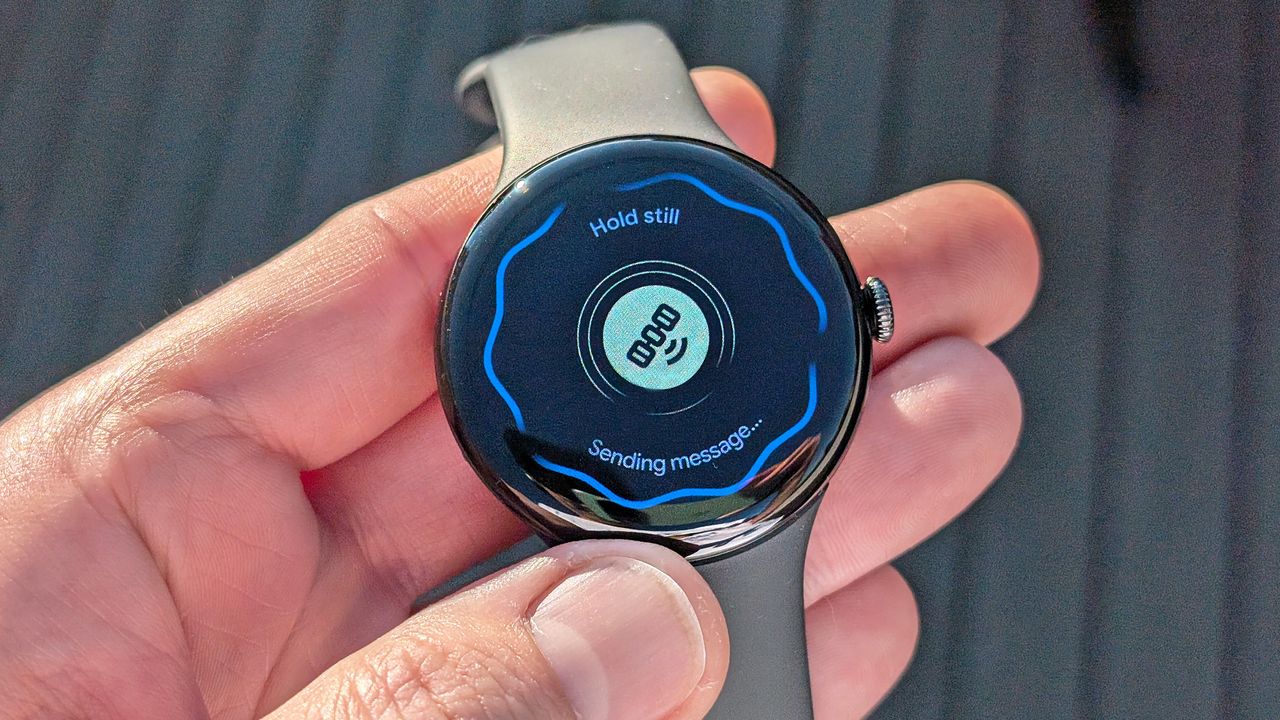
Picture this: You’re sound asleep, visions of sugar plums dancing, when all of a sudden you feel a strong vibration on your wrist accompanied by a piercing tone; your Google Pixel Watch has issued a ‘Take Action’ Earthquake Alert.
You roll out the bed, grab your chihuahua-dachshund mix, who’s sleeping on the floor beside you, and brace yourself under a table situated near the center of the bedroom, just as the shaking begins.
Google’s Earthquake Alerts — designed to give users anywhere from roughly 60 seconds to a minimum of several seconds advanced notice to prepare before an incoming seismic event — first launched on Pixel phones in 2021. Now, the feature is available on all second-gen Pixel Watch smartwatches and later via the latest firmware.
While your phone isn’t necessarily always on you, your smartwatch tends to be, making it a conceivably more useful form factor for receiving time-sensitive, potentially lifesaving, natural disaster-related updates.
To learn more about Earthquake Alerts on Pixel Watch, I interviewed Edward Shi, a senior product manager on Google's Pixel Safety Team, and Patrick Robertson, a software engineer on the same team who helped develop the feature.
How Google turned a smartwatch into an on-wrist earthquake detector
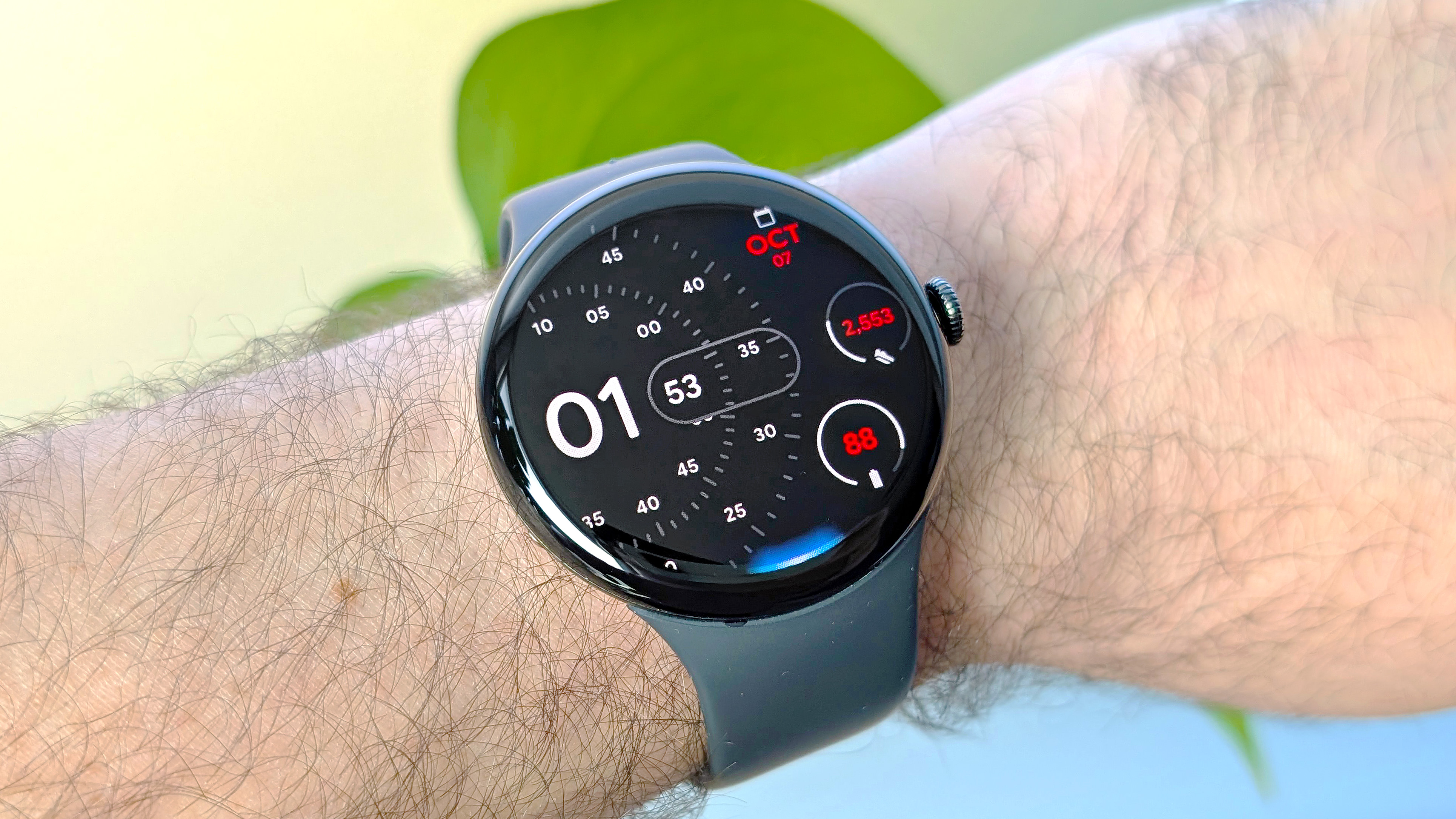
Earthquake Alerts on the Pixel Watch 2, 3, and 4 utilize the same system as modern Google Pixel smartphones, including the latest Pixel 10 Pro. For folks on the West Coast of the U.S., alerts are generated by the United States Geological Survey (USGS) ShakeAlert detection system.
“They use sensors, and they detect where the earthquake is, and then they send that information to us. We quickly reshuffle it and send it out to the phones, and now, of course, wearables,” says Patrick Robertson.
For non-West Coast folks, i.e., everyone else — the Pixel Watch Earthquake Alert feature is supported in roughly 100 countries — Google relies on a rather cool/clever method to determine seismic activity.
We use the phones that are sitting and charging, idle and stationary. We turn them into mini seismometers, and we use their accelerometer sensors to detect shaking.
Patrick Robertson, Google Safety Team Software Engineer
“Outside of [West Coast] states, we have a crowdsource-based system, where we use the phones that are sitting and charging, idle and stationary. We turn them into mini seismometers, and we use their accelerometer sensors to detect shaking,” says Robertson.
“When a phone thinks it's shaking in an earthquake, it sends the data to us. Then we do a lot of involved processing to essentially work out where the earthquake is and how strong it is. [Also, the] depth, latitude, longitude, and the origin time. And then we say, ‘OK, does this warrant an alert?’”
With what seems like more steps involved in verifying crowd-sourced earthquake data versus dedicated USGS earthquake sensor data, I was curious whether the latter had the potential to reach Pixel Watch users faster. According to Robertson, the answer is yes. However, we’re talking about a potential difference in delivery time of several seconds.
The USGS is currently the only government organization Google partners with for direct seismic data. However, it seems entirely plausible that we’ll see similar coordination in the future from like-minded global organizations, especially those in earthquake-prone regions.
Two levels of alert: one designed to get your attention no matter what
Once Google determines that a set of crowd-sourced shake data is legit, "we compute a geographical region [for notifications]," say Robertson.
“We have two levels of alerts, the ‘Take Action’ and ‘Beware’ alerts. Those alerts are sent to users in many cases before the shaking arrives, in some cases during the shaking. Then the user gets more information to really take precautionary action.”
Beyond the language of the alerts, how does the delivery method of a ‘Take Action’ versus ‘Be Aware alert’ vary for Pixel Watch users?
“There's a different level of urgency in which we deliver those particular alerts,” says Edward Shi. “So with the Take Action alert, that's the highest severity, the highest urgency level alert that we'll provide. In that sense, we're blaring all alarms to get your attention for that, [resulting in] sound and vibration. And then we break through different modes as well, like do not disturb, sleep, etc. This is a thing that we take very seriously,” says Shi.
Your Pixel Watch’s ‘Be Aware’ Earthquake Alerts, meanwhile, come through as a normal notification, obeying whatever do-not-disturb parameters you’ve set.
Smartwatches are ideal for critical safety alerts
Modern smartwatches have been around for a little over a decade, and in that time, I’d argue that they’ve largely evolved from communication-centric devices to ones that are more focused on your fitness, sleep, and safety than anything else.
In that sense, Earthquake Alerts on the Pixel Watch series join an already well-regarded set of peace-of-mind features, including Loss of Pulse Detection, Fall and Crash Detection, Satellite SOS messaging, and Safety Check.
So, what Pixel Watch safety features can we expect to see in the near future, based on recent support for Earthquake Alerts? Neither of my interviewees could speak to specifics, but when I brought up the topic of how Google might warn Pixel Watch owners of similar natural disasters, both seemingly lit up.
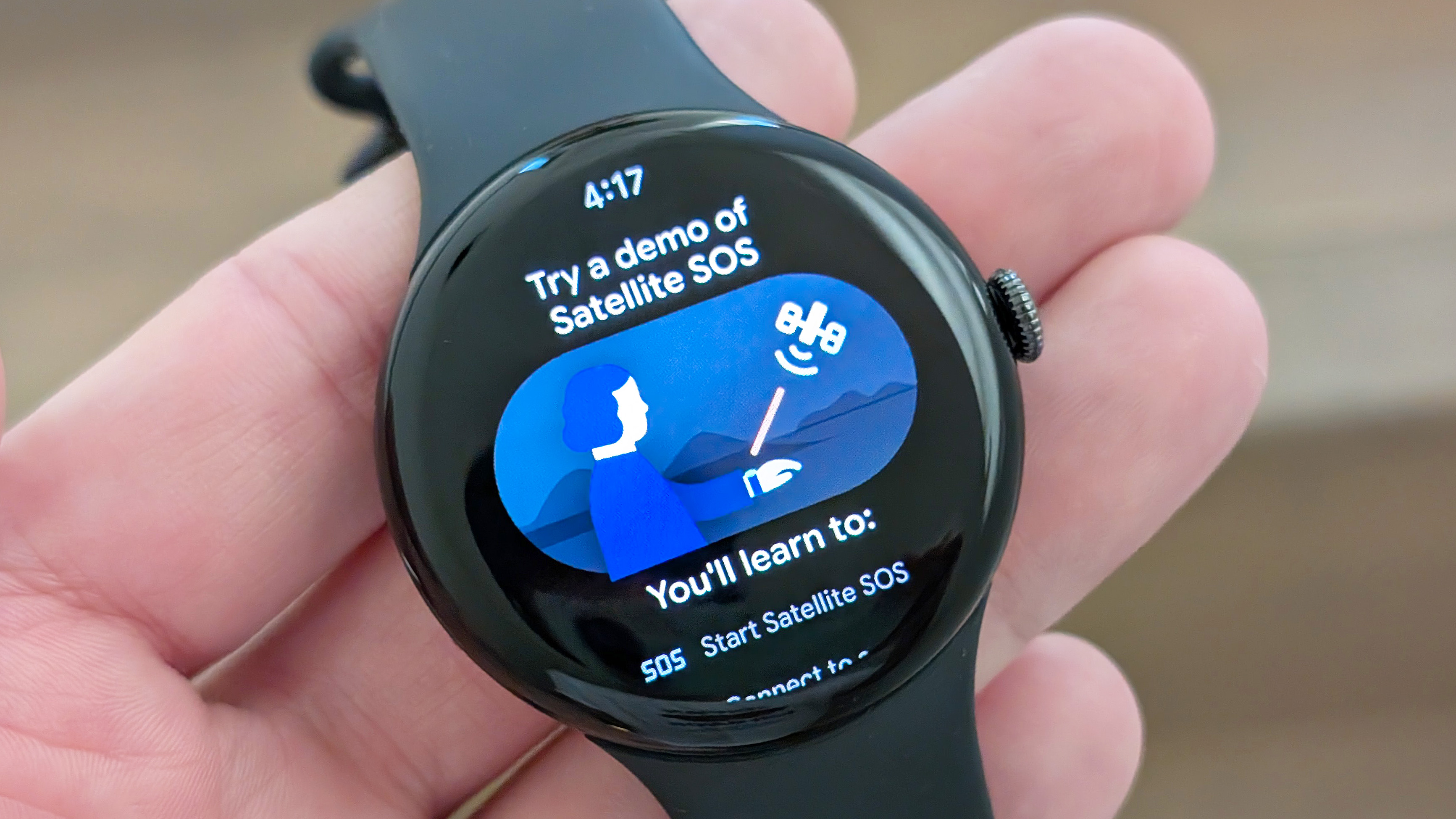
After all, whether you live on the West Coast of the U.S. or not, seismic activity is far from the only natural phenomenon one needs to consider. Moreover, I’d love to see Google and/or the competition launch parallel early-warning approaches for flash floods, tornadoes, wildfires, tsunamis, and landslides, to name a few.
Ultimately, your smartwatch, unlike your phone, tends to be on your wrist the vast majority of the day and night, making it the perfect platform for delivering such up-to-the-second, potentially lifesaving information. And as brands like Google, Apple, and Samsung add more of these features to their wearables, the draw to purchase one only gets more compelling.