- Link to Windows added new ways to connect your Android phone and PC.
- Link to Windows now supports locking a PC remotely.
- The app has also gained a "Recent Activity" section.
- You can now send files from your PC to your phone.
Controlling your Windows 11 PC with your Android phone just got a bit easier. A recent update to the Link to Windows app introduces the option to lock your PC remotely. It also brings an improved interface.
The update first appeared for users back in July, but at the time it was not available to everyone. It appears to have rolled out to more people. Windows Latest spotted the added functionality in Link to Windows after installing the update that shipped on December 8, 2025.
The "Lock PC" button in Link to Windows allows you to remotely lock your computer. There is not, however, an option to unlock your PC through Link to Windows.
It's a useful addition since it provides another way to lock your PC if you forgot to secure it before getting up in a public place. Windows 11 also has a built-in dynamic lock feature that I'd recommend to people who often step back from their PC when other people are around.
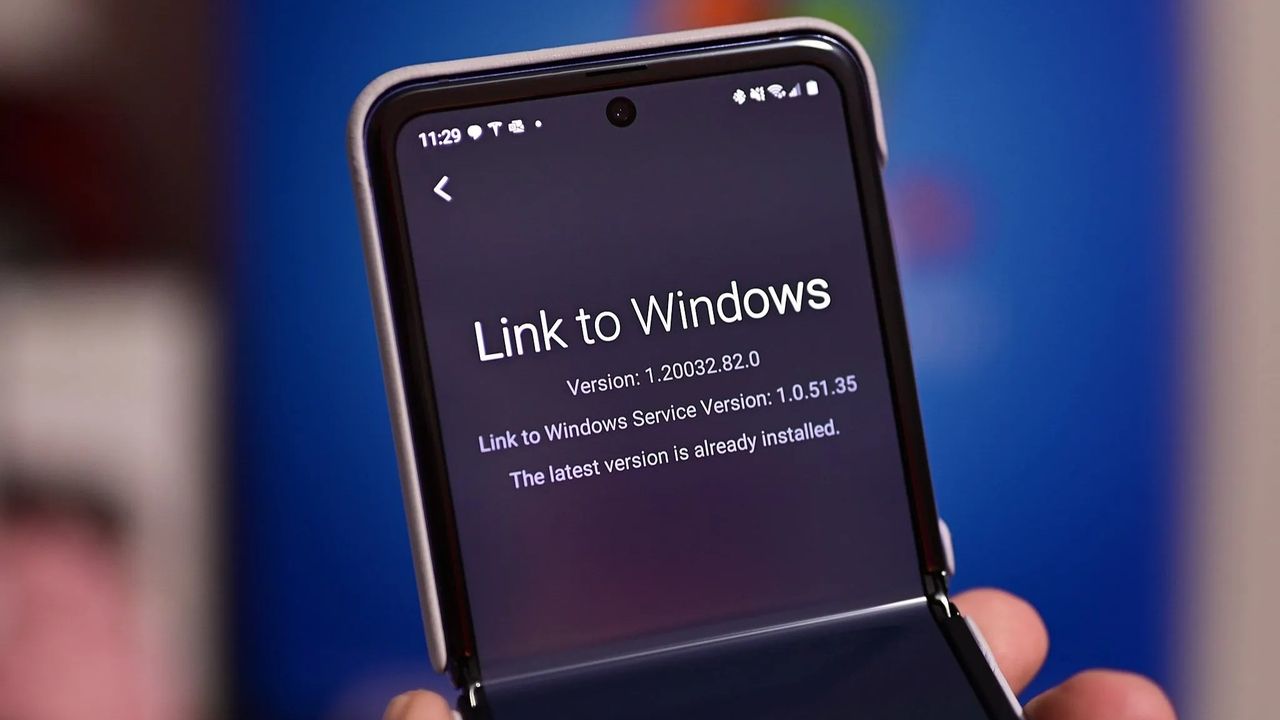
The new Lock PC feature and the improved interface started appearing with version 1.25071.165. The update that shipped on December 8 brings the app to version 1.25102.140.0.
The update revamps the app and adds a Recent Activity section that shows your most recent file transfers and shared photos. Copied text also appears there.
That screen also hosts the feature that lets you share files from your phone to your PC. Previously, file sharing only worked from a PC to a phone. Now it works in either direction.
Phone Link / Link to Windows is one of Microsoft's best new features of the last decade, though it remains more powerful when connected to an Android device.
Link to Windows is available on iOS as well, but deeper integration between your smartphone and PC requires an Android device. There are also some features that are exclusive to select devices.
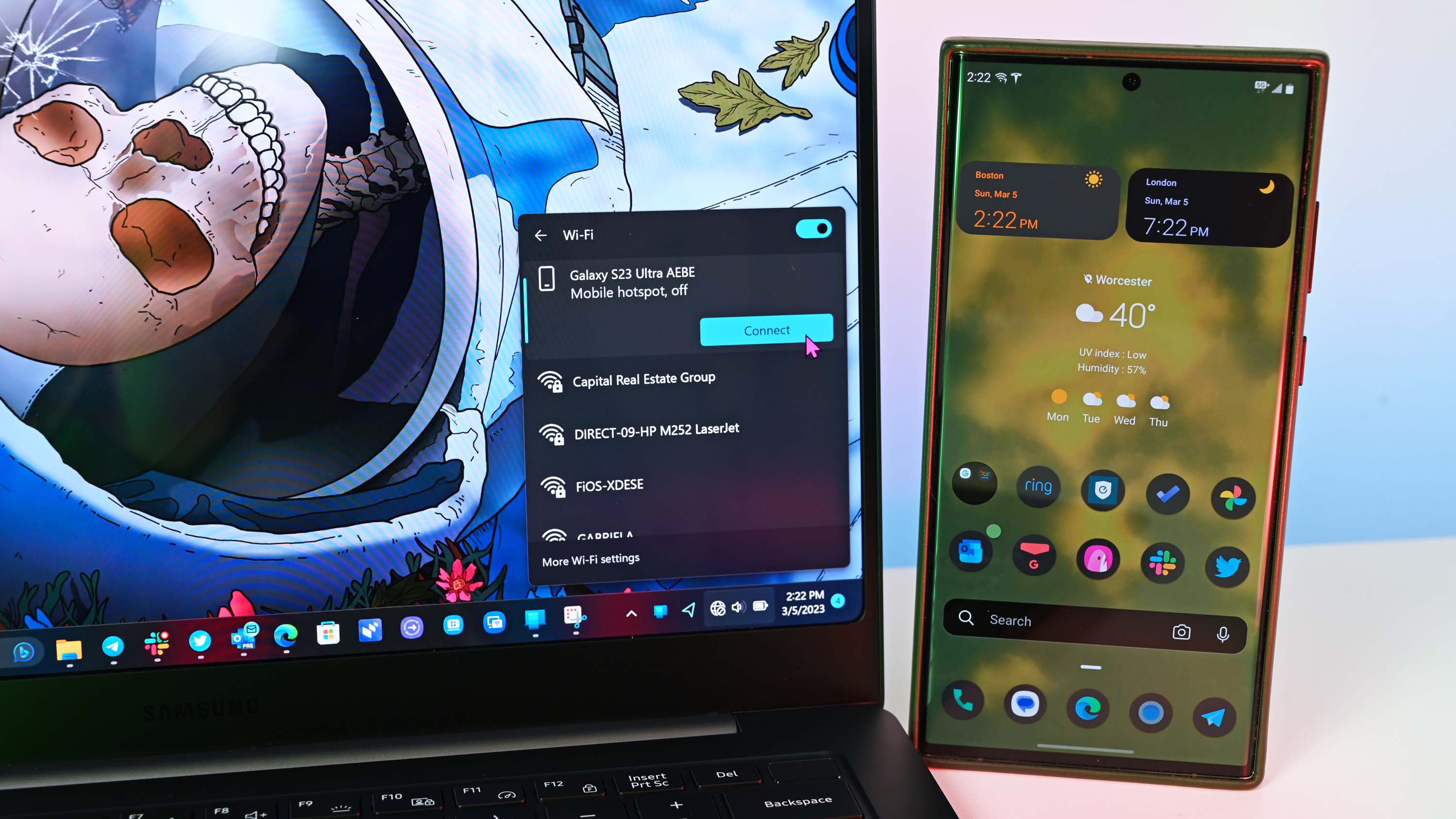
For example, if you have a supported Samsung laptop, you can automatically connect your phone's cellular connection to your PC through the Windows 11 flyout menu.
The Google Play listing for Link to Windows lacks a change log for its most recent update. There's a chance that some of these features shipped before December 8, but the additions are still worth highlighting.
What do you think? Should Microsoft prioritize unlock next, or is lock enough? Drop your thoughts in the comments.
Do you connect your smartphone to your PC? If so, which apps or features do you use? Let us know in the comments below.