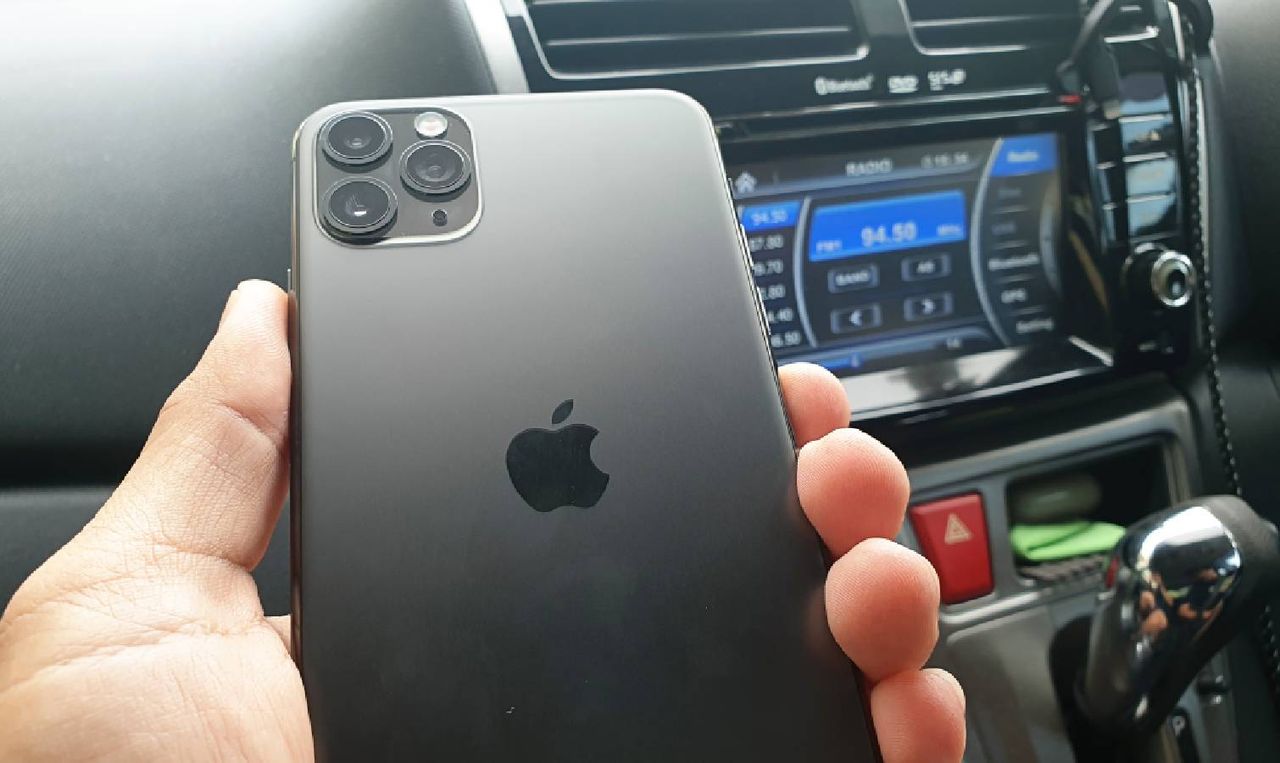
You probably have an old phone sitting in a drawer somewhere. Instead of letting it collect dust, you can repurpose it as a dashcam. The setup takes minutes, costs nothing if you already have a mount and charger, and creates a functional recording system that rivals budget dashcams.
You'll get loop recording, GPS timestamps, and footage that works perfectly for insurance claims or backing up your memories from the road. Here's how to do it.
Before you get started
You'll need an old phone, a free dashcam app like Droid Dashcam or Smart Dash Cam, a charging cable, a car charger, and a windshield or dashboard phone mount. If you already have these accessories, the entire setup is completely free.
The phone should have at least 32GB of storage to hold enough video footage. Wipe the phone completely to remove everything you don't need.
On Android, simply use the search bar at the top of your Settings app and type "Factory Reset." On iPhone, go to Settings, General, Reset, and Erase All Content and Settings.
How to turn your phone into a dashcam
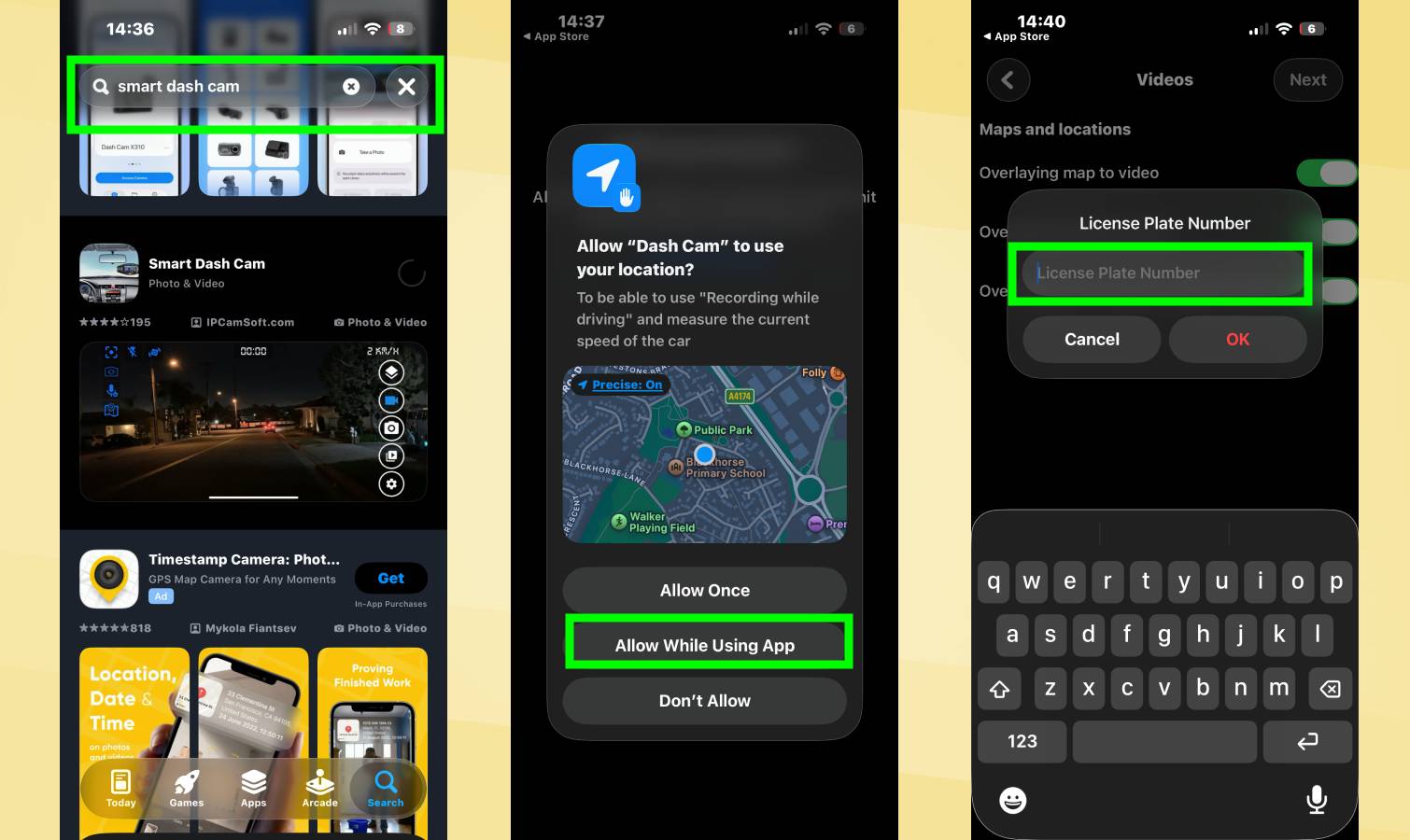
After resetting, set up the phone without adding unnecessary apps. Turn off all notifications so the phone stays quiet while recording. Then install a dashcam app from your phone's app store.
Droid Dashcam works on Android, while Smart Dash Cam is solid on iPhone. Both are free and support loop recording, GPS, timestamps, and impact detection. Once installed, grant permissions for camera, microphone, location, and storage.
Also, set video quality to 1080p instead of 4K to save storage space and prevent overheating on long drives.
Loop recording is essential, as it automatically deletes old clips when storage fills up so recording never stops. Enable this in your dashcam app's settings. Also set clips to save as 5-minute chunks instead of massive files, making them easier to share with insurance or police if needed.
You can also customize the on-screen overlays to show speed, map to video, and your license plate, or whatever else you want it to include.
Mount the phone and keep it powered
Position your phone mount high on the windshield near the rearview mirror for a centered view of the road. Angle the camera slightly downward so it captures the hood, road, traffic lights, and lanes ahead. Then simply press the camera button to start recording.
To keep the battery alive, keep your phone connected to a charger as video recording, GPS, and screen activity drain phones fast.
You can test the setup by recording a short clip in your driveway. Check that the horizon is level, windshield glare isn't terrible, and the mount doesn't vibrate. Once you're satisfied, you're ready to drive.