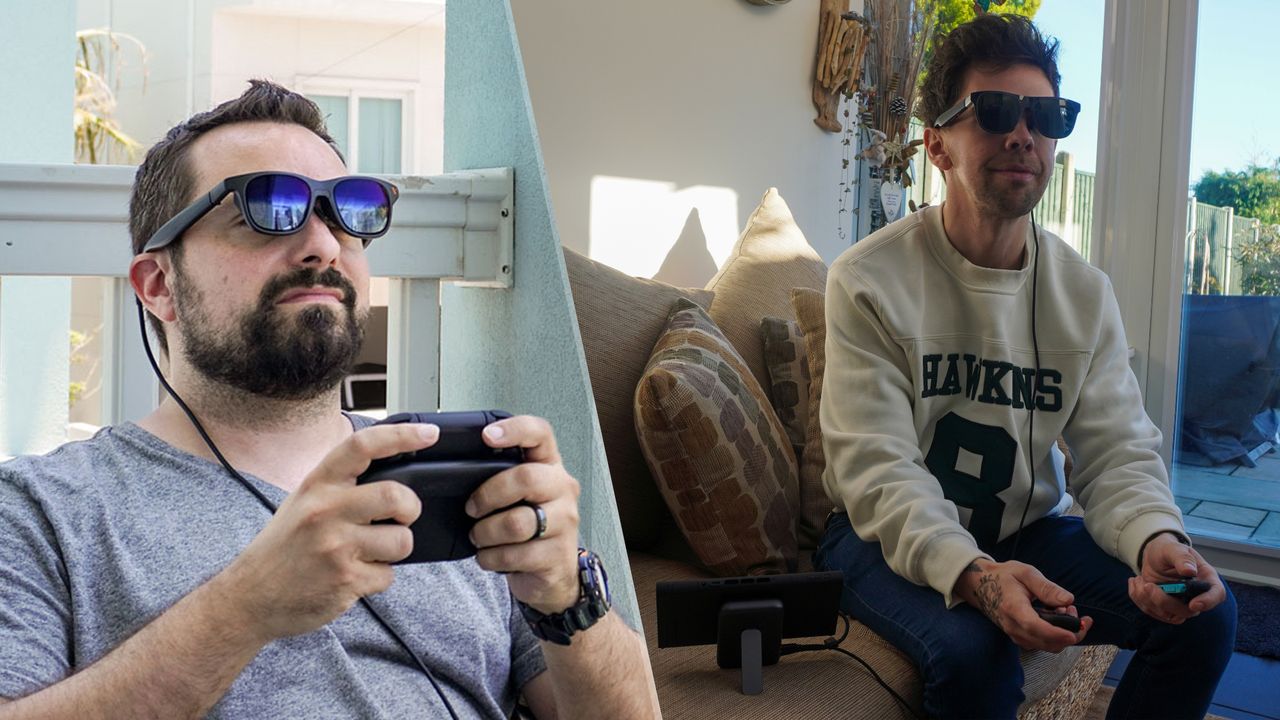
When I reviewed the Xreal 1S, the company gave me a Neo dock to connect my Nintendo Switch 2 easily. While this worked just fine for me latency-wise (bar a low battery life), turns out the company wasn’t happy with it — putting the adapter on hold “indefinitely.”
Chi Xu, Xreal’s CEO, explained this decision was made “out of an abundance of care,” to not ship a product that “does not fully meet our standards.” Xu also confirmed that all Neo pre-orders will be refunded and that no action is needed, while also linking to alternatives for Switch 2 players.
But while there are plenty, there is only one that I’d recommend after testing a lot of options: the Viture Pro Mobile Dock. That’s right — the company Xreal is locked in a bit of a legal battle with just so happens to make the best alternative.
Setting it up
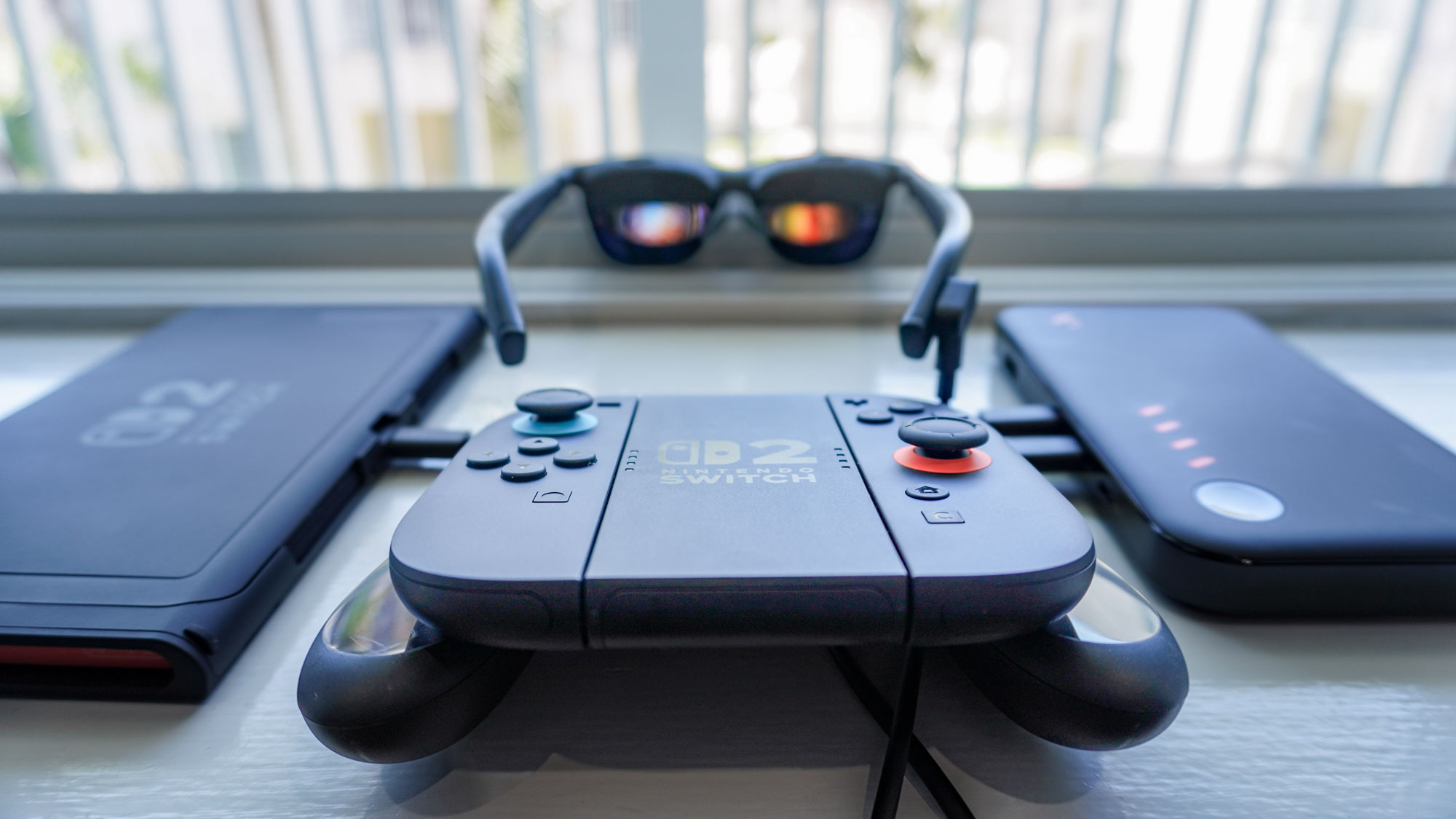
Now there are a couple things you need to do to get it all set up. There’s an Xreal One AR glasses update you need to do to.
- Update the Xreal One firmware
- Update the Viture Pro Mobile Dock firmware
These are to eliminate some weird color issues found when wiring Xreal glasses to this Viture dock. But once you’re done, you’re off to the races. Just plug the dock into the Switch, connect the glasses and get to it.
Not totally fault-free
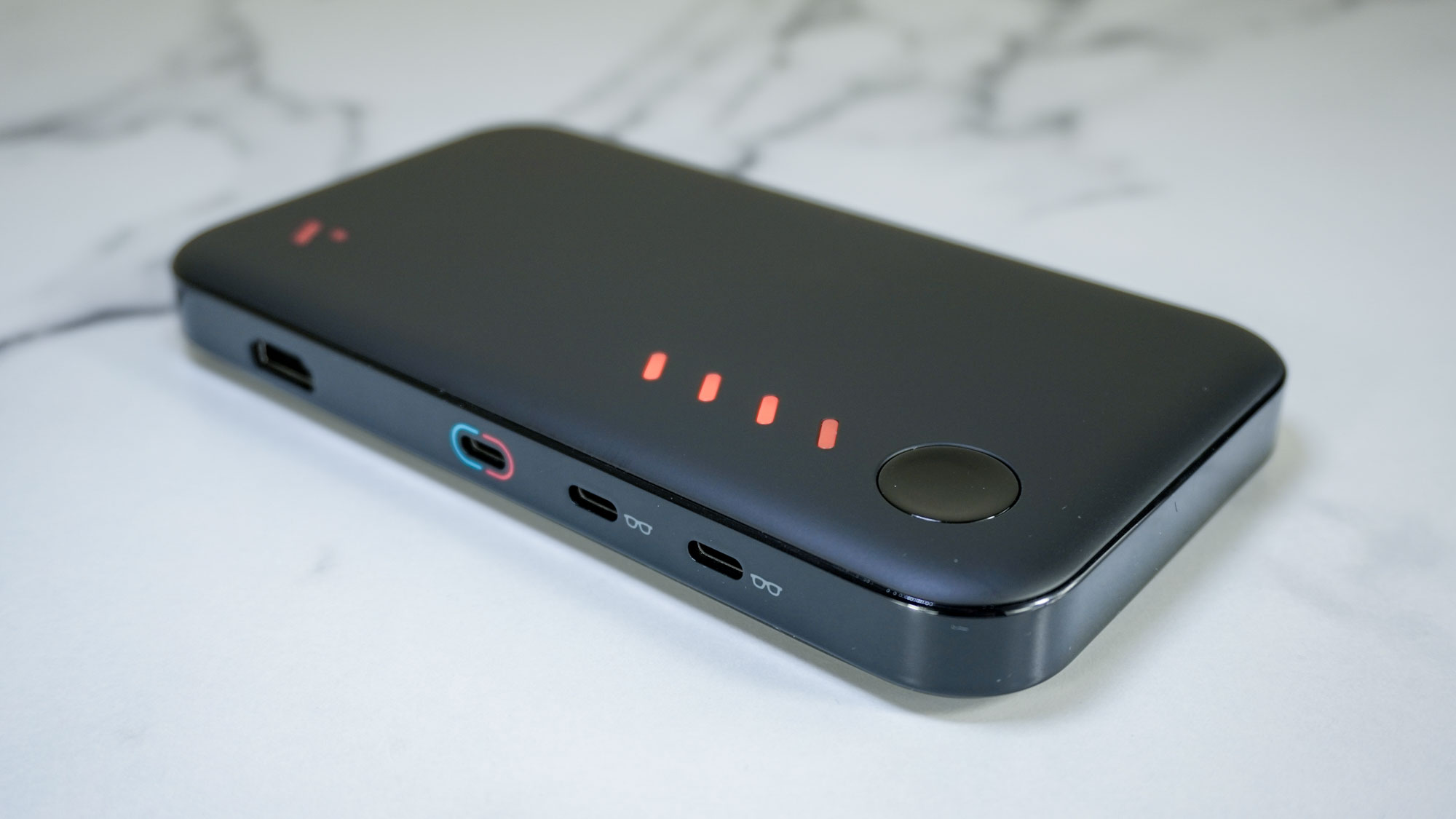
There are some awkward elements here to the Pro Mobile Dock that are worth knowing about. First, the included cables are rather short — especially the USB-C charging cable with video passthrough. Of course, you can bring your own wires to the party, but for out-of-the-box usage, laying this dock down on the table as your play can mean you’re leaning over awkwardly to play.
Second is that battery capacity. This was always a bit of a weak spot for the Xreal Neo’s 10,000 mAh capacity, as the dock consumed a lot of power to translate Switch 2’s signal to work with the connected AR glasses that also require watts.
And while the Viture Pro Mobile Dock does have a larger 13,000 mAh cell, which adds up to four hours of additional playtime, that gets further exacerbated when two pairs of AR glasses are connected — taking the whole thing down to a couple of hours.
But as Anthony found out when testing the dock, these niggles quickly fade into the background when you’re playing on a 135-inch screen directly in front of your face. It’s a huge saver of neck pain on long haul flights, and an immersive experience wherever you are.
Nintendo’s doing Nintendo things
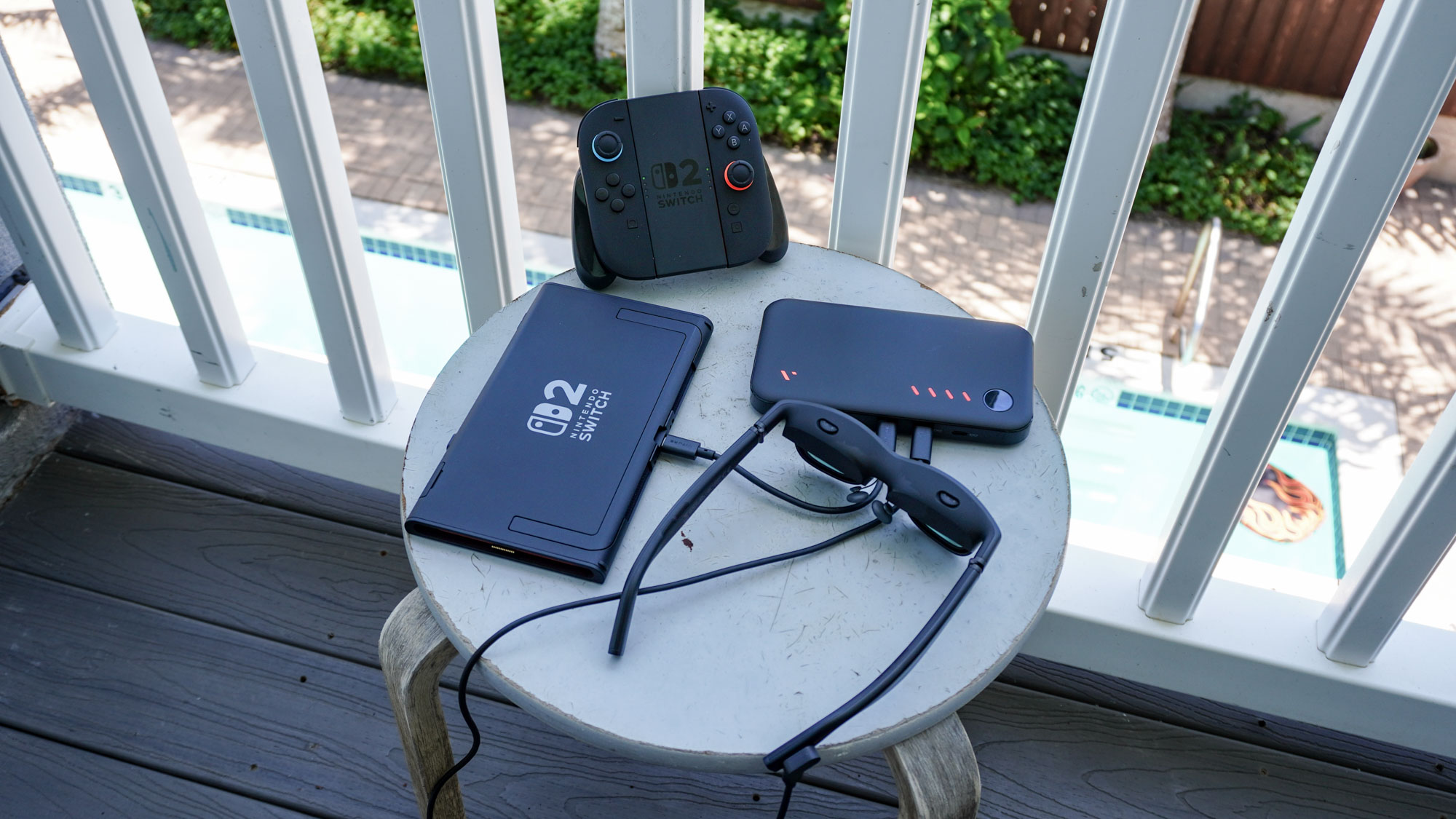
And all of this brings me back to the very thing that annoyed me the most at the Switch 2’s launch. Why did Nintendo look at this explosion in AR glasses sales, and think “we don’t need to support DisplayPort Alt Mode”!?
Like, it would’ve been the easiest thing to do here, instead of using the Mobility DisplayPort (MyDP) standard that the original Switch had (a video out standard that was meant to be just for micro-USB). But no, the big N is doing Nintendo things and making things more awkward than they have to be.
I gave them the benefit of the doubt — thinking that a proprietary pair of Nintendo glasses were on the way, but not a peep from them. The closest we’ve gotten is the Virtual Boy accessory, which requires you to put the whole Switch 2 inside it.
So I beg of you, Nintendo. Whenever this Switch 2 OLED comes out, please do the right thing. Please acknowledge the millennial gamers that want to play for long commutes with AR glasses and support the right video out standard.

More from Tom's Guide
- I zoned out and stopped listening to my fiancée — and the Even Realities G2 made sure she never knew
- This app warns you if someone nearby is wearing smart glasses, and I hate that it makes sense
- I’ve traveled 50,000 miles with the world’s most powerful travel adaptor — it’s the only one I trust to charge all my tech