Enjoy our content? Make sure to set Windows Central as a preferred source in Google Search, and find out why you should so that you can stay up-to-date on the latest news, reviews, features, and more.
Following the rollout of the Xbox Fullscreen Experience (FSE) to all Windows 11 PCs, another welcome update has just been pushed in the latest preview build.
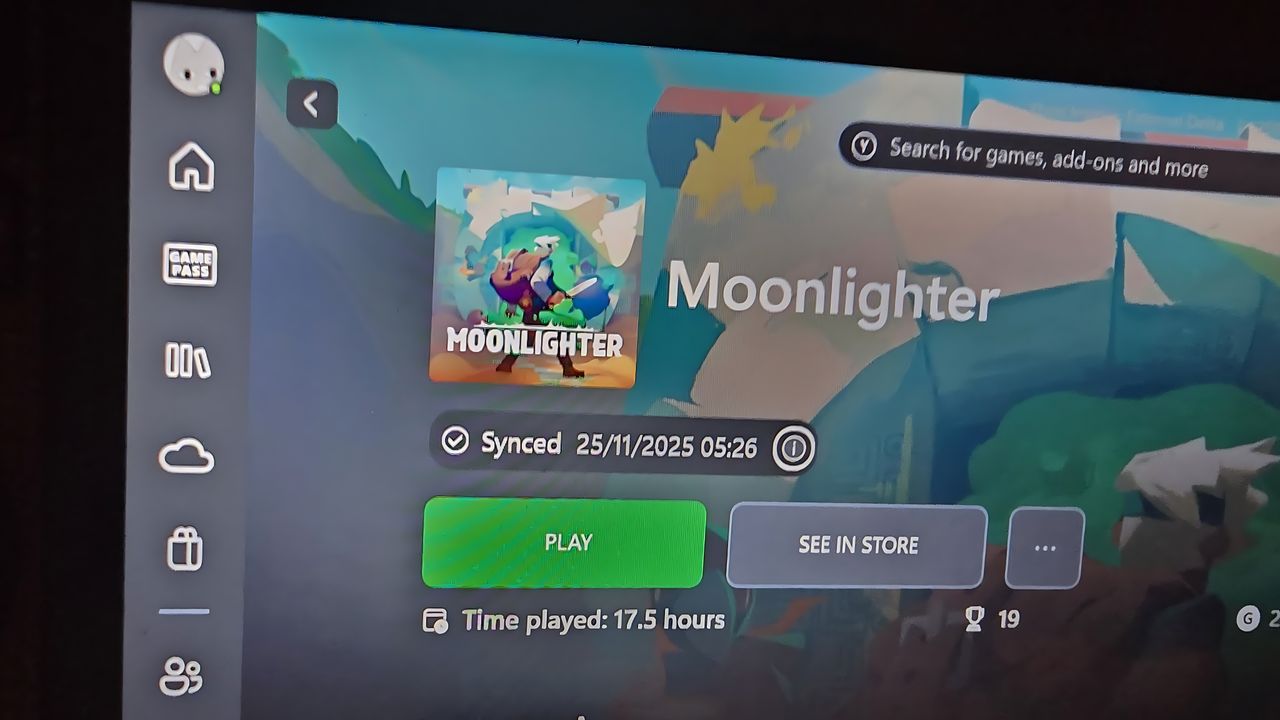
Players can now see the save data status of their Xbox Cloud Gaming titles before launching them on different devices, adding a much-needed layer of reassurance to the cloud gaming experience we've been crying out for.
With this new quality-of-life feature, users are shown the exact date and time their game last synced with Xbox Cloud Gaming. This may sound like a small change, but in practice, it is a massive improvement that addresses one of the most anxiety-inducing aspects of cloud saves.
You'll now see the date and time of the last sync to Xbox Cloud Gaming
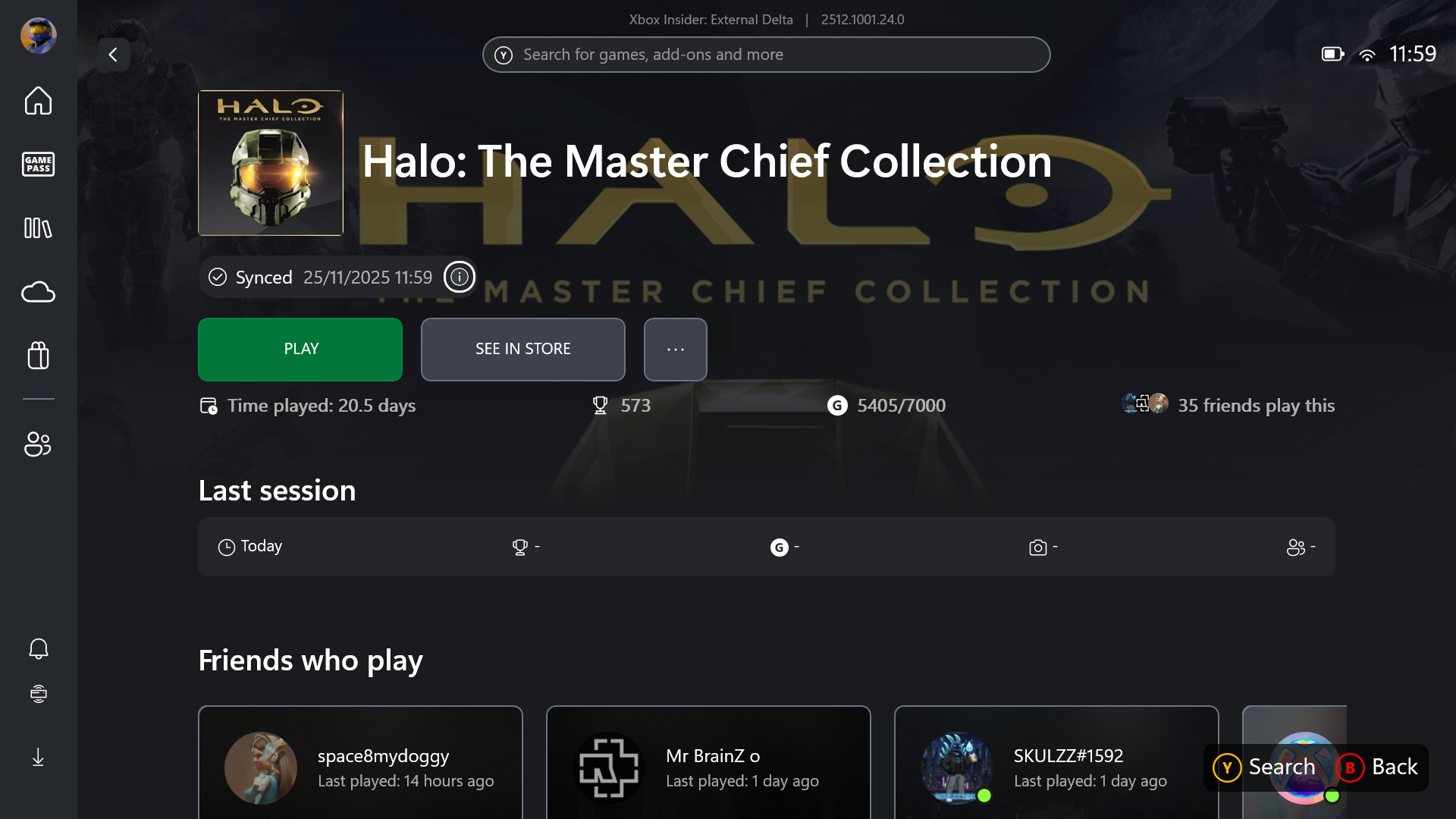
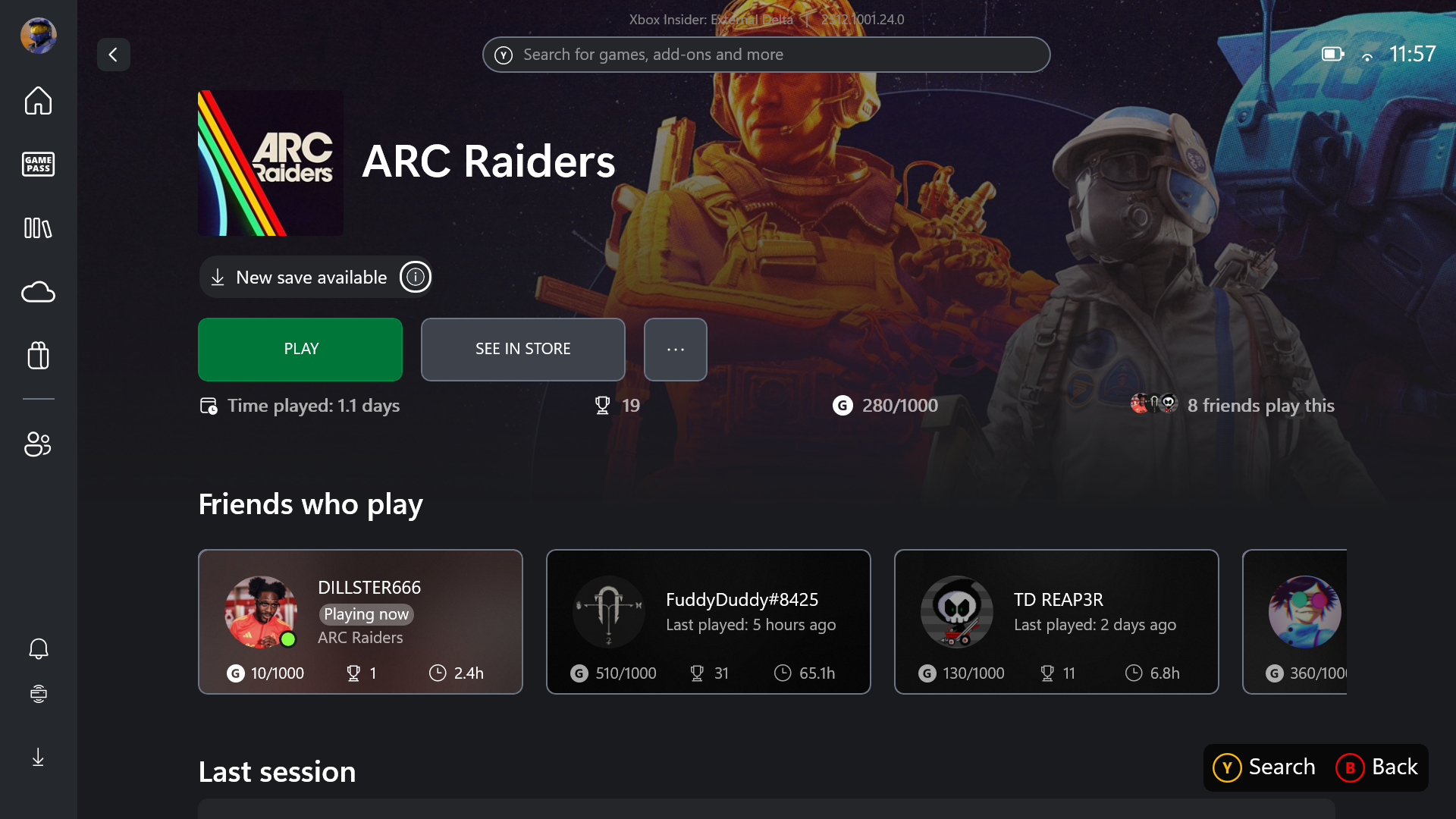
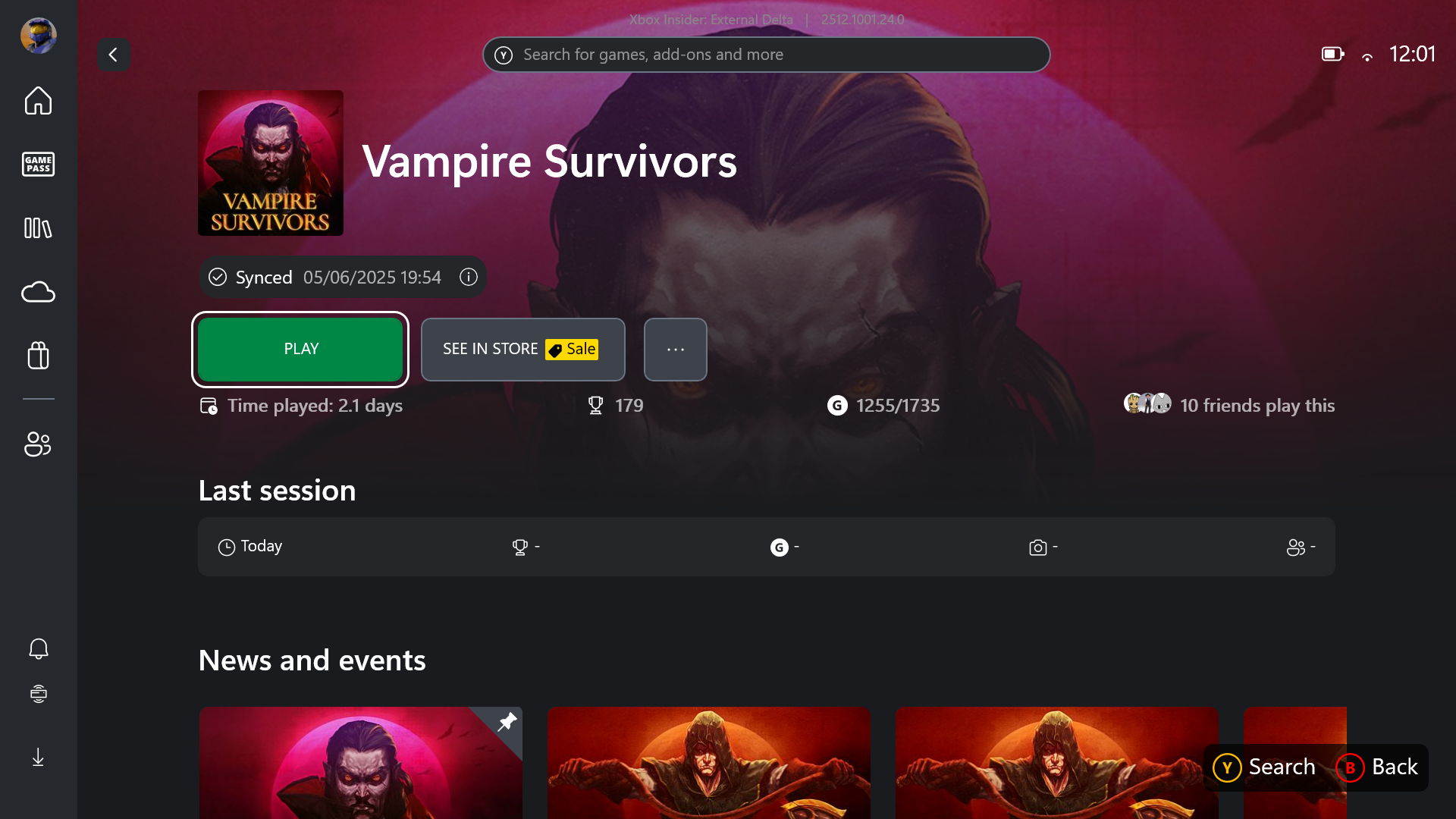
Previously, players had no clear way to know whether their most recent progress had uploaded successfully, which often led to overwritten saves and lost progress (I swore many a time during my Pentiment playthrough).
Xbox PC save sync status is live. 😍 pic.twitter.com/zRFF3LlhOWNovember 25, 2025
In many ways, this change brings Xbox Cloud Gaming more in line with the save indicators already available on competing platforms like Steam. Combined with the existing update, which gives a progress bar during in-game cloud uploads, this new pre-launch timestamp offers a clearer and more reliable picture of exactly where your save data stands at any given moment.
This latest improvement is in a long line of broader enhancements to Xbox Cloud Gaming. The service has recently introduced support for 1440p resolution as well as 60 frames per second gameplay, and higher bitrates. Albeit these came at an extra cost, as the improvements were accompanied by a price hike to Game Pass Ultimate.
These upgrades make cloud streaming feel far closer to native console gameplay. Additionally, Xbox continues to expand its “Stream Your Own Game” library, steadily adding more supported titles.
At the moment, we don't know when this update will be available to everyone. Right now, it’s only showing up for Windows Insiders using the latest preview build, so most players will have to wait a little longer.

Follow Windows Central on Google News to keep our latest news, insights, and features at the top of your feeds!