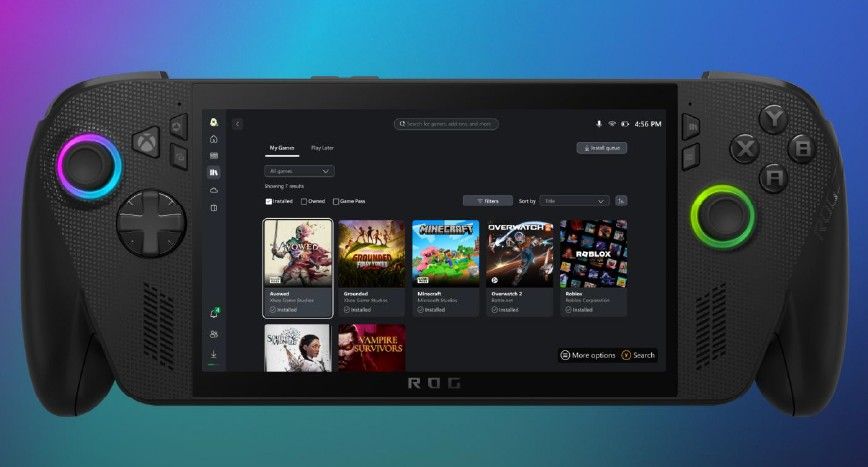
The Xbox PC app has finally received one of my long-requested features, and one that Steam has offered for years. Users can now manually add their own games or apps to the Xbox App, meaning you can launch almost* anything directly from the Xbox interface.
As someone who recently built a new PC, I don’t currently have enough installed to fully show what this feature can do. Even so, it is great to see it finally arrive.
So let’s go over how it works.
Adding non-Xbox games to the Xbox PC app
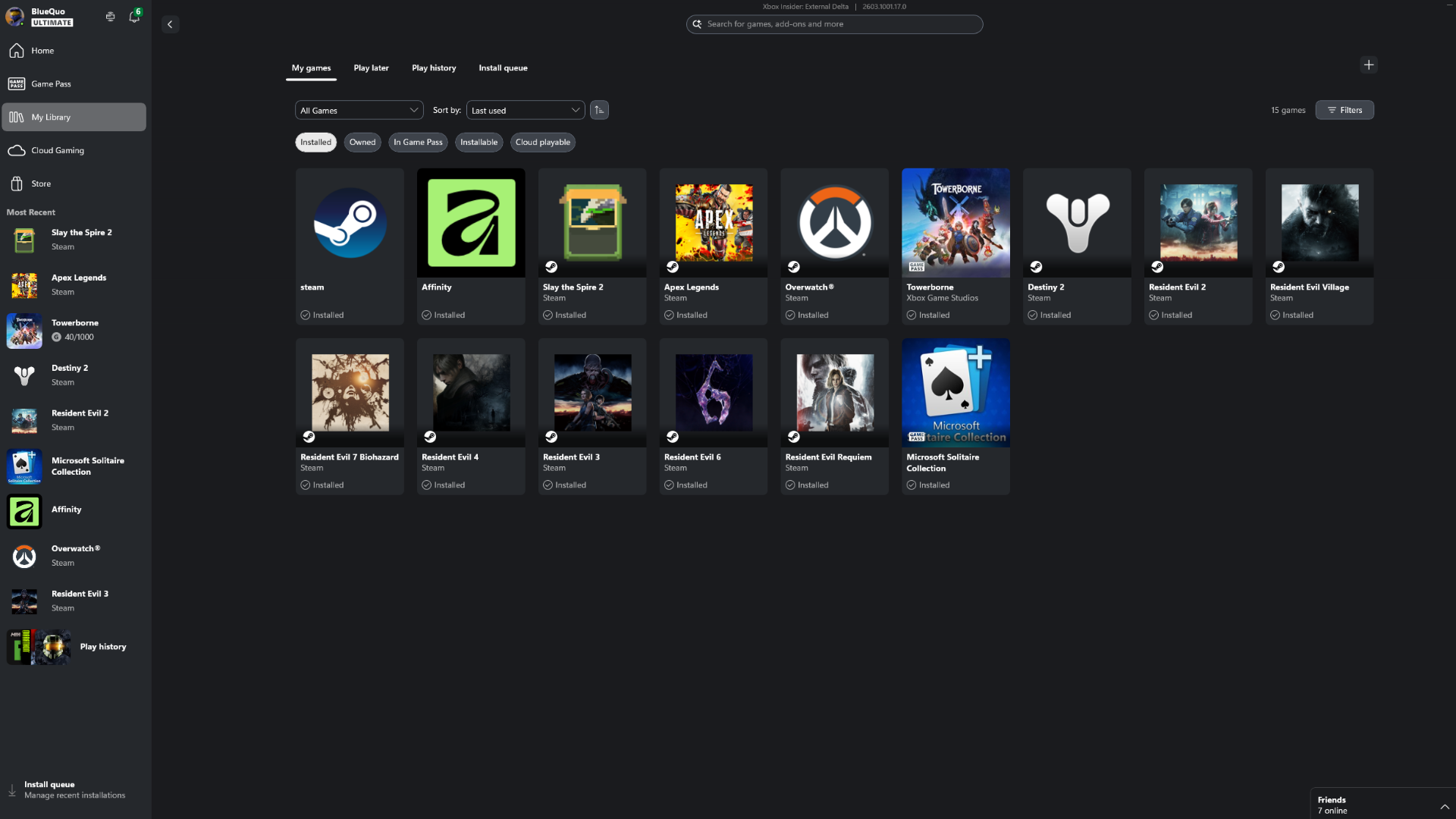
As first spotted by PureXbox, at least as far as I can tell, the Xbox PC app has been updated over the past few days with the ability to add any app to the Library section.
You can browse your files and add any .exe file, which means it is not quite as extensive as Steam’s feature that lets you add almost anything and is often used to launch ROMs through emulators, but this new addition is definitely a step in the right direction. With how it works now cleared up, let's go over how you actually add apps to the Xbox App.
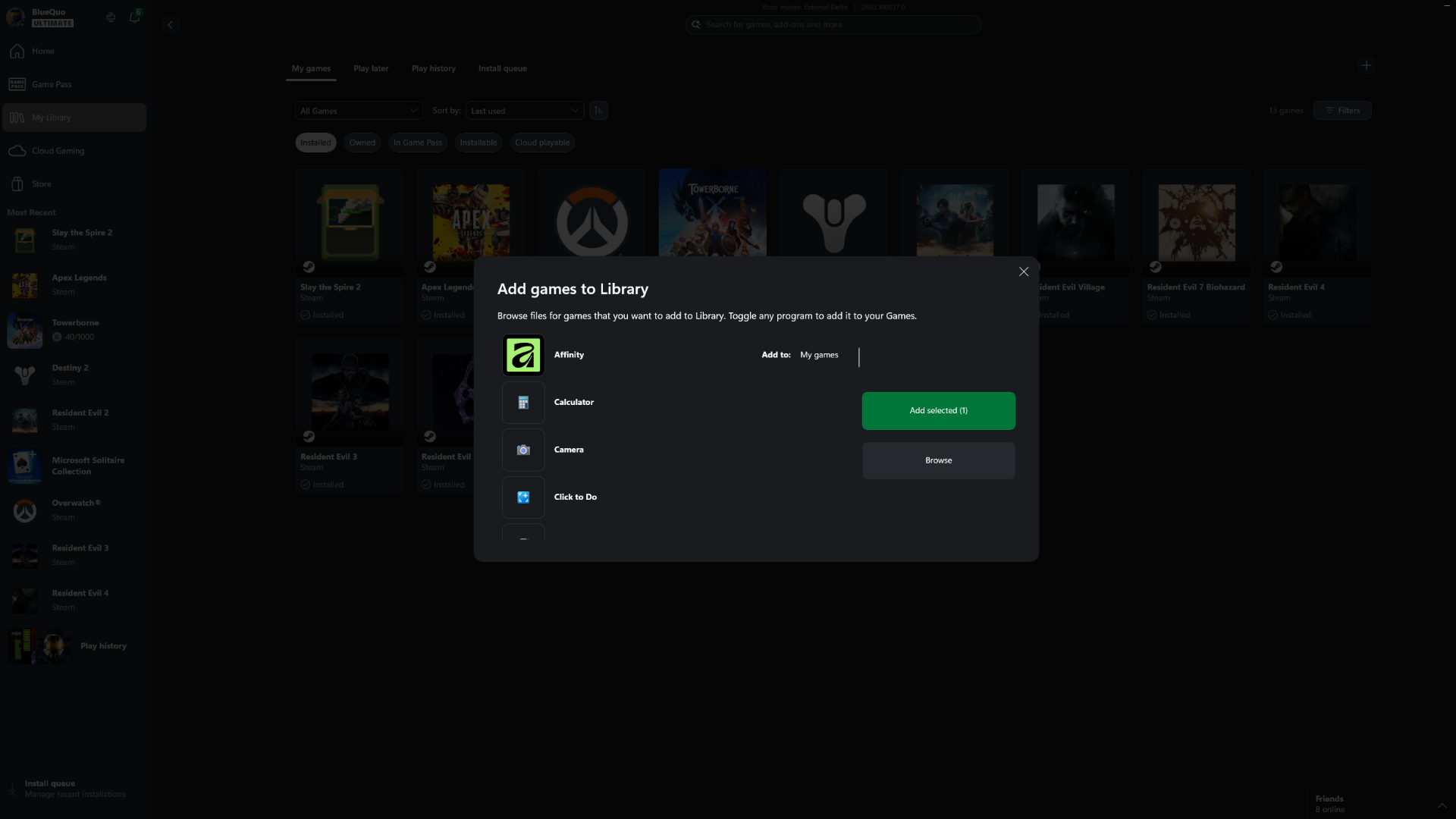
- Open the Xbox App on PC.
- Go to the “My Library” section.
- Look for the small “+” icon in the top right corner.
- Click the “+” icon.
- Choose from the suggested apps, or select the option to browse your files manually.
As an example, I added Affinity, a great free alternative to Adobe Photoshop.
Once added, the software launches directly from your Library section inside the Xbox App. I even added Steam, which could be particularly useful on devices like the Xbox Ally X.
It's also worth mentioning that once an app or game is added, you can customise the software's name, icon, and launch arguments, giving you a bit of flexibility.
Now, hopefully, Xbox will also add another long-requested feature of mine and improve the artwork for games installed through Steam instead of the Xbox App.
🗨️ Do you think this is a step in the right direction for the Xbox App?
The Xbox App still has a long way to go, and while I would personally like to see it completely overhauled with a more console-like interface similar to the Xbox Cloud beta UI, at least when running in Xbox Mode.
However, this change is a great step in the right direction and brings the app slightly closer to Steam in terms of features.
Let me know in the comments, and make sure you take part in the poll below:

Join us on Reddit at r/WindowsCentral to share your insights and discuss our latest news, reviews, and more.