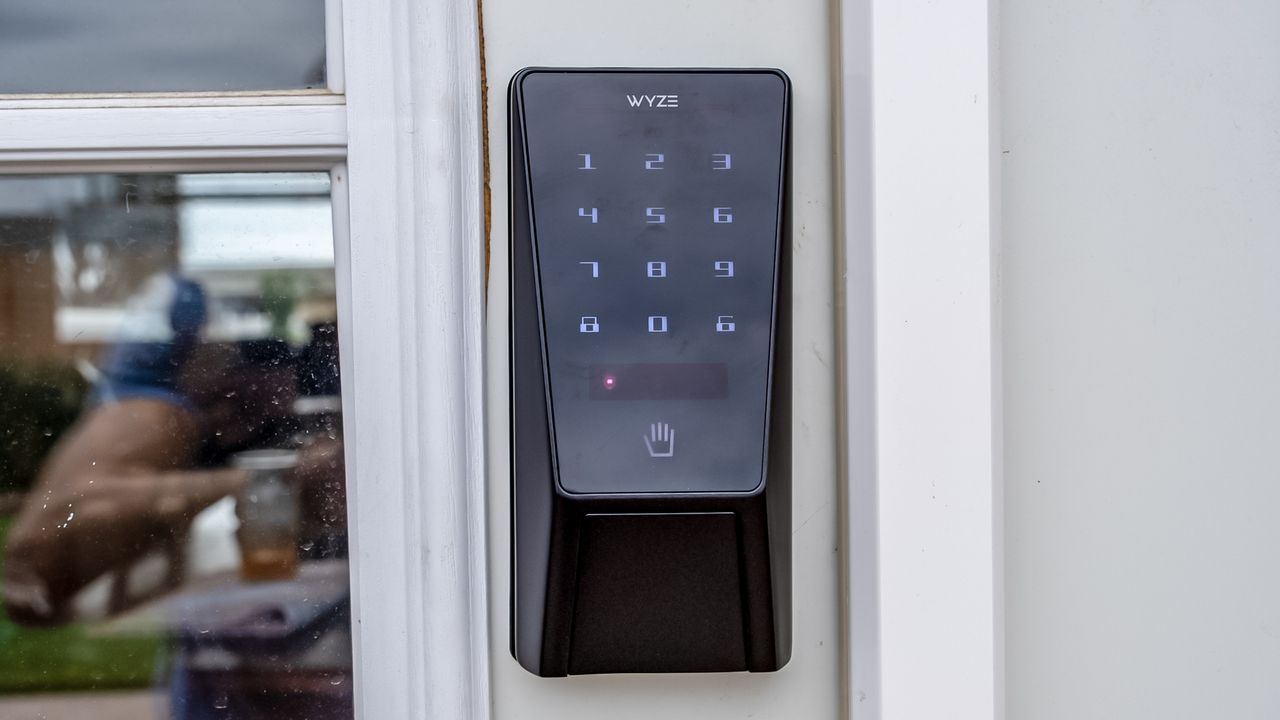
Palm vein recognition technology has been around for a while, but it's typically been reserved for relatively expensive smart locks. Wyze is changing that with its Palm Lock, bringing biometric palm scanning to a price point that undercuts most alternatives. The lock promises to let you unlock your door with just your palm, along with traditional methods like PIN codes and physical keys.
At $129, the Wyze Palm Lock isn't the first palm vein model on the market, but it's certainly one of the most affordable. The question is whether Wyze has managed to deliver reliable palm recognition without cutting too many corners. I tested the Palm Lock for several weeks to see if this budget-friendly biometric lock is worth considering, and how it compares to the best smart locks.
Wyze Palm Lock review: Price and availability
The Wyze Palm Lock comes in at $129.98 and is available directly from Wyze's website, Amazon, and select other retailers. It comes in a single black finish, which should look fine on most doors – though I still would have liked more options.
Wyze Palm Lock review: Design and installation
Wyze Palm Lock specs
Lock type: Deadbolt
Works with: Alexa, Google Home
Wireless: Wi-Fi
Number Pad: Yes
Alarm: Yes
Codes: 50
ANSI/BHMA rating: Commercial Grade 3
Batteries: Rechargeable
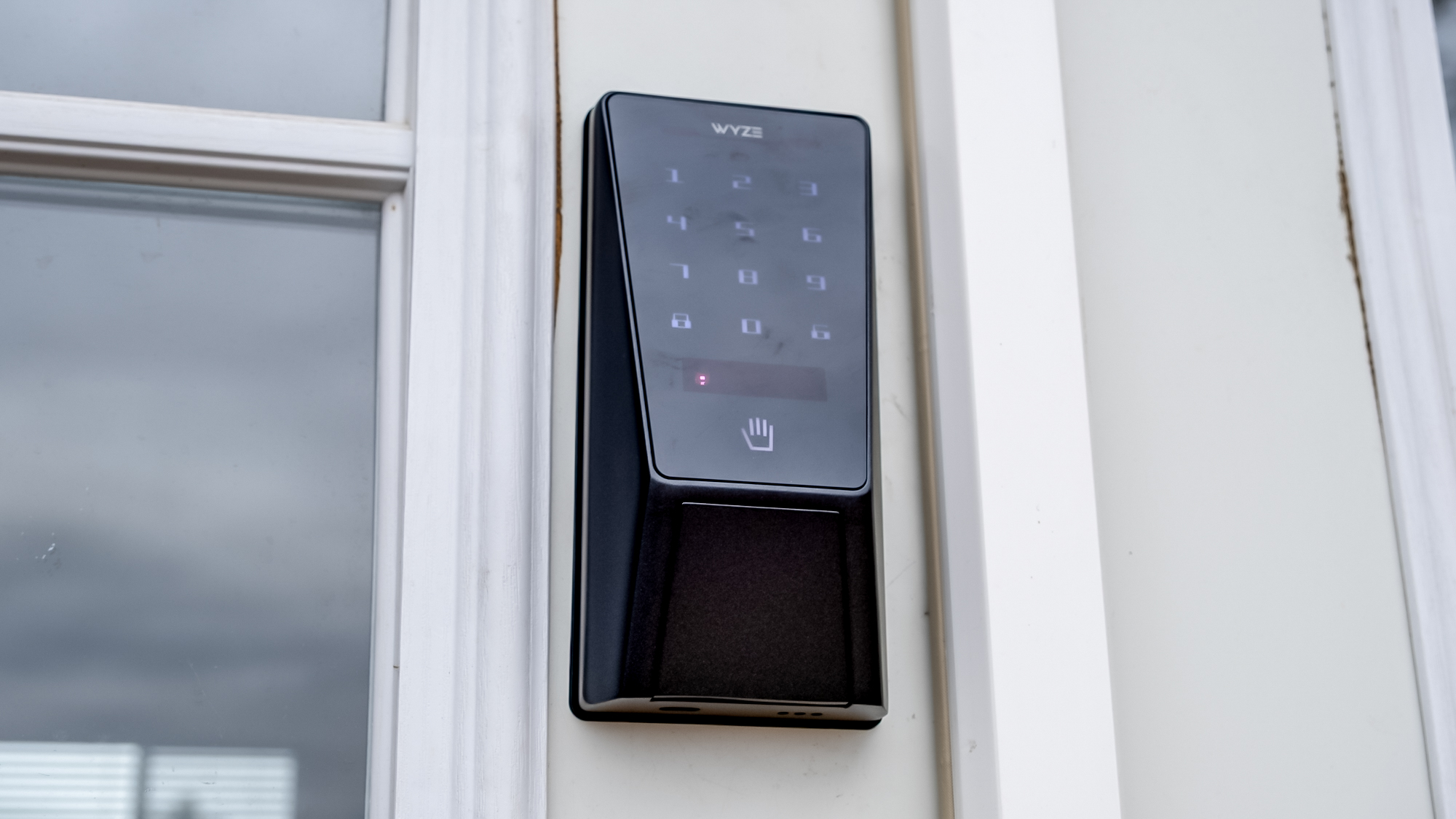
The Wyze Palm Lock has a decent build quality that exceeds what you might expect from its budget price point. While it doesn't feel quite as premium as locks from August or Yale, it certainly doesn't feel cheap either. The lock comes with an ANSI/BHMA Grade 3 rating.
The lock is notably bulky, with the exterior portion measuring 6.1 × 2.9 × 1.3 inches and the interior portion measuring 7.2 × 2.9 × 1.2 inches. Both the interior and exterior portions are noticeable on your door, and while it doesn't look ugly, it's also not subtle. The interior section has the thumb latch for manual operation and a compartment for the batteries, while the exterior features the PIN pad and palm reader positioned above it. On the bottom of the exterior portion of the lock is a USB-C port, which is uncovered. A rubber cover would have been a good idea, but considering it's on the bottom, it seems unlikely much moisture will get trapped inside.
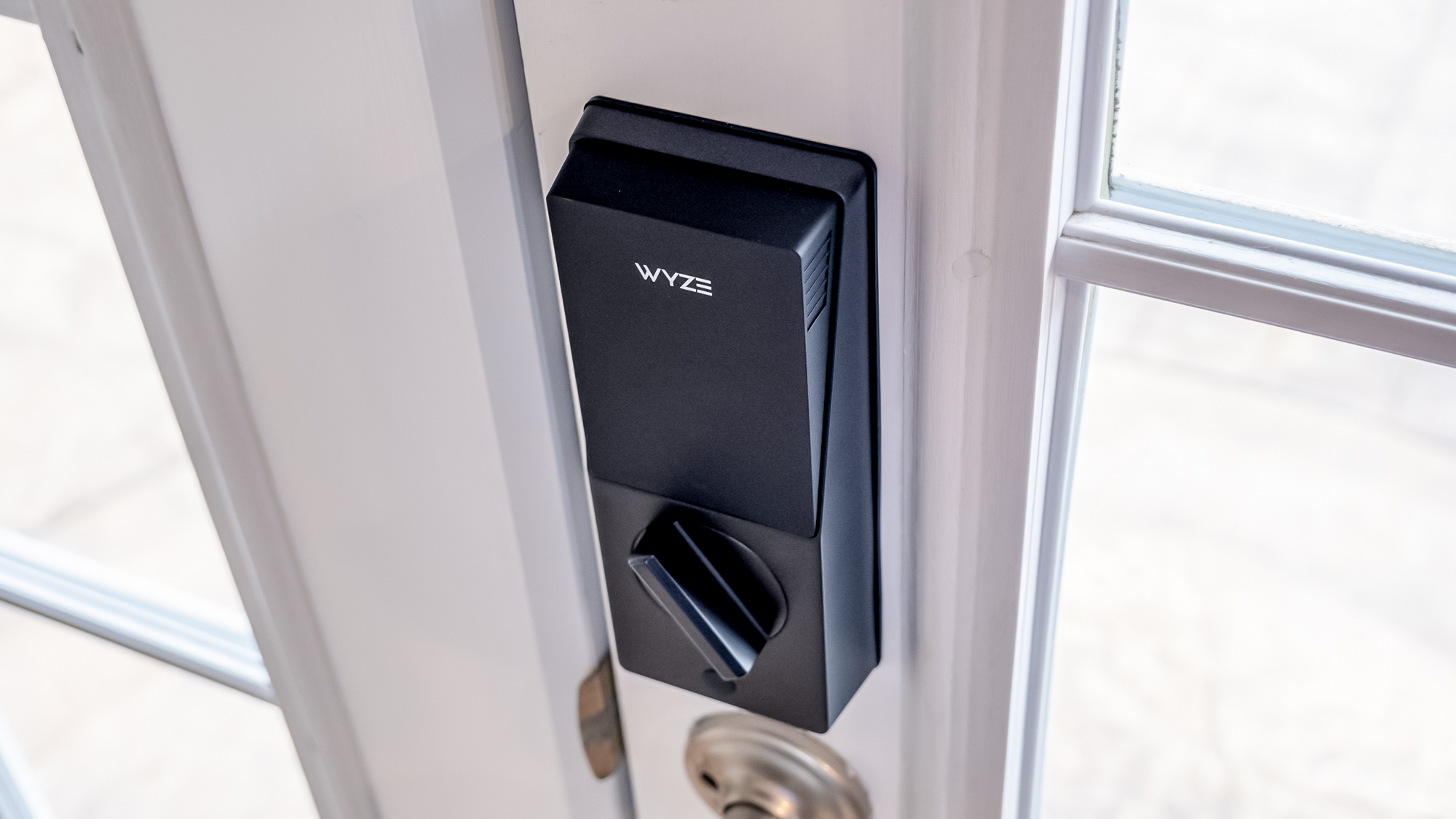
Installation is straightforward, though to be fair I've installed dozens at this point. Still, the included paper instructions are clear and comprehensive, and the app also provides a step-by-step installation guide, so most beginners should have no problem with it. The one minor issue is that you wouldn't necessarily know about the app-based installation guide unless you start the setup process in the app first, which the initial documentation doesn't explicitly direct you to do.
The lock includes a backlit keypad that's easy to see, along with a discrete manual key slot for emergency access. It also has a dual battery system, which is handy. There's a main battery pack that lasts approximately six months, and a backup battery that provides an additional two weeks of power when the main battery needs charging or if it runs out of juice. If both batteries die, there's a USB-C port that can provide temporary power from a power bank.
The IP53 weather resistance rating isn't particularly impressive on paper, but during my testing period, the lock survived several reasonable heavy rainstorms without any issues. I expect it will do just fine in the vast majority of weather conditions.
Wyze Palm Lock review: Locking features and performance
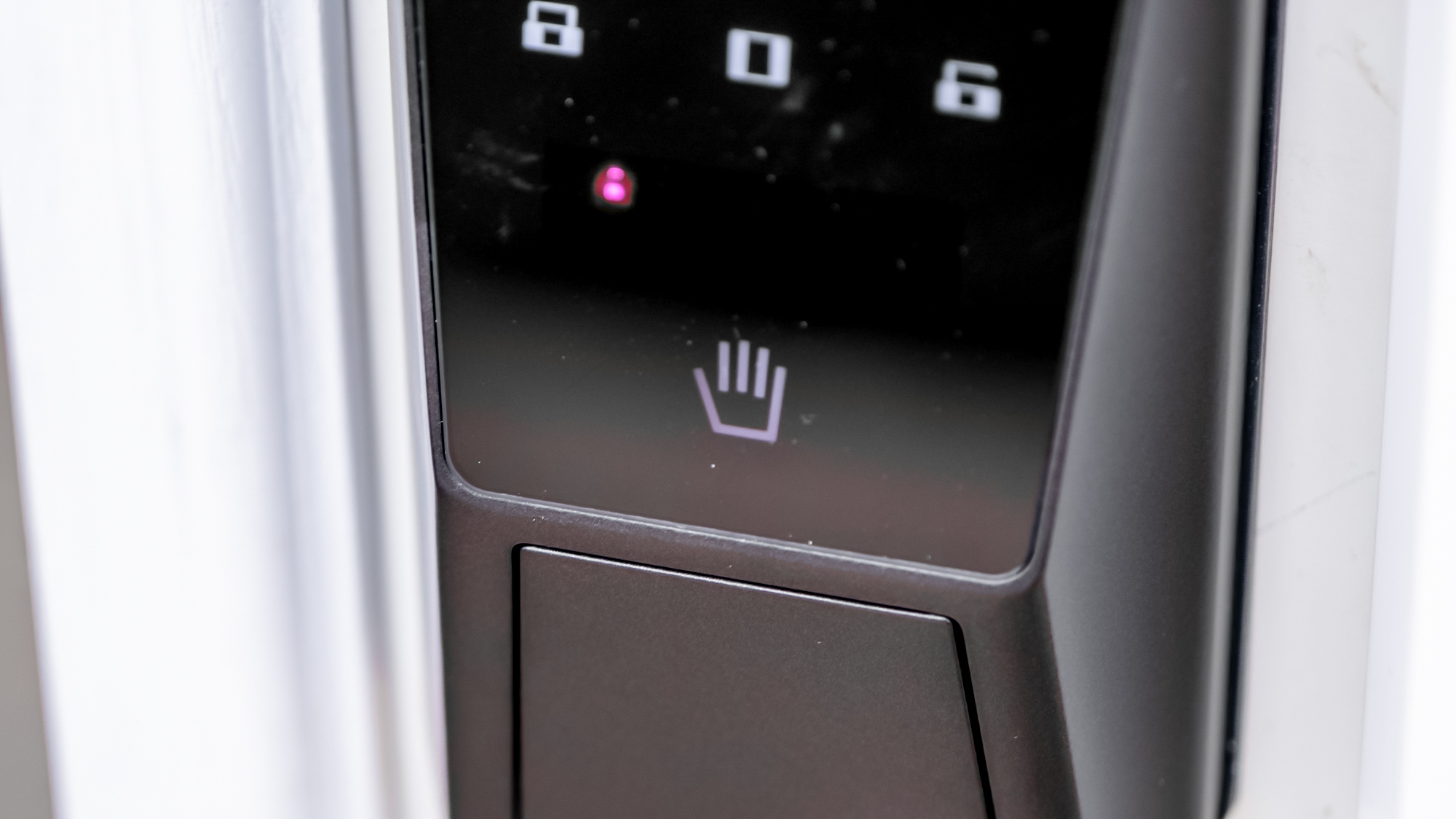
The headline feature is palm vein recognition, which unlocks the door in about one second and can store up to 50 different palm profiles. The technology reads the unique vein patterns in your palm, which are supposedly more secure than fingerprints since they're internal and harder to replicate.
In practice, I found the palm scanner worked reliably, and it almost never failed after I got the hang of proper positioning, which barely took a few tries. While some reviews have reported hit-or-miss performance with the palm reader, I didn't experience significant issues during my testing.
The palm scanner only unlocks the door – it doesn't lock it. This isn't really an issue though. There's a built-in gyroscope-based auto-lock feature, which worked exceptionally well, plus you can just press the lock button on the PIN pad if you prefer to disable auto-locking. You'll also get an alert if the door is left ajar.
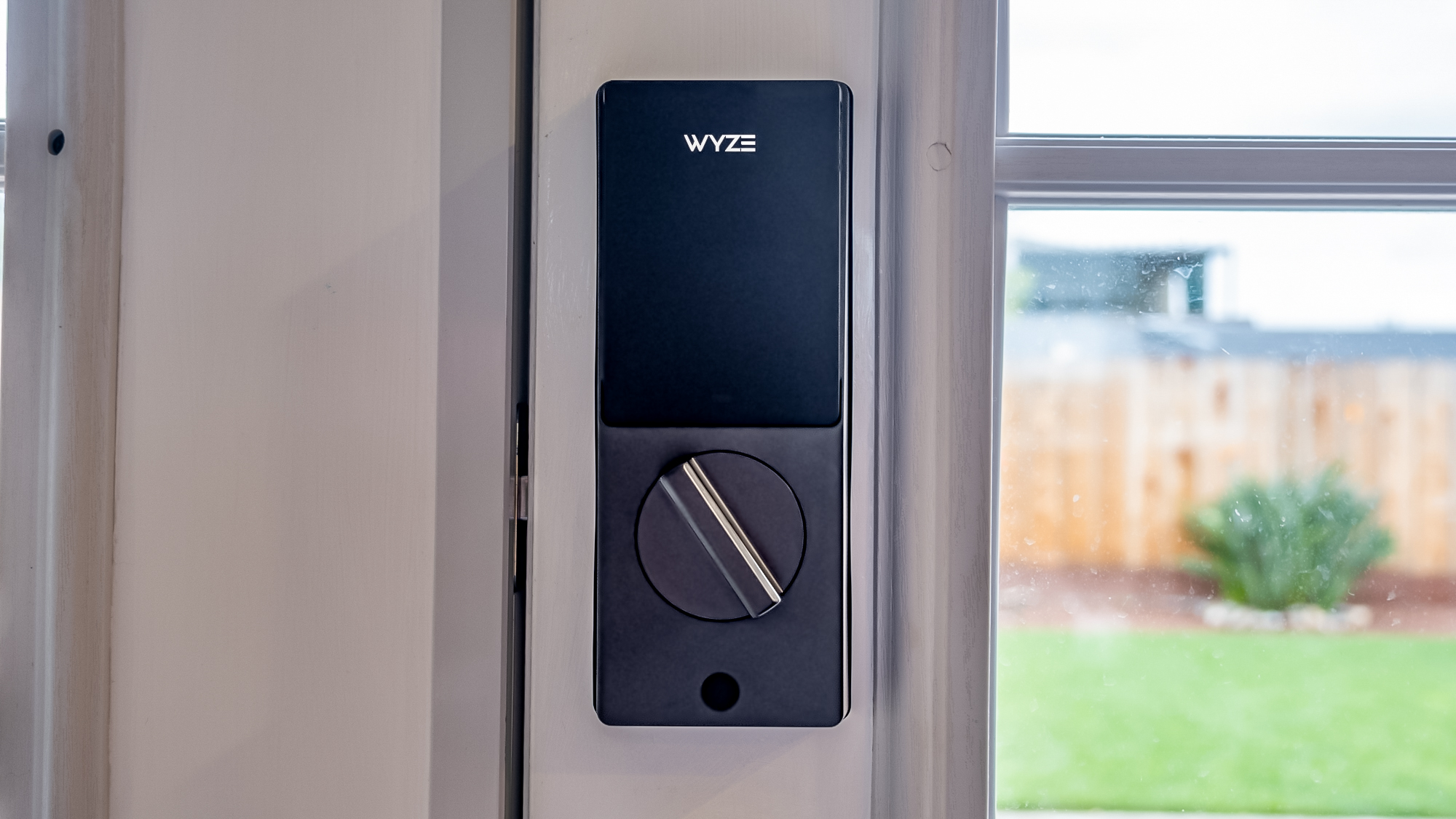
The keypad supports up to 50 user codes and includes anti-peep technology, allowing you to enter random digits before and after your actual code to prevent onlookers from determining your PIN. Both the keypad and palm scanner performed accurately in my testing.
The lock also includes mmWave radar that detects human presence within 2 to 3 feet, supposedly distinguishing between humans and other moving objects to conserve battery life. While this is difficult to test thoroughly, it seemed to work perfectly well.
Security features include local encryption of palm data and passcodes stored on the device itself, not in the cloud. After five failed entry attempts, an alarm sounds and the lock enters a five-minute lockout period. The lock also has a traditional key slot for backup access or for giving temporary access to guests.
Wyze Palm Lock review: App and smart home
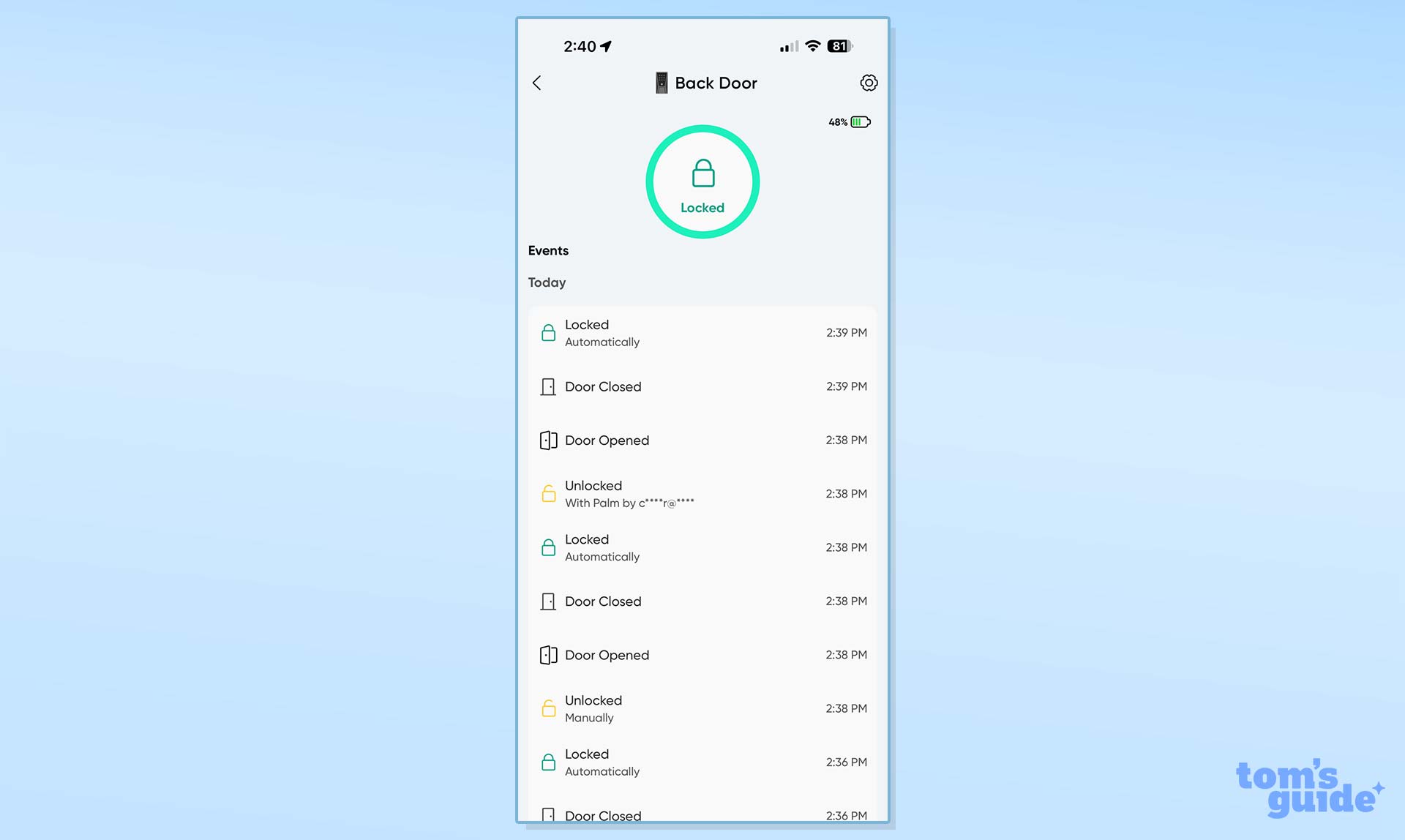
The Wyze app is well-designed and integrates seamlessly with other Wyze devices if you're already in that ecosystem. Navigation is generally intuitive, though I wish you could control the lock directly from the home screen. Instead, you need to tap on the device first, then tap a button to lock or unlock the door.
There are a few settings you can tweak relating to the lock. You'll be able to control auto-lock settings, one-time guest codes, and calibration options. There's also an event history, so you can see usage. All of this can be accessed remotely, as the lock has Wi-Fi built in.
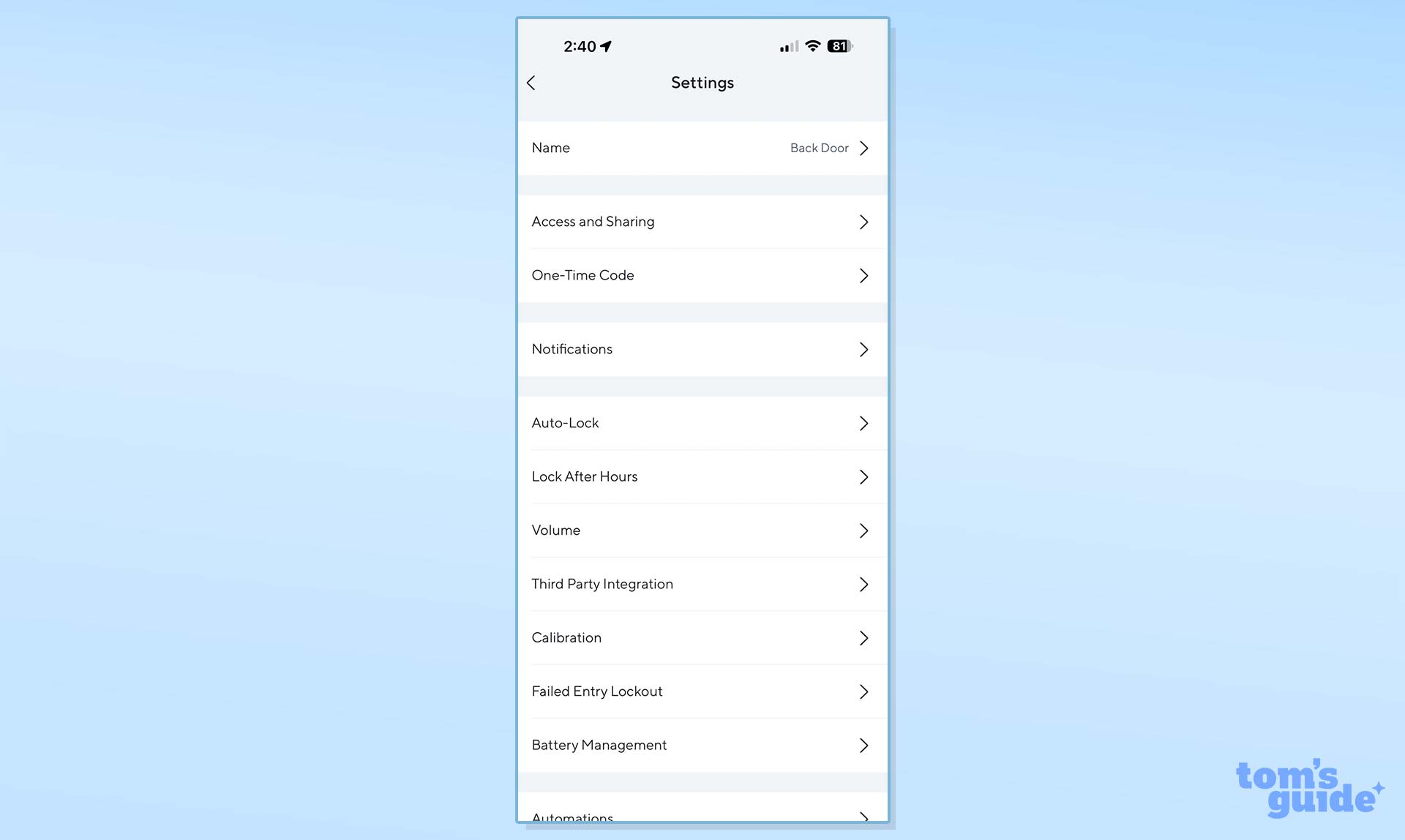
Smart home integration is unfortunately limited to Amazon Alexa and Google Assistant, with no support for Apple HomeKit or Matter. This is disappointing, as wider smart home compatibility would make the lock more versatile. To unlock the door using voice commands, you need to speak your PIN code aloud, which is an obvious security concern. I understand the need for some form of authentication, though.
The lock is designed to work in tandem with Wyze video doorbells, allowing you to lock or unlock the door directly from the doorbell's interface in the app. It would be interesting if Wyze could leverage their doorbell's face recognition capabilities for automatic unlocking in the future, but that's not an option just yet, and perhaps wouldn't be secure enough anyway (various doorbells regularly confuse our local FedEx guy with me).
Wyze Palm Lock review: Verdict
The Wyze Palm Lock is a solid entry point for anyone interested in palm vein recognition technology without breaking the bank. It's not perfect – the lack of wider smart home support is frustrating, and the bulky design won't win any aesthetic awards. But, it delivers on its core promise of reliable biometric unlocking at an accessible price point.
For the right buyer, particularly someone already invested in the Wyze ecosystem or simply looking for an affordable smart lock with palm scanning capabilities, the Palm Lock represents good value at $129.98. The palm scanning technology works well once you get the hang of it, and features like the dual-battery system and gyroscope-based auto-lock add genuine convenience. Just don't expect the refinement or universal compatibility of locks that cost twice as much.