When Apple recreates the functionality of a third-party app as a native experience, it's called Sherlocking. What's it called when a third-party app developer takes an excellent macOS feature and ports it over to Windows? I'm not sure, but I'm happy to share a brilliant example.
Camo Streamlight is a new app that lights up your screen to improve the image quality of your camera. It's similar to "Edge Light," which is in testing on macOS, but the makers of Camo Streamlight tossed in some features that should make Apple green with envy — or green in appearance. Plus, it's free.
The app places a customizable virtual ring light around the edge of your screen. You can set the shape, brightness, and color of the light. Camo Streamlight supports High Dynamic Range, meaning it can take full advantage of the bright panels of the best Windows laptops and best monitors that support the feature.
The CEO of Reincubate, Aidan Fitzpatrick, reached out to me about the app's launch. Reincubate also makes the Camo Studio app, which uses a collection of filters, adjustments, and auto framing to improve videos taken with cameras through Windows.
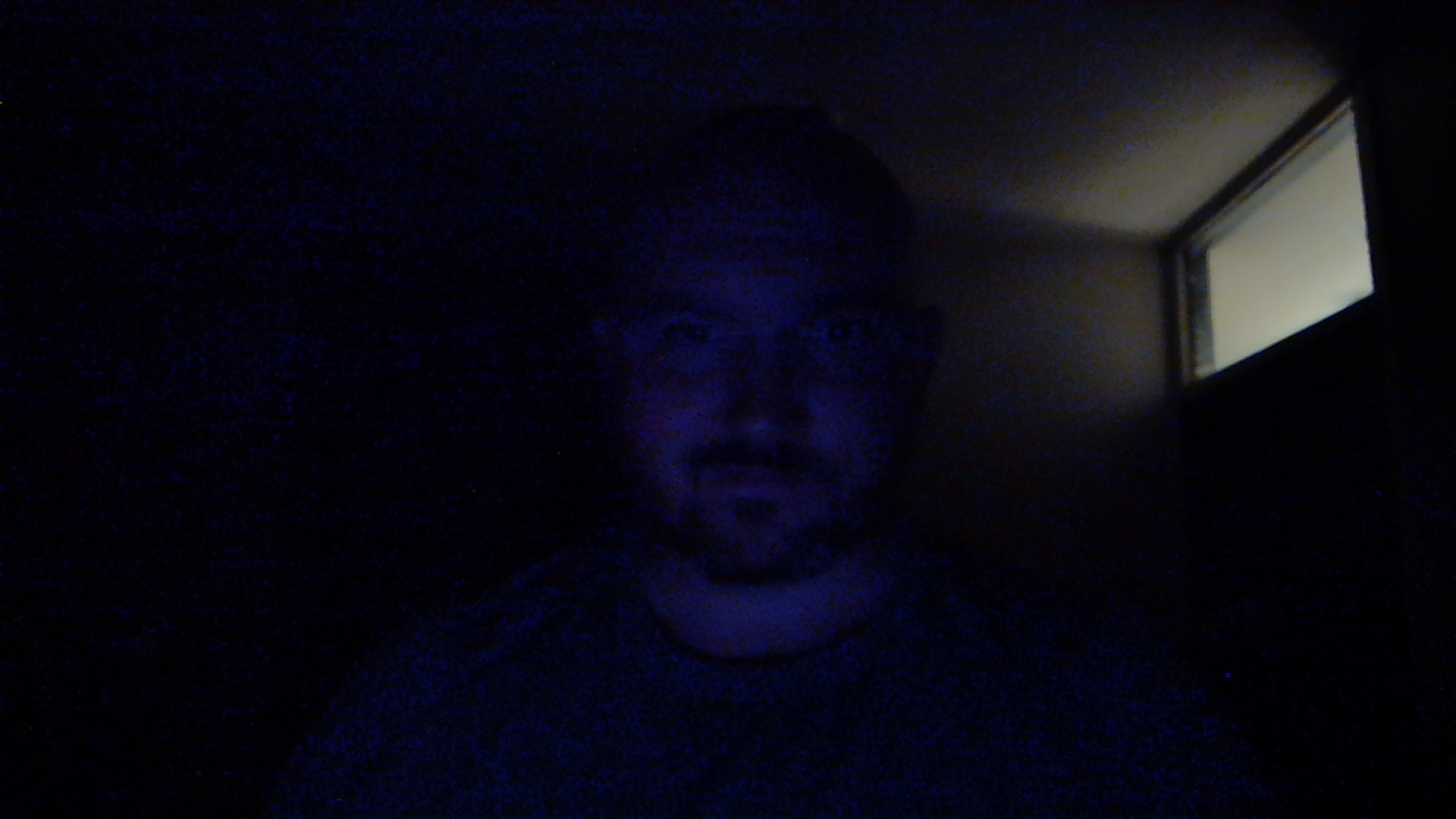

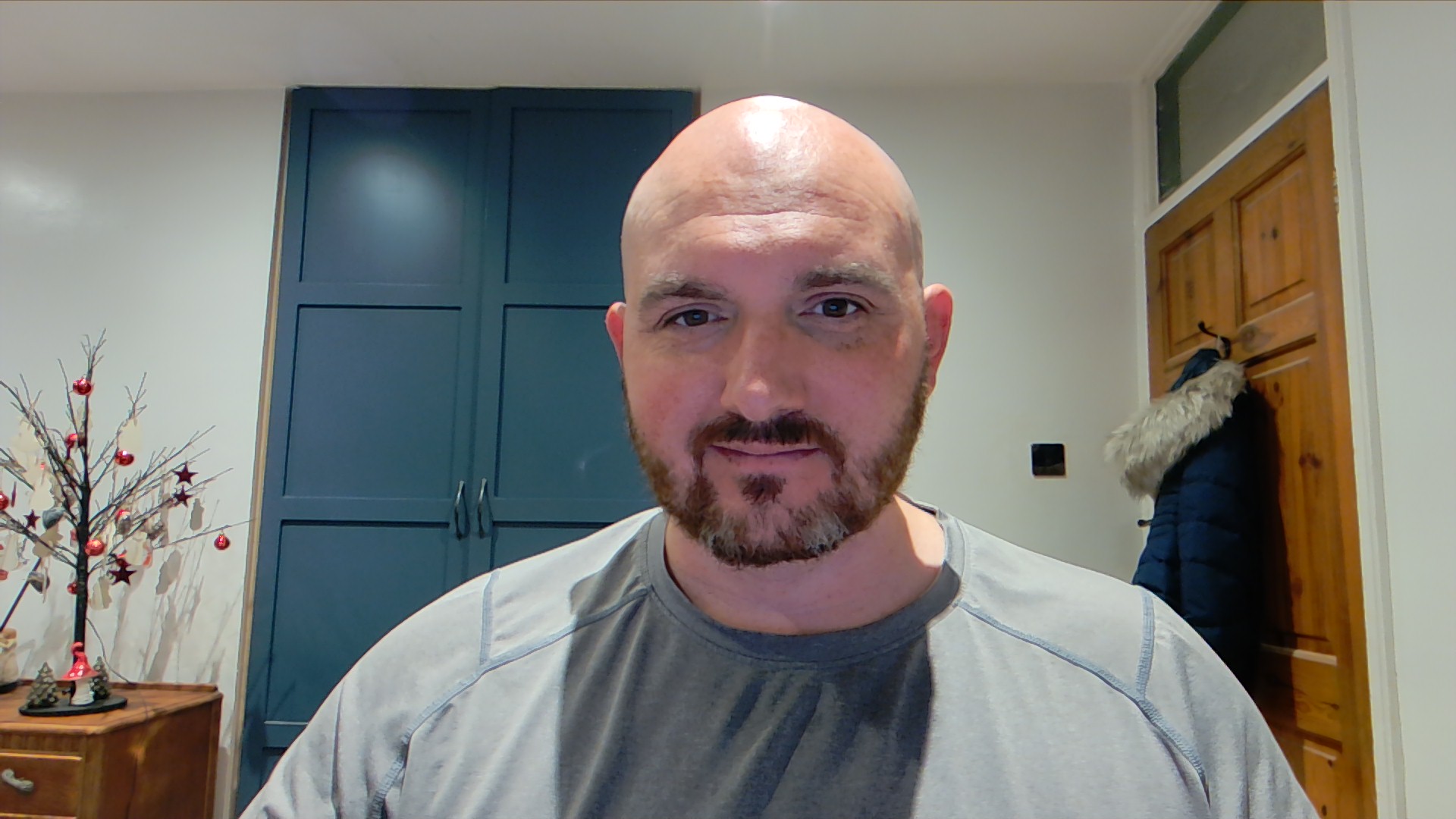
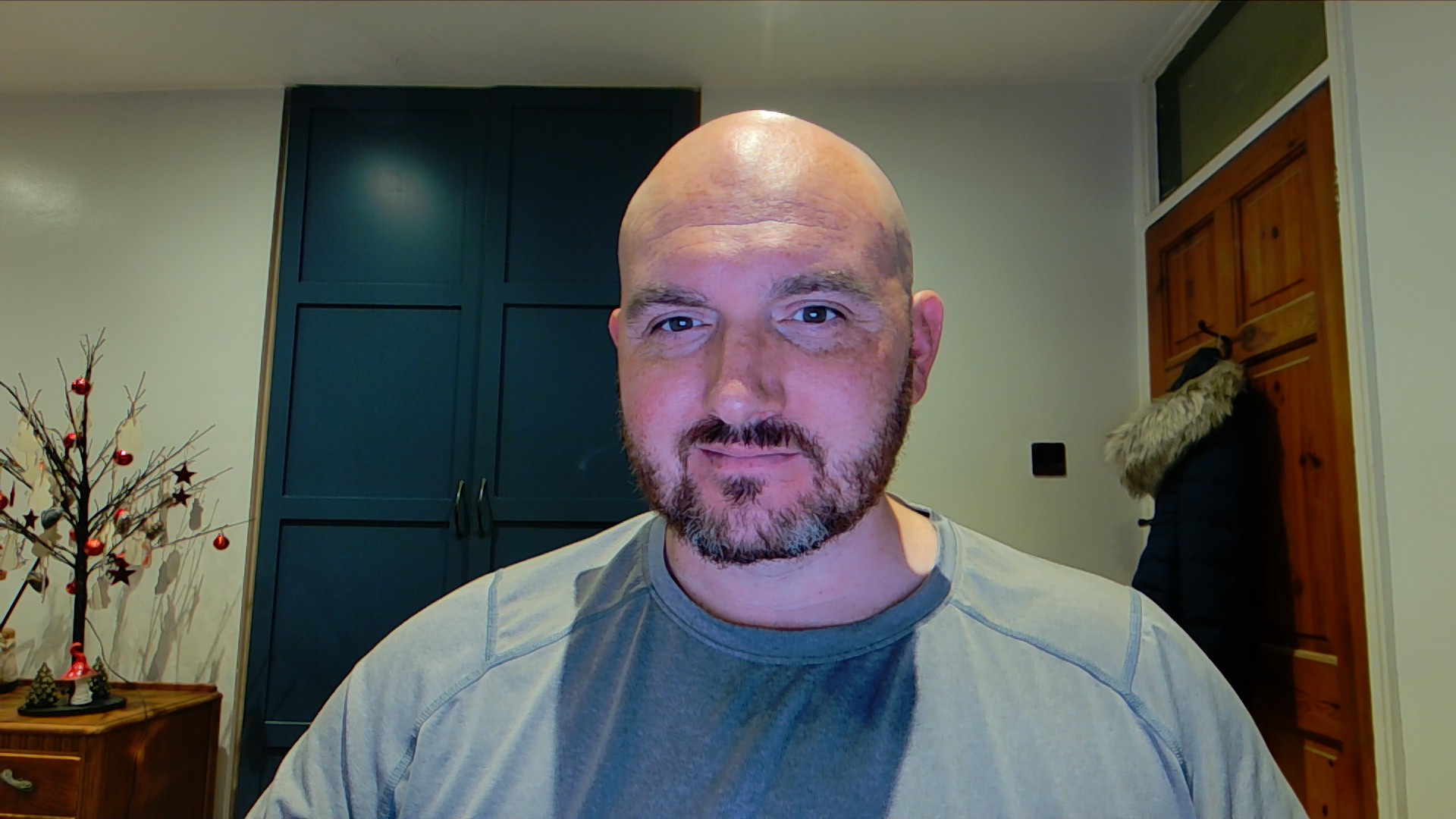
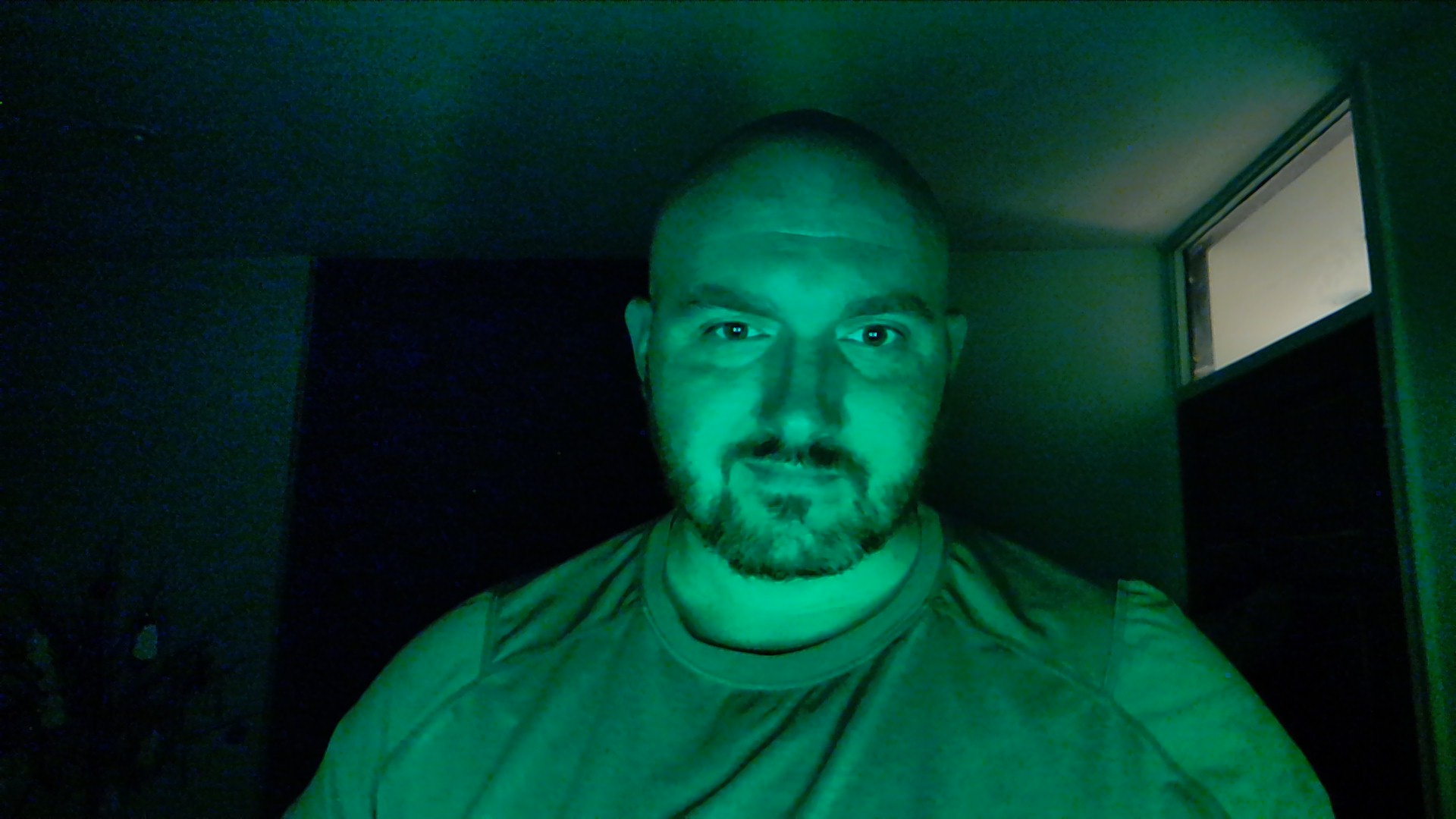
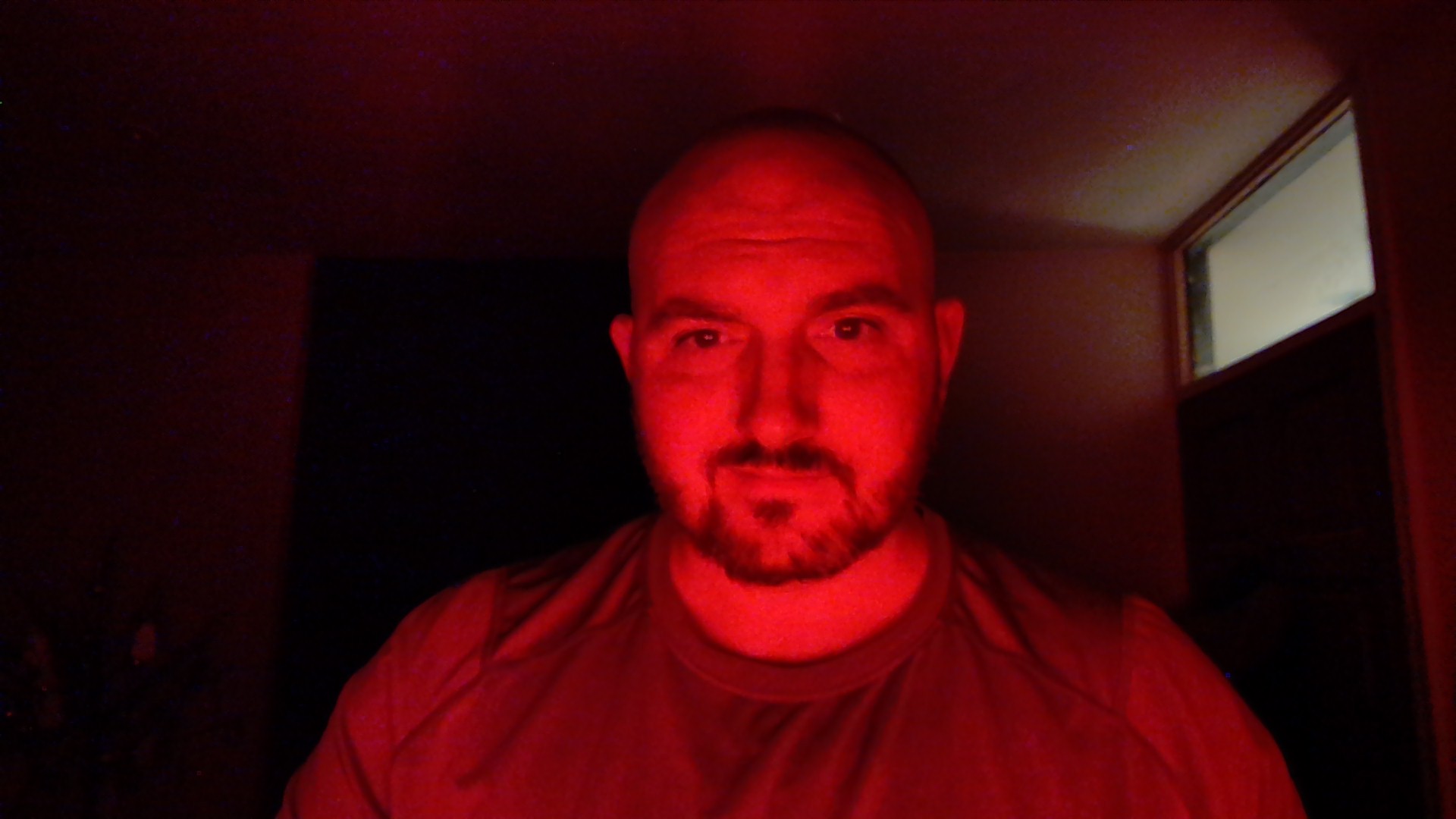
I tested Camo Streamlight this afternoon in various lighting conditions. I took still photos, videos, and had a colleague reflect on my image quality during a video call.
I have a Dell UltraSharp Webcam from 2021. It's a bit older than the best webcams, but it's still nice. My laptop screen can hit up to 600 nits of brightness and supports HDR, meaning it can get surprisingly bright.
Camo Streamlight makes it easy to swap between modes. When using any of those modes, you can tweak the size of the lighted area, alter the brightness of the virtual ring light, and adjust the hue or temperature of the light depending on the mode you're in.
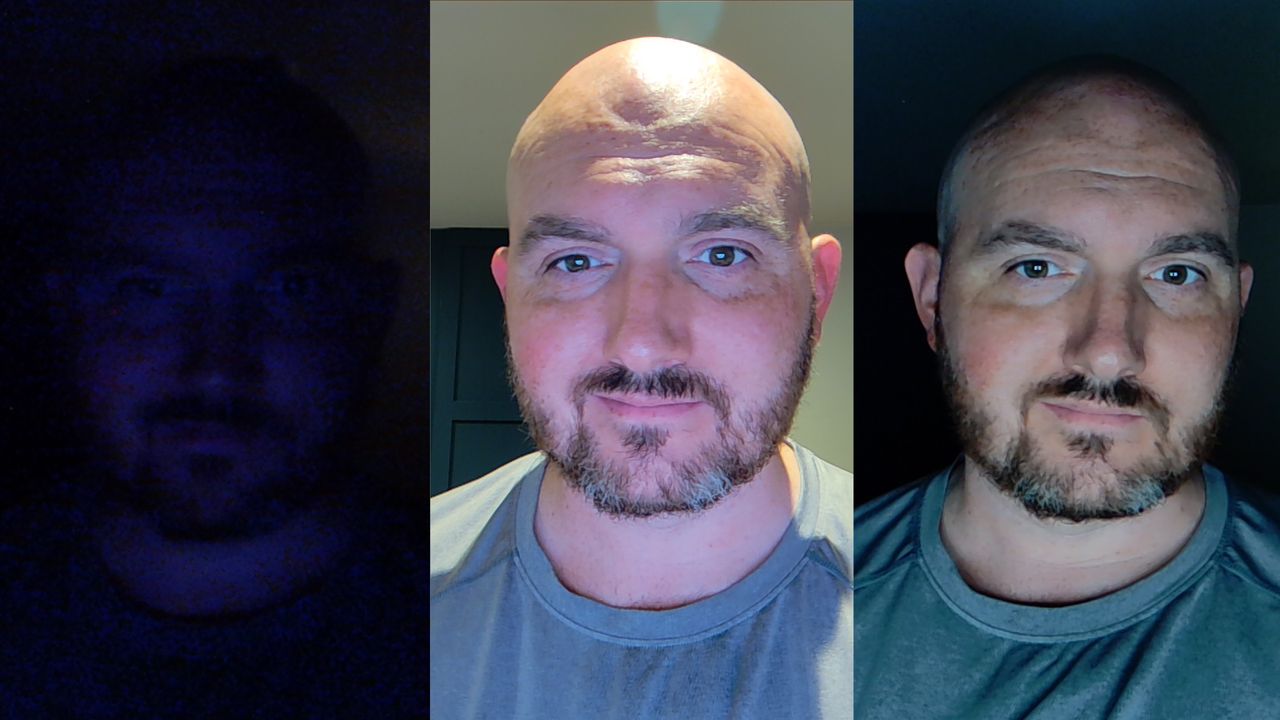
The results are quite impressive. As you can see in the photos above, Camo Streamlight can make my face visible and clear in a dark room or add detail to my face in a lit room by filling in shadows.
Mileage will vary depending on the screen you run Camo Streamlight on. If you have a large HDR display, you should be able to improve lighting during video calls quite easily.