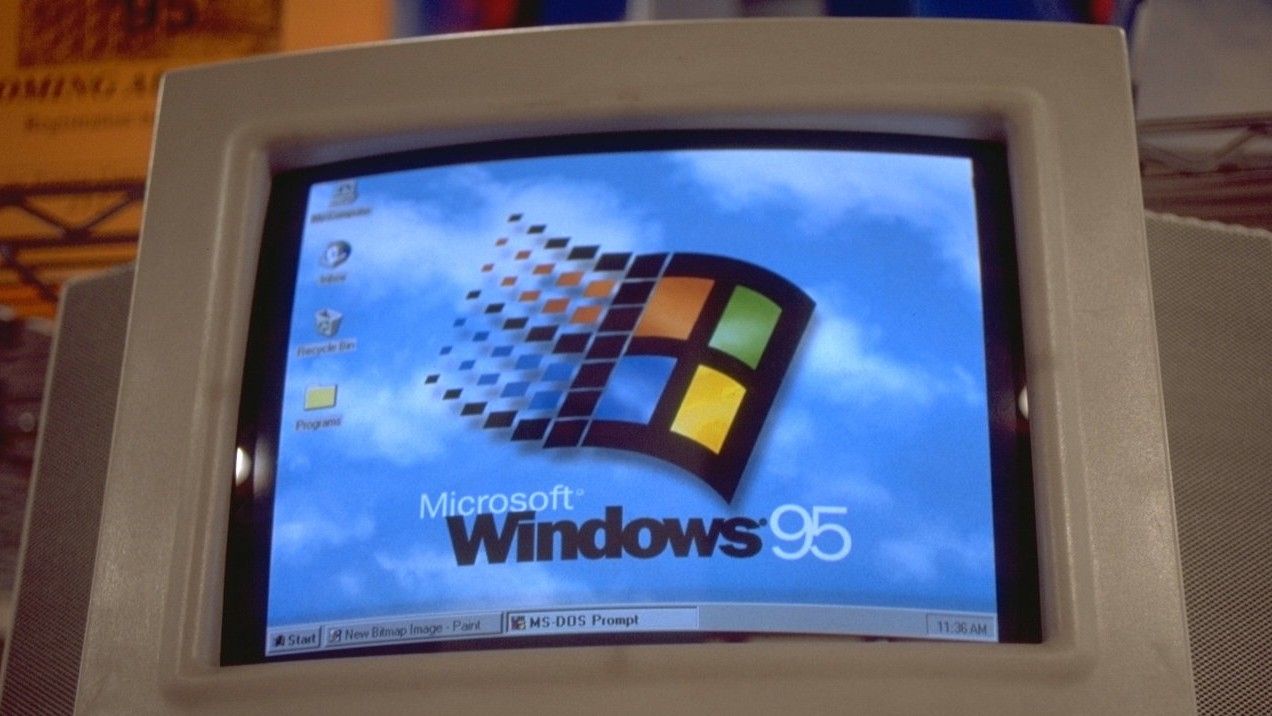
Microsoft veteran software engineer Raymond Chen has shared nostalgic stories about the Windows operating system over the past few years, generally focusing on Windows 95. From its testing phase being so intense that it crashed cash registers with over $10,000 worth of software, to why Microsoft settled on a largely text-based setup for the OS despite MS-DOS shipping with support for more graphics.
In his ongoing "Old New Thing" series, Chen recently discussed how Windows 95 had to deal with careless software installers that broke the system by downgrading files. For context, many system files were redistributable, meaning installers could include and install them.
As a general rule of thumb, Microsoft expected installers to check version numbers in Windows 95 and would replace files only if theirs was more recent. However, this didn't always work out as expected, as many installers ignored the rule and instead overwrote files with older versions, which consequently broke the OS in various ways.
Microsoft eventually devised a relatively clever way to avoid this issue, keeping a backup copy of commonly overwritten files in a hidden C:\Windows\SYSBCKUP directory. As such, Windows 95 would check whether any files had been overwritten after the installer had finished.
If so, and the replacement has a higher version number than the one in the SYSBCKUP directory, then the replacement was copied into the SYSBCKUP directory for safekeeping. Conversely, if the replacement has a lower version number than the one in the SYSBCKUP directory, then the copy from SYSBCKUP was copied on top of the rogue replacement.
Microsoft veteran engineer, Raymond Chen
While blocking installer permissions might have seemed like a simpler workaround for this issue, Chen indicated that it caused more problems, including some installers failing and displaying error messages. Perhaps more concerningly, others tried sneaky tricks, like rebooting and overwriting files from a batch script.
Microsoft decided to settle on a solution that lets installers do their thing, then quietly check for and repair the damage. However, some components eventually shipped with their own installers, which forced developers to use them instead of copying the files directly. How far we've come!

Join us on Reddit at r/WindowsCentral to share your insights and discuss our latest news, reviews, and more.