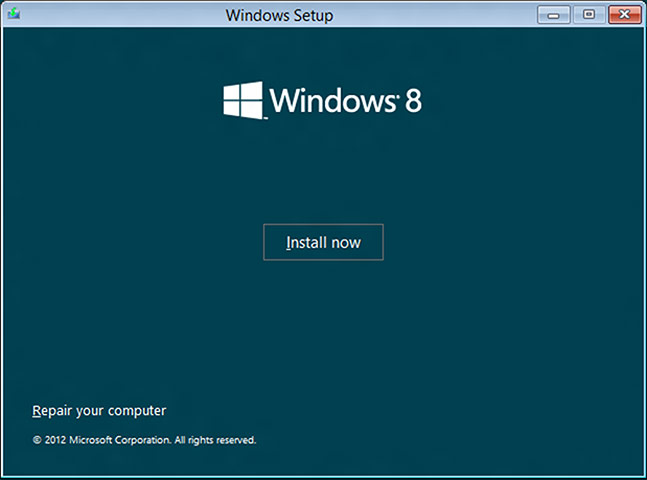
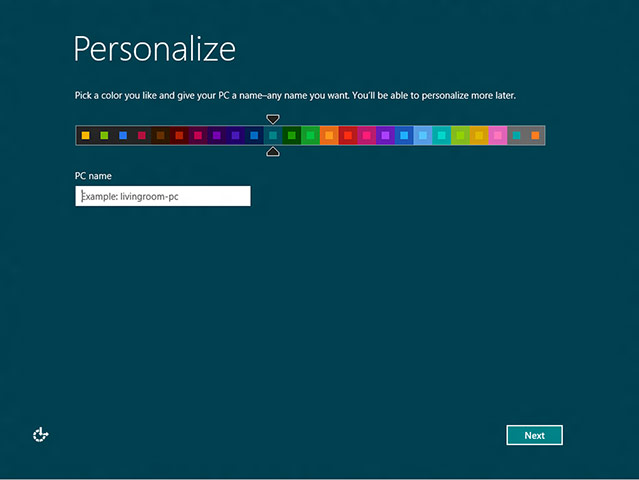
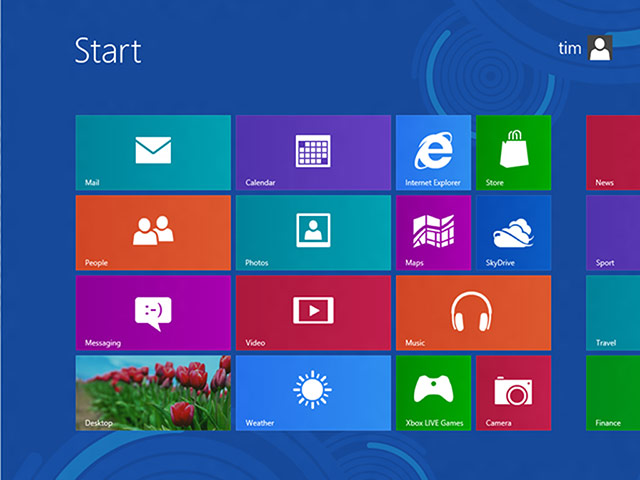
It starts here: installing Windows 8Photograph: Tim AndersonChoose a colour: the first action after installationPhotograph: Tim AndersonThe Start menu after a new install. Note the app at bottom left: that is your Windows DesktopPhotograph: Tim Anderson
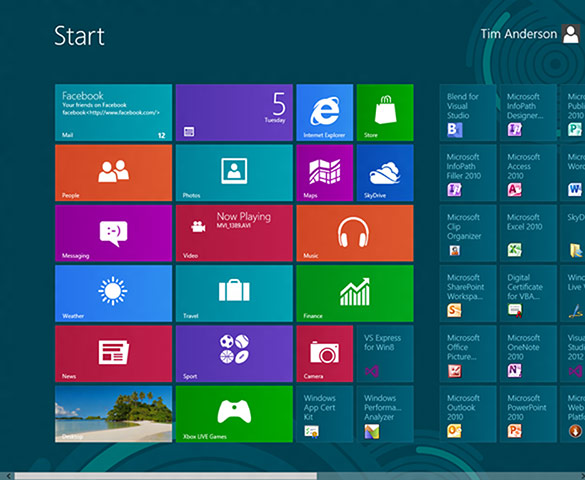
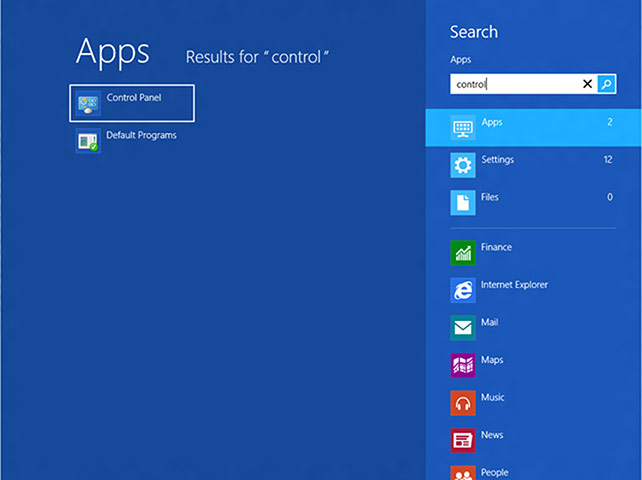
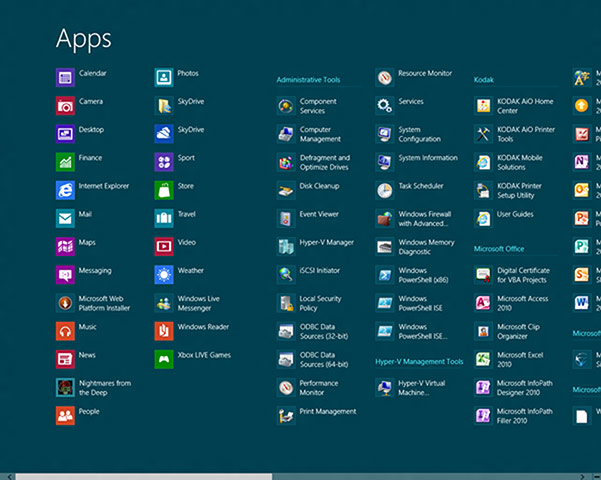
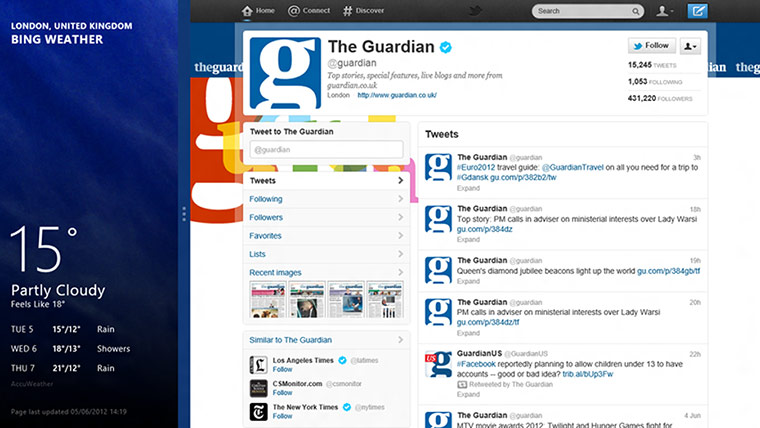
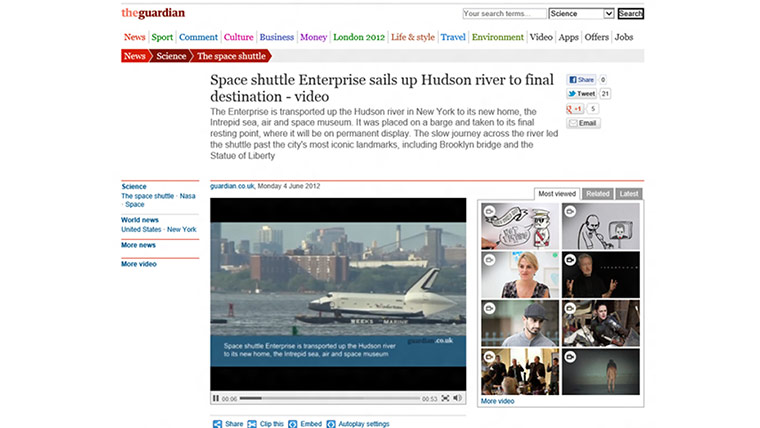
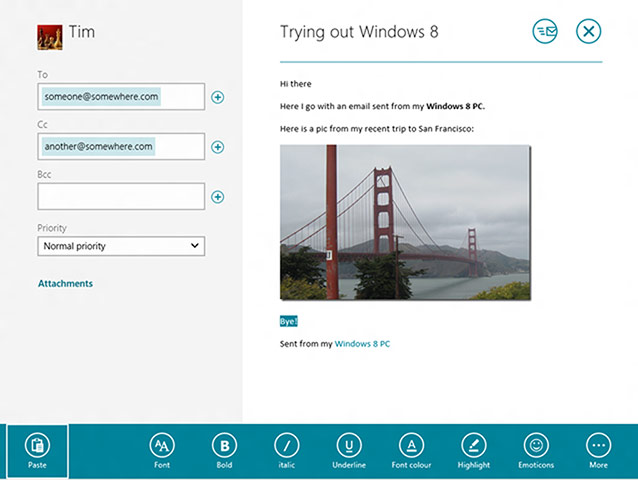
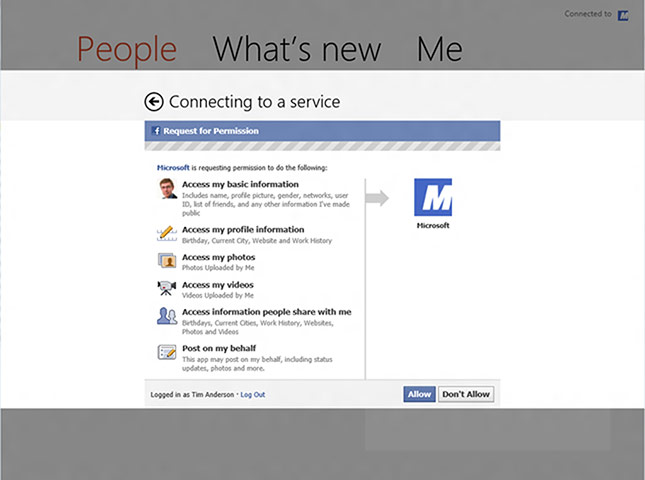
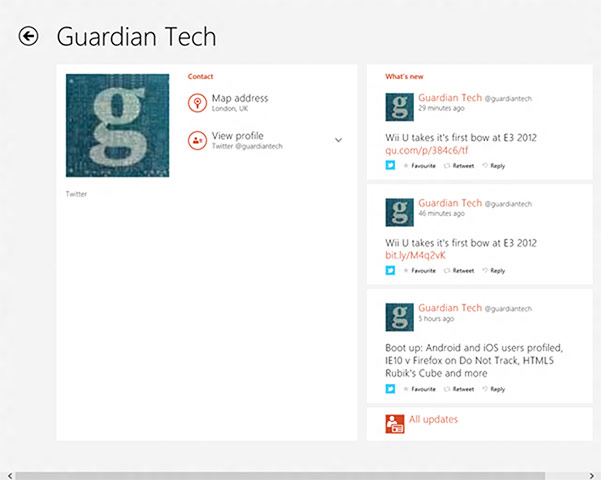
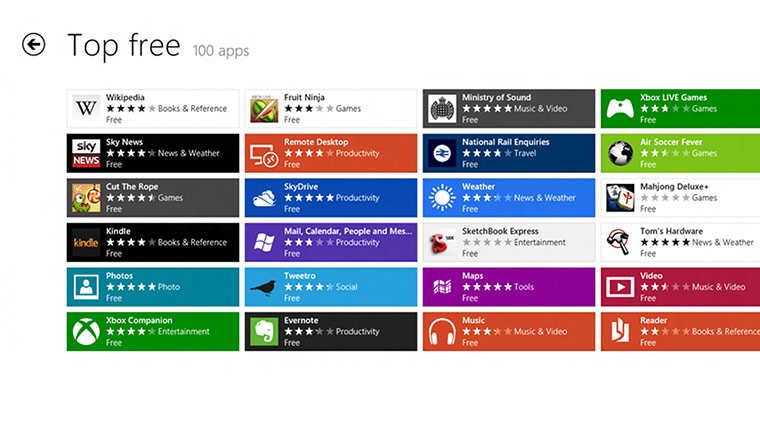
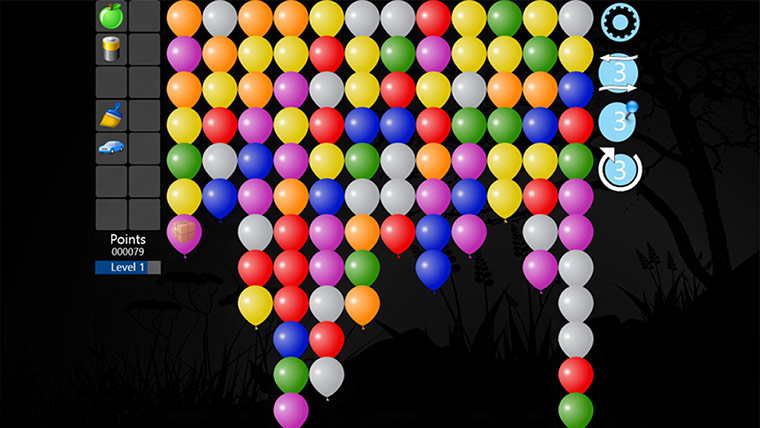
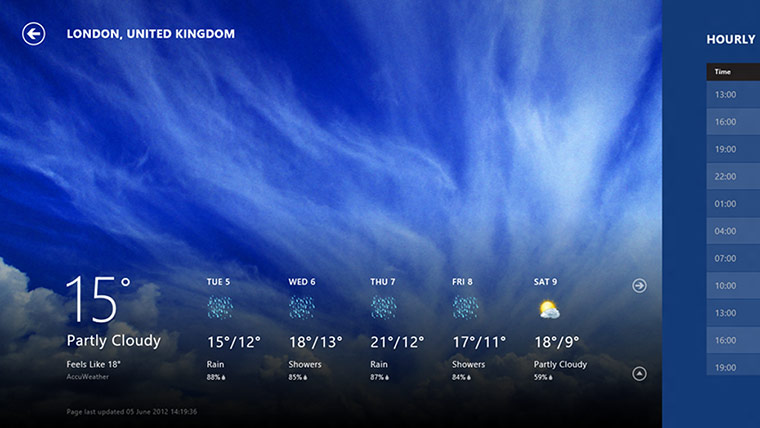
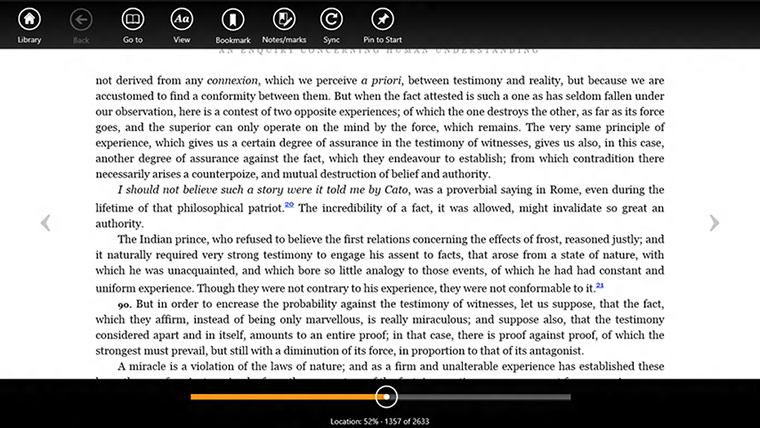
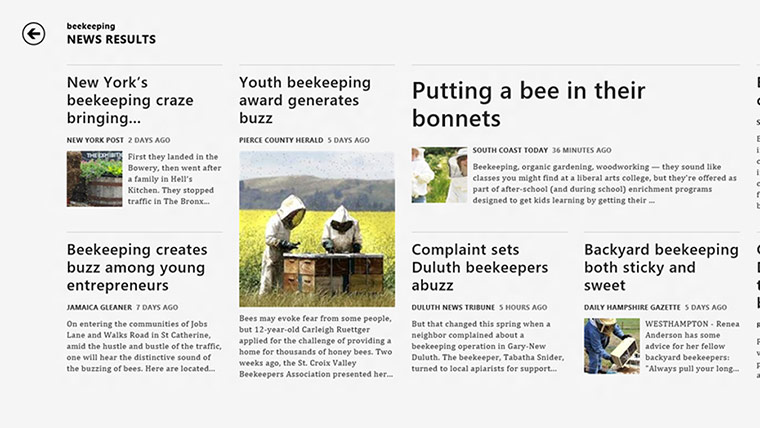
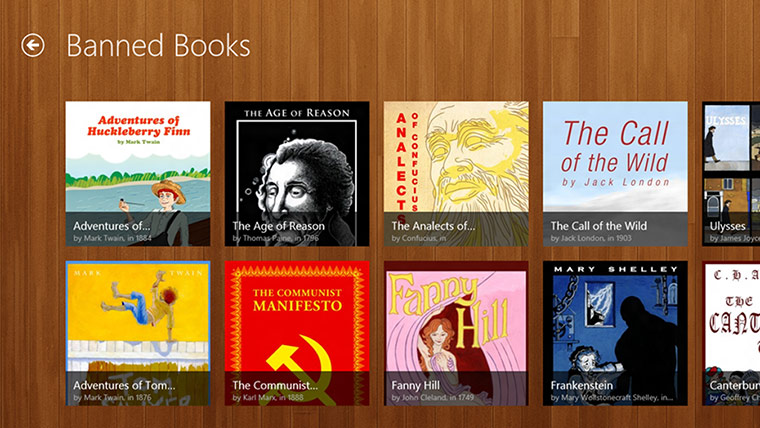
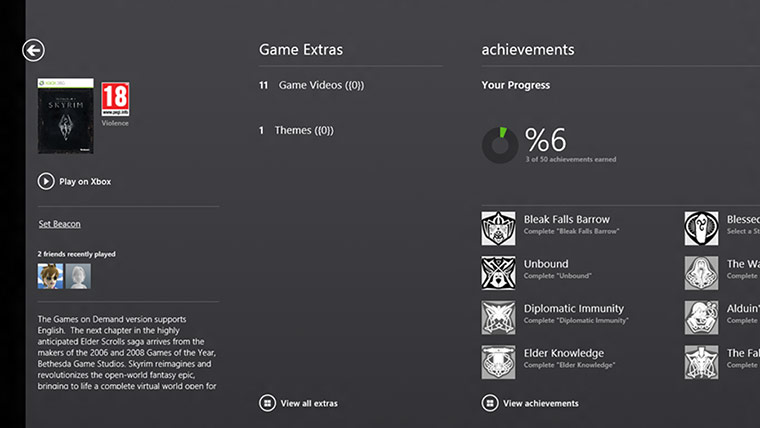
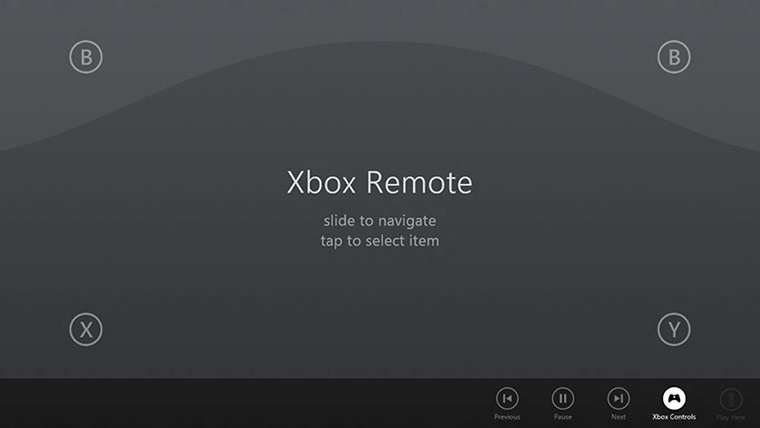
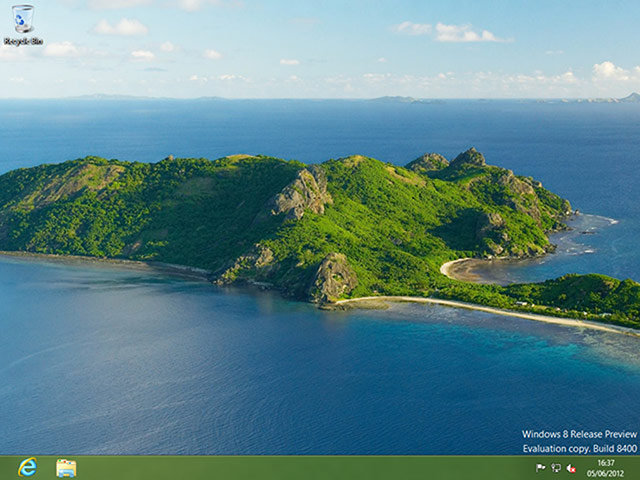
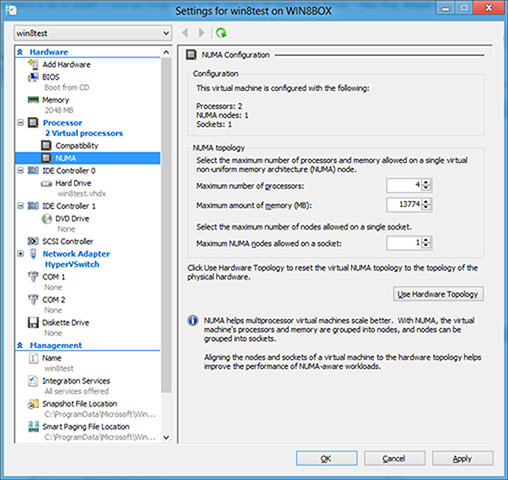
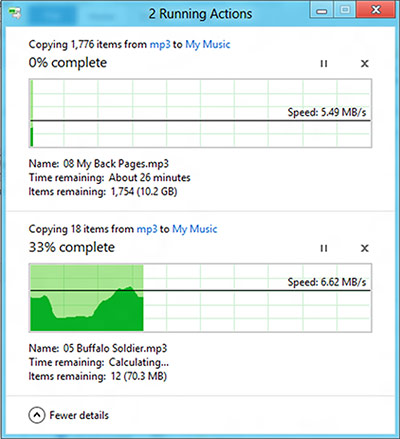
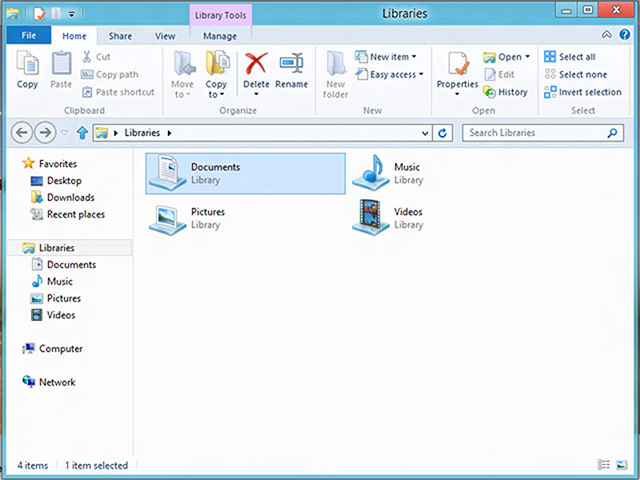
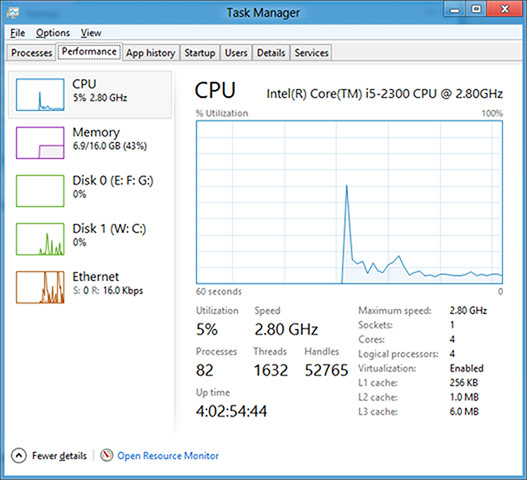
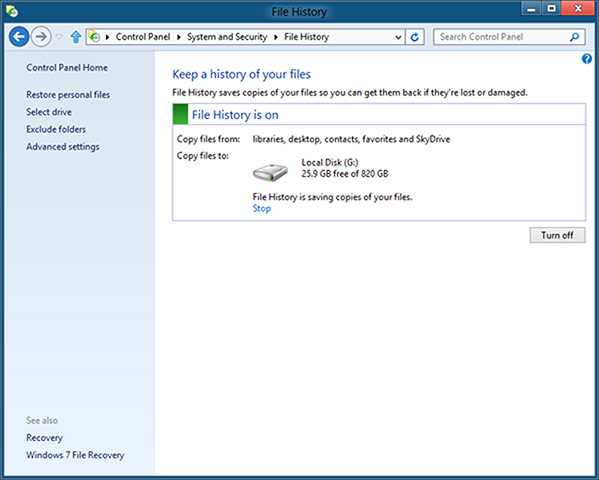
Once Desktop apps are added, the difference between Metro live tiles and the icons for old-style apps is painfully obviousPhotograph: Tim AndersonSearch is the quick way to use the Start menu, especially if you have a physical keyboardPhotograph: Tim AndersonThe All Apps view in the Start Menu preserves groups, but only as headings in a long listPhotograph: Tim AndersonThe split view in Metro shows two apps side by sidePhotograph: Tim AndersonInternet Explorer supports Flash content even on the Metro side, but only for major sitesPhotograph: Tim AndersonWindows 8 Mail is stripped down but performs basic mail functions well with touch. If you need more features, try a Desktop appPhotograph: Tim AndersonA social operating system? Windows 8 prompts you to link accounts including Facebook, Twitter and Google, to show aggregated information in its contact and messaging appsPhotograph: Tim AndersonContact details in Windows 8 includes a What’s New panel with social media status updatesPhotograph: Tim AndersonHead to the Windows Store for Metro apps. Currently everything is free. The choice is limited, but some are well donePhotograph: Tim AndersonTap 'N' Pop is an addictive Metro gamePhotograph: Tim AndersonThe Weather app is among the best, well designed and with detail available if neededPhotograph: Tim AndersonAmazon’s Kindle already has a Metro appPhotograph: Tim AndersonLike beekeeping? Put in this or any term you can think of, and Bing news makes a magazine on the flyPhotograph: Tim AndersonThe Banned Books section from the Free Books appPhotograph: Tim AndersonThe Xbox Companion is a preview of Xbox SmartGlass, which works as a smart remote for the Xbox 360Photograph: Tim AndersonUse your Windows 8 tablet as an Xbox remote with the Companion preview app. Your finger becomes a mouse for the Xbox dashboardPhotograph: Tim AndersonThe Windows 8 Desktop is familiar but different. In particular, there is no Start button, though if you put your mouse in the bottom left corner it appearsPhotograph: Tim AndersonA major new feature in Windows 8 is Hyper-V, an excellent hypervisorPhotograph: Tim AndersonThe new Copy dialog is able to display progress for multiple concurrent copy operationsPhotograph: Tim AndersonThe Windows 8 Explorer has a ribbon in place of pull-down menusPhotograph: Tim AndersonThe new Task Manager has a rich graphical displayPhotograph: Tim AndersonWindows 8 File History keeps multiple versions of your documentsPhotograph: Tim Anderson
Sign up to read this article
Read news from 100’s of titles, curated specifically for you.