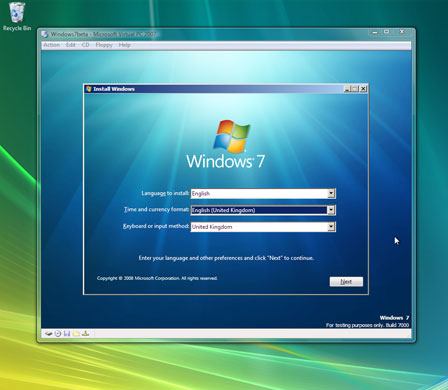
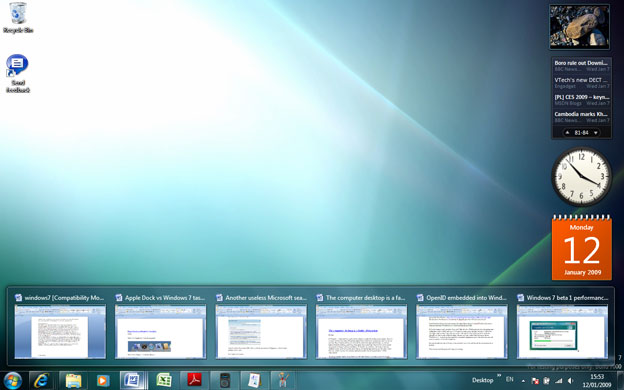
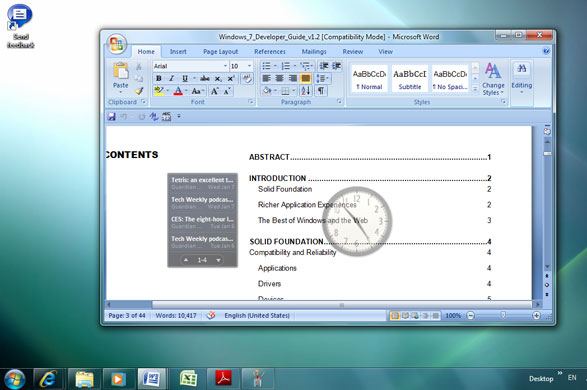
Installing Windows 7 with Virtual PC removes the risks of breaking a working system with beta softwarePhotograph: PRThe new taskbar icons both launch applications, and show which are running, though the distinction is hard to spot. Look for illumination at top left, and a sharper outline around what is runningPhotograph: PRIf multiple documents are open for a single application, and you have Aero graphic effects enabled, you get this preview list when hovering the mouse over a taskbar iconPhotograph: PR
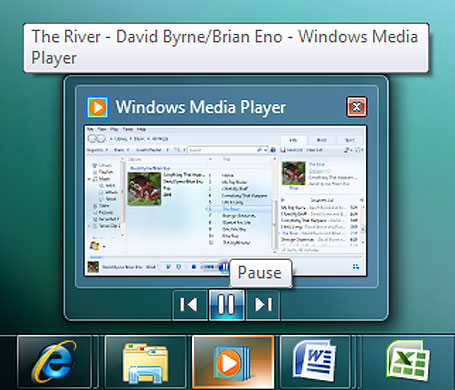
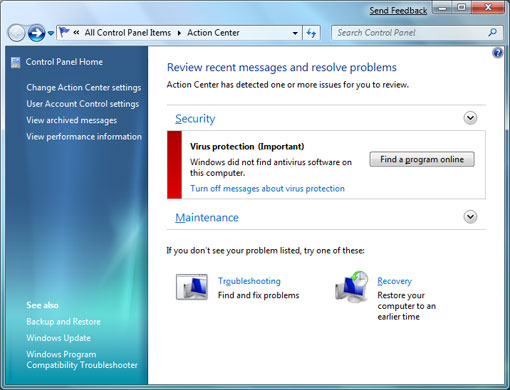
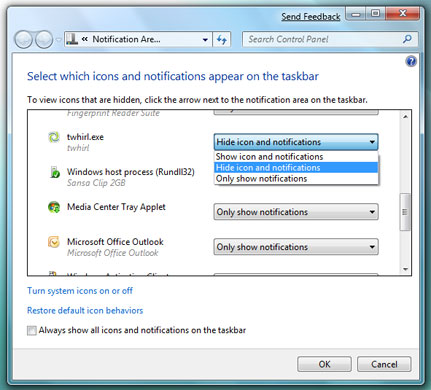
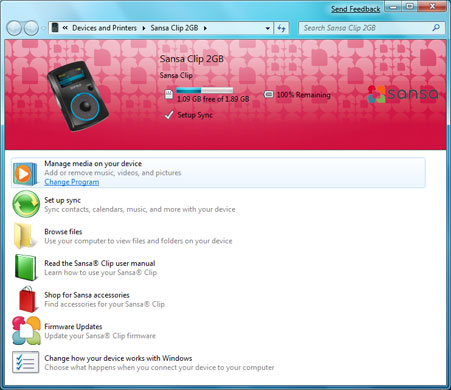
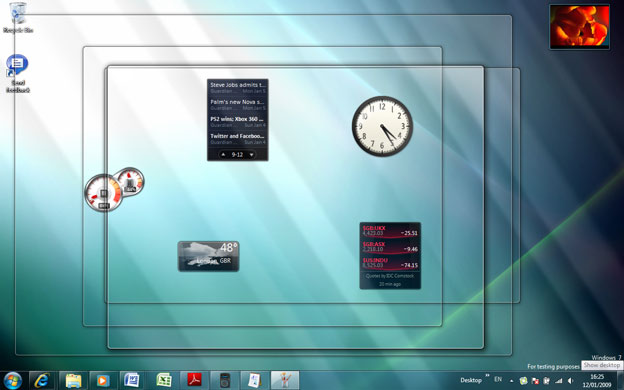
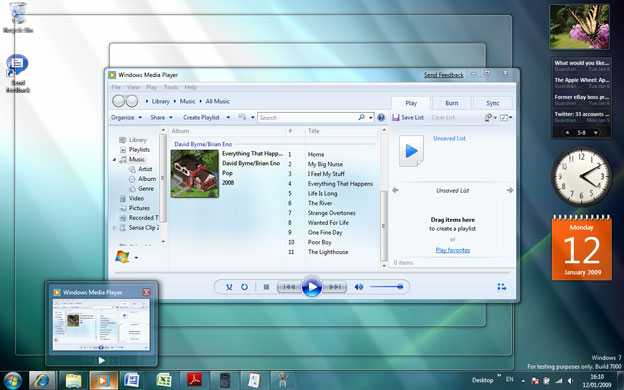
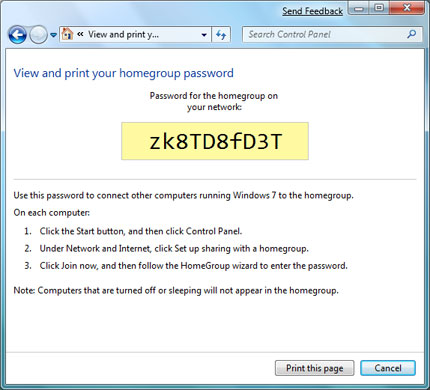
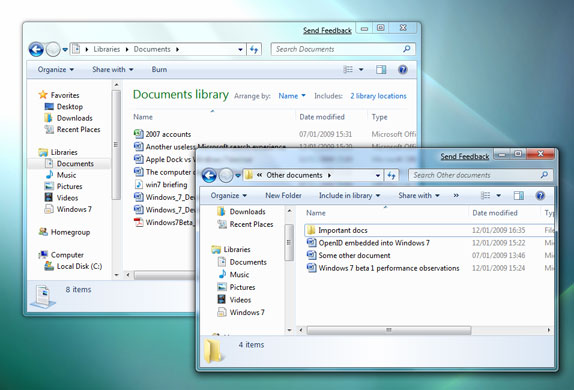
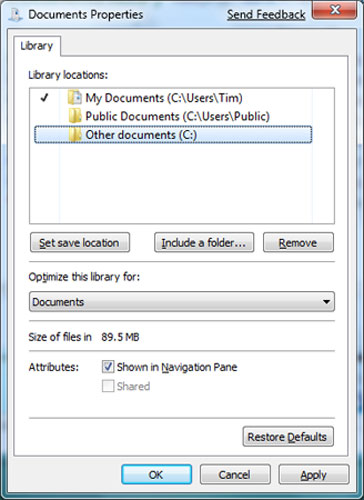
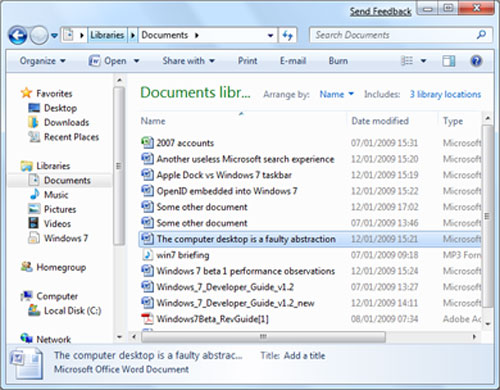
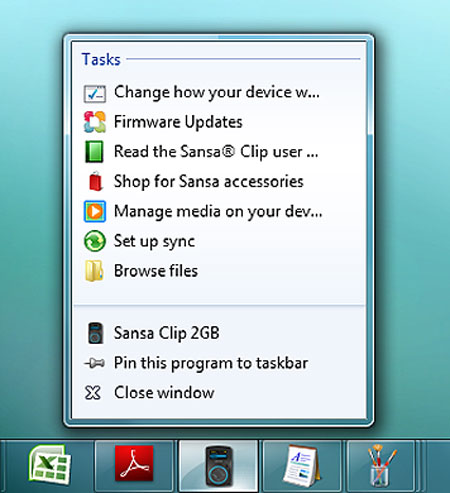
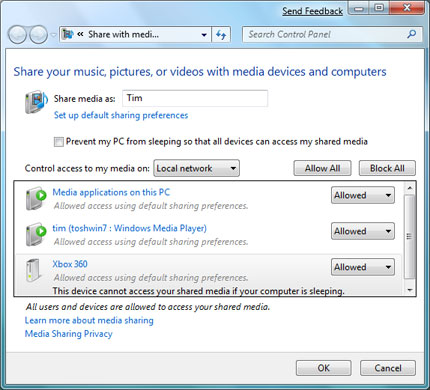
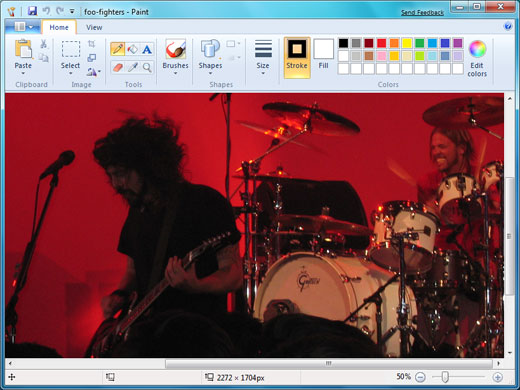
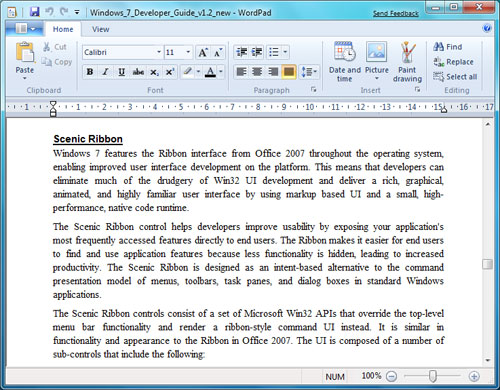
Taskbar previews can have controls on them, so you may not need to visit the full window at allPhotograph: PRThe Action Center is intended as a one-stop location for system alerts and controls.Photograph: PRThe Notifications dialog lets you suppress annoying icons and messagesPhotograph: PRAttach a Sansa Clip MP3 player, and this custom dialog appears. The idea is that each device gets its own unique windowPhotograph: PRThe Desktop Peek feature lets you see gadgets behind application windowsPhotograph: PRHover the mouse over a preview in the taskbar, and all other windows go transparent - note the outline boxesPhotograph: PRNo Sidebar in Windows 7, but gadgets - small utilities - can be set always on top, but with opacity. This can look disconcertingPhotograph: PRWindows 7 homegroups are simple to create, and other users can join by entering a passwordPhotograph: PRSome documents in one folder, some in another. The libraries feature lets you view them togetherPhotograph: PRActivate the library by adding the folders you want, and setting one as the default save locationPhotograph: PRNow all the documents appear in a single list - but two documents in different folders but with the same name can look identicalPhotograph: PRThe Jump List is another taskbar feature, presenting a quick menu customised for an applicationPhotograph: PRSharing media across a homegroup is flexible, though it does not interoperate with Apple's iTunesPhotograph: PRPaint in Windows 7 has a "scenic ribbon" menu, as does WordPad, though that is the only place the ribbon appearsPhotograph: PRThe scenic ribbon in WordPadPhotograph: PR
Sign up to read this article
Read news from 100’s of titles, curated specifically for you.