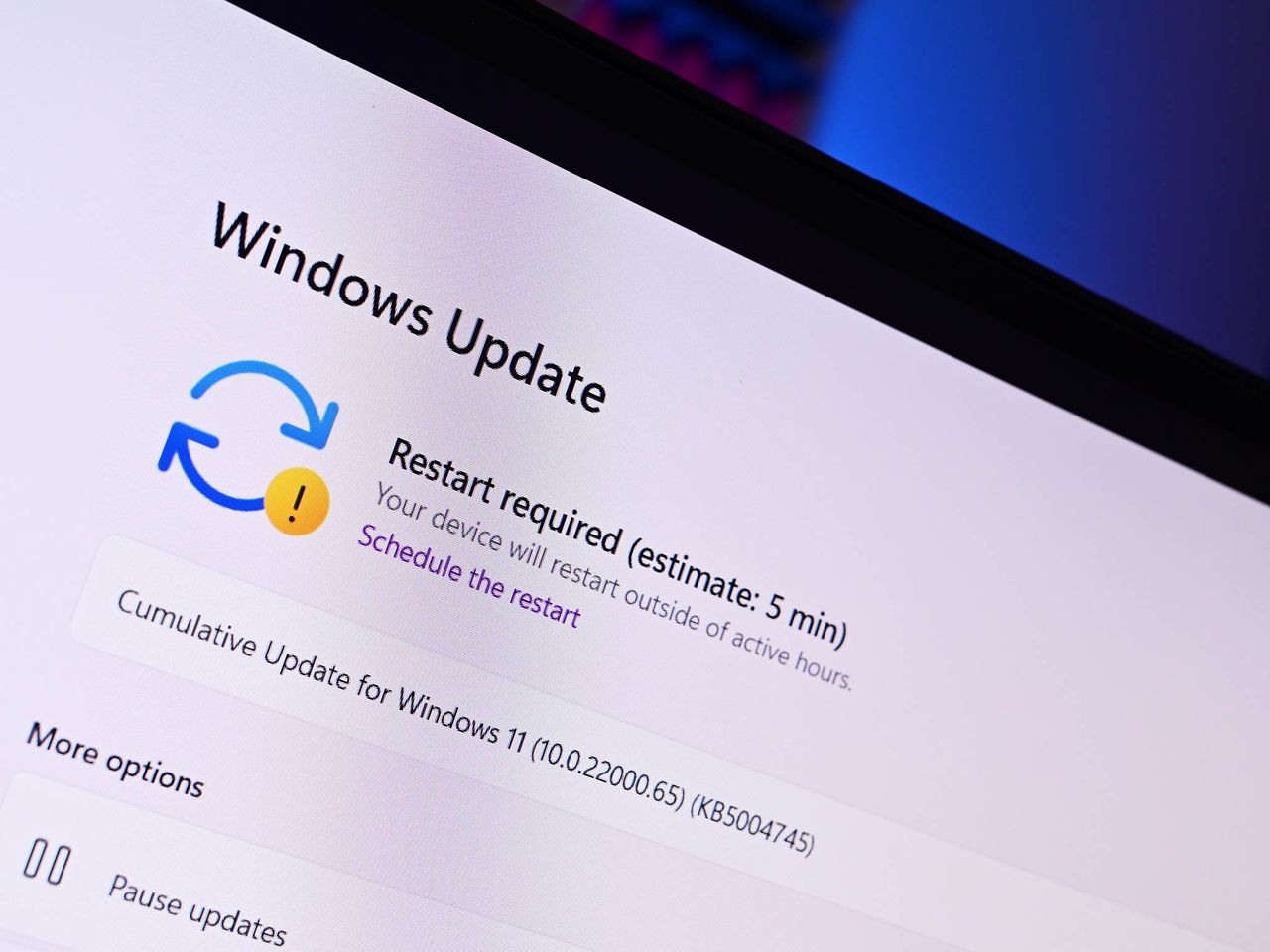
Microsoft has pulled its latest non-security preview update for Windows 11 users that it released to the public just a few days ago. The update, dubbed KB5079391, was released as an optional update to production PCs on Thursday, March 26, before being pulled on Friday evening.
The update was pulled due to some users reporting installation issues, and Microsoft says that its removal from Windows Update is just temporary. The good news is this issue never resulted in PCs becoming inoperable. Instead, the update simply failed to install with error 0x80073712 appearing in Windows Update. Your PC would continue to operate like normal even with the update failing.
As this was an optional preview update, most users likely never tried to install it anyway. This is only an issue for those who want the latest updates as soon as possible, with the "Get the latest updates as soon as they're available" toggle switched to on.
With the update now pulled, users won't see KB5079391 appearing in Windows Update when they check for updates now, mitigating the installation issue entirely. It's a shame, as this update does include some nice improvements and changes.
With this new update, File Explorer is now more reliable at unblocking unsafe download files, the OS now supports displays with up to 1000Hz refresh rate, and improvements to Windows Hello reliability among many other quality of life improvements across the OS.
Installation issues appearing on an update that was made available to the public doesn't look good, especially after the company just promised to address quality and reliability issues around the OS. Windows 11's reputation is currently at an all time low, and small missteps like this one aren't helping improve that reputation.
It's not clear when update KB5079391 will be made available again. It's possible that the company will have to rev the update to fix the issue, resulting in a new KB and build number update released instead. Alternatively, the company may just wait until April's Patch Tuesday to begin rolling out these improvements more broadly instead.

Join us on Reddit at r/WindowsCentral to share your insights and discuss our latest news, reviews, and more.