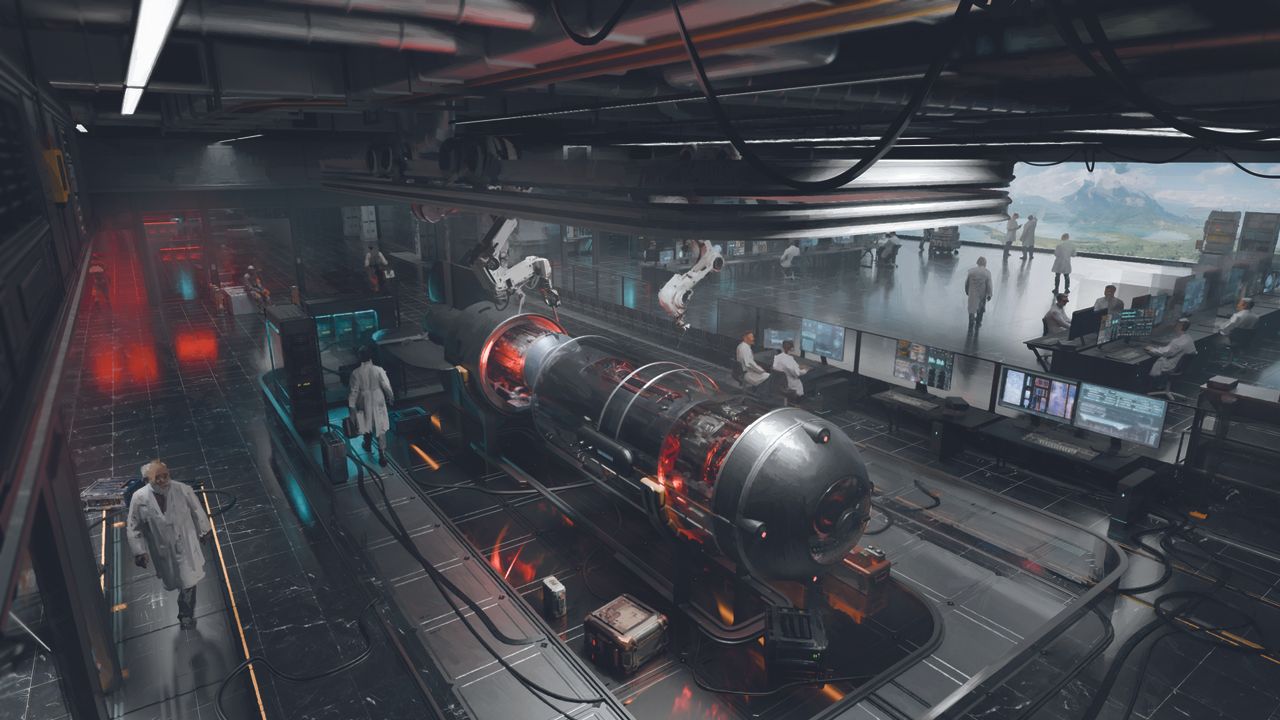
Freelance concept artist and art director Rostyslav Zagornov took time out from developing ideas for new games and films – he's worked on Bladerunner 2049, Dune and Metro: Exodus – to explain a little of his process.
"For this sci-fi interior, I started by tackling the overall plan, beginning with general blocking in 3D, before moving on to specific details. I created the room layout, placed several cameras to create an overall sense of the result and marked a few key areas of interest.
"My goal wasn’t to produce a perfectly detailed interior down to every switch on the wall, but rather to convey the overall atmosphere and style while keeping it believable. The best designs are grounded in what the viewer already knows, which ensures they can believe in their functionality."
You can follow along with Rostyslav's advice below, and if you're inspired, catch up with the latest digital art software and the new 3D modelling software to try designing and refining your own concept art.
01. Start by adding detail
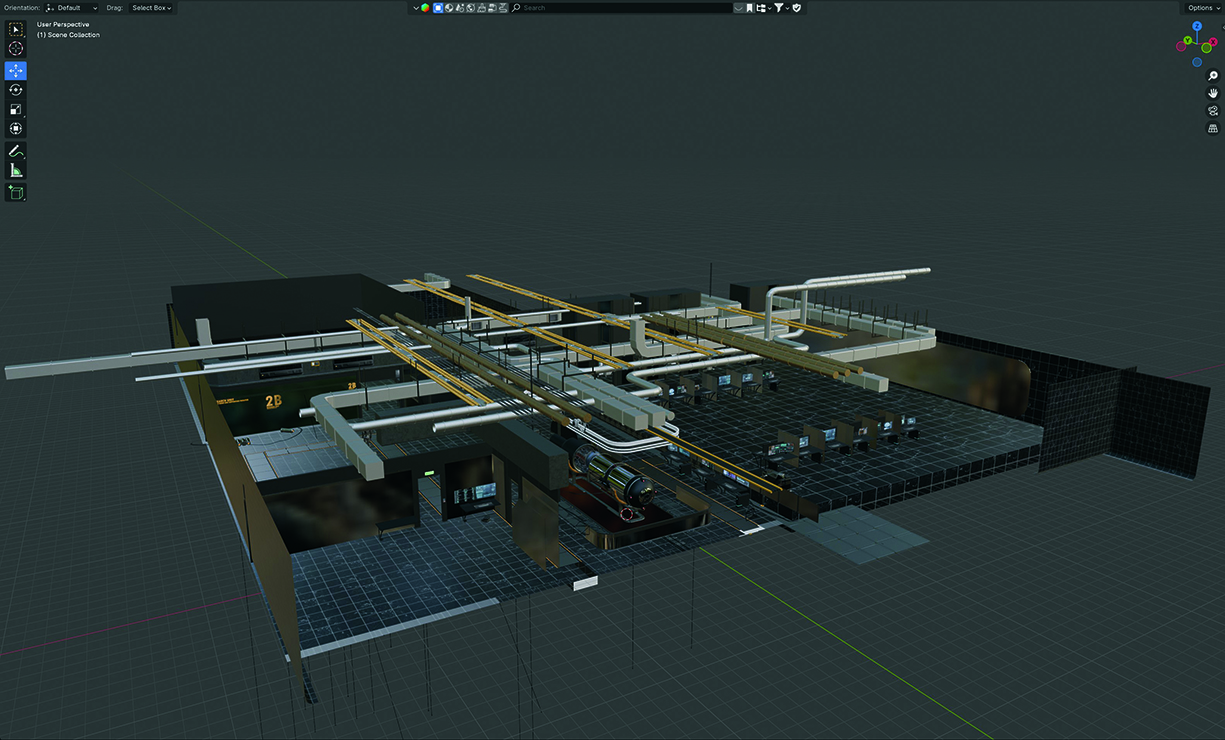
Once the basic detailing is in place, I produce several PBR renders to look at how everything interacts with the lighting inside the lab, adding a few light accents if required. It’s now time to choose one or two favourite angles and move them on to finalisation.
02. The fine turning stage
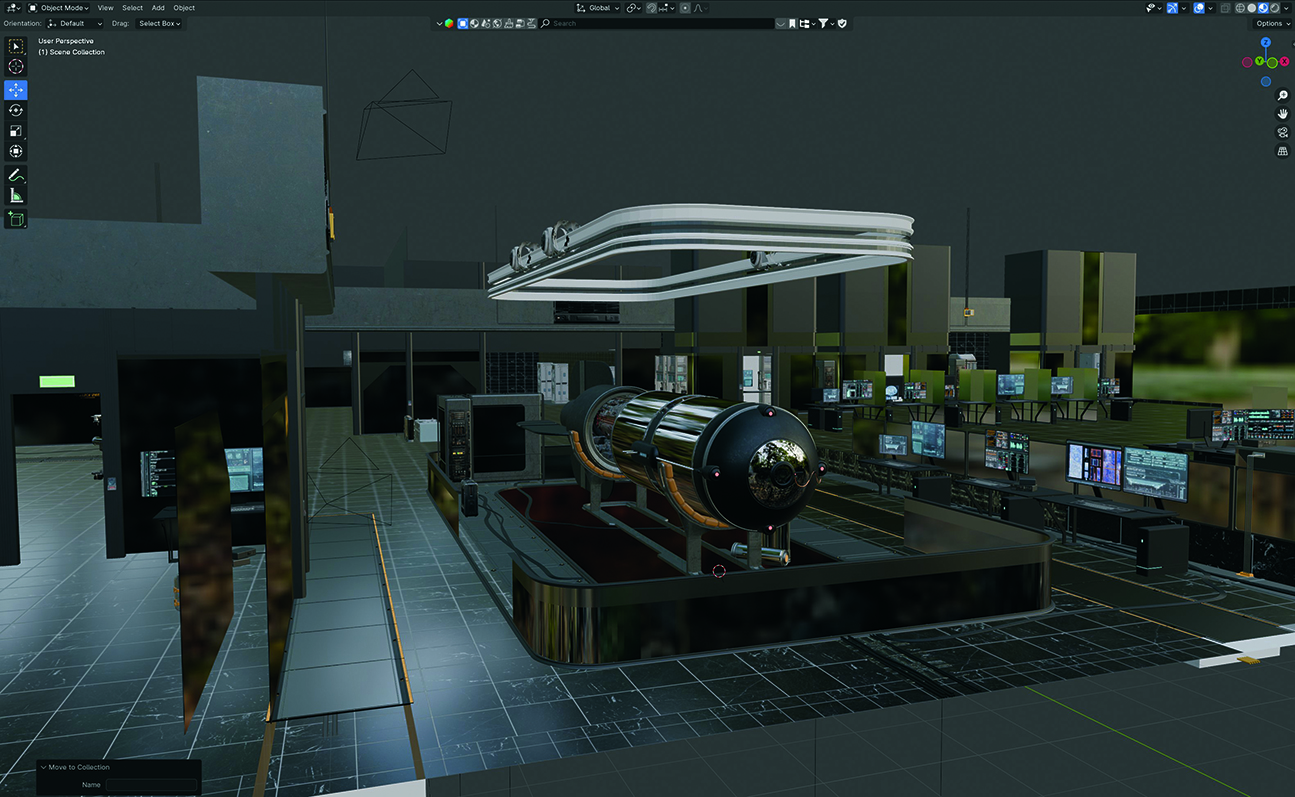
A lot of details are added at the final stage simply to fill in empty space, create a reasonable visual noise and inject a sense of realism. To save time, I use practical methods like photo-texture projection on low-poly models: objects or people far from the camera don’t require detailed modelling. To create visual complexity, I might also use reflective surfaces or small local light sources.
03. The post-processing
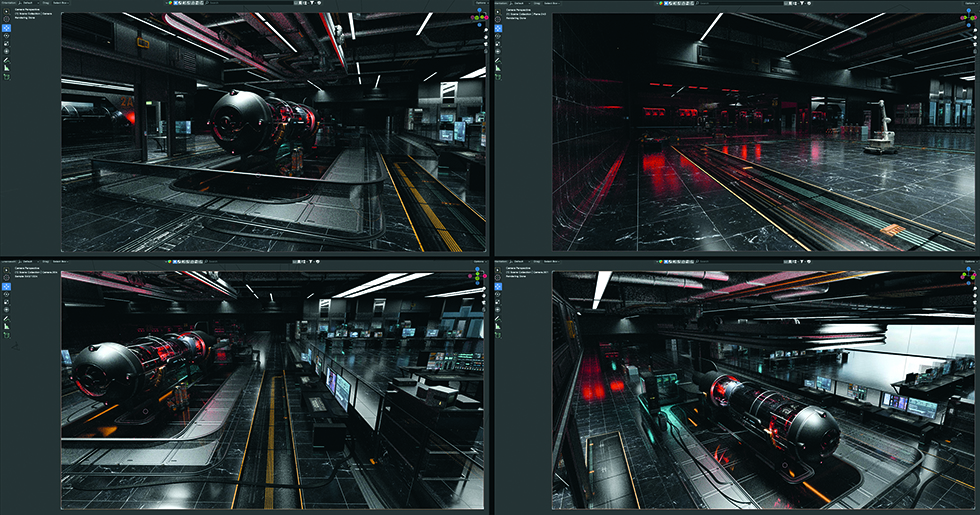
After scattering all necessary elements throughout the scene, I render it and move to Photoshop, where I paint in additional depth. Then I slightly soften the image using filters and start painting more details on top of it. This brings the image closer to a more painterly style, which I enjoy.