
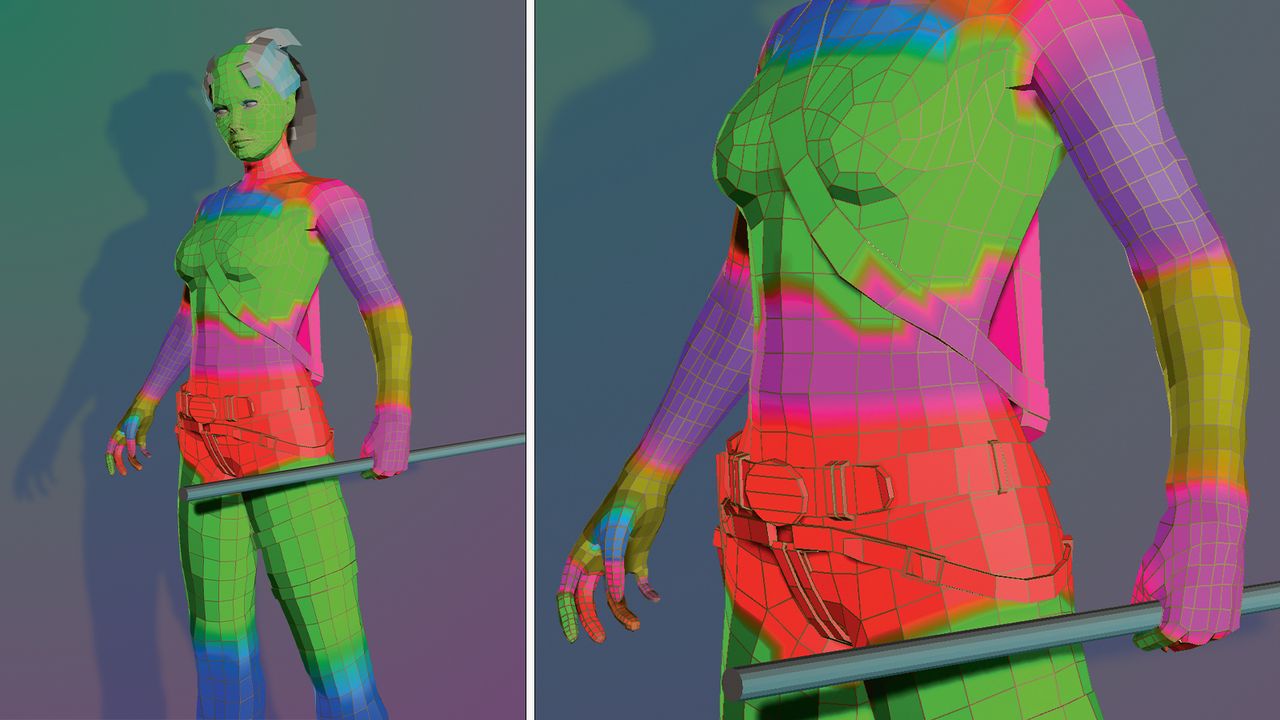
We’ve now discussed many of the elements that make up a 3D model, and if you’ve spent any time exploring the best 3D modelling software, you’ll already have seen how these fundamentals come together in practice. As we’ve seen, edges, vertices, and UVs are all key components that affect how the model looks, so what else is left to cover? Well, vertices don’t just store positional and UV data – they also hold colour data, too.
Vertex colours aren’t immediately obvious, but you will have seen them in action at some point. For example, in Maya, when painting skin weights, the values are represented using vertex colours. In sculpting applications, when you paint colour information onto models, this is usually done using vertex colours, too. If you’re working on more complex scenes, especially on the best laptops for 3D modelling, this kind of efficient data handling becomes even more important.
What’s interesting is these colours aren’t purely cosmetic, they can have other uses as well. In video game development, they’re often used to store additional data that the game engine can read and interpret in-game. This could range from dictating the type of surface the character is walking on – sticky or slippery – to helping blend different textures.
Another benefit is that vertex colours are relatively cheap to use. Storing texture pages can be quite expensive, so games running on lower-powered devices often opt to colour their models using vertex colours instead of needing hundreds of texture pages. This is especially useful when optimising projects created in the best 3D modelling software for hardware with tighter limitations. Let’s look at how to apply them.
1. Paint by brush, not selection
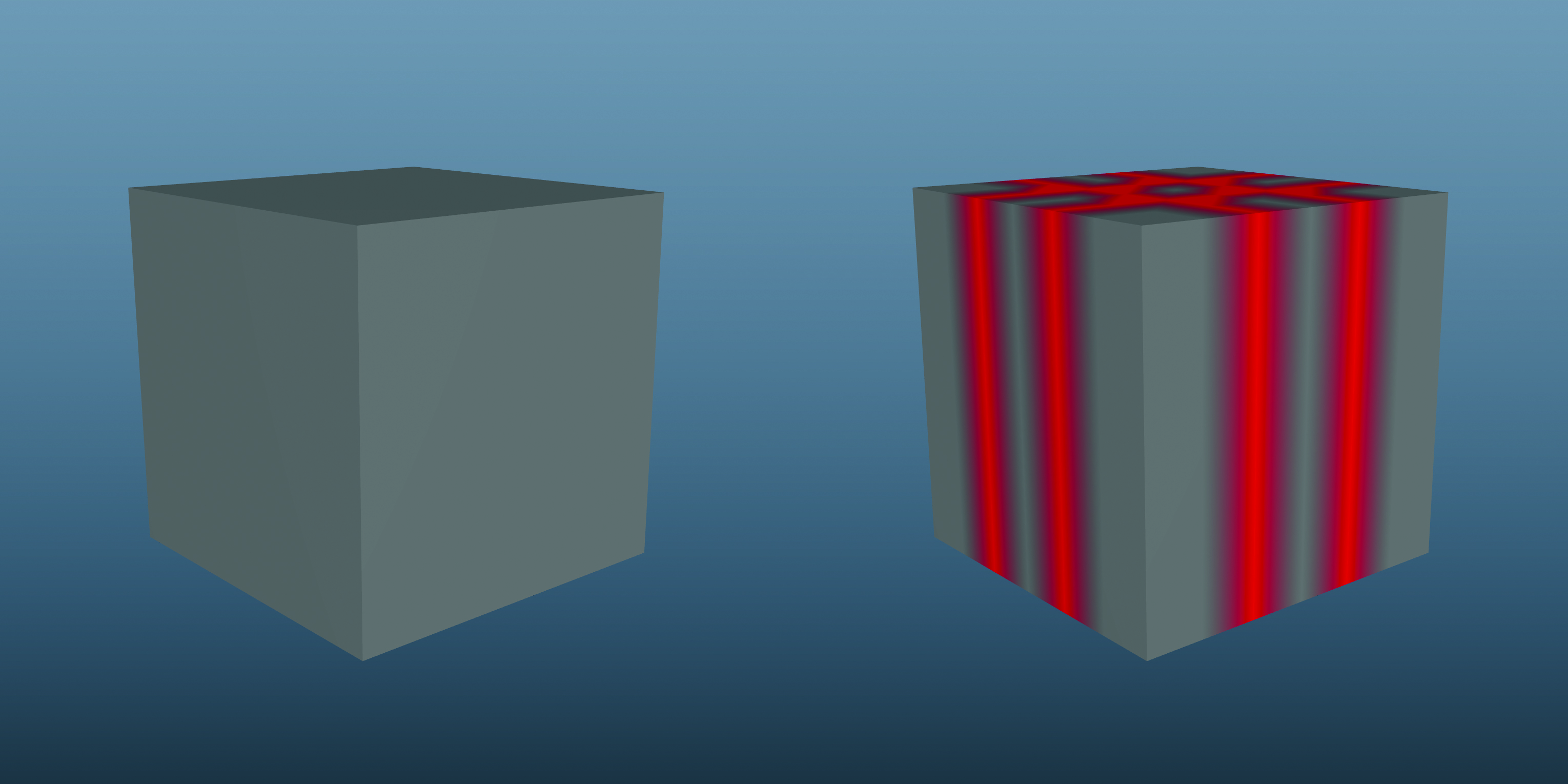
Most 3D applications allow you to paint vertex colours directly onto your model, rather than doing so at the per-vertex level. This is much more user-friendly, especially when you have a dense mesh to work with, where selecting vertices can be challenging.
2. Blend your colours
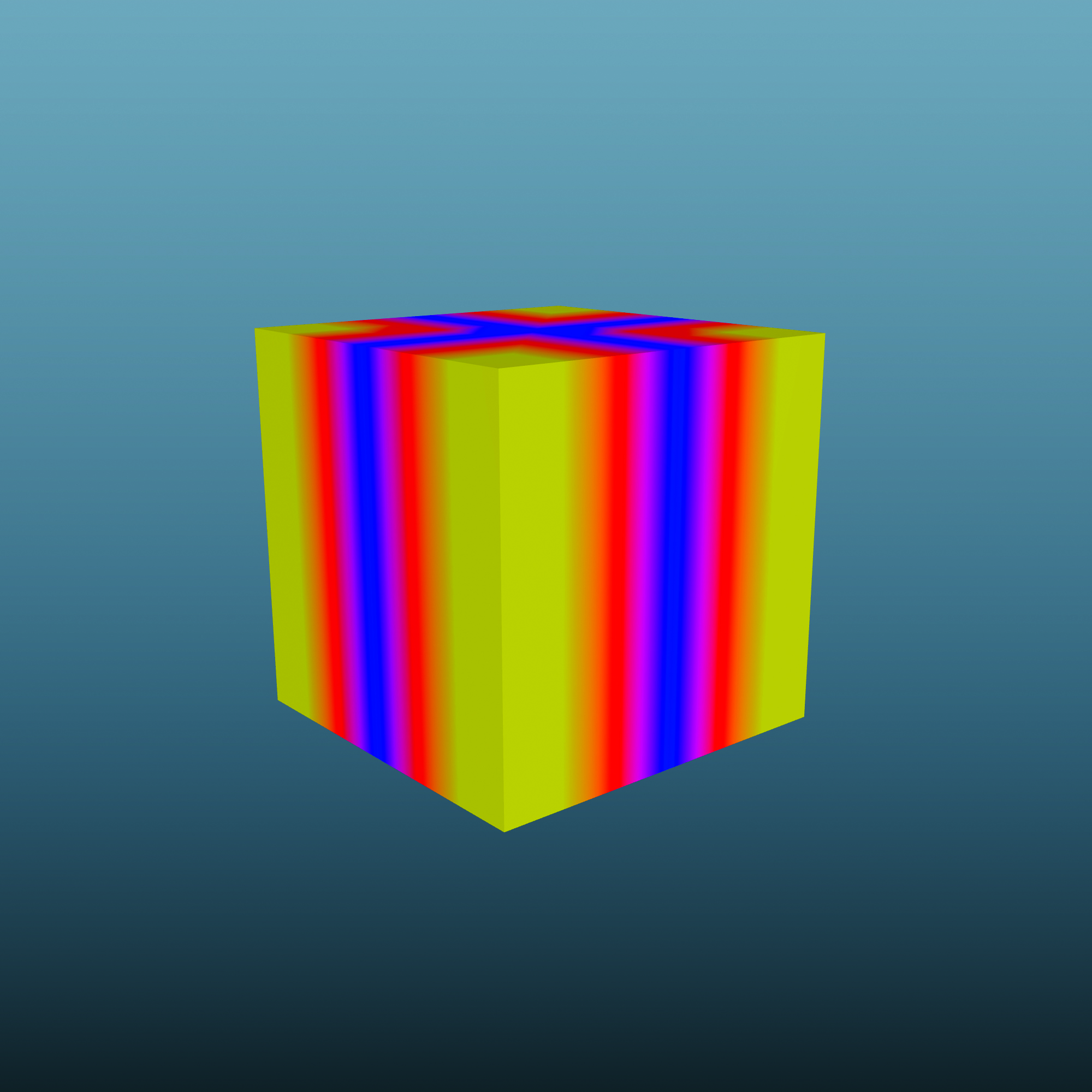
Vertex colours blend between each neighbouring vertex. This means that the denser the mesh, the more detailed the colours you can have. This will then mix the colours to produce additional hues.
3. Control the flow
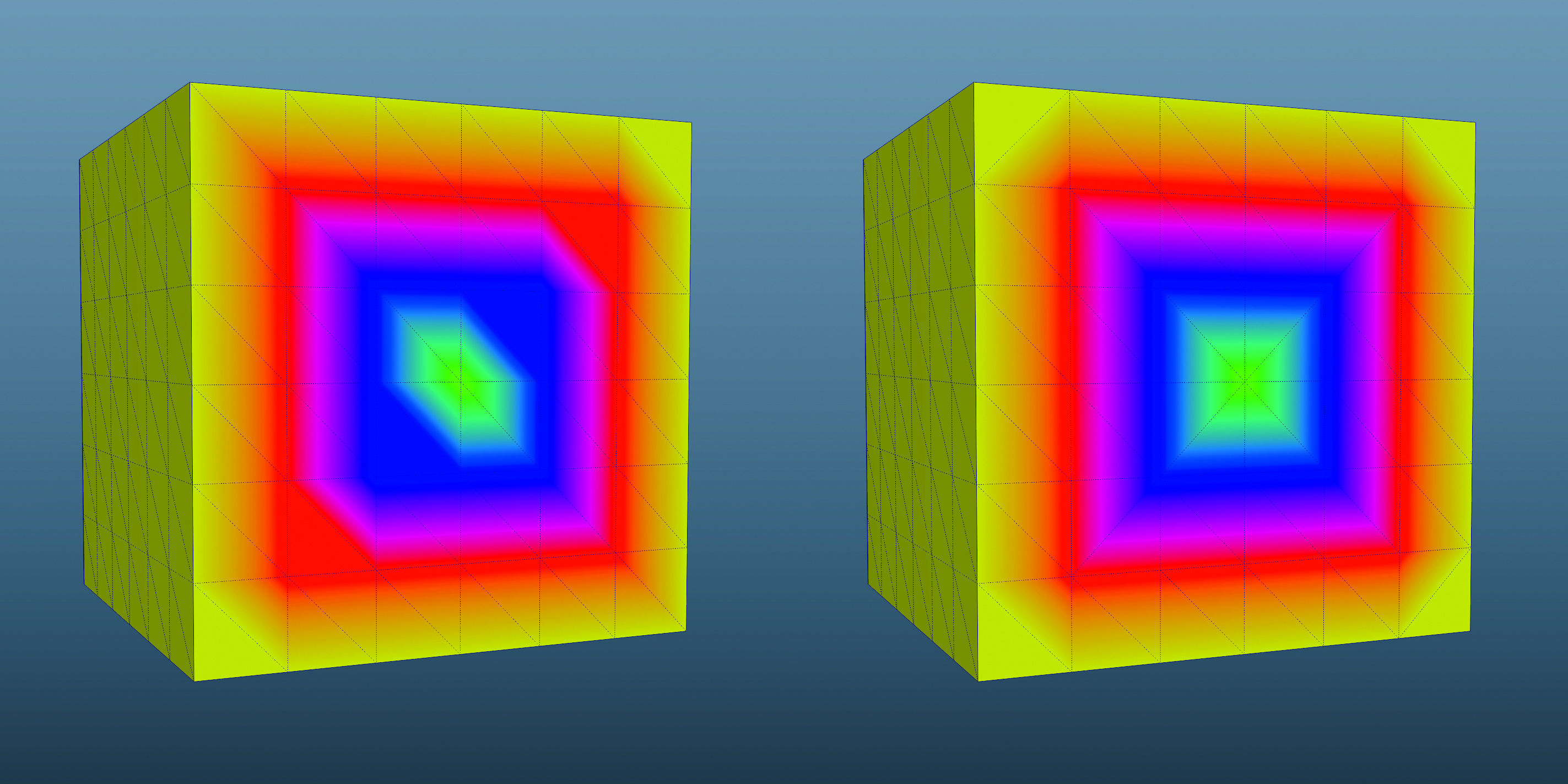
On lower-resolution models, you have some control over the flow of the colours. Simply rotating or flipping an edge will redirect the spread of the colour, giving you far greater control of the end result.