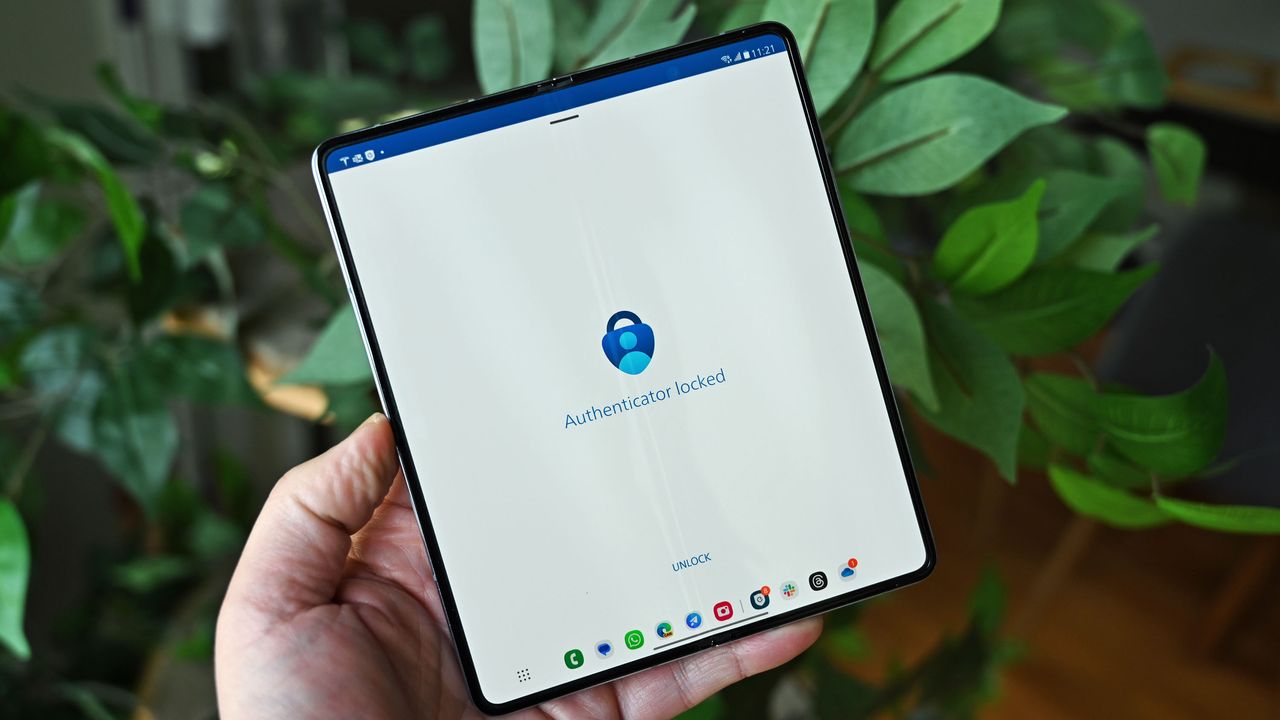
The next time you open Microsoft Authenticator to log in to a device, you could be met with a new interface. Microsoft is rolling out a change that requires you to enter a number manually rather than tapping one of three options.
The update first appeared for enterprise and education users, but it has since started rolling out to personal Microsoft accounts. We've seen the new prompt appear on a personal device, suggesting the rollout is in progress.
At first glance, you may think that the change makes Microsoft Authenticator 33 times more secure. That would be true if malicious actors were hacking into accounts by guessing the number that appeared.
Before the change, there were only three options available, giving a theoretical blind hacker around a 33 percent chance of guessing. By requiring a two-digit number to be entered manually, there is only a 1 percent chance of guessing it right.
But attacks centered on multi-factor authentication usually aren't guessing games. Bad actors often spam users with a bunch of prompts to authenticate in the hopes that the user will approve the prompt or guess the correct number.
Accidental approvals are also an issue. With only three numbers appearing on a screen, you could tap the correct number by accident when opening the app or moving the phone around in your pocket.
Requiring a number to be entered manually reduces those risks greatly.
Microsoft has made several changes to its authenticator app to improve security. SMS codes are being phased out as an option for personal Microsoft accounts because they are insecure. SMS-based authentication is the leading source of fraud, explains Microsoft.
The change to requiring manual number entry is more pinpointed than shifting away from SMS-based authentication, but it adds another layer of security.
The update is rolling out gradually, so you may not see it yet.

Join us on Reddit at r/WindowsCentral to share your insights and discuss our latest news, reviews, and more.