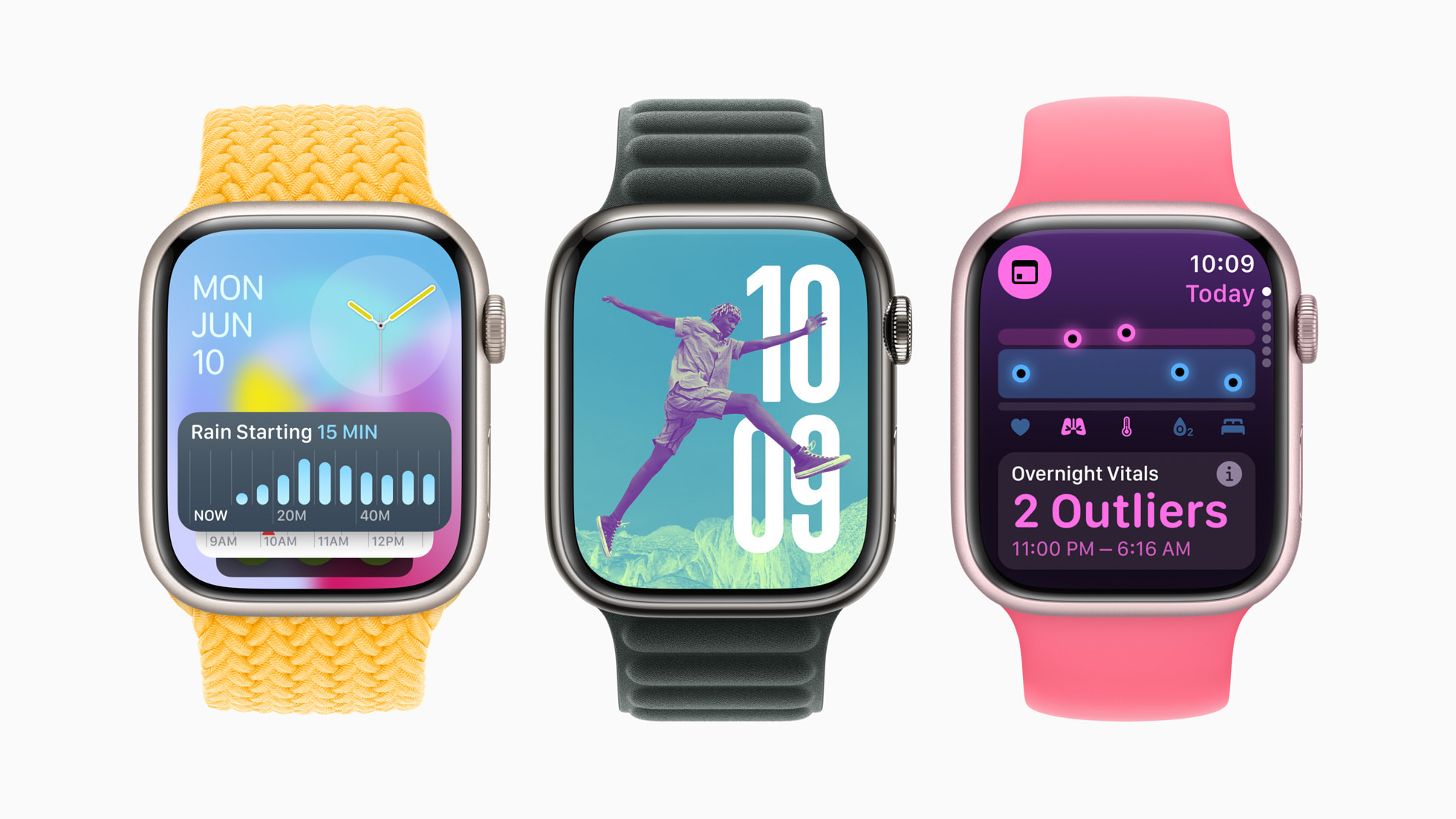
Apple watchOS 11 is the latest software coming to all of the best Apple Watch models later this year. Unveiled at WWDC 2024 and currently available as a beta, watchOS 11 features a couple of distinctive new apps to elevate your wearables status as a device focused on health.
There are also a couple of new customization options and the advent of Live Activities on Apple Watch for the first time. Despite the lack of Apple Intelligence, the new AI features coming to iPhone, iPad, and Mac, watchOS 11 is promising to be a fairly decent update.
For a full rundown of all the new features, compatible devices, and an expected release date, read on for everything you need to know about watchOS 11.
New Vitals app
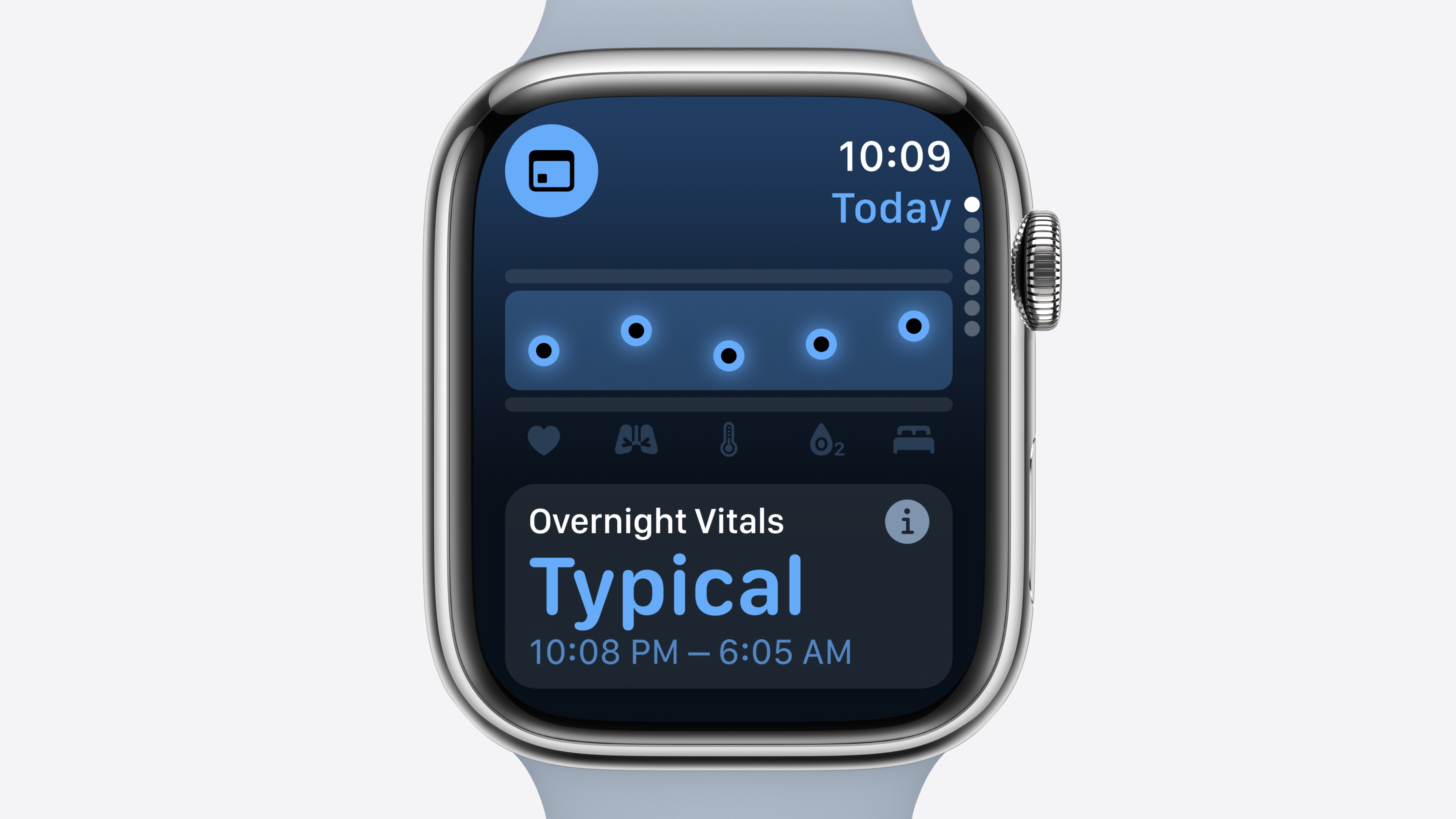
The new Vitals app for Apple Watch uses all the built-in sensors and the data they produce to create a more holistic picture of your health. Your watch analyses what's happening with your heart rate, respiratory rate, wrist temperature, sleep duration, and blood oxygen so that it can give you better context on the state of your health, and will alert you when things aren't within their normal operation levels.
It'll let you check in as well so that you can see how you're body is getting on, all laid out simply into the various different sensors. It will tell you why your metrics might be changing as well, like if you're elevation has changed or if you're consuming alcohol, and even if you might be ill.
Apple says all these new features in the app are grounded in science and developed with the help of clinical experts. It shouldn't be used as a complete picture of yourself — there are going to be things it doesn't pick up, so you can't wave away some issues just because the app says you're fine — but it will be a great way to see what you're body is doing.
More pregnancy features
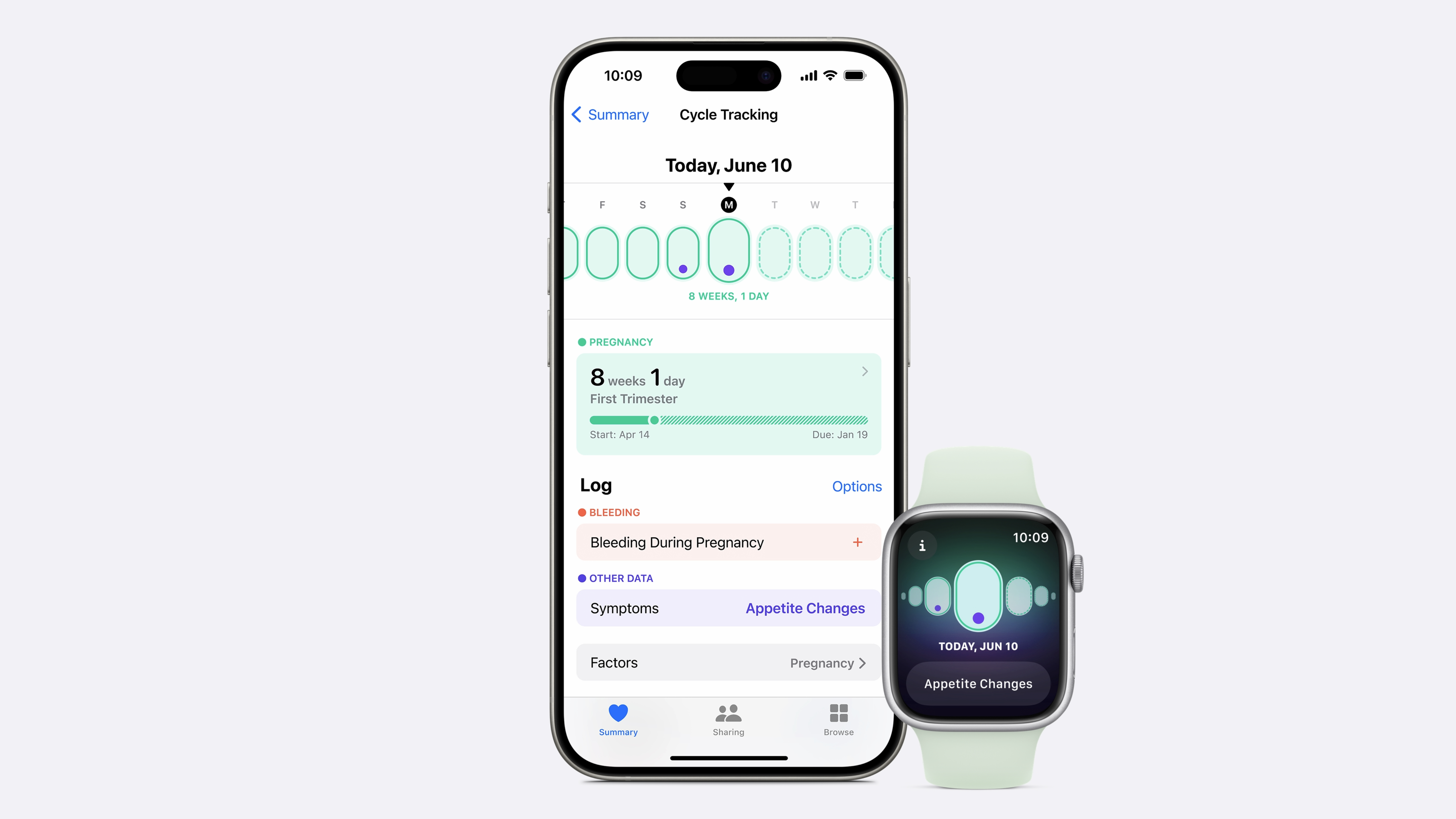
With cycle tracking, Apple already made it easier for people to track their reproductive health, and now its taken a step forwards with more support for pregnant users. You can now log a pregancy in the health app, and the cycle tracker will log your gestational age, as well as add symptoms for frequently experienced 'things' during pregnancy (not our words, Apples).
You can opt for your iPhone or iPad to remind you to take a mental health assessments on a monthly basis as well, as part of a more holistic treatment during your pregancy. Your iPhone also works with your Apple Watch to measure walking steadiness too, so it can warn you of potential falls during the third trimester.
Understand your training load
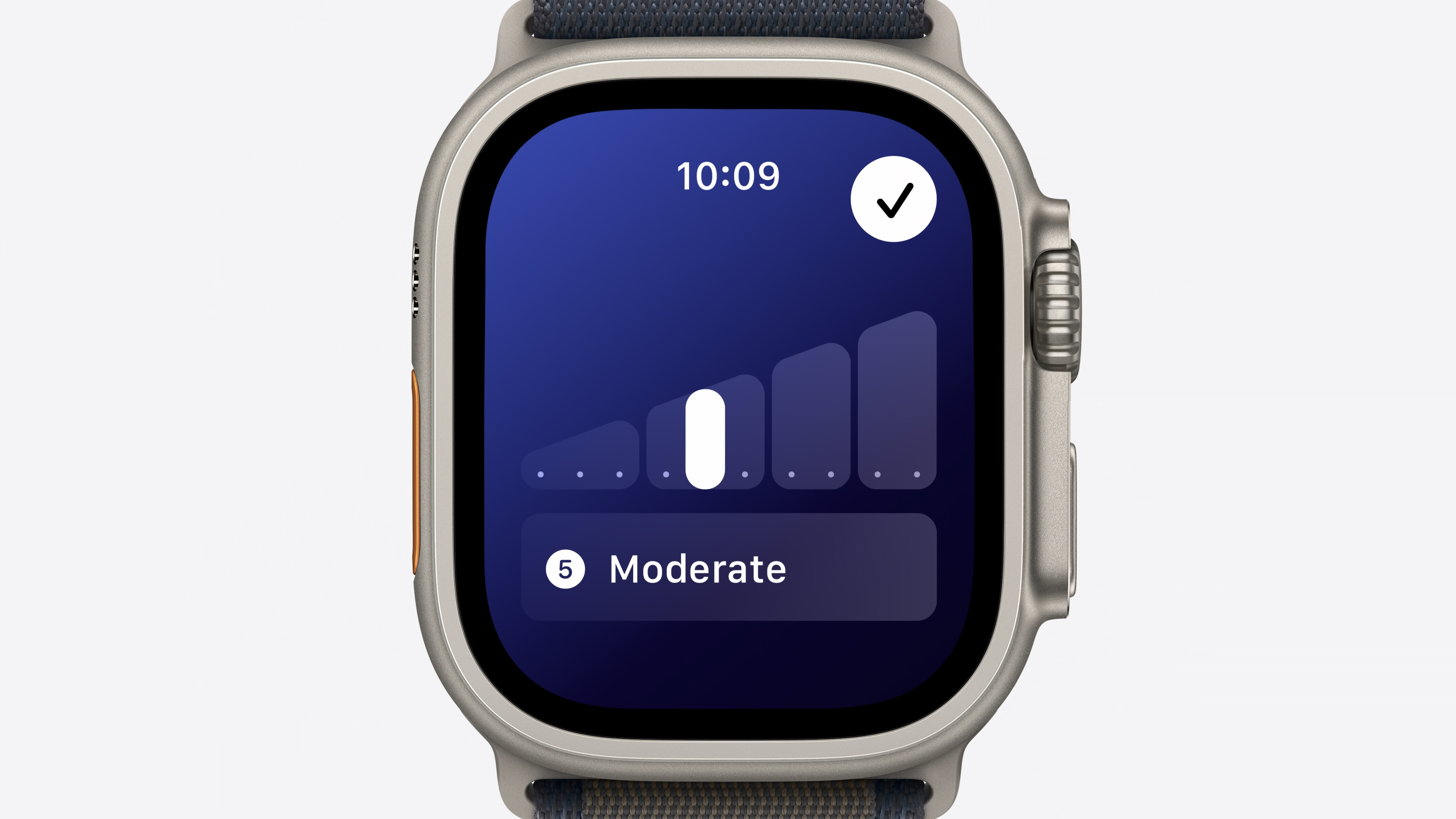
Working out is an important part of staying fit, but staying on top of whether your workouts are actually doing you any good is also important. Thanks to the new Training Load portion of Apple Watch, you'll be able to find out if the exercise you're doing is worthwhile, or whether you need to adjust the time and effort level that you're putting in so that you can get the most out of it.
It measures the intensity of workouts using a range of different parameters. For example, there is a new algorithm that uses a combination of different stats like age, height, and weight in addition to GPS, heart rate, and elevation. That will give you an estimate as to how much effort you're putting in to your workouts, and whether you should optimize it better to improve your training load.
The app will give you a 28-day average of your training load and then indicate if the strain on your body is too much, or too little, whether it's ramping up or down, and more. This is all viewable alongside all the other data in the Vitals app.
Customizable activity rings
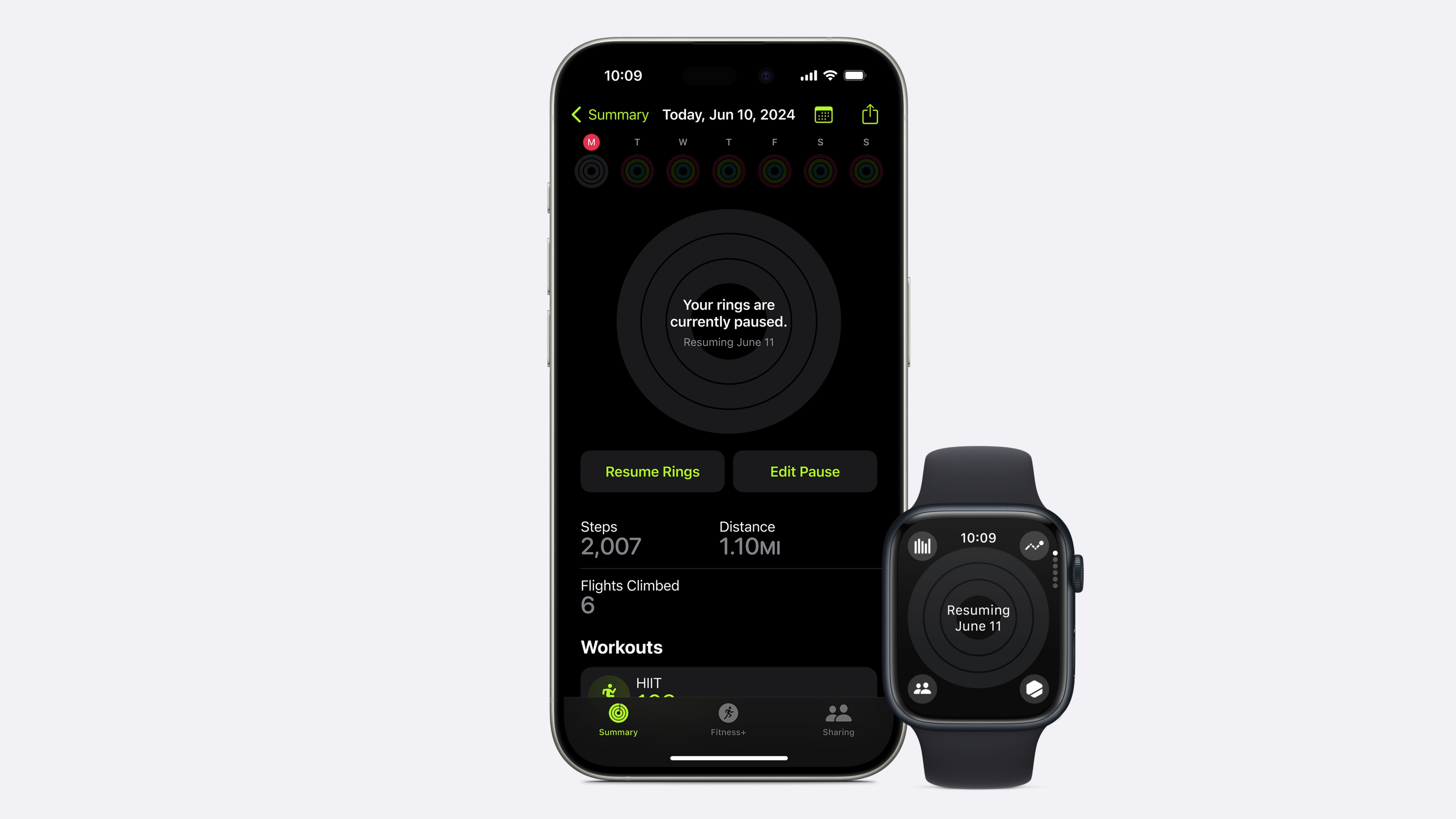
Activity Rings have been fairly static in what they read for some time, but it looks like there is going to be more space to adjust them in watchOS 11. Now, you'll be able to customize what they show you, pause them so you don't miss a day (great for injuries), and change goals depending on the day of the week — so you could have gym day have a lower goal than what you might have put for non-gum day. No more chasing that goal on a day when you don't want to be working to hard!
There's a new look for the fitness app as well on your iPhone, bringing it further in line with the rest of the Apple app lineup with a cleaner UI.
Everything else
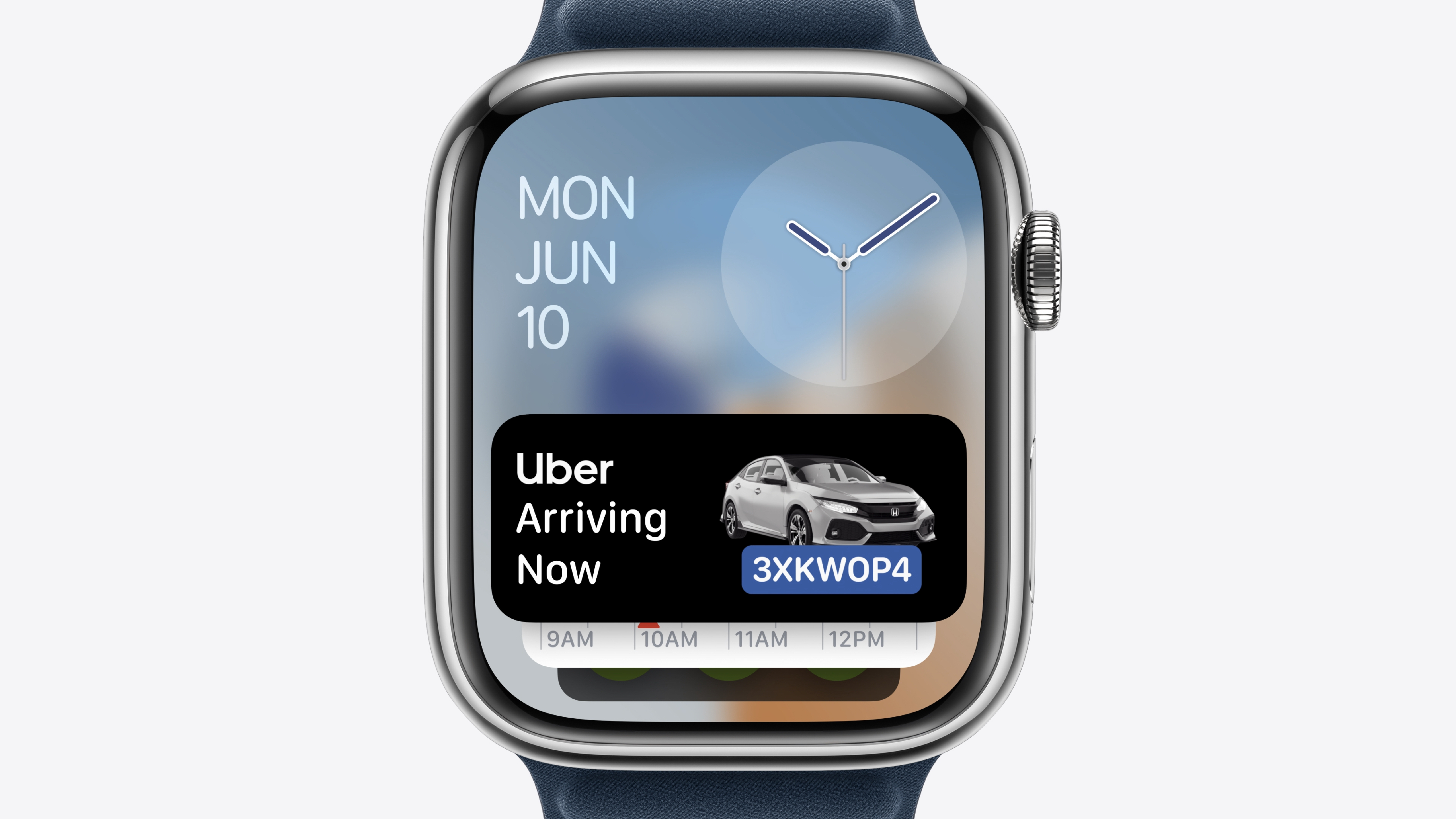
There was plenty more from the show. There are new ways to make your photos in some very slick-looking backgrounds, for example, which will use a snazzy algorithm to find the perfect picture for your watch, and then build a face around it. Then there is the new smart stack, which now works with live notifications for stuff like Uber, so that you can see where your ride is at a glance.
The smart stack will also alert you of different useful pieces of information early so that you can plan accordingly. If it's going to rain, for example, your watch will tell you so that you can get inside.
Translate comes built into your watch as well now, so you can get a live translation of 20 different languages directly on your watch.
watchOS 11 compatibility
- Apple Watch SE (2nd generation)
- Apple Watch Series 6
- Apple Watch Series 7
- Apple Watch Series 8
- Apple Watch Series 9
- Apple Watch Ultra
- Apple Watch Ultra 2
watchOS 11: Release date
The watchOS 11 developer Beta is available to install now, although if you value stability, you should probably wait for the full official version. The full version is likely in September, so you don't have long to wait until you can try all the latest features.