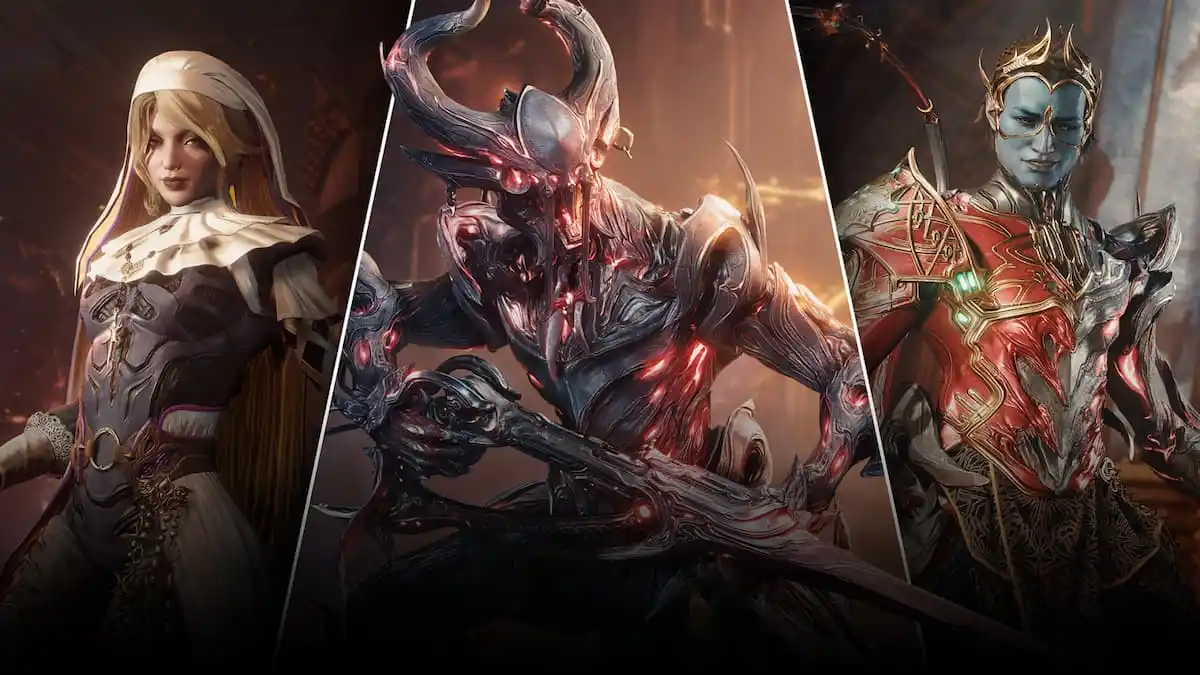
The Old Peace 'Update Failed' error has started to pop up for Warframe players worldwide, and the community has run into a mud.
The update appears to pop up primarily for PC players. Whether you're playing on Steam or using the launcher, the error seems to be happening worldwide. Thankfully, Digital Extremes is aware of the problems at hand, and here's what you can do to download the files to get the update ready to play.
How to fix 'Update Failed' error in Warframe
The 'Update Failed' error appears to be happening due to an increased server load. The Old Peace is a major Warframe update that has plenty of fantastic content for fans to enjoy. The increased server load appears to be the main cause of the problem, as plenty of players are trying to download the updated files at the same time.
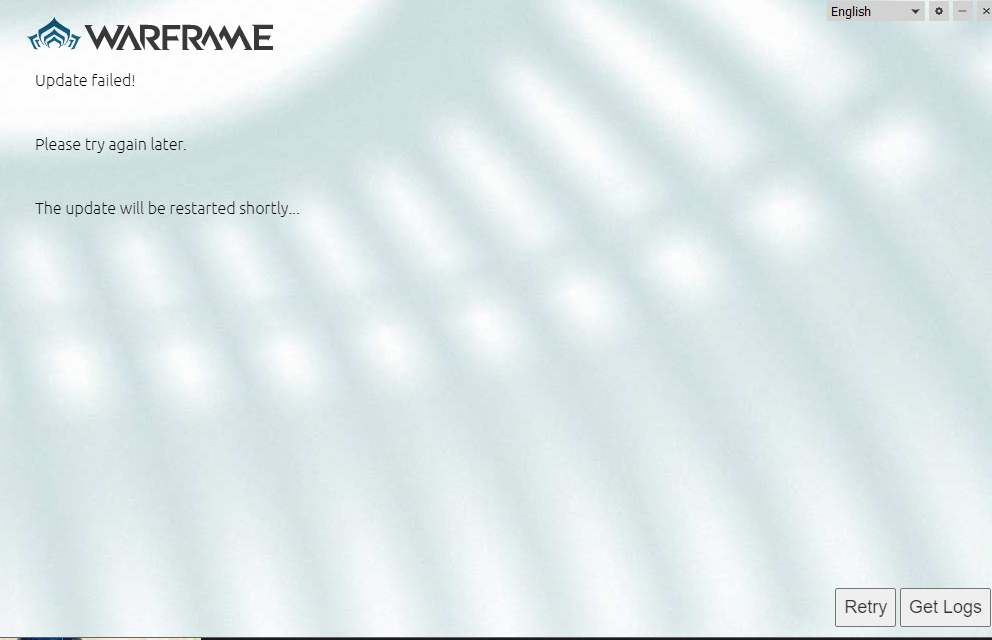
If you're getting the error, here's what you can do.
- Wait a few seconds, and the download should start automatically. Yes, leave the launcher untouched and wait for the download to begin. However, there could still be disruptions that might happen during the download process.
- Press the retry button once for the download to resume. If it fails, keep pressing the retry button until the download resumes properly.
That said, the best choice is to wait for a couple of hours for the initial rush to subside. This will automatically reduce the load on the servers, allowing you to perform the download without any hiccups.
If you're among the lucky ones who didn't encounter any problem, you'll be able to start The Old Peace quest. Digital Extremes has introduced a skip-ahead system that allows you to experience all the new missions without having to complete the prerequisites.
If you're new, there are plenty of missions to complete before you can gain access to the rewards available as part of The Old Peace.
The post Warframe The Old Peace ‘Update Failed’ error fix appeared first on Destructoid.