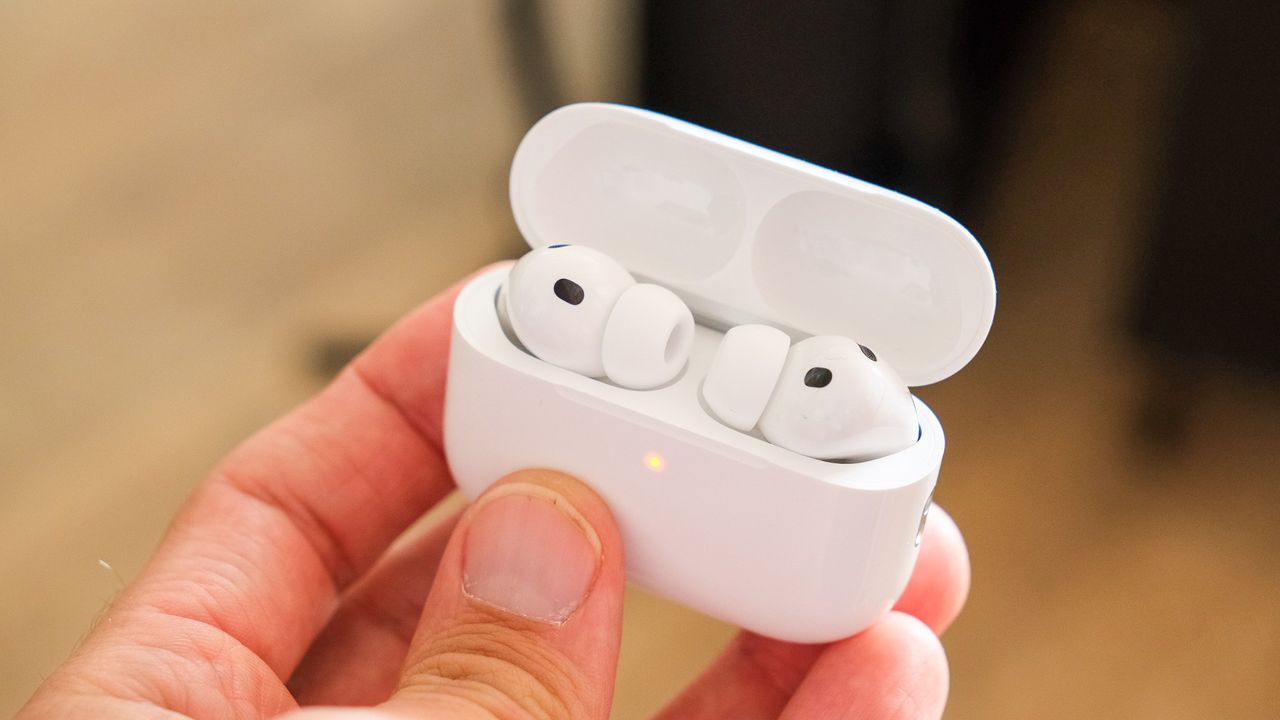
A new app will allow all the functions of Apple AirPods to work with Android devices.
Previously, only very basic Bluetooth device functions were supported.
Although AirPods work as Bluetooth headphones with all devices, many of the features have been locked away for Apple users only. Thanks to the free LibraPods app you can now get a more fully-featured experience when using an Android phone.
While the best earbuds provide plenty of options for Android users, if you're switching from an iPhone or just want to join the AirPods gang, then the experience has always been a bit basic.
The LibraPods app wants to change that, now getting a full release via the Google Play Store, so it's easier than ever to use.
The app will bridge the gap with your Android phone to support features that aren't natively supported by the existing Bluetooth functionality, like giving you access to ANC modes, adaptive transparency, ear detection, head gestures and more.
Getting to this point has been something of an obstacle course, however, according to Android Authority. LibraPods has been available for some time, but was previously available from Github and needed a rooted device.
That raises a lot of barriers because it's not simply a case of installing it – it would need to be sideloaded and many people aren't happy to root a device. But the rooting was only needed because of a bug in Android that's now been patched.
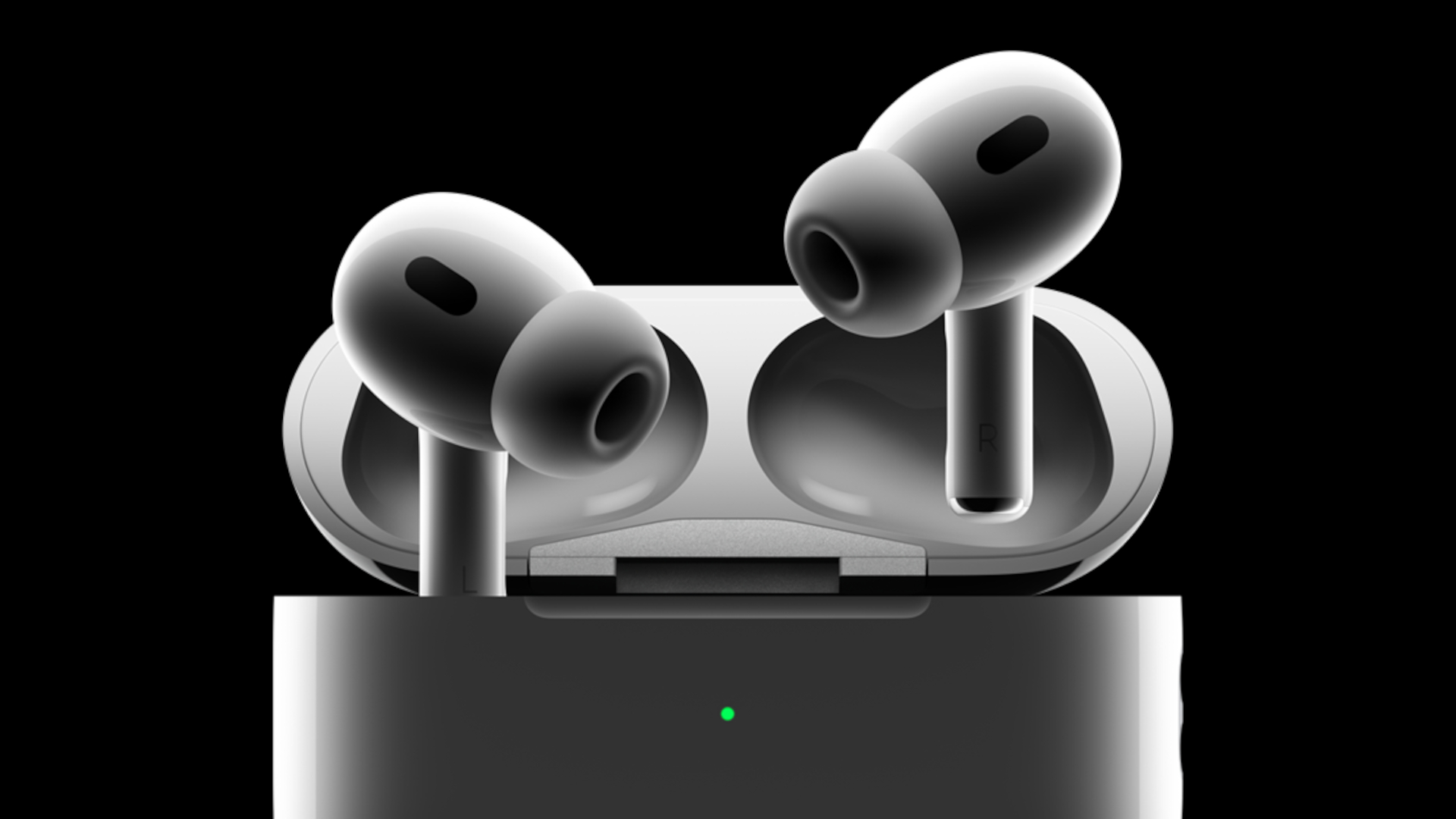
All that should pave the way for a more seamless experience for AirPods use with Android phones – and with all the functions that Apple originally designed.
It's not uncommon for there to be companion apps for earbuds: indeed, Google supports its own via the Pixel Buds app, while Samsung, Sony and others have apps too.
Much of this is about owning the experience and perhaps Apple should have released its own app. Still, thanks to a little developer ingenuity, that piece of Apple's walled garden has been knocked down.
Who knows, perhaps there will be a rush of Android phone owners rushing out to buy AirPods, which could be a good thing for Apple – but do check compatibility first.