Enjoy our content? Make sure to set Windows Central as a preferred source in Google Search, and find out why you should so that you can stay up-to-date on the latest news, reviews, features, and more.
If you own a Steam Deck, you already have the coolest handheld in the business, congrats. I may have gone over to the dark side of the Xbox Rog Ally, but Steam Deck is still undeniably the coolest in the game. However, it does often require some tweaks to get the best performance from your games.
If your game isn't running well while out and about, it's not always convenient to sit down and search for recommended settings. Or what I do, which is scour Reddit for a fix... but thankfully, there is now an app to solve your problems.
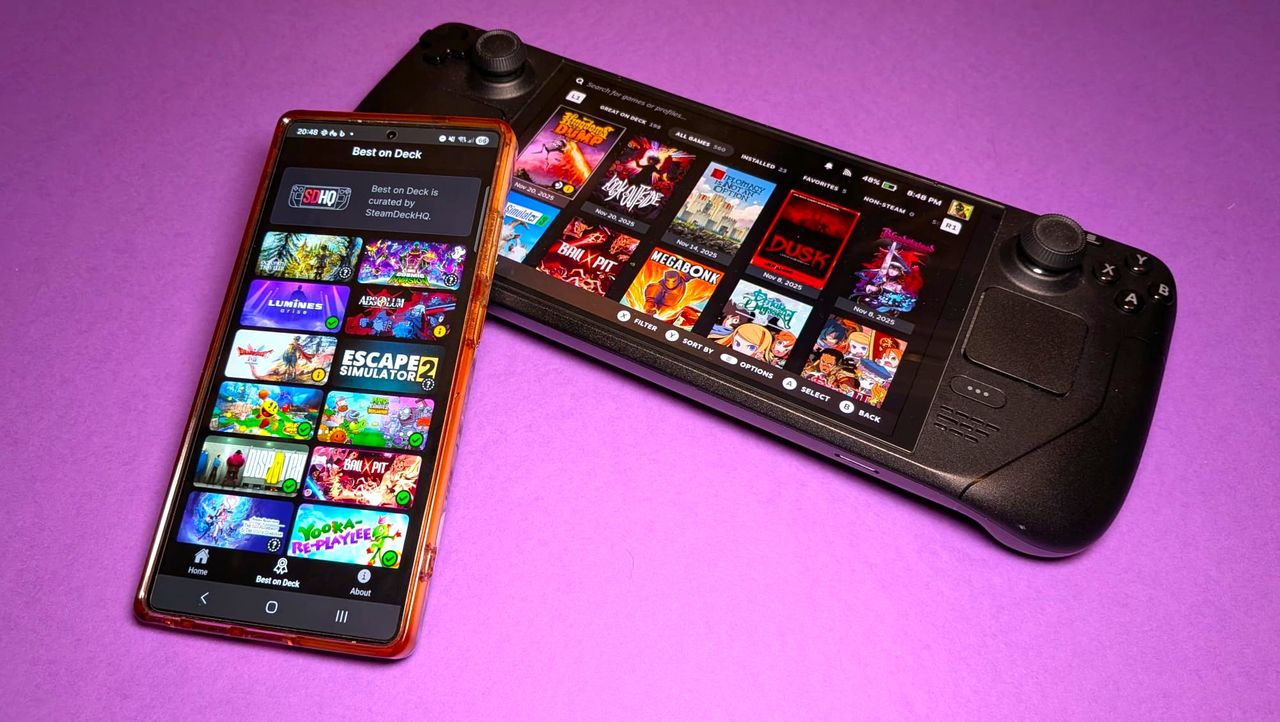
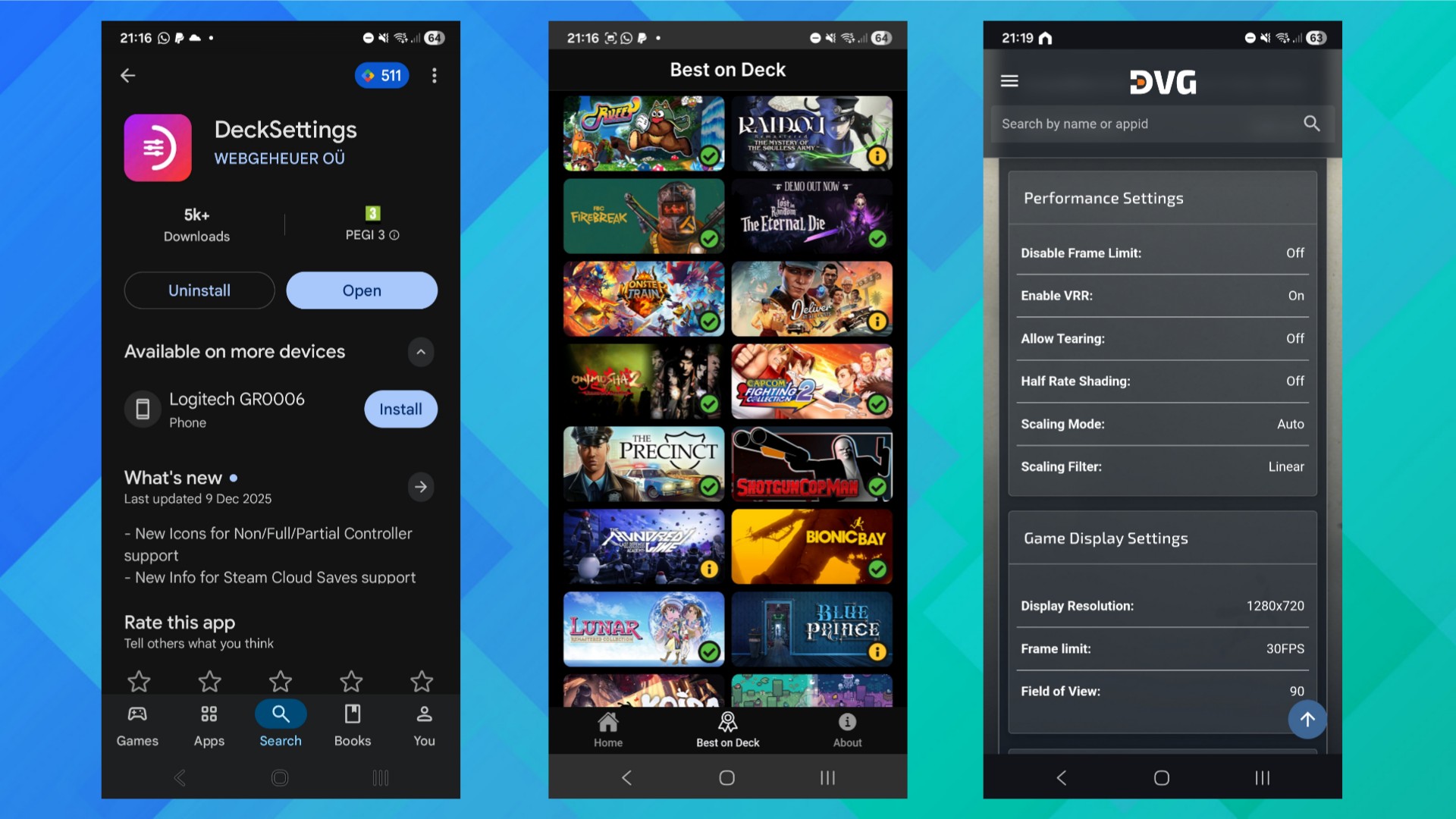
DeckSettings is now available on the Google Play Store for free and puts all the settings you need in one handy searchable database for both LCD and OLED models.
Check your game settings on the fly
Valve's Steam Deck Verified system is supposed to show you what runs smoothly on the handheld, but as we know, it doesn't always paint the whole picture. I should know, I rage-refunded the Oblivion Remaster over it. Sometimes, regardless of ratings, you need to get into the settings and dial down some elements. Other times it plain doesn't work, but you aren't a quitter!
Change the wrong settings or multiple at once, and you can make performance worse and not know why. So rather than guess, you can use this app to get tried-and-tested performance reports from other gamers. These reports break down general playability, from bronze to gold, and dive deeper into framerates, benchmarks, and other metrics.
If you have an Android device, you can grab the early build from the Google Play Store, while iPhone users will have to wait a bit; the iOS beta isn’t accepting new testers just yet.
Get the best performance out of your Steam Deck
DeckSettings pulls configurations and presets from community databases like ShareDeck and SteamDeck HQ, and includes much more than just recommended settings.
You get FPS expectations and expected battery life for each configuration, basically all the data you need to squeeze the most performance out of your titles. If you pair this with our 11 tips and tricks for the Steam Deck, you'll get the most out of your games and your handheld.

Follow Windows Central on Google News to keep our latest news, insights, and features at the top of your feeds!