
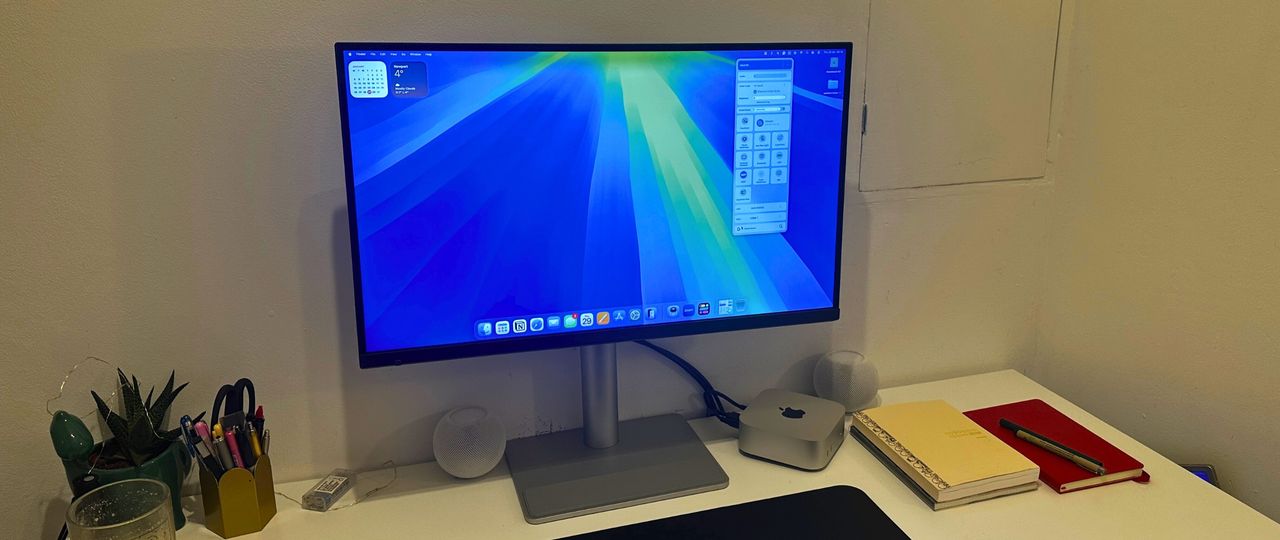
BenQ has been on a roll lately when it comes to creating the best monitors for creatives and in particular, Mac users. If you’ve seen any of my previous reviews like the BenQ MA320U or BenQ PD2730S then you’ll know how I’ve been super impressed by their Mac colour integration, sleek design and general all-round awesome performance.
And I have to be honest, I didn’t think that BenQ could get any better - turns out (for once, if you listen to what my husband says) I was wrong. The BenQ MA270S is one of their best yet and if you’re a Mac user then you’re going to want to read to the end.
The MA270S is its most Mac-focused display yet. It takes everything that has worked in the previous MA series monitors and ramps it up with a 5K Nano Gloss display, bringing it into direct competition with the Apple Studio Display. And it’s not just the display that’s worth shouting about, but the price too. The BenQ MA270S is significantly cheaper than the Apple version, priced at under $1,000 / £900.
If you’re looking for the best monitor for graphic art, video editing or any other Mac-based work, then this one is certainly worth a look. You can probably guess by now that I’m a huge fan but read on to find out what I really love about it and why this should be a serious consideration if you’re looking to upgrade your monitor in 2026.
Key Specs:
Panel Size: |
27" |
Resolution: |
5120 x 2880 max |
Refresh rate: |
70Hz |
Response rate: |
5ms |
Screen: |
IPS Nano Gloss |
Max brightness: |
450 nits |
Ports: |
HDMI x 2, Thunderbolt 4, USB C, USB-A x 2, USB-C |
Size: |
57.9 x 61.4 x 22 |
Weight: |
19.5lb |
Design & Build
- Minimalist design
- Stunning 5K Nano Gloss Screen
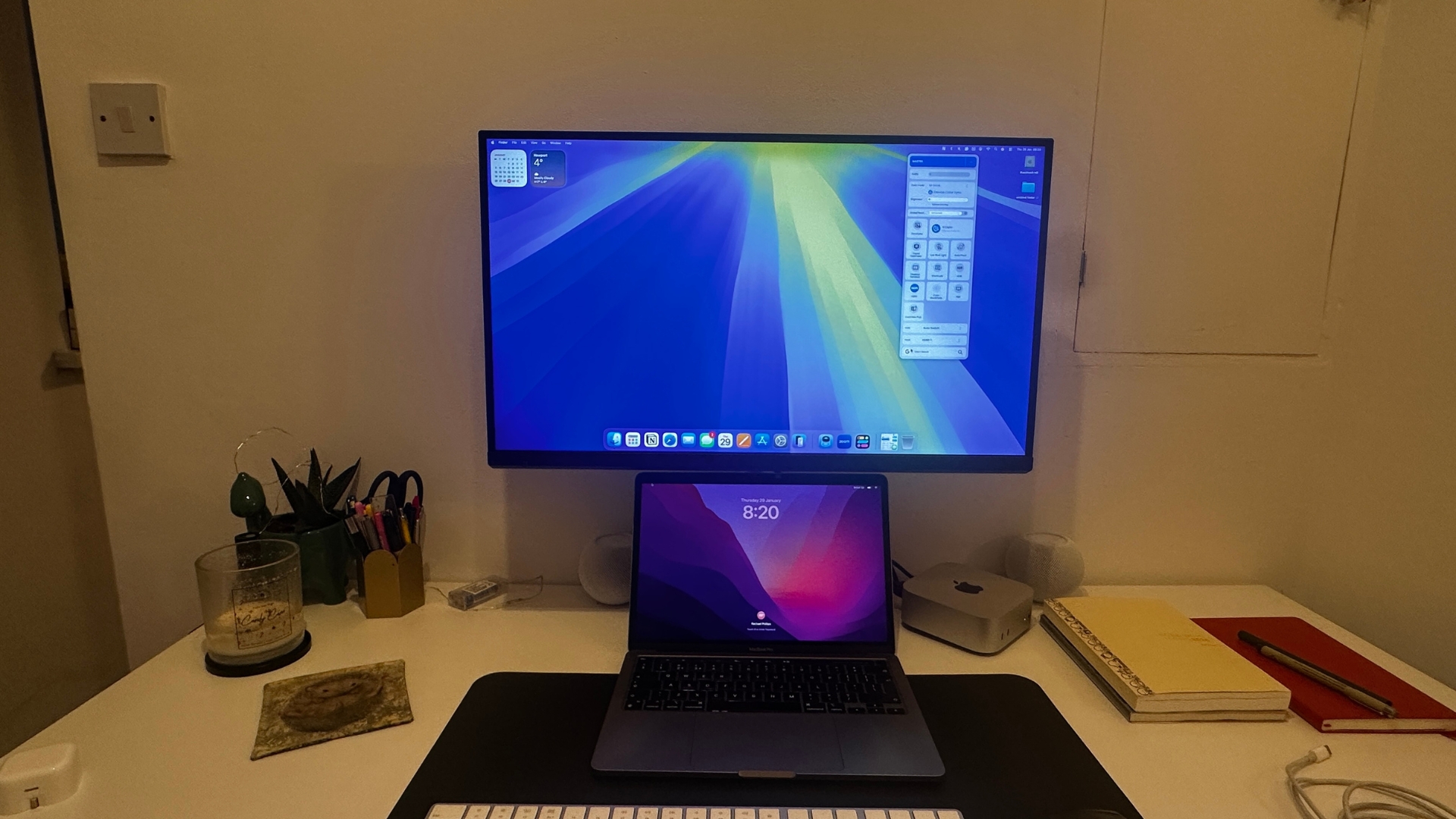
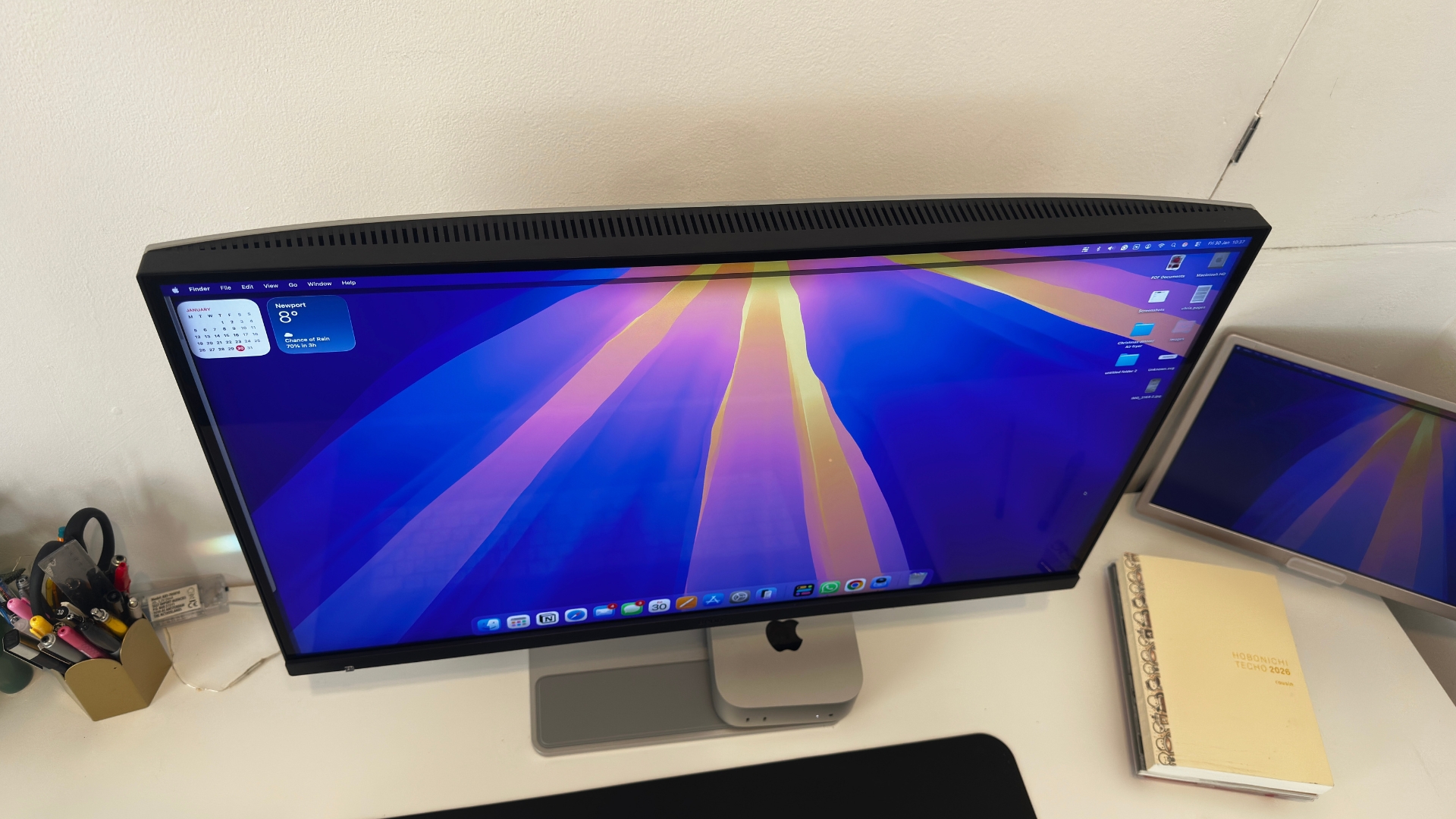
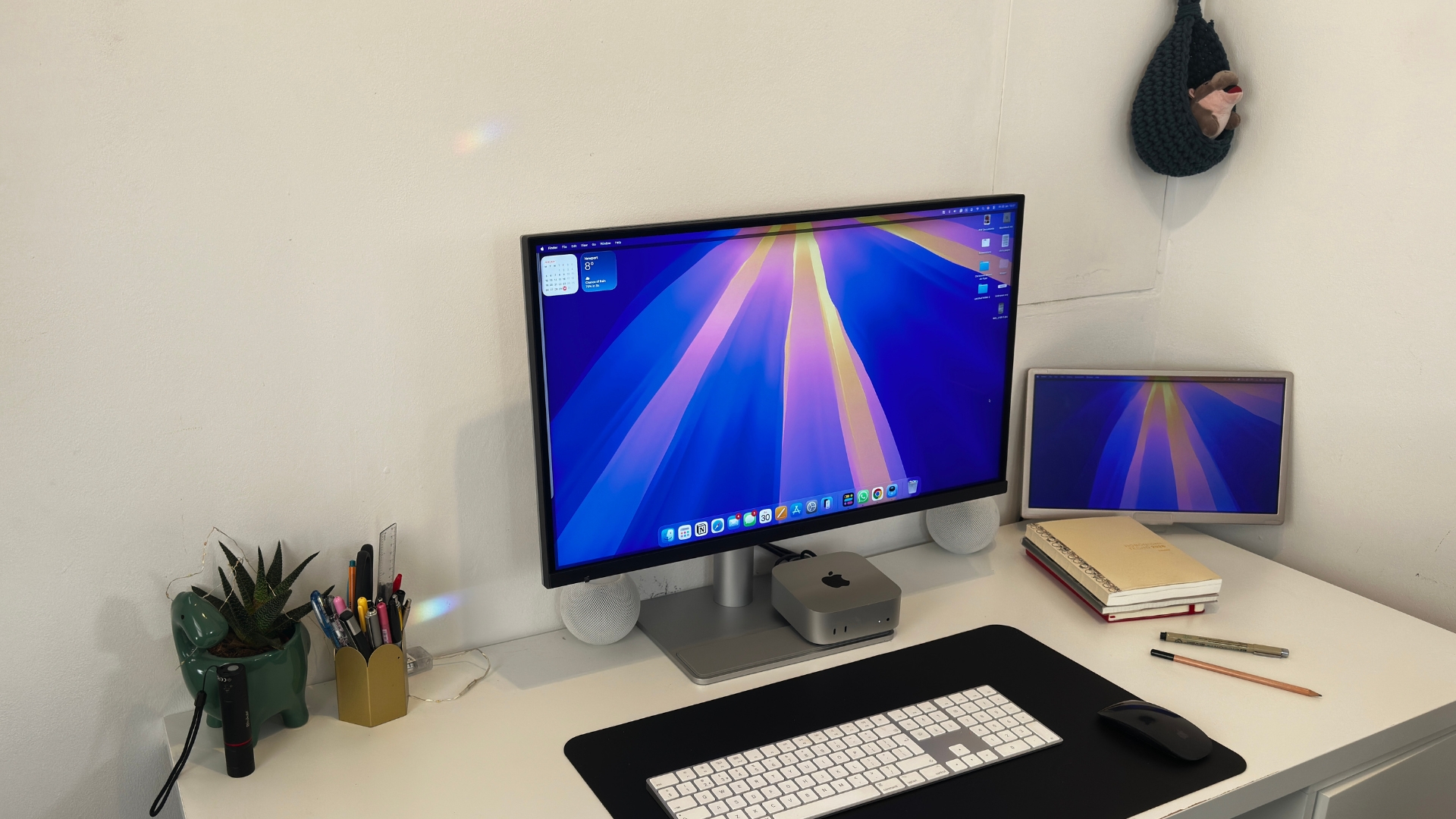
When it comes to the design of the BenQ MA270S, not much has changed from previous versions. It still has black thin bezels and a sturdy silver base that gives it an extra premium look. One of my favourite features of this monitor (and the versions before it) is the rubber grip to the front of the stand, this is unbelievably handy if you’re like me and like to keep bits and bobs on your desk – although it also serves a more practical purpose to keep your MacBook from scratches.
Talking about MacBooks, the height adjustment on this monitor reaches 150mm so you can fully open your laptop underneath it. It also can pivot 90º if you like to work in portrait mode and swivel 15º to the left and the right. It also features a great tilt range going from -5º to 20º so whatever viewing angle you need, you can get it. If you’re using a Mac mini then you get to save a bit of desk space as the base is wide enough for it to comfortably fit.
Of course, the Nano Gloss panel (which I suspect is a deliberate design choice to mirror the finish of Apple’s own displays) is an absolute game changer. It looks fantastic, the true blacks look deep, the highlights are bright and clean and the contrast holds up even if you’re viewing it from an angle – something which I’ve found IPS panel monitors can struggle with.
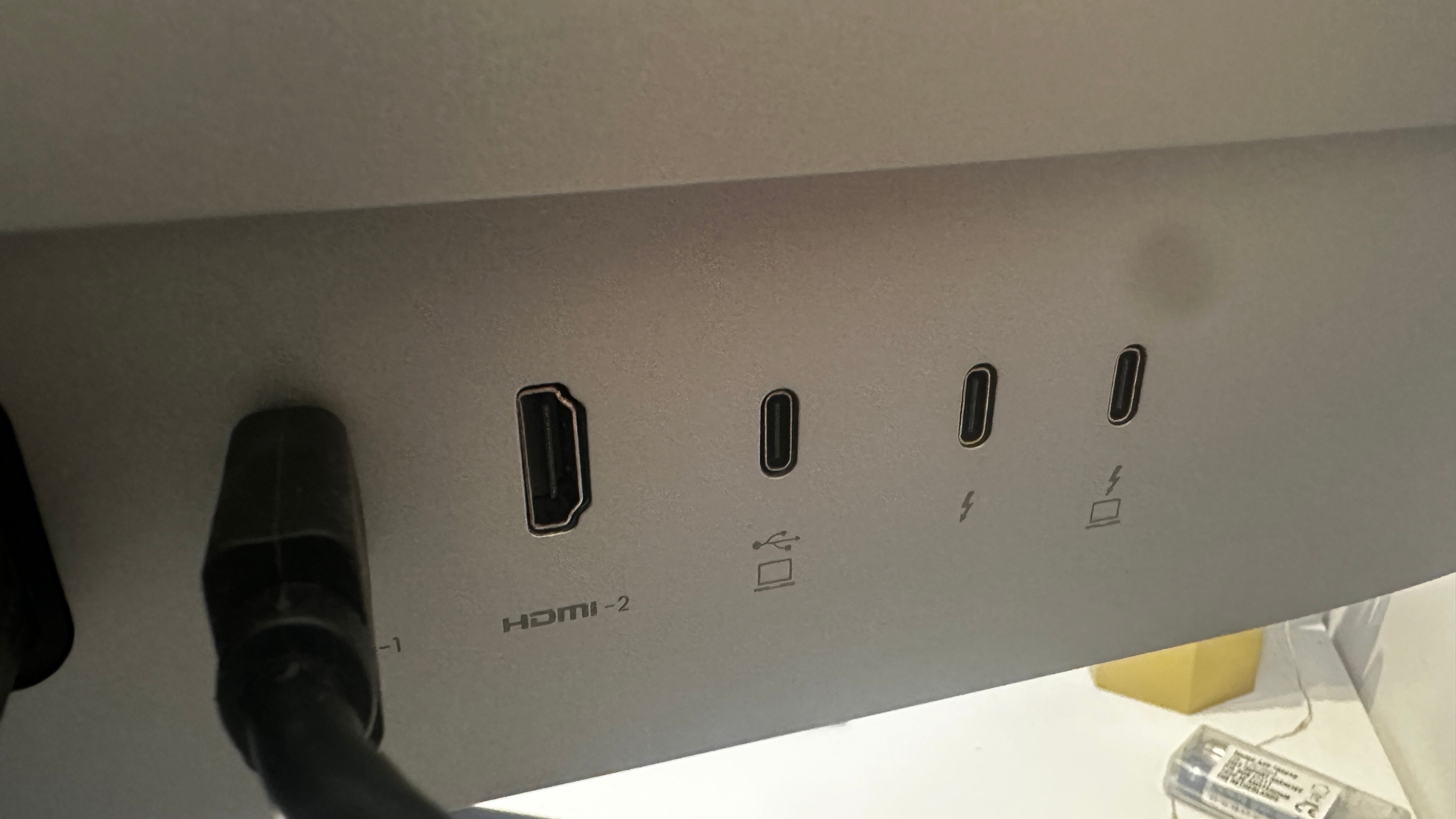
There’s a great range of ports with this monitor and they’re really well laid out. To the back you’ll find two HDMI ports alongside a USB-C upstream and two Thunderbolt 4 ports with built-in 96W and 36W power so you can charge up your laptop and daisy chain other monitors. BenQ have also really thought out the layout with this monitor because of anything you need more access to you’ll find two USB-A ports and a USB-C downstream for data transfer and charging to the front of the monitor. It’s a really practical split which you’ll really appreciate when you’re not trying to grub around the back of the monitor to plug in your phone when its flat.
Design & Build score: 5/5
Features & Performance
- Has plenty of Mac integration features such as FocuSync and M-Book colour matching
- Smart KMV will allow you to seamlessly work between a windows and Mac machine
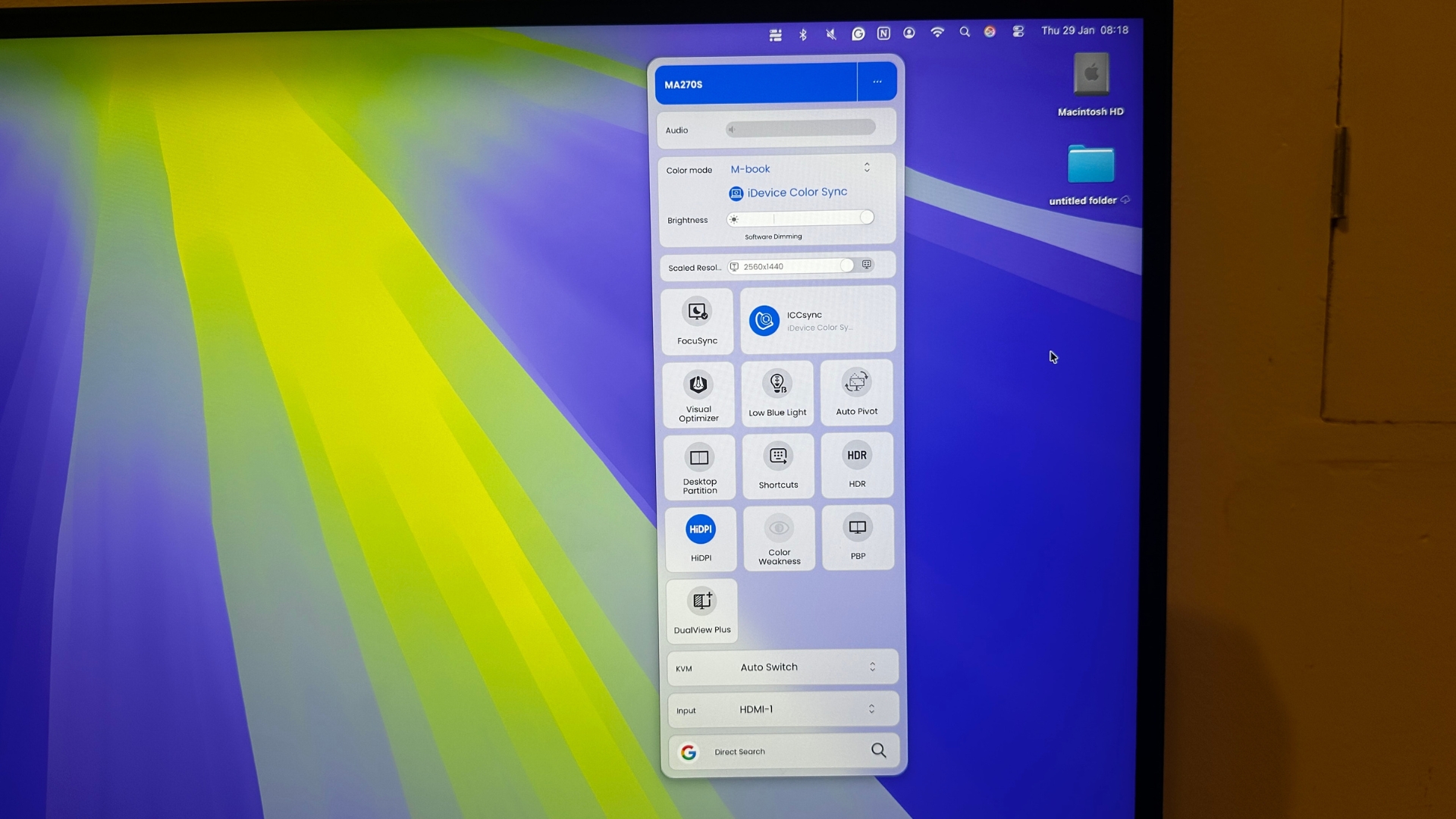
There are a lot of features with the BenQ MA270S. It’s worth mentioning just how easy this monitor is to control. The OSD menu has been stripped right back to just four options – brightness, volume, input and information, which sounds simple until you realise that actually you don’t really need anything else.
But the real action happens in the Display Pilot 2 software that's a must download when you purchase this monitor. There are so many things you can tweak in this software that you’ll find you have a customised monitor set-up in no time. The interface is clean, and very Mac-like, sitting neatly in the menu bar giving you access to everything. The iKeyboard control is a standout feature, just like you do on your MacBook. With this switched on your can adjust the monitor brightness and volume from your Apple keyboard.
FocuSync is another outstanding feature that I wasn’t too worried about until I actually started using it. Now, I can’t go back to a monitor without it. It links the monitor display settings to the focus mode on your Apple devices. So when you switch to Do Not Disturb, it adjusts the colour mode, blue light levels and audio to match.
It also has Smart KVM, which allows you to seamlessly move your cursor as well as copy and paste and transfer files between two connected machines. You may be thinking this feature is already on Apple’s handover but the good news is with this BenQ is that it works even if your two machines are not Apple’s.
So if you have a Mac for creative reasons but a Windows machine for work, you can use a single keyboard and mouse to bounce between the two. This is a huge game changer for anyone who uses two machines because this monitor will allow you to create an uninterrupted workflow whatever devices you’re using.
And then, there’s Always-On power charging, even if your monitor is switched off, the Thunderbolt connection keeps charging. This means coming down to a fully charged MacBook in the mornings.
I’ve already mentioned the screen but the 5K Nano Gloss display is a huge feature and something that you instantly notice. The MacOS scales perfectly and text is crisp and clear genuinely rivalling a MacBook Pro’s own display. I feel as though I squint a lot less (which is good news for my wrinkles) when using this monitor as everything feels so much clearly. It also goes up to 450 nits which is nice and bright.
BenQ does have a Mac colour-tuning mode in the Display Pilot 2 called M-Book which matches the MacBook display’s colour profile with impressive accuracy and makes flicking between laptop screen and external monitor a great experience.
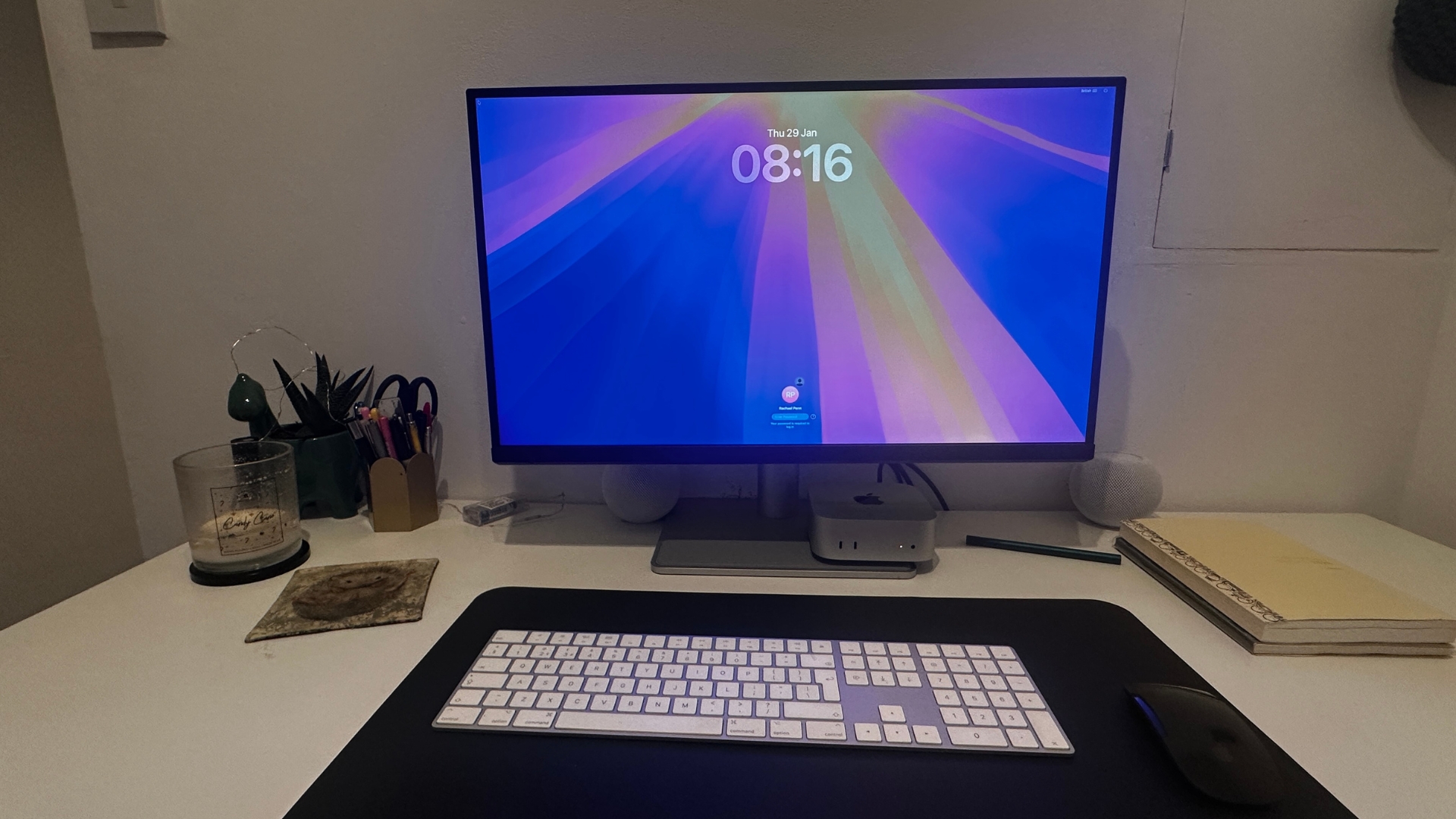
I used this monitor mostly with my Mac mini and honestly? It feels like I’m using an iMac. The combination of the 5K Nano Gloss panel and the clean minimalistic design and the way everything just works together in the Apple ecosystem, makes it genuinely hard to remember this isn’t an Apple display.
One thing I really loved is the monitors Visual Optimiser sensor which sits at the front of the screen. When using my MacBook, I love how the internal sensor will adjust the screen brightness depending on my surroundings, of course, using a Mac mini this doesn’t happen, until I started using this monitor. The sensor picks up on my surroundings to detect the ambient light and adjusts the screen brightness, ideal for those days when you’re sat in front of the screen for long periods of time. For Mac mini owners especially, this monitor is a must.
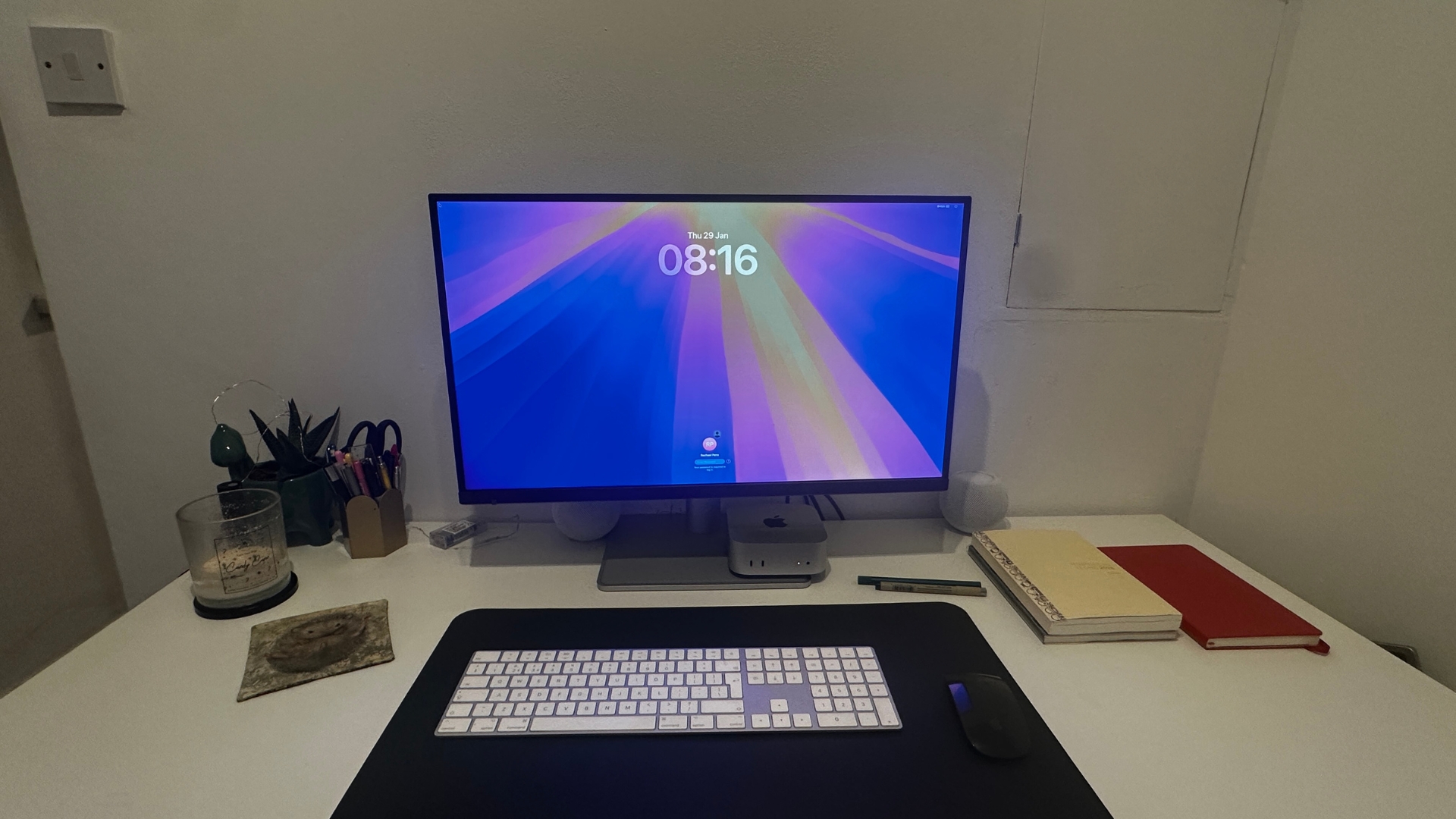
It is a little disappointing that this monitor doesn’t have a built-in webcam, I feel like this would just the icing on the cake, especially if you are using it with something like a Mac mini as Zoom calls tend to be more of an exercise in finding the right placement for the laptop (no one wants that angle where it’s straight on) or connecting a phone to be able to use the camera. Whilst it doesn’t lose marks for this, if BenQ invented a monitor with a built-in webcam, it would make it utterly perfect.
Finally, this monitor does have built in speakers, and I’ll be honest, I wasn’t expecting much but they’re pretty decent. Certainly good enough for every day use.
Features & Performance score: 5/5
Price
- Under $999 / £899
- A lot cheaper than the Apple Studio display which starts at $1,599 / £1,499
BenQ has always produced quality monitors as a good price point but this is one of the best. If you’ve been eyeing up the Apple Studio Display but don’t want to splash the cash, then this is a great alternative. It’s launched at just $999 / £899, which is a significant saving compared to the Apple alternative.
This also makes it one of the cheapest 5K screens on the market and if you're a Mac user, can you really afford not to buy this monitor?
Price score card: 5/5
Scorecard
Design & Build |
A sleek and stable design with a 5K Nano Gloss Screen |
5/5 |
Features & Performance |
Plenty of features including FocuSync and Smart KVM |
5/5 |
Price |
Under £899/$999 at launch |
5/5 |
Who's it for?
The BenQ MA270S has been built for Mac users who want a premium external display without the premium Apple price tag. It’s an ideal match for Mac mini users who want to complete their set-up and for MacBook users who want a proper desktop experience without compromising on colour accuracy.
If you live and work in the Apple eco-system across multiple devices then built-in work features like FocusSync, Smart KMV and Colour sync make it even more compelling. But don’t let my fan-girling over it being perfect for Mac users put you off. This is also a great screen for creative professionals who need a screen they can genuinely rely on. BUT for Mac creatives who want the best monitor of their Mac that doesn’t involve walking in to an Apple Store, this is it.
Buy if...
- You're trapped in the Apple Eco-system
- You want a monitor that is packed full of features to help your workflow
- You want a 5K screen that is genuinely nice to look at
Don't buy if...
- You're a gamer chasing high refresh rates
- You're on a tight budget or would be happy with just 1080p