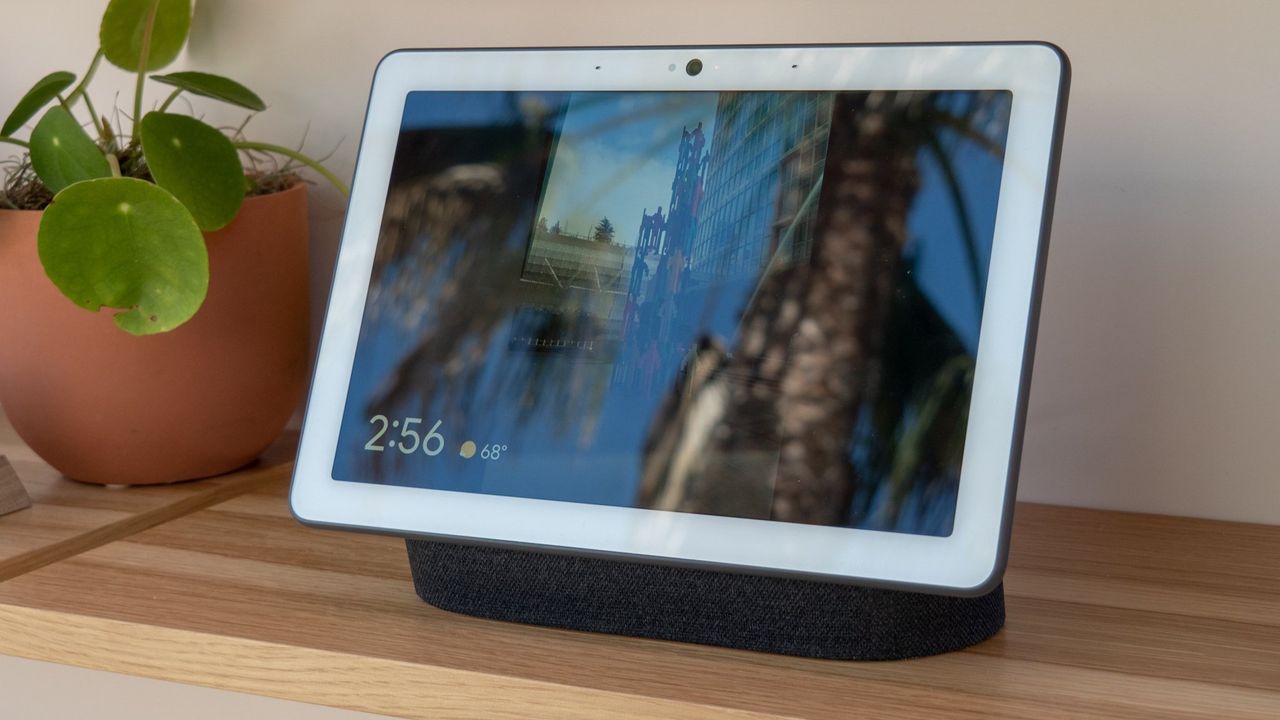
What you need to know
- Reddit users have uncovered a way to change their Google Home voice to one of the new Gemini voices early.
- The hack involves initiating the Gemini for Home onboarding process manually, and using it to change the voice.
- It's important to note that, while it appears to upgrade your smart home to Gemini, this hack only changes the voice — it'll still use Google Assistant.
Enjoy our content? Make sure to set Android Central as a preferred source in Google Search, and find out why you should so that you can stay up-to-date on the latest news, reviews, features, and more.
Gemini is steadily rolling out across all Google platforms, and Google Home is one of the nest to gain access to the upgraded voice assistant. It's replacing the Google Assistant on all Home and Nest devices released since 2016, albeit slowly. The Gemini for Home rollout is ongoing as part of an early access program, and it's becoming available on a per-home basis.
Aside from bringing an upgraded assistant to Google Home and Nest devices, the Gemini rollout also adds 10 new voice options. Previously, Google Home users had to wait to gain Gemini for Home access to change to one of the new voices. However, as a Reddit user uncovered, there's a simple hack that lets users change to a new voice while remaining on Google Assistant (via 9to5Google).
It involves entering the following URL on the mobile Chrome browser:
googlehome://assistant/voice/setupAfter entering the URL, a prompt will appear asking users if they want to Continue to open the Google Home app. Then, the entire onboarding experience for Gemini for Home appears, as if the user had gained access to Gemini. By following the prompts, users can change to one of the new voices.
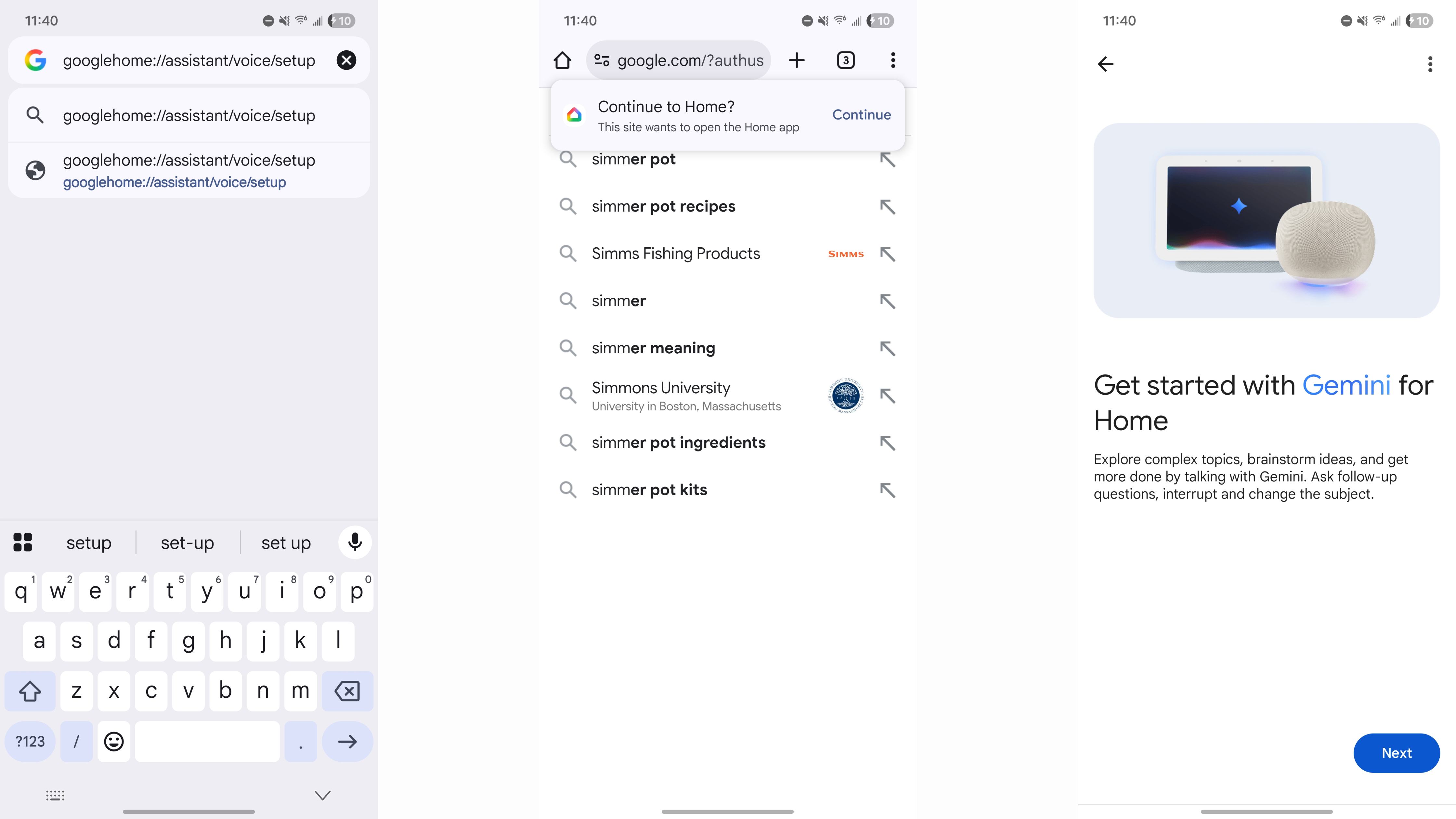
Here are the new voices you'll be able to try, along with their descriptions:
- Amaryllis: Bright, higher voice
- Bloom: Calm, mid-range voice
- Calathea: Australian accent, higher voice
- Croton: Smooth, deeper voice
- Fern: Warm, higher voice
- Magnolia: Calm, deeper voice
- Oxalis: Bright, mid-range voice
- Pothos: Engaging, mid-range voice
- Violet: British accent, mid-range voice
- Yarrow: Warm, deeper voice
The onboarding experience behaves as if the user has completed the Gemini for Home transition, with Gemini replacing Google Assistant. However, the prompts merely change the voice, as Google Assistant is still powering the experience. Gemini features won't be available, either.
With the lengthy Gemini for Home rollout, users might have to wait a while to change the voice on their smart speakers and displays to the new options. Using this method, entering the above URL will let users change the Google Assistant voice used on their Home and Nest hardware.
It's unclear if this hack will be patched, but for now, it's a way to upgrade the voice on your smart speakers and displays.