Quick Summary
With iOS 27 there will be a new option to update your Apple TV from the Home app on your iPhone.
This will make it simpler for people to update the Apple device without having to switch on their TV.
There's been no shortage of news from Apple recently, from showcasing what Siri AI will do, through to the changes that will come with iOS 27. One of those changes will have an impact on Apple TV too.
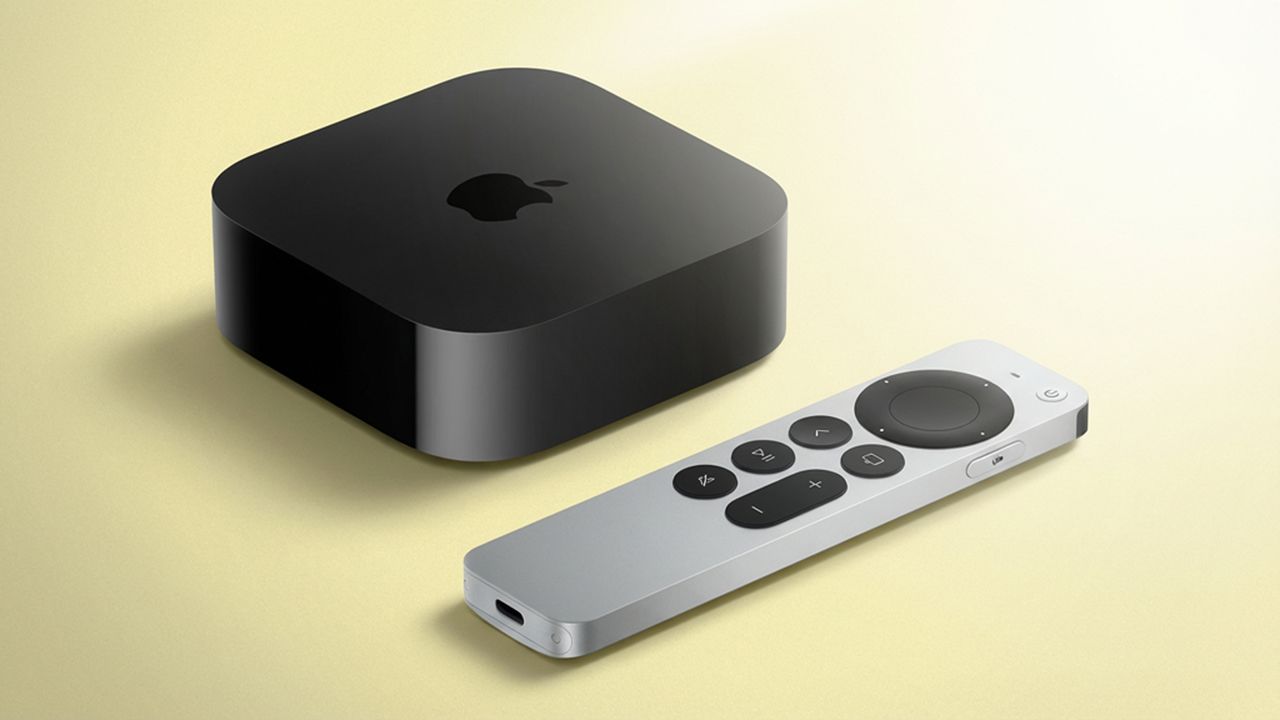
It's a minor thing, but it's really important, because iOS 27 will allow Apple TV to be updated from the Home app on your iPhone. That means that if there's a critical tvOS update, you can make that happen from your iPhone.
Previously, you'd have to turn on the Apple TV and run the update from there, which is an extra step that some might find inconvenient.
Of course, Apple TV also offers automatic updates (if you turn the option on), but often if you want the new software immediately, it's better to find the option to install it manually.
So why are updates important? The biggest thing that most will probably point to is the latest features, but that's not at the top of my list. Instead, this is important for security.
It's critical for device security to be running the latest software, even if you're not currently using the device – especially if it's online. If there's a vulnerability that needs to be patched, then hackers could use that to hijack devices.
I'd see that as the more important thing here – and via the Home app you will be able to just check and push the software to your devices, just as you can with HomePod.
The new functionality was shared by Aaron on X (via 9to5Mac) which shows the update screen for Apple TV in the home app.
New in iOS 27: You can now update your Apple TV from the Home app on your iOS device(Image: @vincedes3) pic.twitter.com/YdCVnOHl1KJune 22, 2026
What else is new in iOS 27?
There's a lot coming with iOS 27, which is expected to be pushed to devices back to iPhone 11 in September around the time of the iPhone 18 Pro launch.
We've spent some time with iOS 27, highlighting Siri AI (for iPhone 15 Pro and newer), the new photo editing tools, context-aware suggestions, password fixing and more Liquid Glass customisations as features to look out for.
Then there are child features, faster AirDrop and new Apple Intelligence features, but I suspect that most will be bowled over by Siri AI's app and the range of features that will offer.
Thankfully, beyond the headlines, things like easier updates for Apple TV adds convenience and protection.