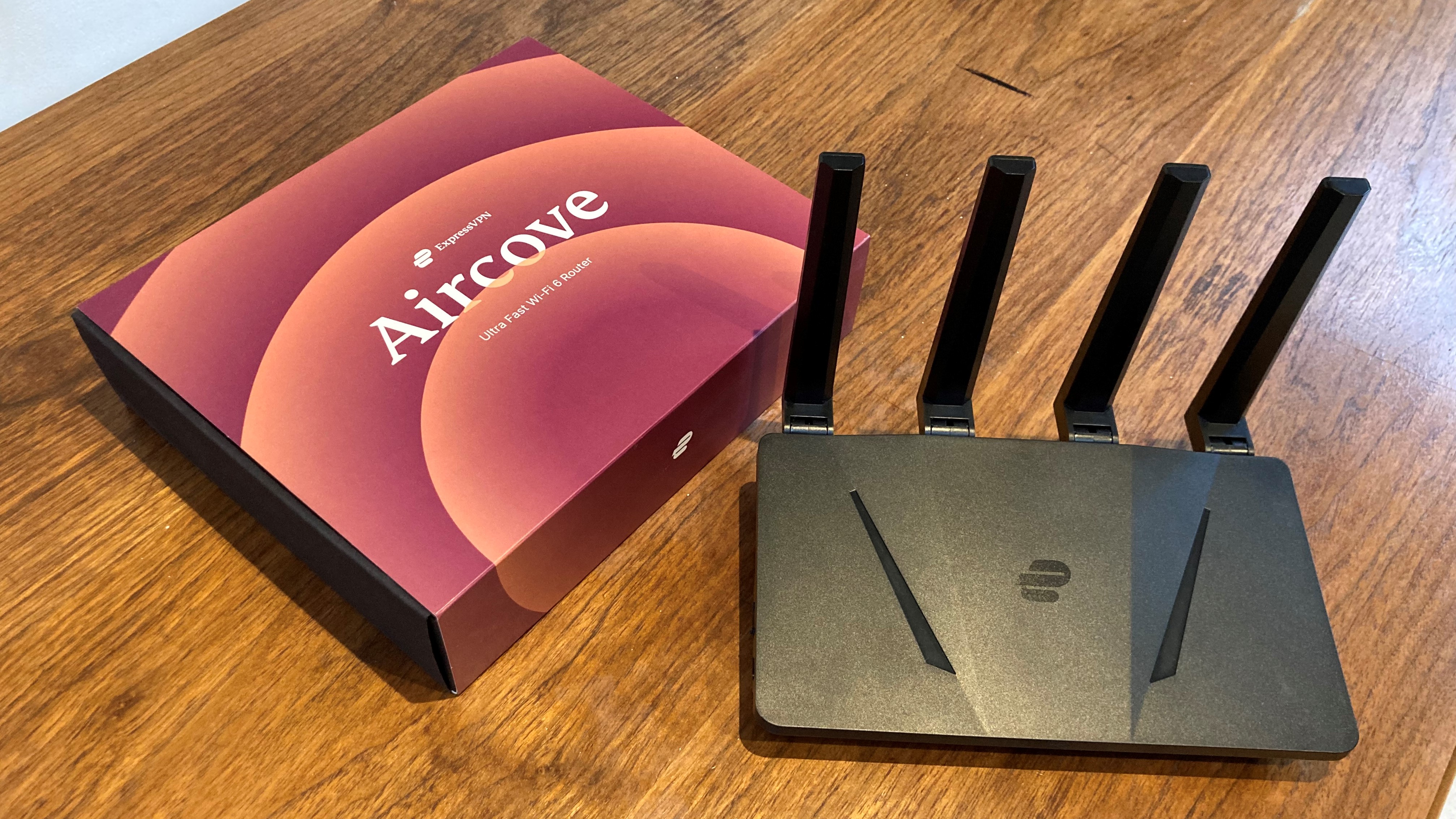
VPNs are a fantastic way of protecting your devices, but you don't have to even download one of the best VPNs onto your phone or laptop to protect it. I'm talking about the best router VPNs.
Many of the top VPN providers are compatible with routers, and some even sell their own pre-installed VPN-powered routers, like ExpressVPN's Aircove. It might not be the first method of VPN setup you think of, but it could be the answer for you. Let's look at the pros and cons of such a setup.
The Pros of a router VPN
- It covers all of your devices – Because the VPN is applied to the router itself, all the devices connected to the router's Wi-Fi network will be protected. That means you can make use of the added encryption of a VPN on a device that would normally be incompatible with the software, like a game console, or even your smart doorbell.
- Unlimited simultaneous connections – While some providers like Surfshark offer unlimited simultaneous connections as standard, that's not the case with most VPN providers. Even our top choice, NordVPN, only offers 10 connections at once. With a router VPN, you are effectively getting unlimited connections while using just one of your allocated devices – provided, of course, you don't leave the network.
- Protects guests/visitors – Guests will also benefit from the VPN, just by connecting to the Wi-Fi like any other network. If you want to set a digital "safe zone" for visiting friends and family, then installing a VPN on your router is a great option.
- No increased battery drain – Using a VPN on a device like a phone or a laptop adds to the battery drain of your devices quite significantly. Your router, however, is connected directly to the power grid, letting your battery-powered devices go for longer.
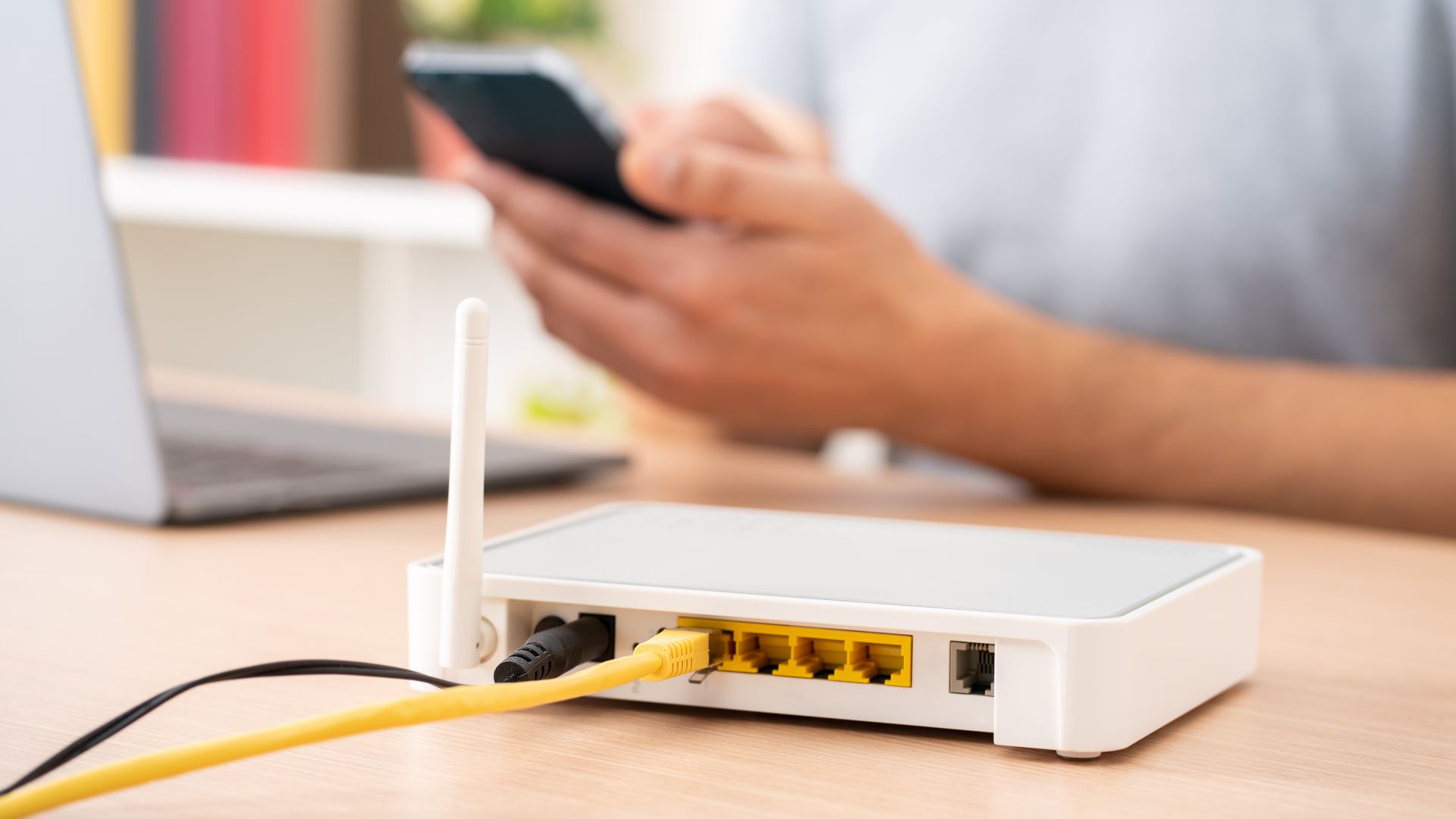
The cons of using a router VPN
- Fixed location – If you're using your router on your home network, then you'll be protected while connected to Wi-Fi, but as soon as you get out of range you'll be back to using unprotected mobile data or a public Wi-Fi connection again. Because of this, it's still definitely worth having a VPN installed on any device that often leaves the house.
- Tricky to set up – We have our own handy guide on how to install a VPN on your router, but it's undeniably much easier just to download an app on your phone or laptop. Of course, buying a router with a pre-installed VPN makes this easier, but if you already have one of the best routers, that's not ideal.
- It's more difficult to change your server – No one really wants to be fiddling with the back-end tech of their router, but that's what you'll need to do each time you want to change the server that your VPN is connected to. Don't get us wrong, if you just want encryption and the anonymity of using a spoofed IP address, then you won't need to change VPN server, but that's not the case if you've signed up to one of the best streaming VPNs. If you want to access content from a specific region then some effort is required. It's worth pointing out the ExpressVPN's Aircove doesn't suffer from this, as it has an easily accessible dashboard.