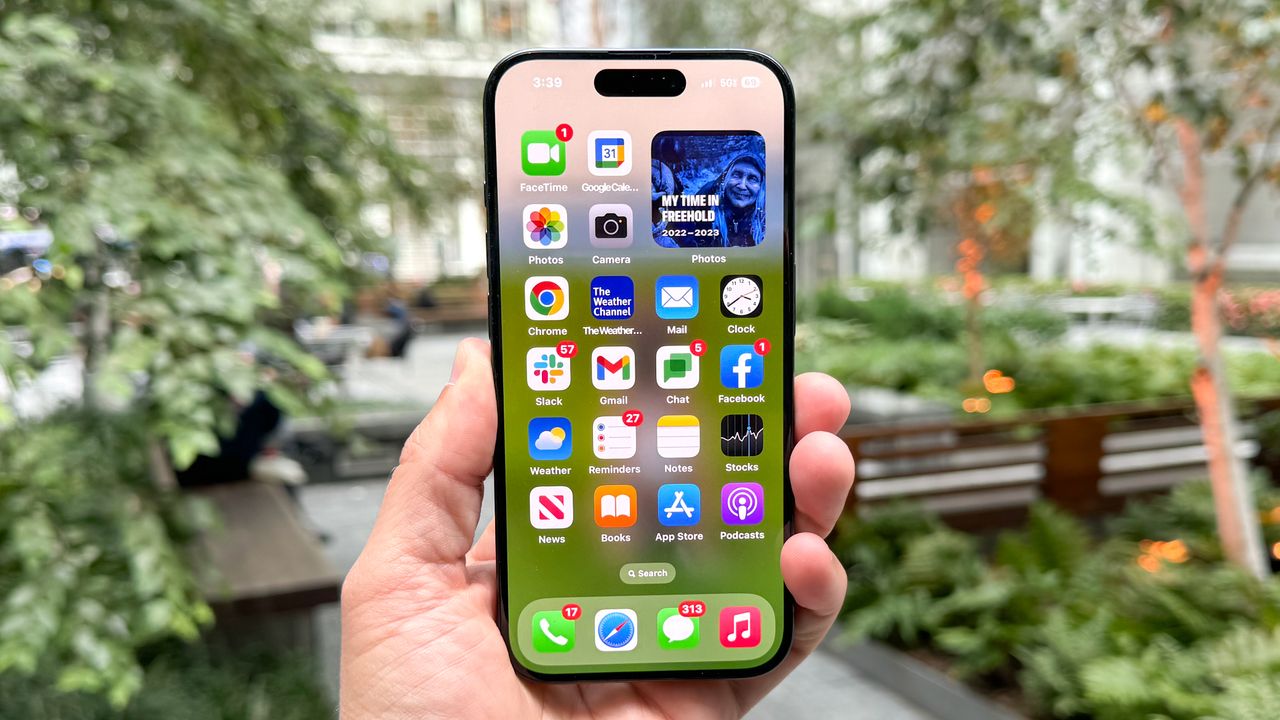
With smartphone prices creeping higher thanks to rising component costs — a trend now commonly known as "RAMageddon", the best phone upgrade you can make right now might be the one you already own.
You don’t need to drop $1,000 on a new device just because your current one is feeling a little sluggish or losing battery quickly. By building a few simple, regular disciplines into your routine, you can claw back storage, speed up performance, and protect your hardware from degradation.
Here are 8 easy habits to keep your phone running like new for years to come.
Reclaim your storage and memory
A maxed-out hard drive and cluttered RAM are the primary reasons older phones start to lag. Clean them up with these three habits.
1. Set a monthly reminder to clear app caches
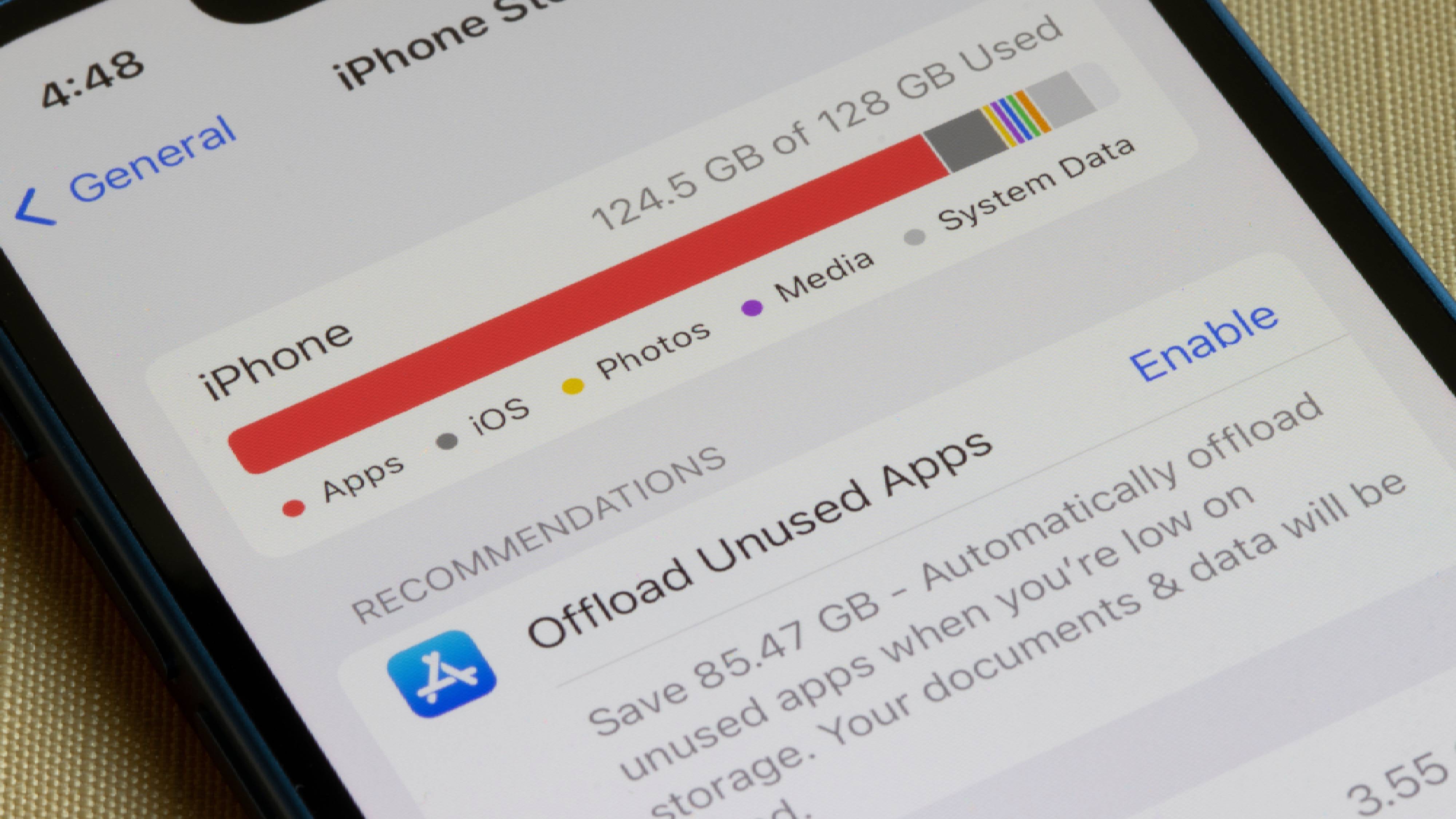
Social media and streaming apps are notorious storage hogs. Apps like TikTok, Instagram, and Spotify temporarily download videos and audio, which can quietly balloon into gigabytes of wasted space.
To clear the cache on Android, go to Settings, Apps, and select a heavy app like TikTok, then tap Storage, and hit Clear Cache.
While iOS handles cache automatically, apps like TikTok and OneDrive have an in-app "Clear Cache" option in their settings menu. Alternatively, you can "Offload" the app via iPhone Storage by going to to Settings, General, iPhone Storage, selecting the specific app you want to remove, and tapping Offload App.
2. Run a weekly storage audit
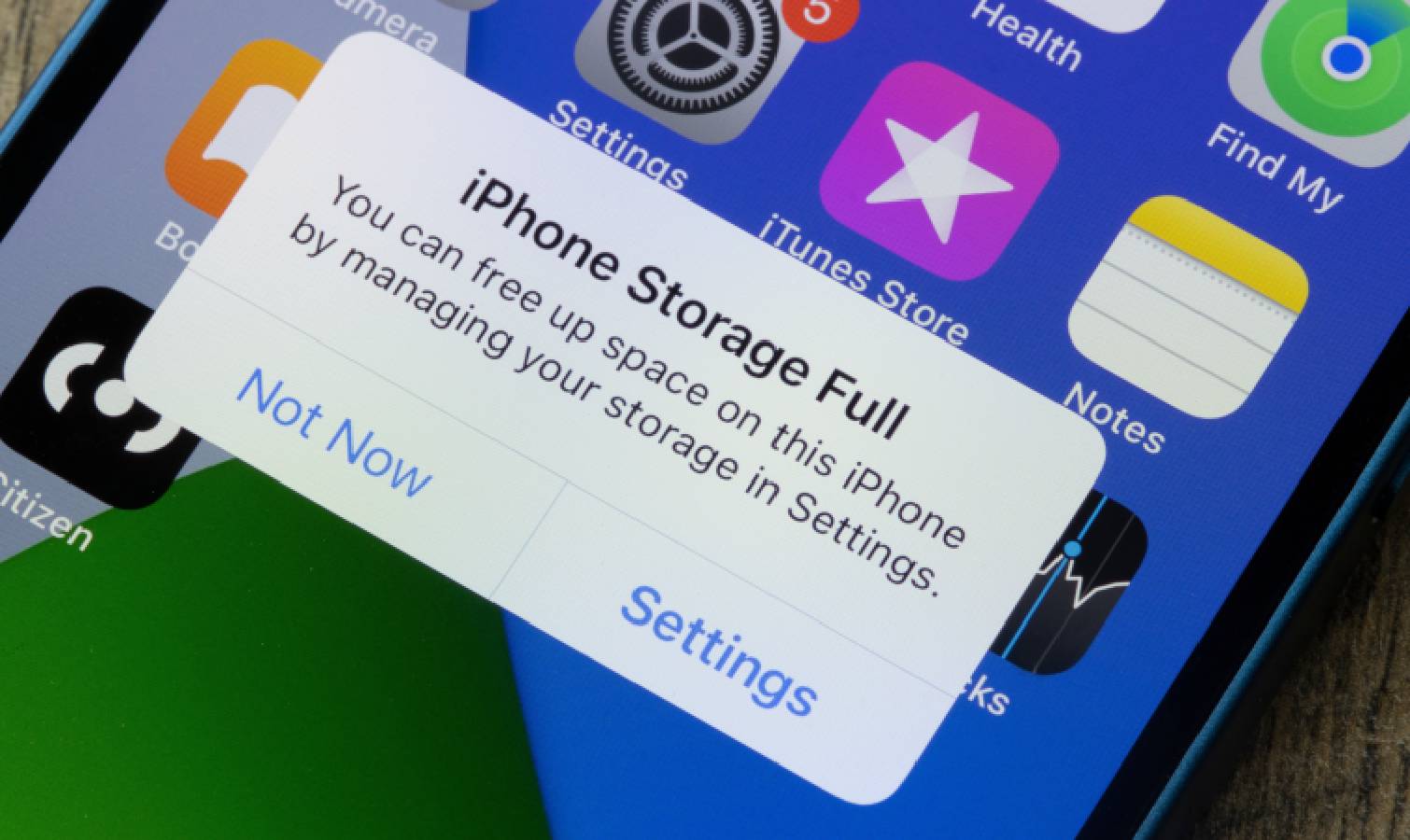
Instead of manually hunting for large files, let your phone’s built-in tools do the heavy lifting to find duplicate photos, blurry screenshots, and massive video files.
On Android, open the Files by Google app and check the "Clean" tab for personalized deletion suggestions.
On iOS, go to Setting, General, and iPhone Storage to review recommendations and check the Duplicates folder at the bottom of your Photos app.
3. Swap heavy apps for "Lite" versions or PWAs
Resource-heavy apps like Facebook can crush your phone’s RAM. If your Android is starting to stutter, see if the app offers a "Lite" version in the Play store. If you're an iPhone user, follow the step below.
You could also delete the app entirely and use the website version via your browser — you can add a shortcut to your home screen that acts just like a Progressive Web App (PWA) without background battery drain.
Protect your battery from degradation
Lithium-ion batteries naturally degrade over time, but excessive heat speeds up the process drastically. Avoid the heat with these three rules.
4. Use a slower, cooler charger overnight
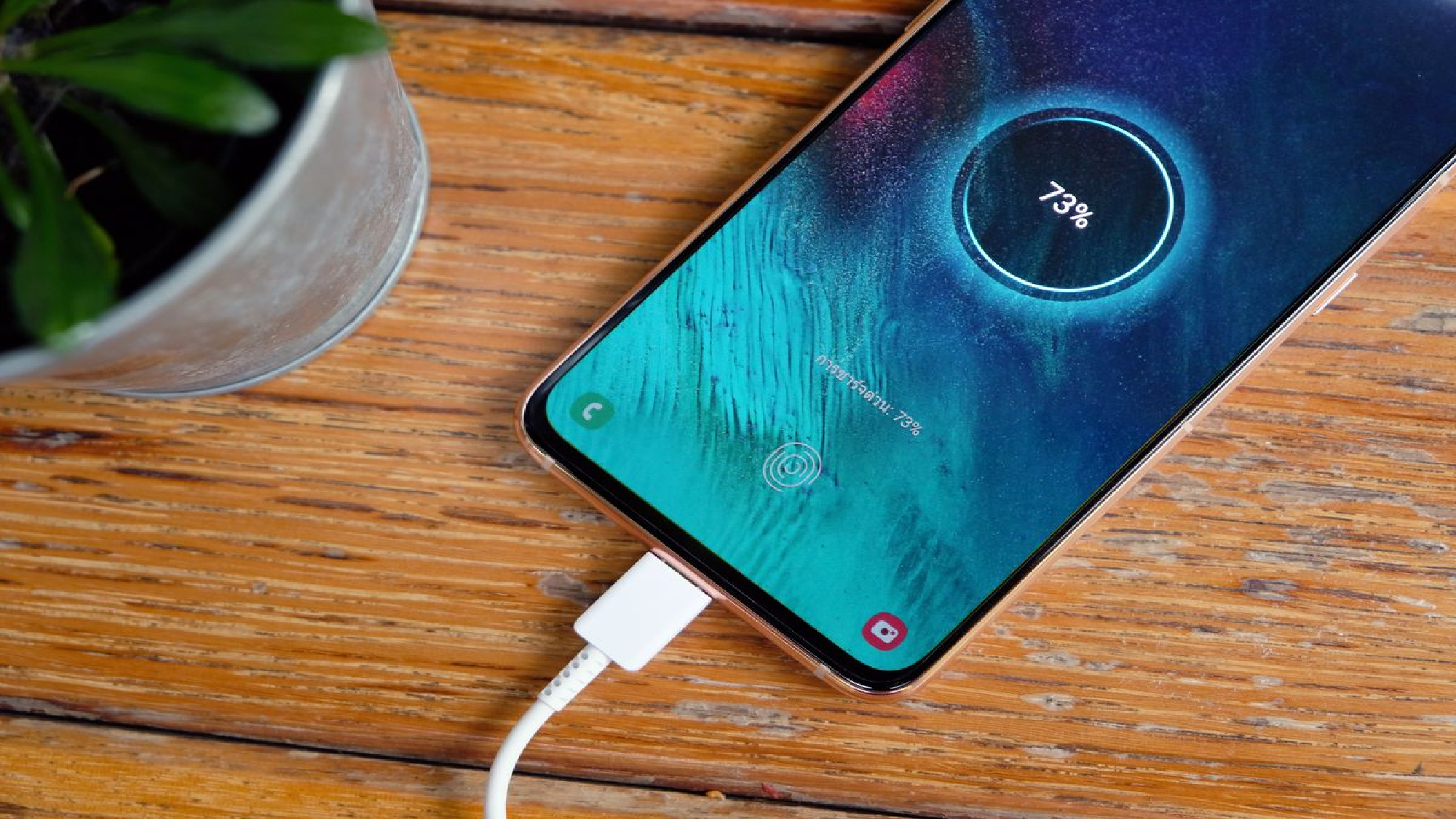
Fast charging is incredibly convenient when you're in a rush, but the high wattage generates significant heat. If you charge your phone while sleeping, your phone sits at maximum capacity while staying warm for hours.
Dig out an old 5W or 10W charging brick for overnight use — it charges slowly and runs cool, minimizing battery wear.
5. Never game or run heavy tasks while fast charging
Using your phone for intensive tasks like 3D gaming, GPS navigation, or 4K video streaming already warms up the processor. If you do this while plugged into a fast charger, you are doubling the heat signature.
If you must fast charge, put the phone down until it's finished.
6. Keep your charging port clean
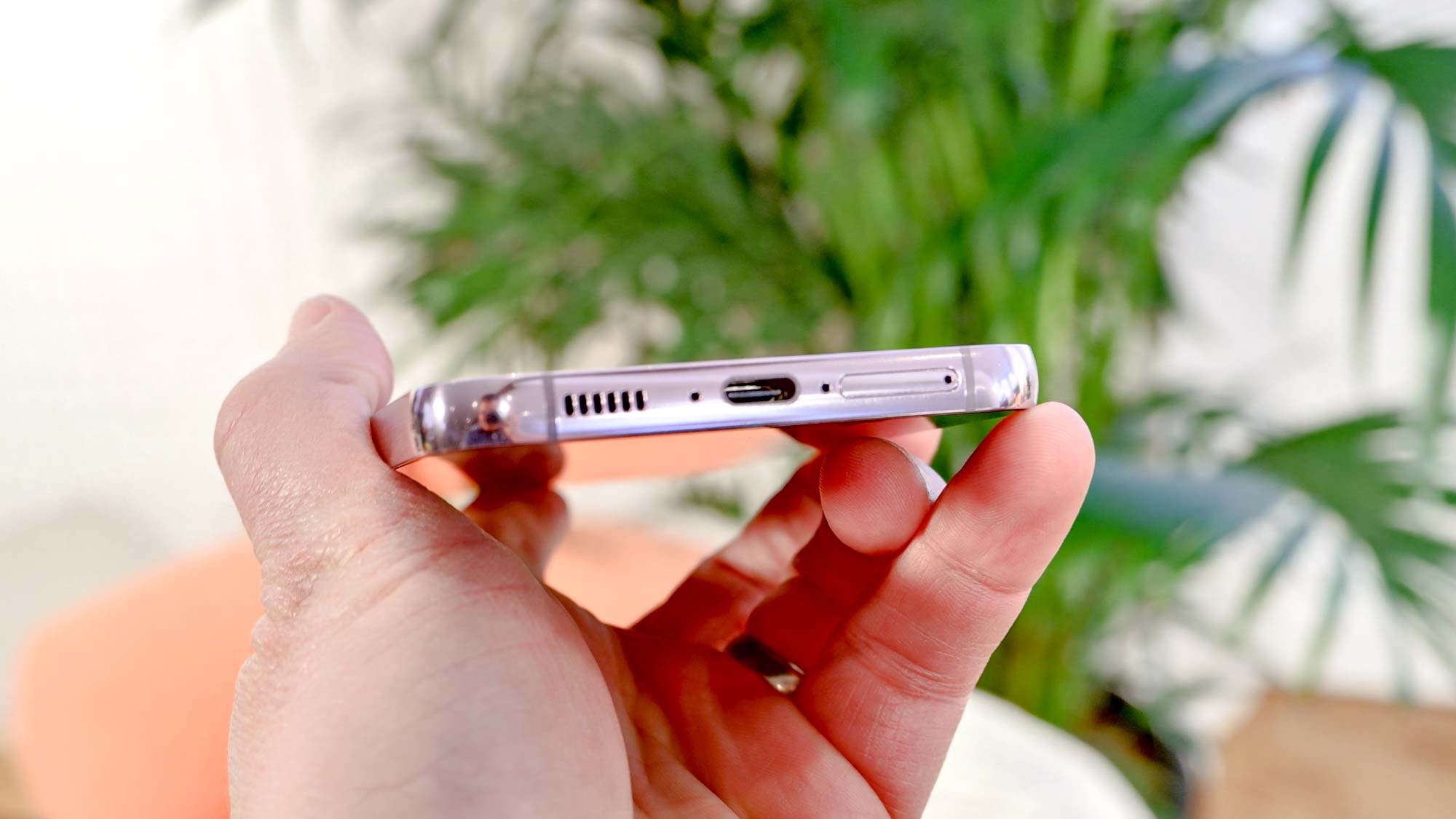
Is your phone refusing to fast charge, or is the cable constantly slipping out? Before you assume the phone is broken, look inside the charging port. Over months of living in your pocket, lint builds up and compresses at the bottom of the port.
To clean it safely, turn off your phone and use a wooden or plastic toothpick to gently scrape out the lint. Never use metal, like a paperclip, as it can permanently damage the charging pins.
Manage your hardware and software
The final line of defense is ensuring your phone can physically survive a drop and that your software isn't outgrowing your hardware.
7. Armor up with a strong case and screen protector

A single drop can end a phone's lifecycle instantly. If your current case is looking yellowed, loose, or cracked, don't wait for disaster. Investing $20 to $30 in a highly rated, rugged case and a tempered glass screen protector is significantly cheaper than a $200 screen replacement or buying a new device.
8. Be selective with your app updates
While keeping your operating system and security patches up to date is non-negotiable for safety, automatic updates for heavy, feature-bloated social media apps can sometimes outgrow older hardware and tank your performance.
Don’t turn off system-wide updates— you need those critical security patches to protect your device from malware. Instead, disable automatic updates specifically for non-essential apps in the Google Play Store or iOS App Store.
Check your updates manually every couple of weeks, and if a massive app pushes a heavy redesign that other users report is causing lag on older phones, skip the update. If an app you already updated starts stuttering, swap it out for its "Lite" or browser version.