What you need to know
- Google released the first Android 14 beta today for both developers and early adopters.
- The beta includes a more helpful system UI with a more prominent back arrow and enhanced system sharesheets.
- Android 14 also restricts the visibility of sensitive data to disability-focused accessibility services.
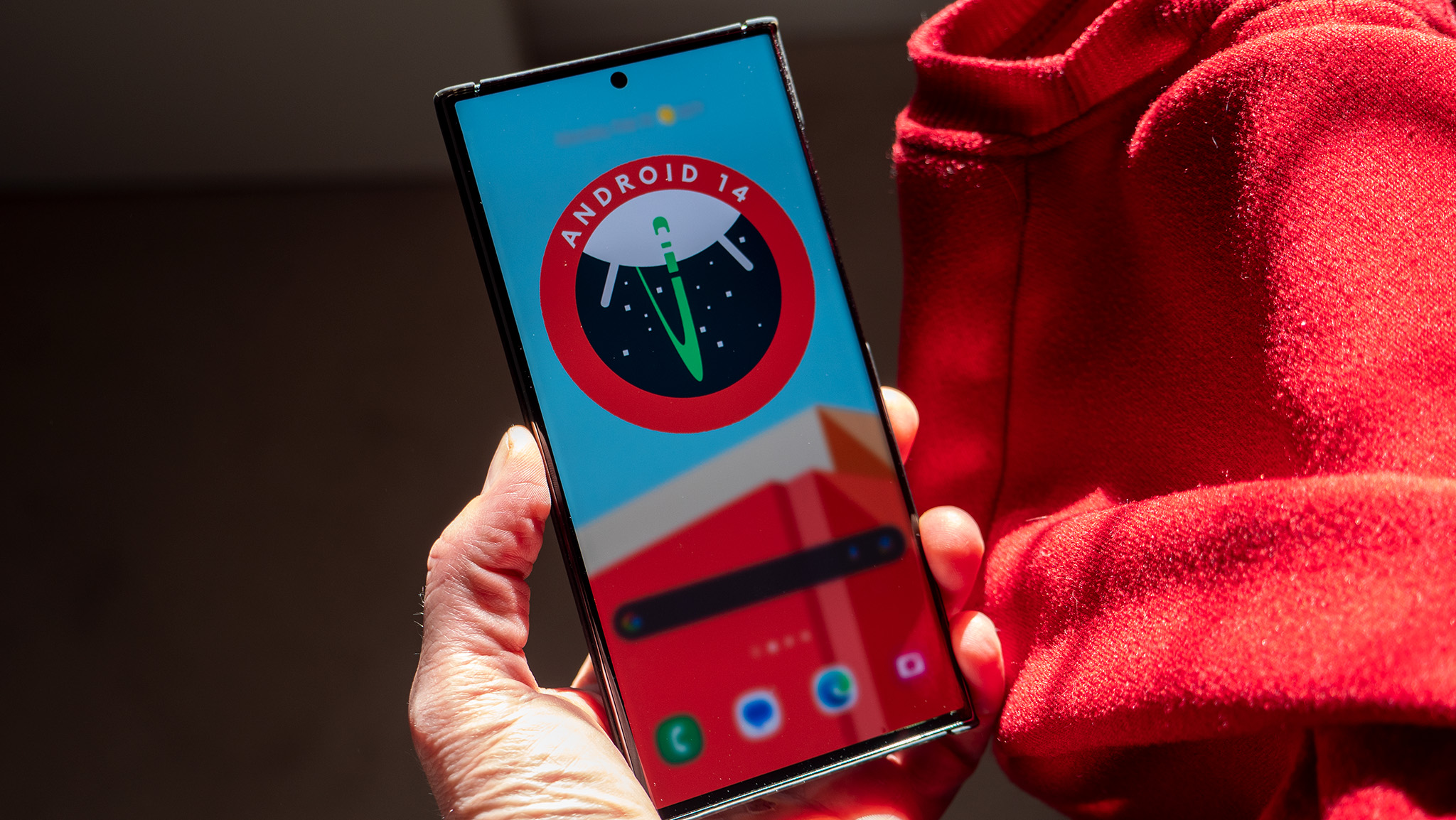
Right on schedule, Google today released the first beta version of Android 14. It arrives after two developer previews, and although some of the rough edges have been polished enough to make Android 14 Beta 1 usable on a daily basis, keep in mind that the code is still in progress.
If you've been toying with Android 14 Developer Preview 2, you know Google’s been making some improvements behind the scenes concerning background app restrictions. In its latest release, the search giant has doubled down on privacy by allowing apps to limit the visibility of sensitive data to disability-focused accessibility services.
This comes in handy if a user with disabilities is prone to performing unintended actions like sending money or proceeding to the checkout while shopping online. Google says a new attribute in Android 14 is meant to prevent these missteps. It is also intended to safeguard sensitive user data such as personal information or plaintext passwords.
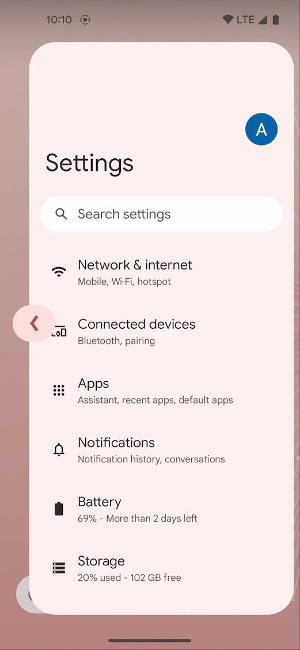
Highlights of this release also include a more helpful system UI, like a hard-to-miss back arrow. This makes navigating apps a lot easier if you opt for a gesture navigation experience. In line with Google's Material You theming, the back arrow also obeys your phone's wallpaper or theme.
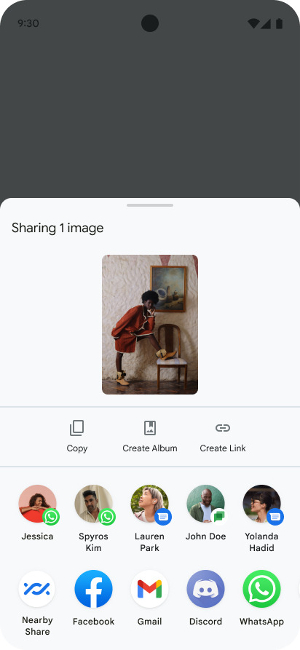
Google has also improved the system sharesheets with new custom actions and shortcuts. This means that on top of the option to share a certain file or content with other apps, you'll be able to do things like create an album for a photo or create a link.
For developers, Android 14 includes a slew of new graphics features aimed at making apps stand out. Per-app language preferences have also been improved, allowing the languages displayed in the Android Settings per-app language list to be dynamically customized.
Like previous Android versions, Android 14 continues to support tablets and foldable phones with design inspiration and development guides to help polish the user experience.
If you’re curious, you can get Android 14 Beta 1 on many of Google's smartphones from the Pixel 4a (5G) to the Pixel 7 Pro. Then again, take heed that this version of Android 14 is under construction, exposing you to bugs and other kinks to deal with if you decide to stick with the beta until the final version is released sometime in the fall. As always, back up your phone before taking the beta for a spin.
It's unclear when the beta will be open to other Android phones, but we expect to hear more about that later this year, perhaps even at Google I/O 2023.
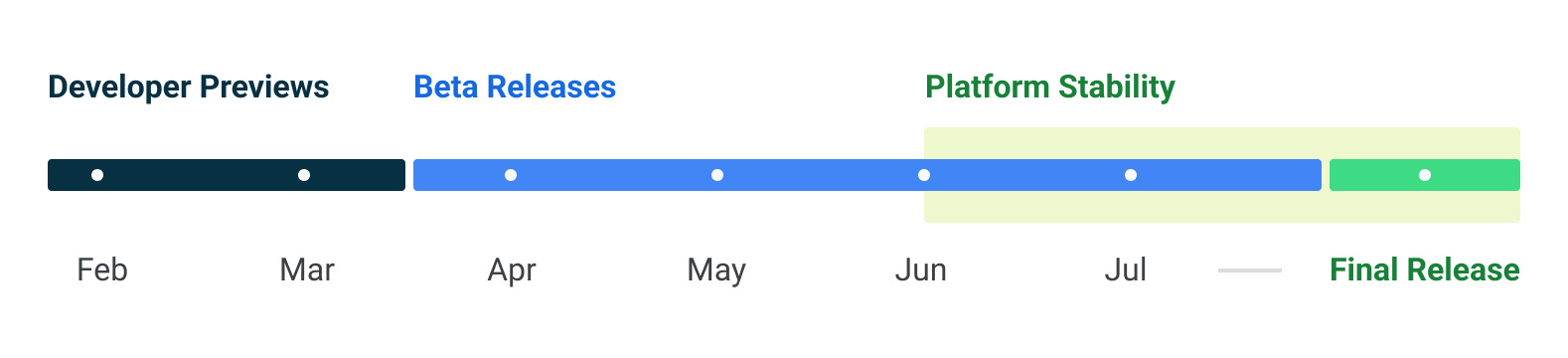
Meanwhile, if you don’t want to install it now, you can wait until the next update, when things will be a little more refined. Per the Android 14 schedule, Google is set to release the next beta in May.
Google has mastered the art of the low-cost flagship, with the Pixel 7 Pro providing a stunning display, consistently fast performance, and absurdly good cameras at a reasonable price. Anyone who takes a lot of photos will appreciate how easily it captures fast-moving objects or allows you to unblur and clean up photos afterwards.