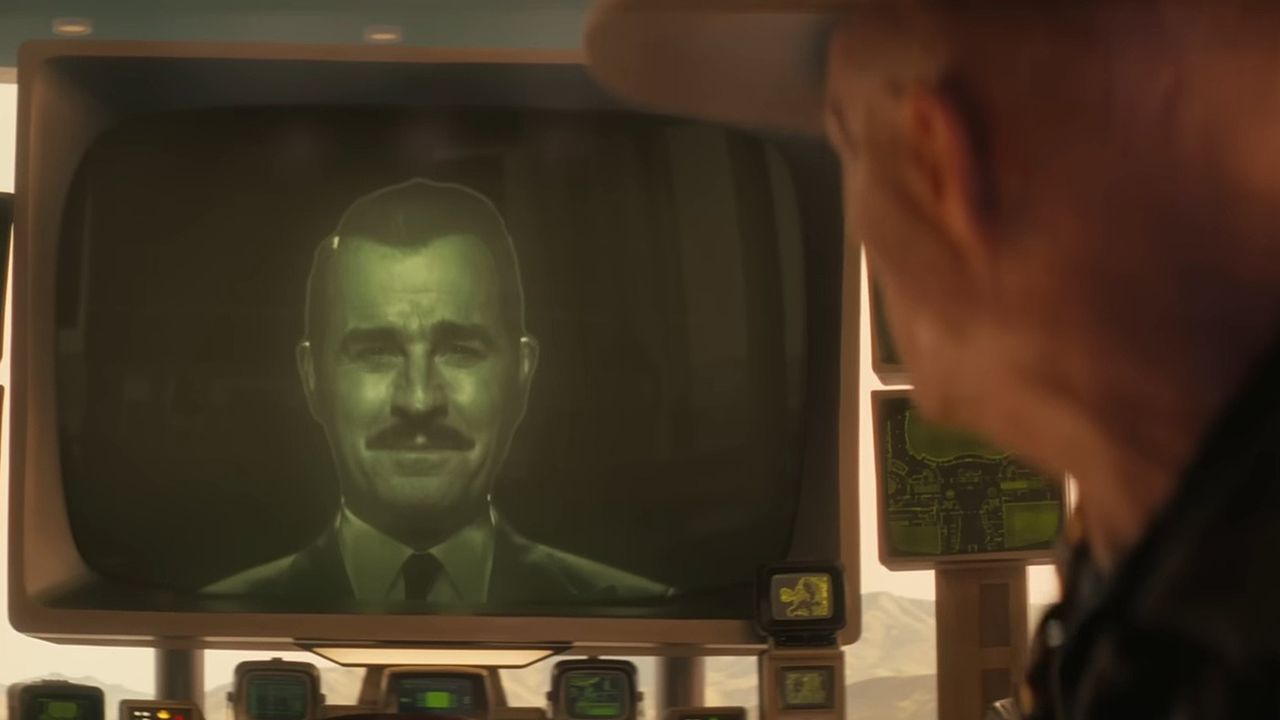
After months of waiting, the Fallout TV Series' much-anticipated 2nd season will be going live soon, as we're only a few days away from its broadcast on December 16, 2025.
However, it's not open for everyone as the show is only available to watch on Amazon Prime Video, exclusively for Amazon Prime members.
So, if you've enjoyed the first season or are seeing the show for the first time and want to know how to watch it, here's how you can sign up for Amazon Prime so you don't miss the first episode.
To begin with, you will need to go to Amazon's website and sign up for an Amazon Prime Membership subscription, which costs $14.99 per month.
Once you have an Amazon Prime subscription, you will be able to access Amazon's Prime Video streaming app and watch the Fallout TV Show's 2nd Season on it when the first episode premieres on December 16, 2025, 6:00 pm PT, as confirmed on the Fallout TV Show's official X account.
Well, well, looks like Christmas came early on Sphere. The Fallout Season Two premiere, now arriving December 16 at 6 p.m. PT. pic.twitter.com/RHpSBBXJ6HDecember 15, 2025
However, it is essential to note that, unlike the 1st season of the show, where every episode was available immediately, the 2nd season will release episodes weekly.
With this in mind, you can either watch each episode of Fallout's 2nd Season as they come out every week or wait until the final episode airs around February 4, 2026, to watch the whole season in one big batch.
The first season of the Fallout TV Show was a massive hit, garnering over 100 million viewers, claimed two Emmy awards, and helped revitalize the post-apocalyptic video game franchise it was based on.
The 2nd season is looking to top the previous season with more over-the-top action, complex storylines and characters, and incorporating elements, characters, and the setting of the fan-favorite title Fallout: New Vegas.
By signing up with Amazon Prime, you will be able to catch the show and see what new dark roads it will take fans and newcomers to the Fallout franchise next.
Enjoy our content? Make sure to set Windows Central as a preferred source in Google Search, and find out why you should so that you can stay up-to-date on the latest news, reviews, features, and more.

Follow Windows Central on Google News to keep our latest news, insights, and features at the top of your feeds!