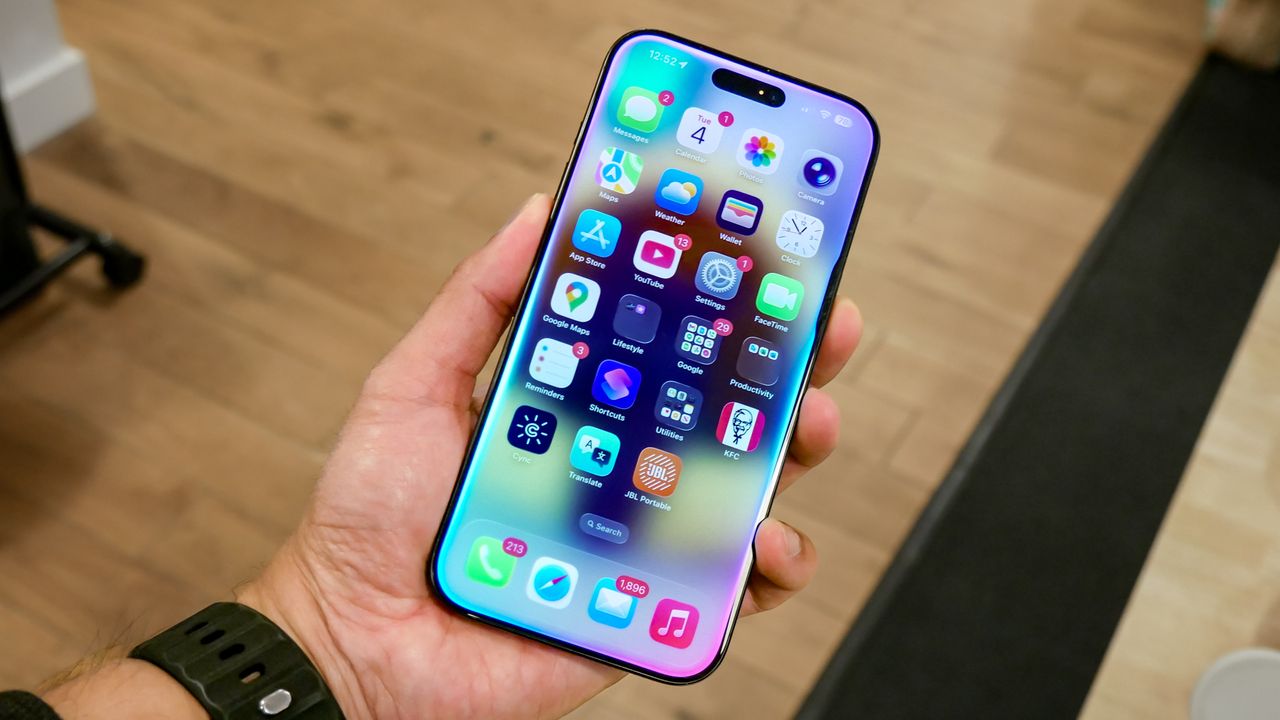
If your phone has been lost (or stolen), you probably feel like you have enough to worry about – stolen data, identity theft, and possibly replacing the device itself. However, there’s one more thing to be wary of: phishing messages claiming to have your lost device that are actually designed to steal your Apple ID credentials.
According to the NCSC (Swiss National Cyber Security Centre) a new phishing scam is capitalizing on lost devices by trying to steal the credentials of the users who want them back.
iOS users who have had a device lost or stolen can set their lock screen to feature a custom message using the features in the Find My app on another device or computer through their Apple accounts. The message that's displayed may include contact information, like a phone number or email address, so if the device is found the owner can be contacted to recover it.
Scammers have weaponized this feature by using that information to send detailed phishing messages through iMessage or using SMS; these phishing messages often claim to be from Apple's Find My team and tell users that their devices have been located. The scammers will often include details like the phone's model, color or other additional information that could be taken from the locked device in order to convince the owner of the validity of the text.
An example of one of the phishing texts reads: “We are pleased to inform you that your lost iPhone 14 128Gb Midnight has been successfully located. To view the current location of your device, please click the link below If you did not initiate a lost device report or believe this message was sent in error, please disregard it or contact our support team immediately.”
The message that claims to have the device’s location contains a link that redirects unsuspecting users to a phishing page that mimics the login portal for Apple's Find My website. It's designed in such a way that potential targets can enter their Apple ID and password and then these credentials are sent to the attackers so they can take over the account. Their goal according to NCSC, is to remove Apple's Activation Lock, a security feature that links the iPhone to the owner’s Apple ID to prevent others from erasing and reselling it.
How to stay safe from phishing scams
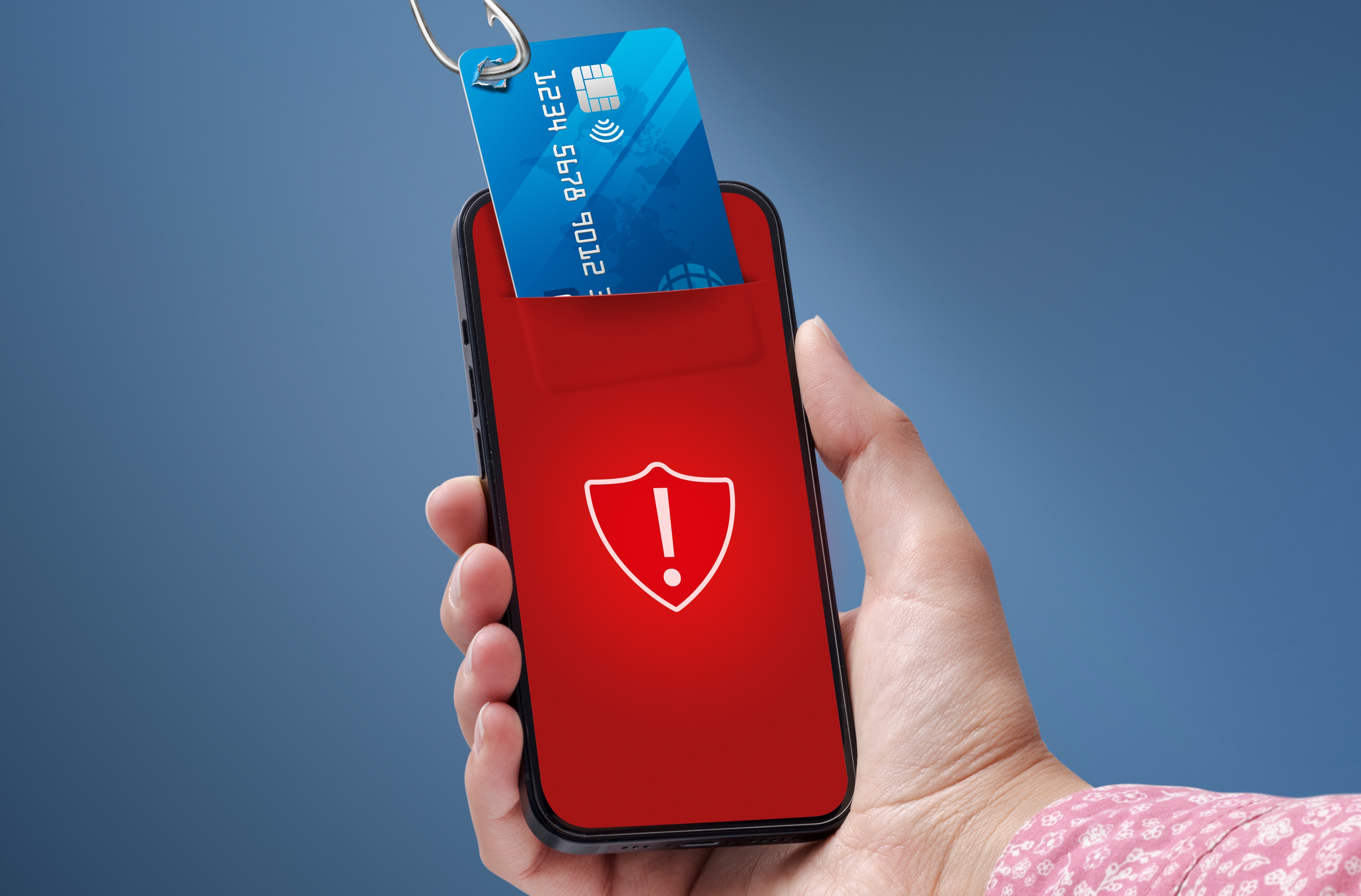
To avoid falling victim to this phishing scam and others like it, never, ever click on links in unsolicited messages and don't reply to them either. The researchers here also recommend that you avoid entering in your Apple ID details on any external device. You can ignore any texts that sound like these phishing scam texts, as Apple will not contact customers over SMS or email in order to report a found device.
If you have a lost device, immediately enable Lost Mode through the Find Me app or using your iCloud account to secure it. And if you're going to use your device's lock screen to display your contact details, make sure to use a dedicated email address just for this and not your standard one. Additionally, you can have your device registered to your Apple account so that Activation Lock is enabled. Likewise, you can also ensure that your SIM card is protected with a PIN to make sure that your number isn't misused.
Lastly, you can protect yourself online by making sure you have one of the best antivirus software solutions installed and up-to-date on all your devices (including mobile) and by making sure it has features like a VPN, a browser that will alert you to suspicious websites, spam alerts, and identity monitoring or identity theft protection features.
If you think you've been scammed, you can report cases of identity theft to the FTC at identitytheft.gov as well as contact the FBI’s online division at IC3.gov. Doing so is a great (and helpful) way to prevent others from falling victim to similar scams.

Follow Tom's Guide on Google News and add us as a preferred source to get our up-to-date news, analysis, and reviews in your feeds.