The biggest reason to pay attention to the TCL NOTE A1 NXTPAPER is what the tablet is built to do: make digital writing feel natural. The NOTE A1 NXTPAPER is designed for people who use a tablet as a notebook, sketchpad, research hub, meeting companion or creative workspace. Here are three reasons it stands out.
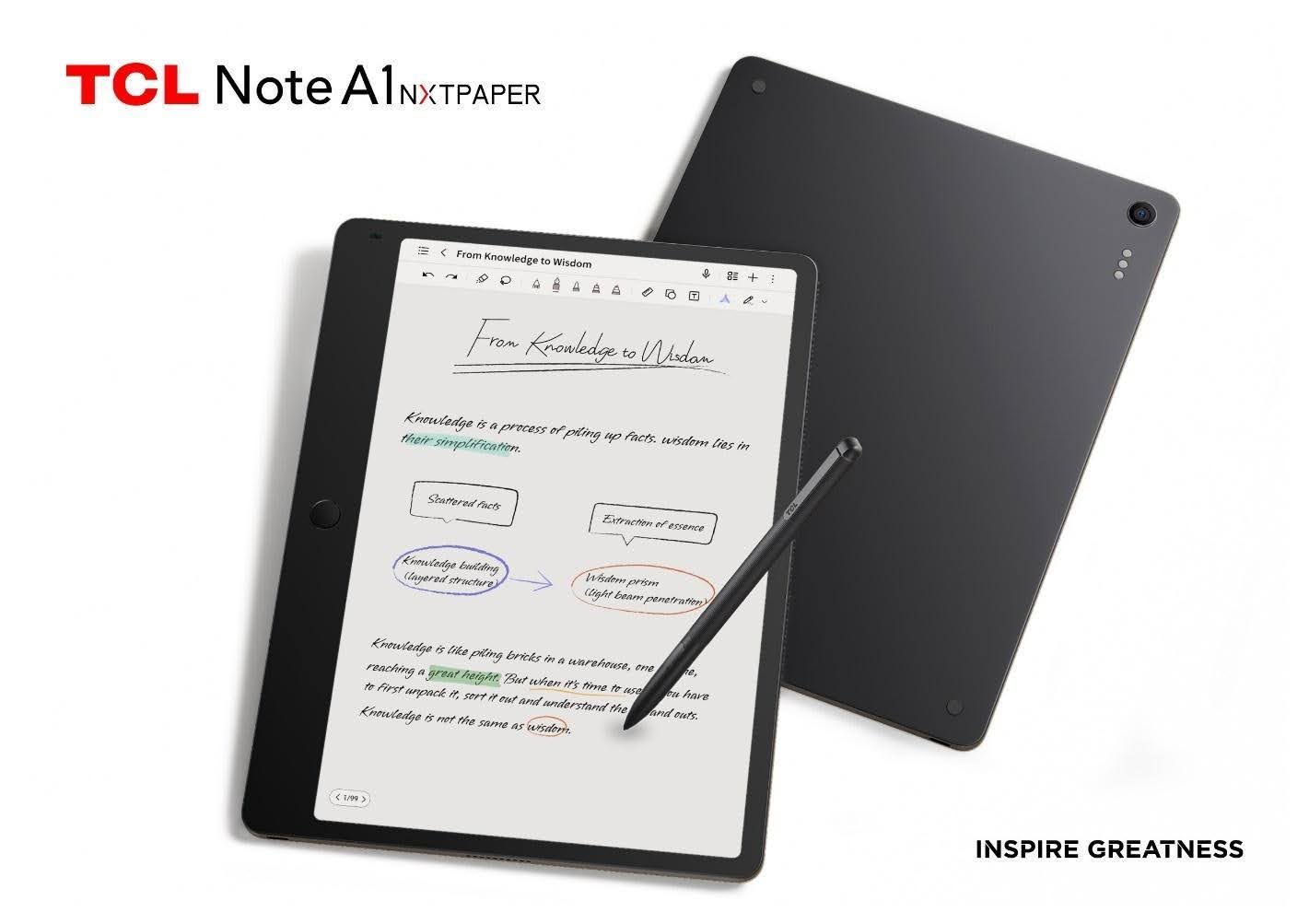
1. The Writing Experience Is the Main Event
TCL says the NOTE A1 has the world’s first TÜV certification for “Pencil-like Writing.” That is the key story here. This tablet is focused on making the contact between stylus and screen feel more authentic, more responsive and less slippery than a typical glossy tablet.
The NOTE A1 uses TCL’s NXTPAPER Pure display with 3A Crystal Shield Glass, built to reduce glare, reflections and fingerprints. The screen surface is designed to feel closer to paper, which makes a major difference when the tablet is used for handwriting.
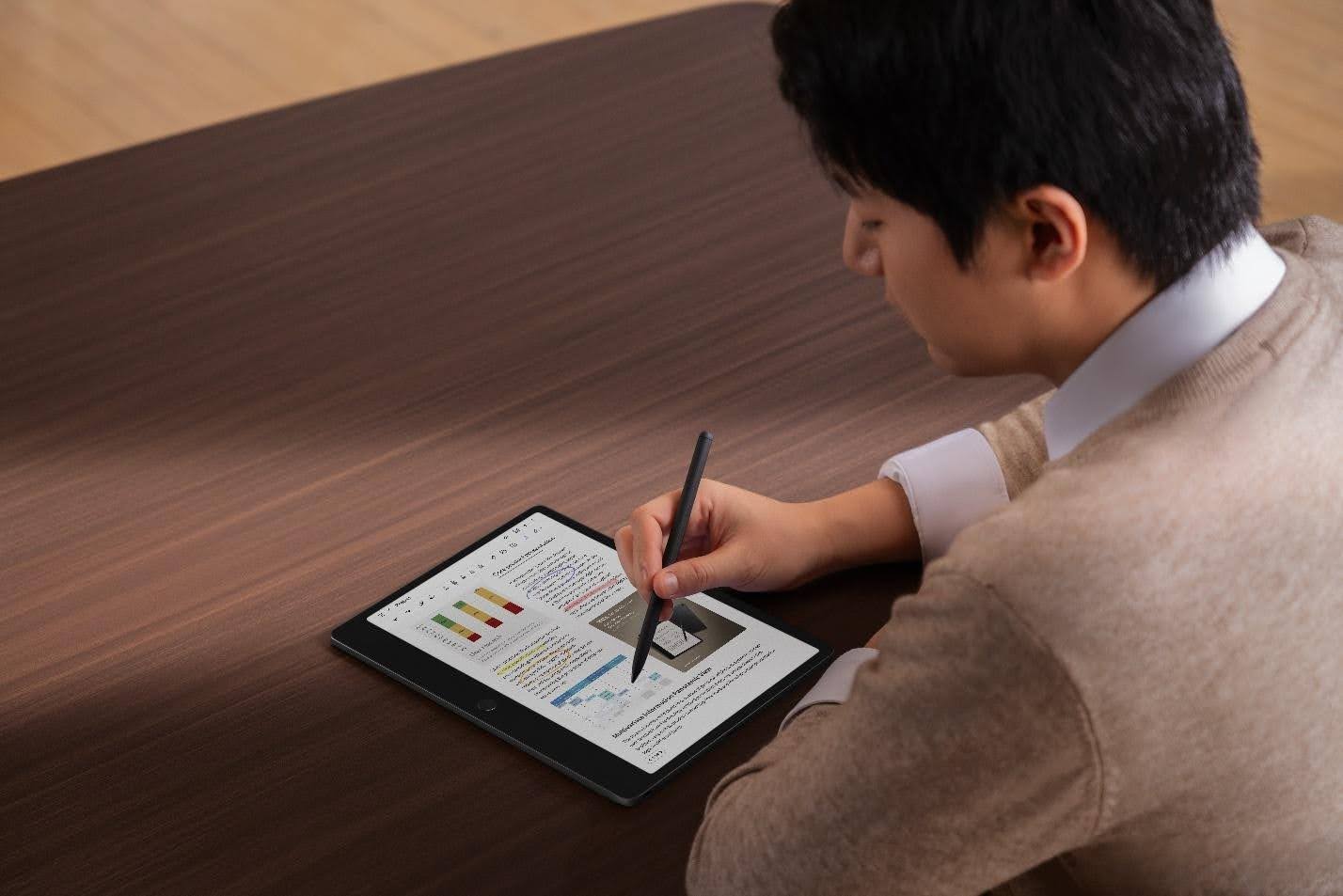
The stylus supports under 5ms latency, so strokes appear nearly as soon as you make them. It also offers 8192 levels of pressure sensitivity, giving handwriting and sketching more nuance. Press lightly for thinner lines. Add pressure for heavier marks. Take notes, underline, diagram, circle, sketch and revise with more control.
The T-Pen stylus also has a dual-purpose design with a writing tip on one end and an eraser on the reverse. That makes the workflow feel familiar.
2. It’s Actually Useful and Intuitive
The NOTE A1 NXTPAPER is also built for the work that happens after the note is written.
TCL includes AI-powered tools that can help clean up and organize information. Audio-to-text transcription can turn meetings, lectures and interviews into editable text. Handwriting-to-text can convert handwritten notes into cleaner digital copy. Real-time translation helps with multilingual communication, while AI writing tools can refine and transform content.
There are also features for handwriting beautification, handwritten formula recognition and one-stroke formation, which could be especially useful for students, researchers and anyone working through technical material.
The workflow could look like this:
- Write notes by hand during a class, meeting or planning session.
- Convert key sections into editable text.
- Use AI tools to summarize, refine or translate content.
- Organize fragments inside Inspiration Space.
- Build the raw material into something clearer and more useful.
That makes the NOTE A1 feel like a bridge between freehand thinking and structured digital work.
3. It Is Made for Focused Work Sessions
TCL’s productivity tools round out the experience. Split Screen lets users read and write at the same time, which is helpful for reviewing documents, studying, researching or marking up material. Screen Casting supports real-time sharing and collaboration. Freeform Note gives users a flexible workspace for capturing ideas without forcing them into a standard document layout.
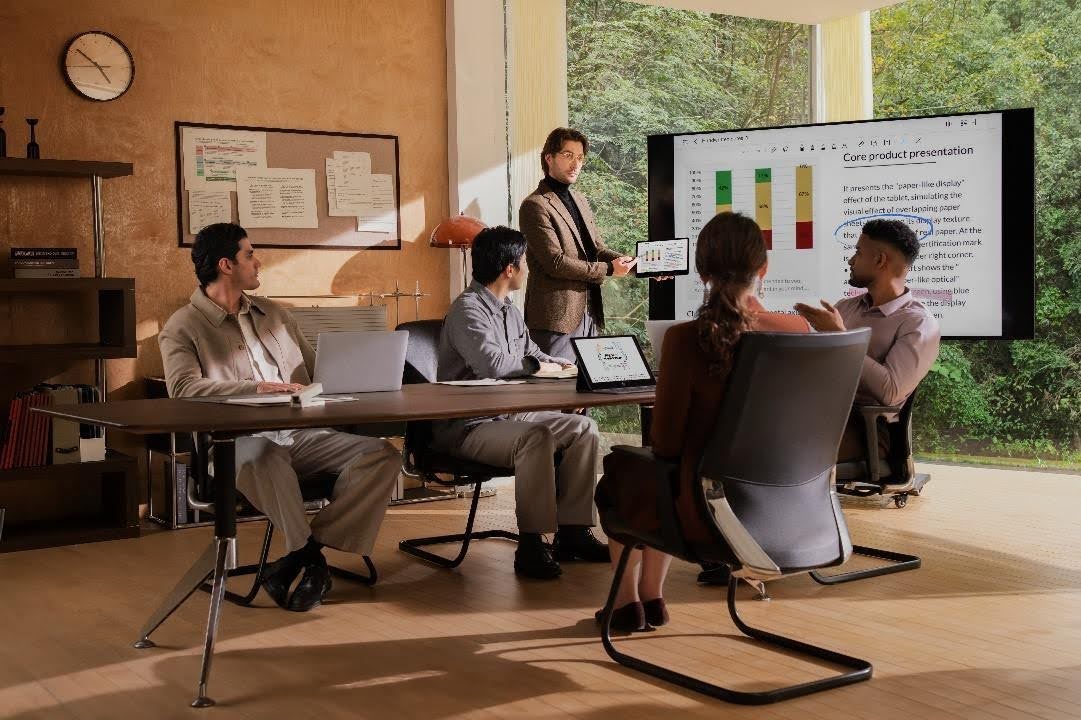
The NOTE A1 is a strong fit for:
- Students taking lecture notes
- Professionals capturing meeting ideas
- Researchers annotating sources
- Writers developing drafts and outlines
- Designers sketching early concepts
- Creators organizing inspiration
Its best use case is simple: a digital notebook for people who still want the physical satisfaction of writing.
The TCL NOTE A1 NXTPAPER is available through the official TCL NOTE A1 NXTPAPER product page. For those planning to shop through Amazon, check the TCL NOTE A1 NXTPAPER results on Amazon.