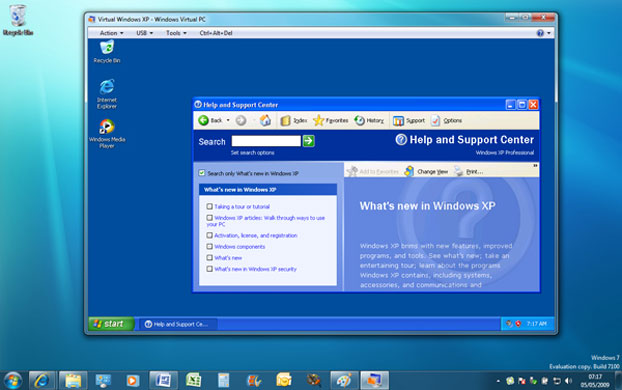
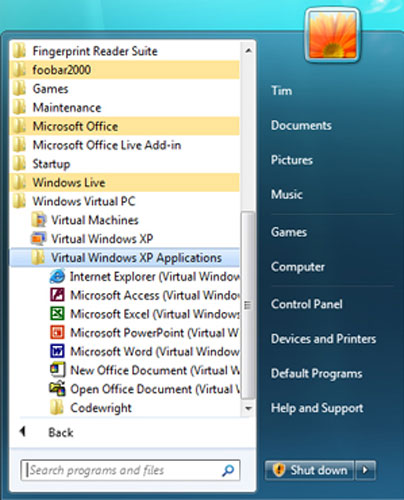
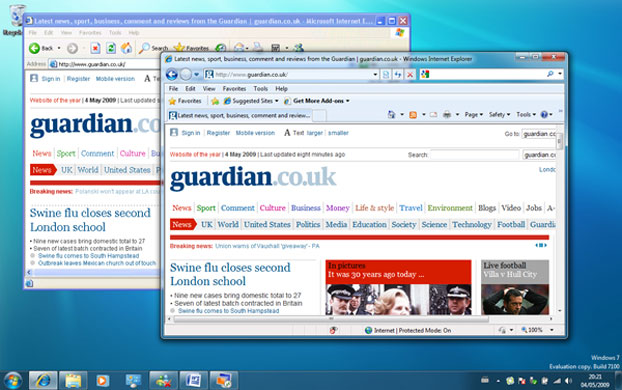
Windows within Windows: Virtual XP runs an instance of Windows XP within Windows 7Photograph: Public domainXP Mode publishes applications installed within a virtual instance of Windows XP so that they appear in the Windows 7 Start menuPhotograph: Public domainSomething you cannot normally do: run Internet Explorer 6 and IE8 side by side. IE6 is running in Windows 7 XP ModePhotograph: Public domain
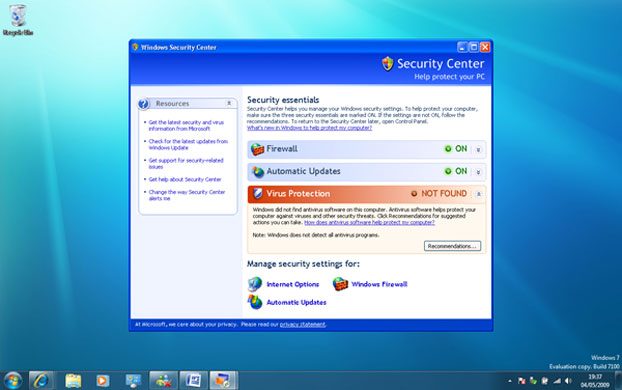
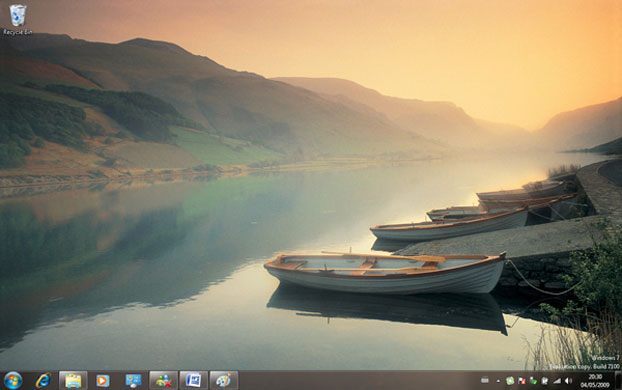
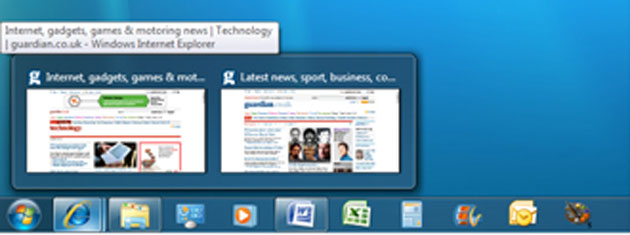
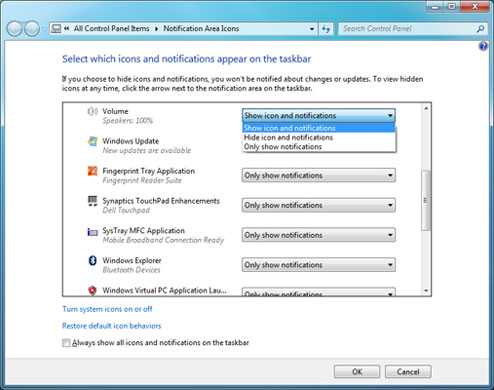
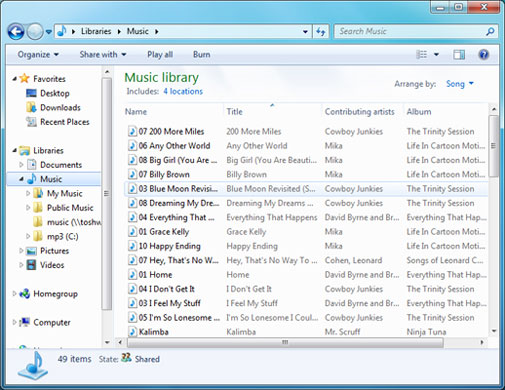
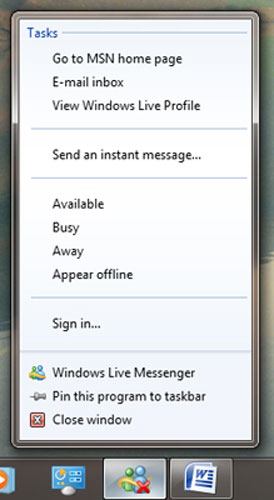
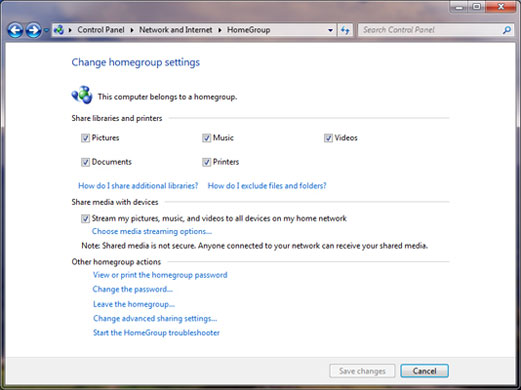
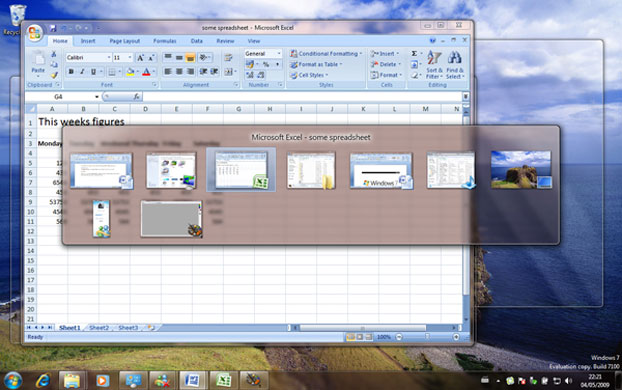
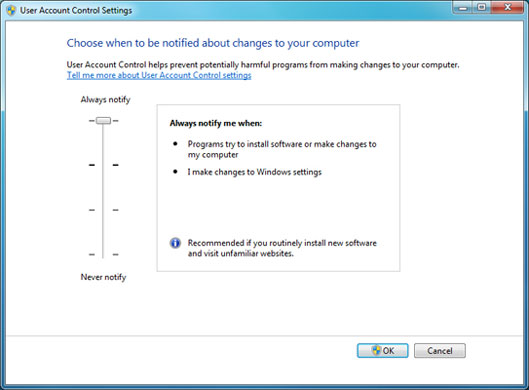
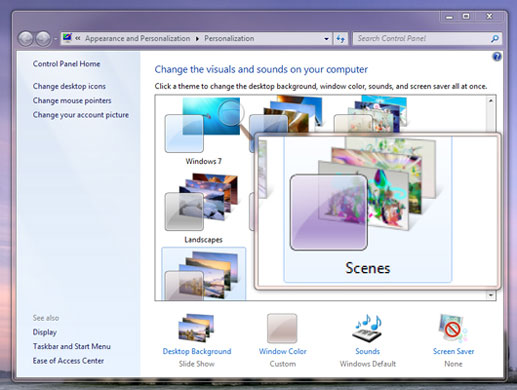
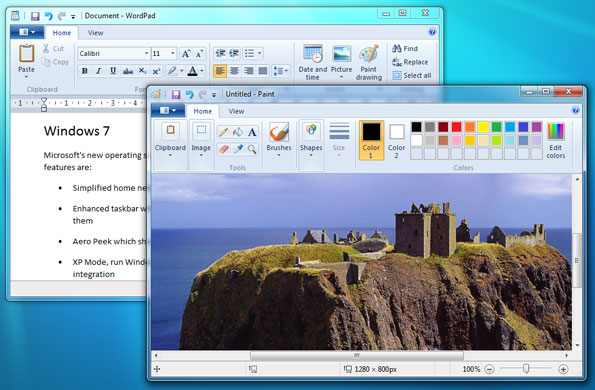
It can be confusing when Virtual XP throws up dialogs on the Windows 7 desktop, like this Windows XP Security Center. Users may not realise which machine they are managingPhotograph: Public domainWindows 7 comes with numerous new desktop backgrounds, including six specifically for the UK. This is Tal-y-Llyn Lake in North WalesPhotograph: Public domainThe Windows 7 taskbar lets you both launch favourite applications and switch between those that are running. Lit up icons represent running applications and display previews when you hover over them with the mousePhotograph: Public domainThe Notifications dialog lets you control which background applications are allowed to display icons and pop-up balloonsPhotograph: Public DomainThe Libraries feature combines several folders into one view. This music folder includes songs from four separate foldersPhotograph: Public DomainA Jump List is a list of actions or recent documents invoked by right-clicking a taskbar iconPhotograph: Public DomainA homegroup enables sharing of files, documents and multimedia in a home networkPhotograph: Public DomainIf you pause as you cycle through available windows with Alt+Tab, the selected window is previewed in the background, while other windows fade to outlinesPhotograph: Public DomainThis dialog controls in what circumstances User Account Control will prompt for confirmation of system changesPhotograph: Public DomainThe Windows 7 Magnifier utility has a Lens mode which enlarges a small section of the screenPhotograph: Public DomainUpdated versions of the WordPad and Paint utilities sport new Ribbon-style controls, similar to those in Office 2007Photograph: Public Domain
Sign up to read this article
Read news from 100’s of titles, curated specifically for you.