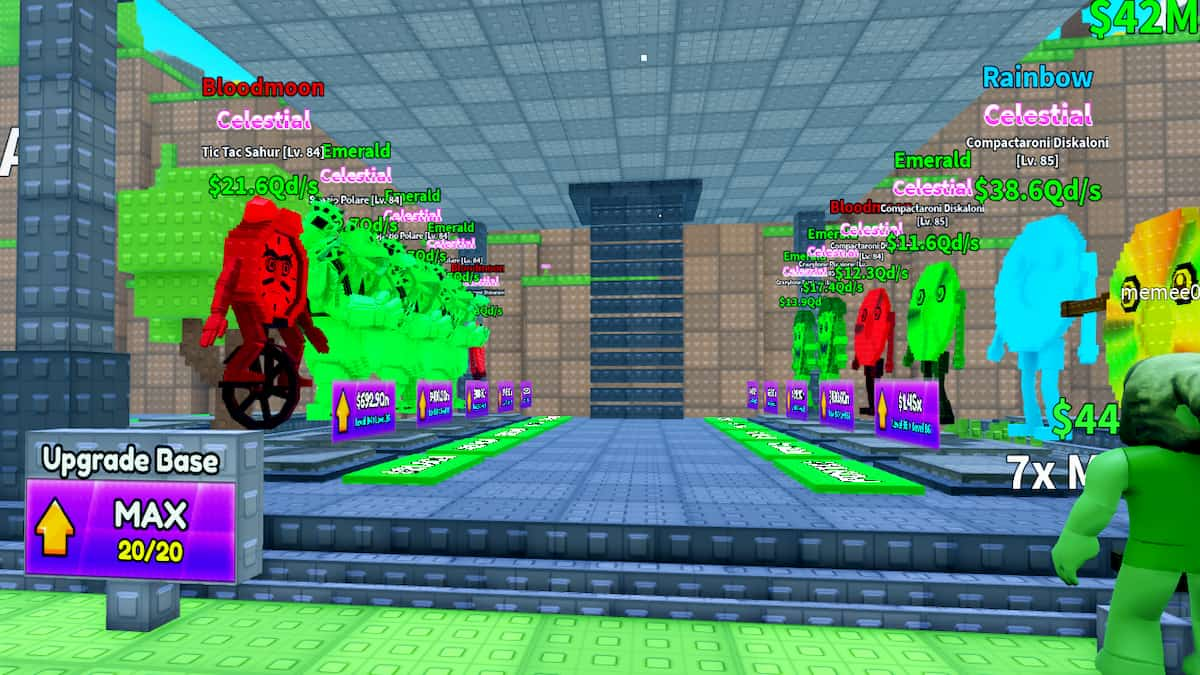
In Survive Lava for Brainrots, there will be many players who will try to sabotage you and push you into the lava while you are trying to bring valuable Brainrots to your base. To avoid such scenarios, it is better to use private servers where you can play freely without worrying about others. So, if you are looking for such servers, here is a list for your browsing.
All Active Survive Lava for Brainrots Private Server (PS) Links
Below is a list of multiple Survive Lava for Brainrots private server links you can use. If you are on a PC or mobile device, open the page in any browser and click the link to hop into a server. For console users, you can ask one of your friends on the other platform to join first, then invite them to a party or connection.
| Links | Host Name |
|---|---|
| Link 1 | Ranyel |
How do you buy Survive Lava for Brainrots Private Server?
If you like using the servers above, you can always purchase one for yourself using the instructions below.
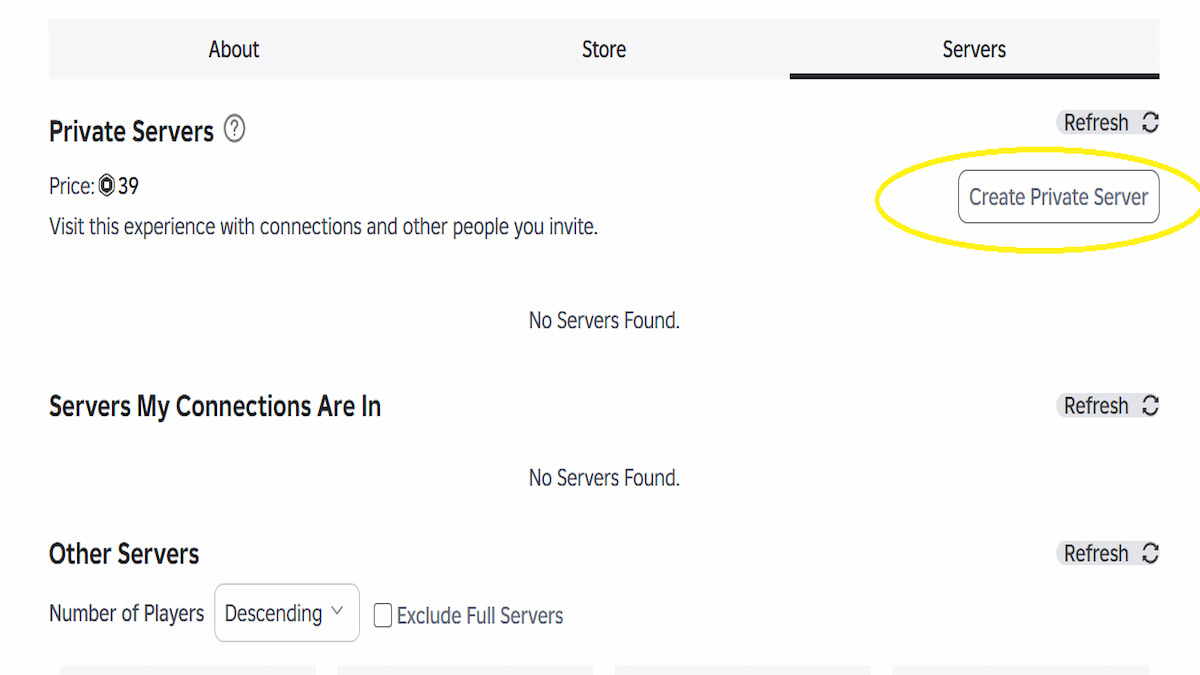
- Open Survive Lava for Brainrots on any platform: PC, Mobile & Console
- In the experience page, click on the Servers option in the last section.
- Press the Create A Private Server option on the right, then pay 39 Robux to start creating a server.
- Give your server a name, set permissions (e.g., enabling friends to join), and generate the URL.
- Share the URL with friends or use it yourself to start playing.
How to get more Private Server Links for Survive Lava for Brainrots
You can always get yourself some more Private Server Links for Survive Lava for Brainrots from the official Discord channel. Here, you can use the Looking-For section to find new servers, or you can use the general channel to ask for a private server from other players directly.
Survive Lava for Brainrots Server FAQ
A total of 5 players can play together in Survive Lava for Brainrots. To make room for new players, you have to kick out existing players or migrate altogether to a new server.
Yes, it's absolutely worth all your time and money to get a private server for Survive Lava for Brainrots if you want to seriously level up your account and get all the Brainrots in the game. On top of that, it costs only 39 Robux, making it one of the cheapest monthly subscriptions on the platform.
Is the Survive Lava for Brainrots private server worth it?
Yes, it's absolutely worth all your time and money to get a private server for Survive Lava for Brainrots if you want to seriously level up your account and get all the Brainrots in the game. On top of that, it costs only 39 Robux, making it one of the cheapest monthly subscriptions on the platform.
Indicative of its name, the Fuse is a unique machine in Survive Lava for Brainrots that allows you to mix three or more Brainrots to make a new Brainrot. Usually, Fuse Machine Brainrots make a lot of money and can be your trophy Brainrot in your base.
For more on Roblox, check out Complete Escape Logs for Brainrots Beginner's Guide or Save Brainrots From LAVA codes