
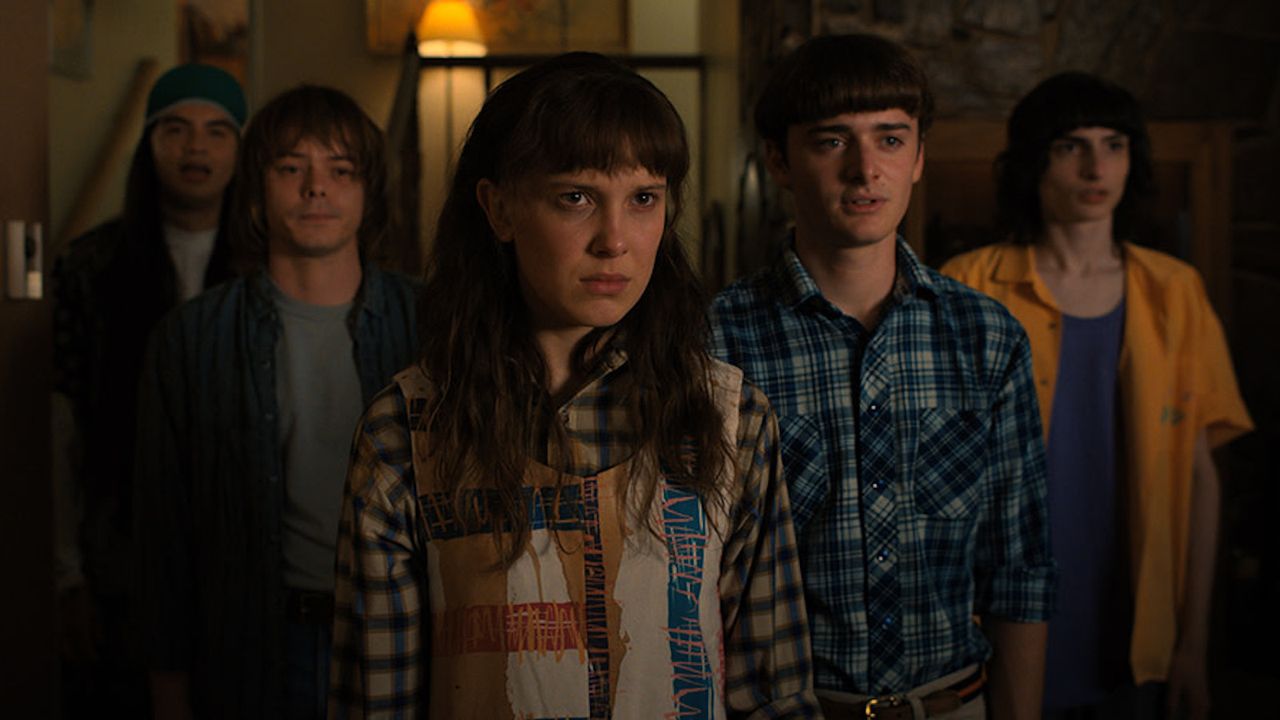
Stranger Things has returned to our screens for a fifth and final season, with the first half of this series dropping last week. The plot twists and how the show will end are the things on most people's lips, but there's something even more interesting about Netflix's most talked-about show for cinephiles.
We've seen high-profile Hollywood figures talk about the best way to watch their films and TV shows, the most prominent being Tom Cruise's instructions to switch off motion smoothing if you're watching Mission: Impossible, but now one of the Duffer Brothers is throwing his hat in the ring.
As spotted by Variety, writer, showrunner, producer and director Ross Duffer has posted a step-by-step walkthrough video on his Instagram account, which instructed people to turn off "garbage" like motion smoothing, dynamic contrast, super resolution and more.
He enters the expert picture settings on what appears to be an older LG OLED TV (we're making an educated guess on it being the CX from 2020), in which he's met with a long list of settings which he deems to be "a bunch of ***". From here, he recommends switching everything, and he means everything, off.
"The worst offender of all", in the words of Ross Duffer, is TruMotion, which he makes a specific point of turning off. He rightly says that this can introduce "the dreaded soap opera effect".
Though in our opinion, we don't mind this setting quite as much on newer LG OLEDs, as it feels better implemented. Older LG OLEDs, on the other hand, may not be quite as consistent.
In fact, we make a point of recommending it to users who find that motion needs a bit of assistance in our LG C5 review.
He urges viewers to find their TV's expert mode, and while he doesn't necessarily name-drop Filmmaker Mode, we're fairly sure this is what he means here, as he praises the fact that this turns most of the TV's additional processing settings off. However, he cautions that this mode will turn off "most, but not all of this garbage".
Reinforcing this, he warns users, "whatever you do, don't turn on anything called vivid mode, because it's going to turn on all of the worst offenders and destroy colours". Instead, he defaults to Dolby Vision Movie (Dark) on his TV.
Those with newer LG OLEDs (LG C4 onwards) will find that the Filmmaker Mode on their TVs now includes integration with Dolby Vision. We, therefore, think Ross Duffer would find the LG C5 to be a superb option if he's looking to upgrade, as it ticks a lot of the boxes that he mentions in his short Instagram post.
While we agree with most of Duffer's guidance, it's worth noting that picture processing and settings have changed for the better in many cases with newer OLED TVs. We often recommend our preferred settings in our TV reviews, so feel free to cross-reference your TV with our review if you're unsure.
MORE:
Check out our picks for the best OLED TVs
As well as our guidance on how to turn motion smoothing off on your TV
Just bought an LG C5 OLED TV? Change these three crucial settings