As I’m attempting an aerial selfie, one question always seems to come up: What do I do with the controller so it’s not in the photo? DJI now has an answer, at least for three of its drones: An Apple Watch app.
The mid-December update to DJI Fly brings support for Apple Watch for the DJI Neo 2, DJI Flip, and the original DJI Neo. Why those drones and not more high-end options? Those three drones are capable of flying with only the DJI App and do not require a controller (although one can be purchased for them).
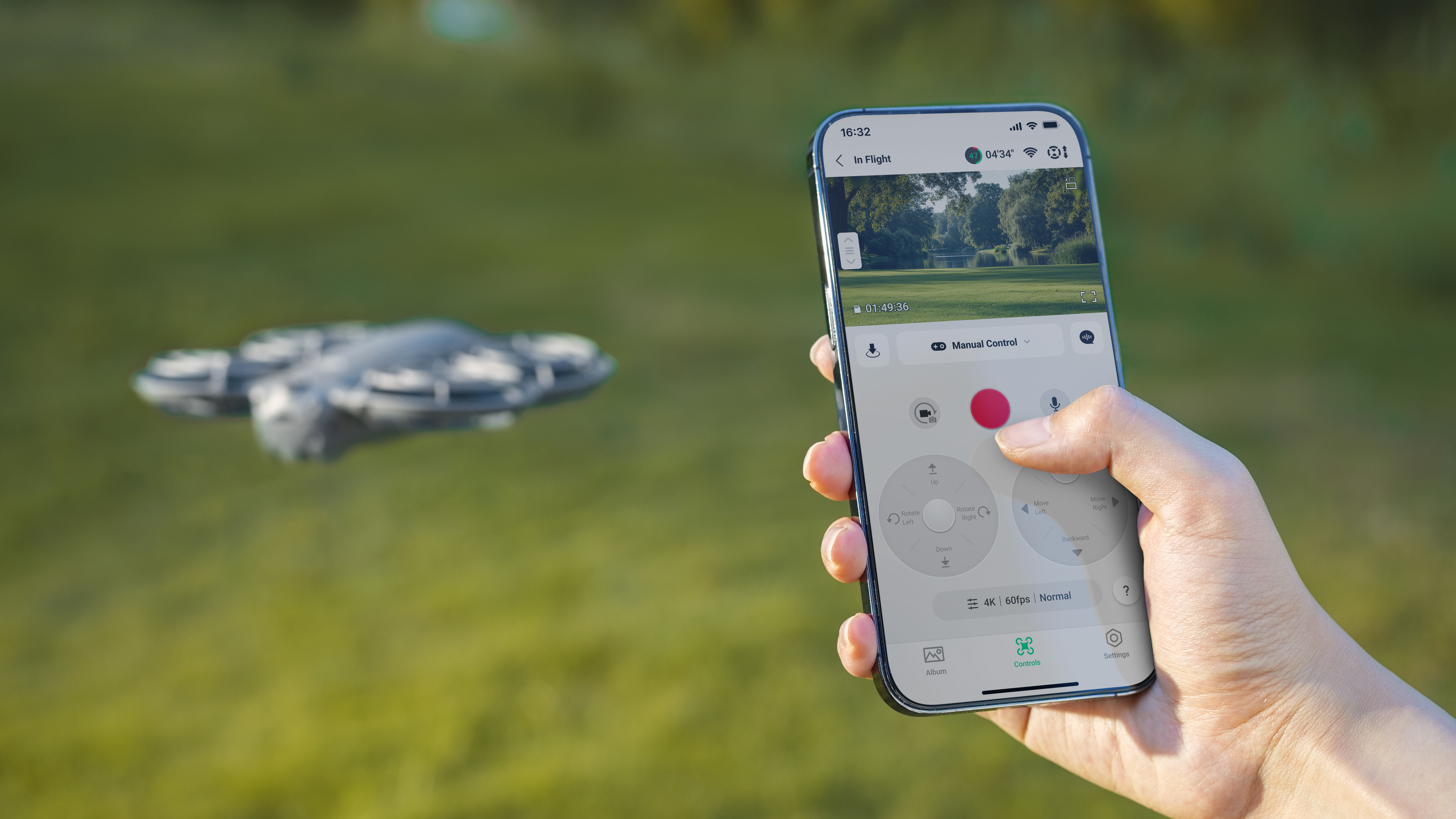
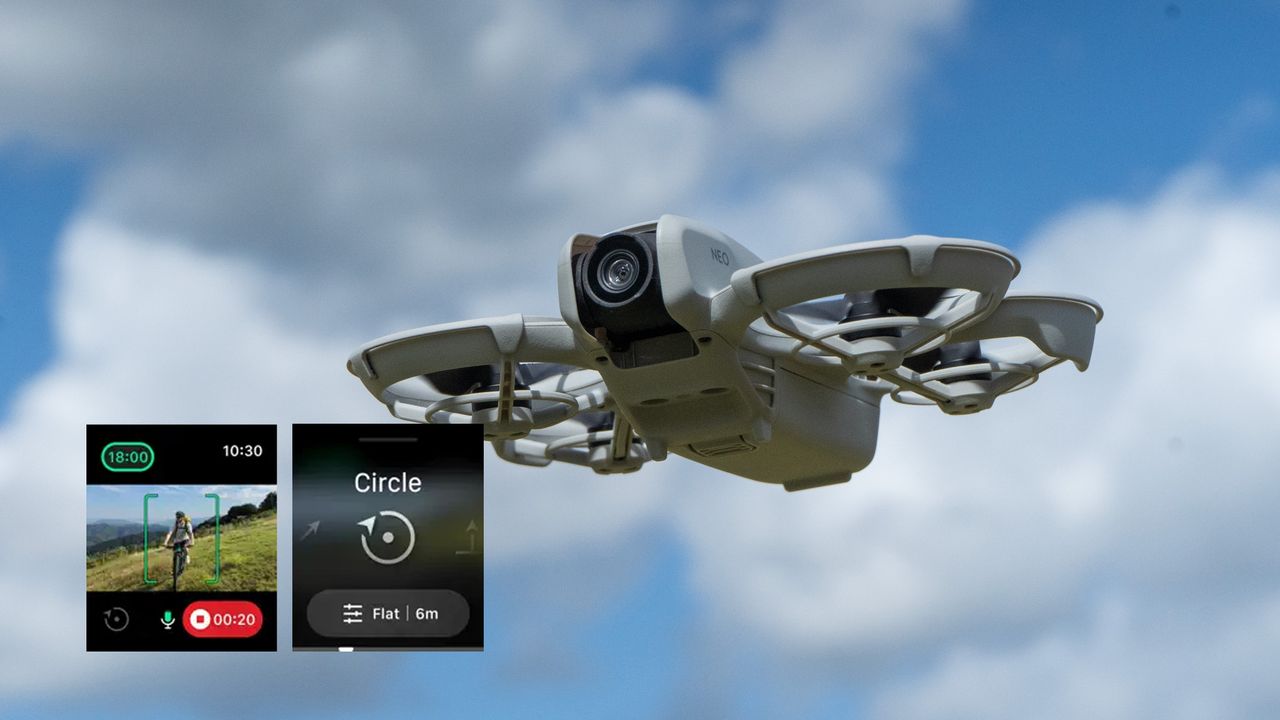
Now, those three drones can also fly with an Apple Watch. DJI Fly on Apple Watch supports video transmission and battery level. The small Apple Watch screen doesn’t leave room for controls, but the WatchOS app still supports voice control.
Importantly, that means a smartphone is still required to operate those drones. But, Apple Watch support makes it easy to do things like launch and start tracking on a smartphone, but then monitor the video feed while recording selfies without a phone in hand.
The Apple Watch screenshots also show ActiveTrack modes like Circle, so selfies seem to be a fairly clear use case for operating with a smartwatch rather than a smartphone.
The Apple Watch version of DJI Fly is available for free in the App Store for the Neo 2, Flip, and Neo drones.
You may also like
Browse the best drones for beginners or the best drones for photography and videography.