Navigating the world of AI tools can feel overwhelming, especially with constant updates and innovations. Seedance 2 AI stands out as a transformative technology, yet many find it under-explained and confusing.
This guide aims to cut through the noise with a straightforward, no-fluff approach tailored for anyone new to AI or embarking on their first video project. By prioritizing clarity and structure, we'll ensure you have everything you need to get started confidently. So, what's in it for you? A plug-and-play framework that demystifies Seedance 2 AI and empowers your creative journey.
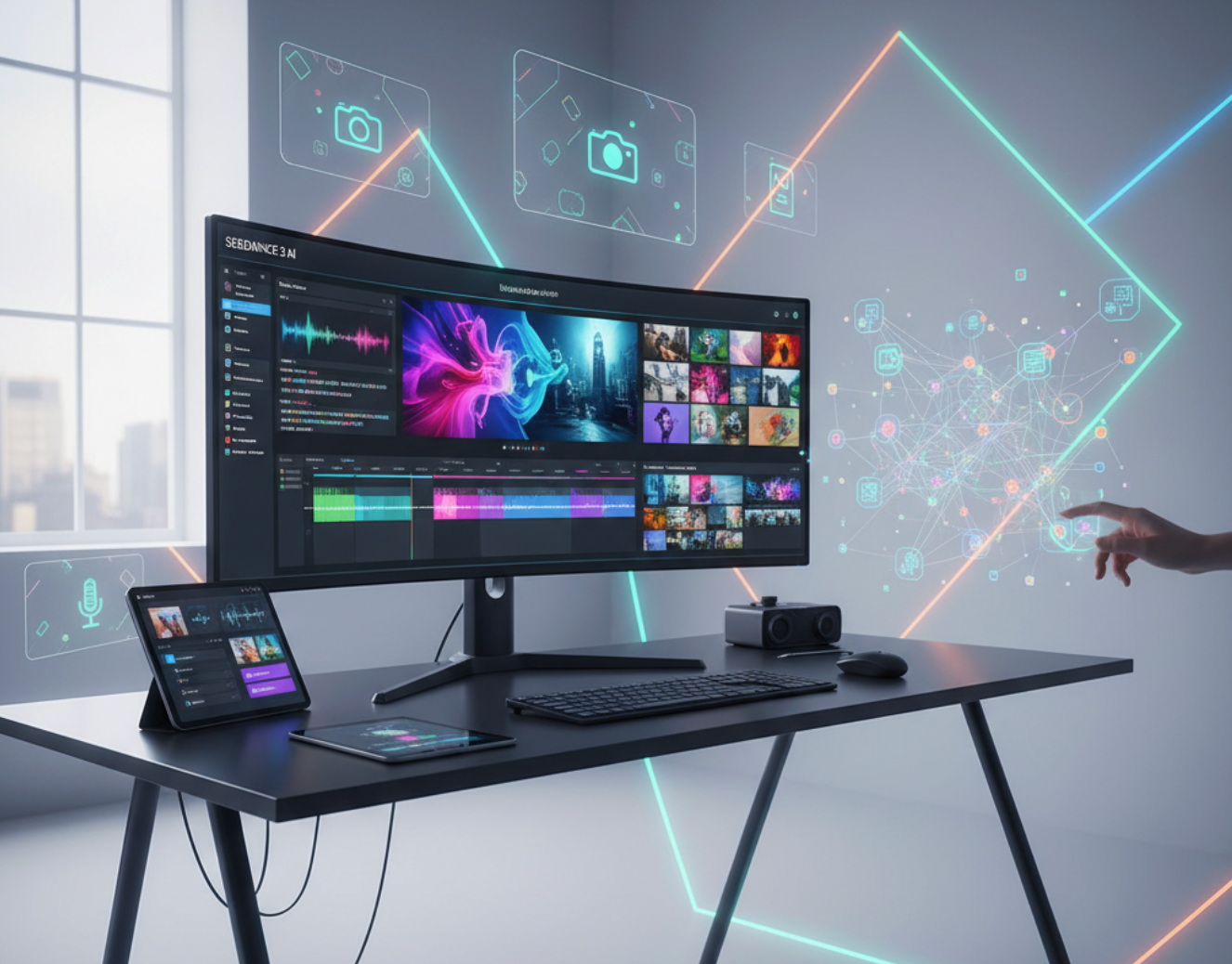
What Is Seedance 2 AI?
Seedance 2 AI is a cutting-edge artificial intelligence platform designed to simplify video creation and editing for users of all skill levels. By leveraging advanced algorithms, it enables users to generate high-quality videos quickly and effortlessly, making it an invaluable tool for content creators, marketers, and educators alike.
TL;DR Summary
- What it is: An AI-powered video creation model that streamlines the entire production process.
- Who it's for: Beginners and professionals looking for an efficient way to produce videos without extensive technical knowledge.
- Why it's notable: Combines ease of use with powerful features, including multimodal input and creative customization options, setting it apart from traditional video editing software.
What makes Seedance 2 AI unique is its ability to integrate various types of input—text, images, and even audio—allowing users to create videos that are not only visually appealing but also contextually rich. Whether you're a novice creating your first video or a seasoned professional aiming to enhance your workflow, Seedance 2 AI is a game-changer in video creation.
The good news: you don't need to build a technical setup from scratch to access it. Platforms like BigMotion AI have integrated Seedance 2 into their interface, giving creators a ready-to-use environment with added features like template libraries, music selection, and 4K export—all in one place.
Why Does Seedance 2 AI Matter?
Seedance 2 AI is a game-changer for both AI enthusiasts and content creators, offering practical benefits that enhance creativity and streamline workflows. Here's why you should care:
Seedance 2 AI Delivers:
- Time Savings: Automate repetitive tasks, allowing you to focus on creativity rather than technical details.
- Creative Expansion: Generate unique video content ideas, enhancing your storytelling and engagement potential.
- Improved Workflow: Seamless integration into your existing processes means less friction and faster project completion.
- Accessibility: Designed for everyone, from hobbyists to professionals, so you don't need to be a coder to create compelling videos.
For hobbyists, Seedance 2 opens doors to experimenting with video projects without the steep learning curve. For content professionals, it enhances productivity and enables diverse content types at scale.
Platforms like BigMotion AI make this even more accessible by wrapping Seedance 2's capabilities in a creator-friendly interface—so you can go from image to polished video in 2–5 minutes, without touching a single line of code.
How Does Seedance 2 AI Work?
Seedance 2 AI works by integrating multiple input types to create dynamic video content efficiently. Here's a straightforward breakdown:
How It Works: A Quick Checklist
- Input: Users provide text, images, or audio as the starting point.
- Reference System: The AI analyzes these inputs to understand context and desired outcomes.
- Processing: Advanced algorithms generate video content aligned with user specifications.
- Creative Controls: Users tweak and customize output—style, pacing, transitions.
- Output: A polished video, ready for sharing or further editing.
|
Feature |
Description |
|
Multimodal Input |
Accepts text, images, and audio for diverse content creation. |
|
Reference System |
Analyzes inputs to ensure contextually relevant outputs. |
|
Creative Controls |
Allows customization of video aspects for a personal touch. |
|
Fast Processing |
Generates videos quickly, saving time on production. |
Practical example: You want to promote a local bakery. You upload photos of the best-selling pastries, add a short text prompt, and select a music mood.
Seedance 2—accessed through a platform like BigMotion AI—generates a vibrant, engaging video in minutes, with 4K export ready to post directly to Instagram or TikTok.
How Can You Use Seedance 2 AI Today?
You don't need to wait for direct API access or a technical setup. The fastest path to using Seedance 2 AI is through platforms that have already integrated it. BigMotion AI is one of the most creator-friendly options available right now—it puts Seedance 2's engine to work inside a clean interface built for social creators, with no technical configuration required.
Getting Started in 5 Steps (via BigMotion AI)
- Access the Platform Go to BigMotion AI and create your account. The onboarding is straightforward—no credit card required to explore.
- Set Up Your Profile Verify your email, log in, and personalize your workspace. BigMotion's dashboard is organized around your projects and templates.
- Explore the Interface Key areas to know:
- Project Creation — start new videos from scratch or from a template
- Template Library — pre-built styles to jumpstart your project
- Audio Selection — integrated music tools to match your video's mood
- Create Your First Project Upload your image or enter a text prompt, choose a motion style and music track, and let Seedance 2's engine do the work. Most renders complete in 2–5 minutes.
- Preview and Export Review your video, make quick adjustments, and export in 4K—ready to publish directly to your platform of choice.
Note: BigMotion AI is one of several platforms where Seedance 2 is available. It's particularly well-suited for image-to-video workflows and social content creation. If your project requires more advanced text-to-video or cinematic pipelines, it's worth exploring other Seedance-integrated tools to find the best fit.
What Are Common Pitfalls With Seedance 2 AI (And How Do You Avoid Them)?
Most Seedance 2 AI errors come from overlooking essential steps or misconfigurations that can derail your project.
|
Mistake |
Solution |
|
Skipping Reference Configuration |
Always set up your reference materials before starting—this gives the AI the context it needs. |
|
Ignoring Output Previews |
Check previews regularly to catch issues early. In BigMotion AI, the preview step is built into the workflow before your 4K export. |
|
Overlooking Resource Limits |
Be aware of account-level limits on video length or resolution. Plan projects accordingly. |
|
Neglecting to Test Different Inputs |
Experiment with various input types—different images or prompt styles can dramatically change the output quality. |
|
Failing to Review AI Suggestions |
Don't skip the AI's creative recommendations. They often surface style or motion options you wouldn't have thought to try. |
How Does Seedance 2 AI Compare to Other AI Video Models?
Seedance 2 AI stands out by offering a compelling blend of video quality, creative flexibility, and user-friendliness.
|
Feature |
Seedance 2 AI |
ByteDance |
Luma 3.14 |
|
Video Quality |
High-definition |
Varies by content |
High-quality |
|
Creative Flexibility |
Extensive templates & customization |
Limited customization |
Moderate customization |
|
Speed |
Fast processing |
Fast, but variable |
Moderate |
|
User-Friendliness |
Intuitive interface |
Moderate learning curve |
User-friendly |
|
Access via Creator Platforms |
✅ BigMotion AI and others |
Limited |
Limited |
One practical advantage of Seedance 2 is ecosystem availability. Through platforms like BigMotion AI, you get Seedance 2's generation quality combined with creator-focused tools—templates, music, 4K export—that ByteDance and Luma 3.14 don't package together in the same way.
How Can SEO Professionals Use Seedance 2 AI?
SEO professionals can leverage Seedance 2 AI—particularly through platforms like BigMotion AI—to scale video content production across campaigns:
- Content Localization: Generate region-specific video content from localized images and prompts, improving engagement and organic relevance across markets.
- Video SEO Optimization: Produce video assets at scale and pair them with optimized titles, descriptions, and tags. BigMotion's fast render times make high-volume production feasible.
- A/B Testing: Create multiple video variations from the same base image using different styles or music selections. Test which version drives higher engagement and refine accordingly.
- E-commerce Applications: Turn product photos into animated demo videos or social ads—a core strength of BigMotion's image-to-video workflow powered by Seedance 2.
Quick Integration Checklist for SEOs:
- ✅ Optimize all video metadata (titles, descriptions, tags)
- ✅ Monitor performance metrics and viewer engagement
- ✅ Ensure platform compliance and SEO best practices
- ✅ Run A/B tests across style and music variations
- ✅ Use BigMotion's 4K export for maximum quality on YouTube and Instagram
Where Can I Find a Ready-to-Use Seedance 2 AI Project Template?
Here's a copy-paste briefing template you can adapt for any Seedance 2 project—whether you're working directly through the API or via a platform like BigMotion AI:
# Seedance 2 AI Project Briefing Template
## Project Title: __________________________
### Objective:
- What do you aim to achieve?
- Who is the target audience?
### Access Method:
- [ ] BigMotion AI (image-to-video, social content)
- [ ] Other Seedance-integrated platform: ____________
### Project Scope:
- What is included?
- What is excluded?
### Workflow:
- Initial Research: _________________________
- Image/Prompt Preparation: ________________
- Generation & Preview: ____________________
- Final Edits & Export: ____________________
- Publish & Track: _________________________
### Checkpoints:
- Milestone 1: ______________________________
- Milestone 2: ______________________________
- Final Review: _____________________________
### Outcome Tracking (KPIs):
- KPI 1: ______________________________
- KPI 2: ______________________________
Ready to Start?
The fastest way to experience Seedance 2 AI is to open it inside a platform that's already done the setup work for you. BigMotion AI is one of the top options for creators—combining Seedance 2's generation quality with a template library, integrated audio, and 4K export in a single, beginner-friendly interface.
Start your first project today, explore what the model can do with your images, and join the growing community of creators using Seedance 2 to produce scroll-stopping content at speed.