What you need to know
- Samsung Galaxy Connect now works on non-Samsung Windows 11 PCs, expanding cross-device features beyond Galaxy Book laptops.
- The app enables copy-paste, phone storage access, second screen use, and seamless continuity between Galaxy phone and PC.
- Support is limited to Intel and AMD x64 Windows 11 devices, so ARM-based PCs like Snapdragon X are not compatible.
If you use a Samsung Galaxy smartphone and a Windows 11 laptop or PC, Samsung has made a change that makes it easier for the two devices to work together seamlessly.
Samsung offers the Galaxy Connect app for its own Galaxy Book laptops, which enables several continuity features between Galaxy phones and Windows PCs. It brings features like copy and paste across devices, access to your phone's storage on your PC, Continue on other devices (like syncing web pages), and even the ability to use your phone as a second screen.
Until now, this app (and thus these features) has been limited to Samsung's own Galaxy Book lineup, which means only a handful of Galaxy smartphone owners have been able to use these features. However, that no longer seems to be the case.
As per a post on Samsung's Community forums, the latest version of the Galaxy Connect app expands compatibility to non-Samsung Windows 11 computers and laptops as well.
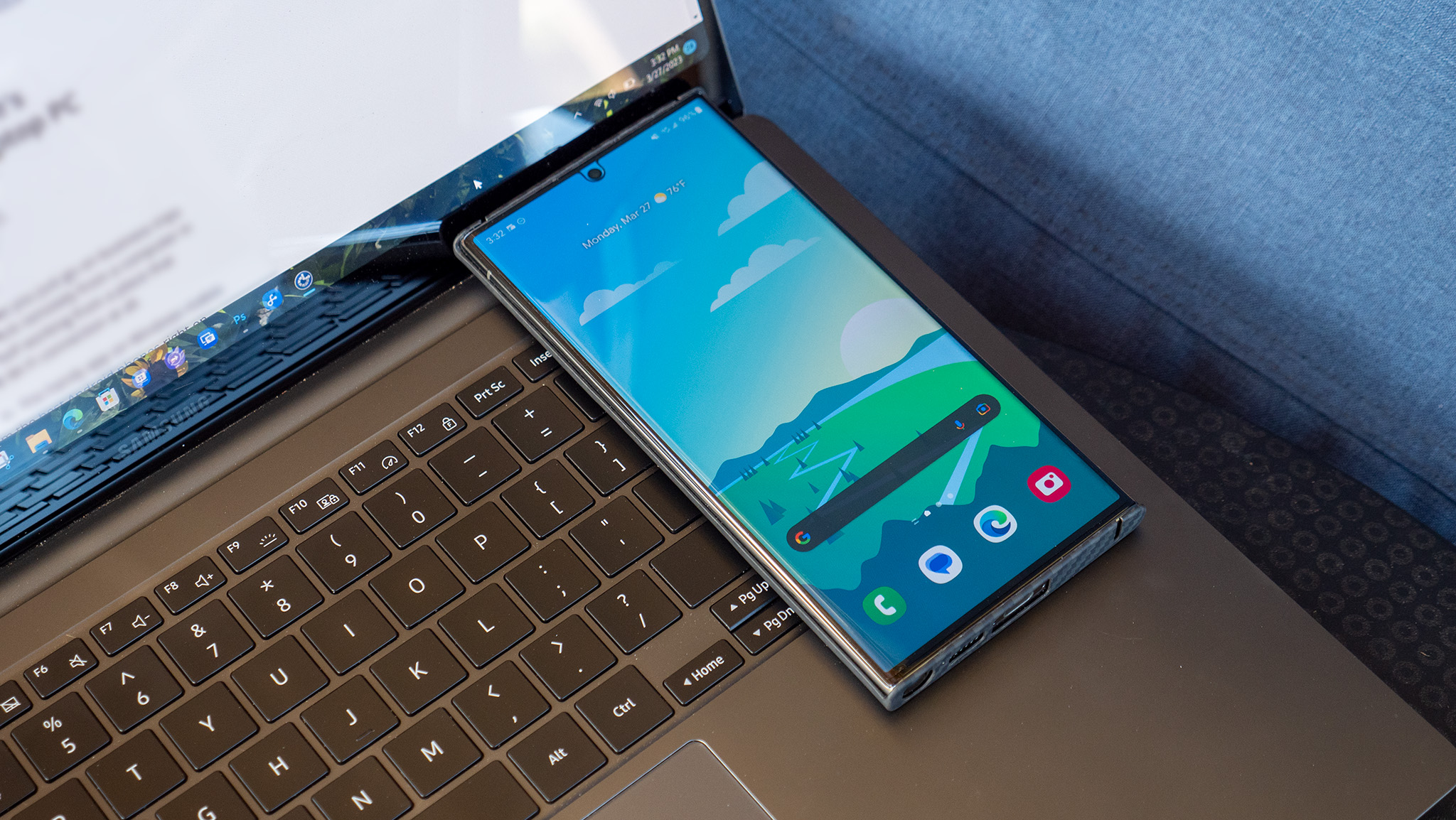
The new version (2.1.6.0) can now run on non-Samsung Windows 11 PCs, which means you can now install it on any laptop or computer from other brands like Lenovo, Asus, Dell, and others.
However, there's a limitation that you should be aware of. The app only supports Intel and AMD-based x64 Windows 11 machines. So if you're using an ARM-based PC, including those powered by Qualcomm's Snapdragon X chips, you won't be able to use it.
Samsung is finally doing what it should've done years ago. Expanding Galaxy Connect beyond its own laptops makes the whole experience far more practical, and honestly, this is how continuity features should work in 2026.
That said, if you have an Intel or AMD Windows 11 device, you should be able to install the app directly from the Microsoft Store. Just make sure you're signed in with the same Samsung account as your Galaxy phone.
It's great to see Samsung opening this up to more users instead of limiting it to its own ecosystem. Features like this are usually associated with Apple, so it's good to see Android and Windows users getting a more seamless experience as well.